A booking page lets a client see what you offer, pick a time that is really free, and pay, without waiting for you to reply. You can set up a good one in an afternoon if you decide a few things first.
This guide goes in the order that saves the most rework: what to list, when you are open, the rules, payment, a test, and sharing the link.
Write your menu before you open any app
Write down every service, class, or rental you sell, with its price and how long it takes. This list becomes your page, so write it the way a client would read it.
- Use the names clients use. "Men's haircut" beats "Gentleman's grooming package".
- Say how long each takes, including any time to set up or clean that the client should know about.
- Group them into a few categories, such as Hair, Nails, and Treatments, so a long menu stays easy to scan.
- Mark what starts at a price, such as a color that depends on hair length, and say what changes it.
For help setting prices, see how to make a salon price list or how to price class packs and memberships.
Show clients what they are booking
A client deciding between you and the shop down the road judges by what they see in the first few seconds. Give the page what a first-time client looks for.
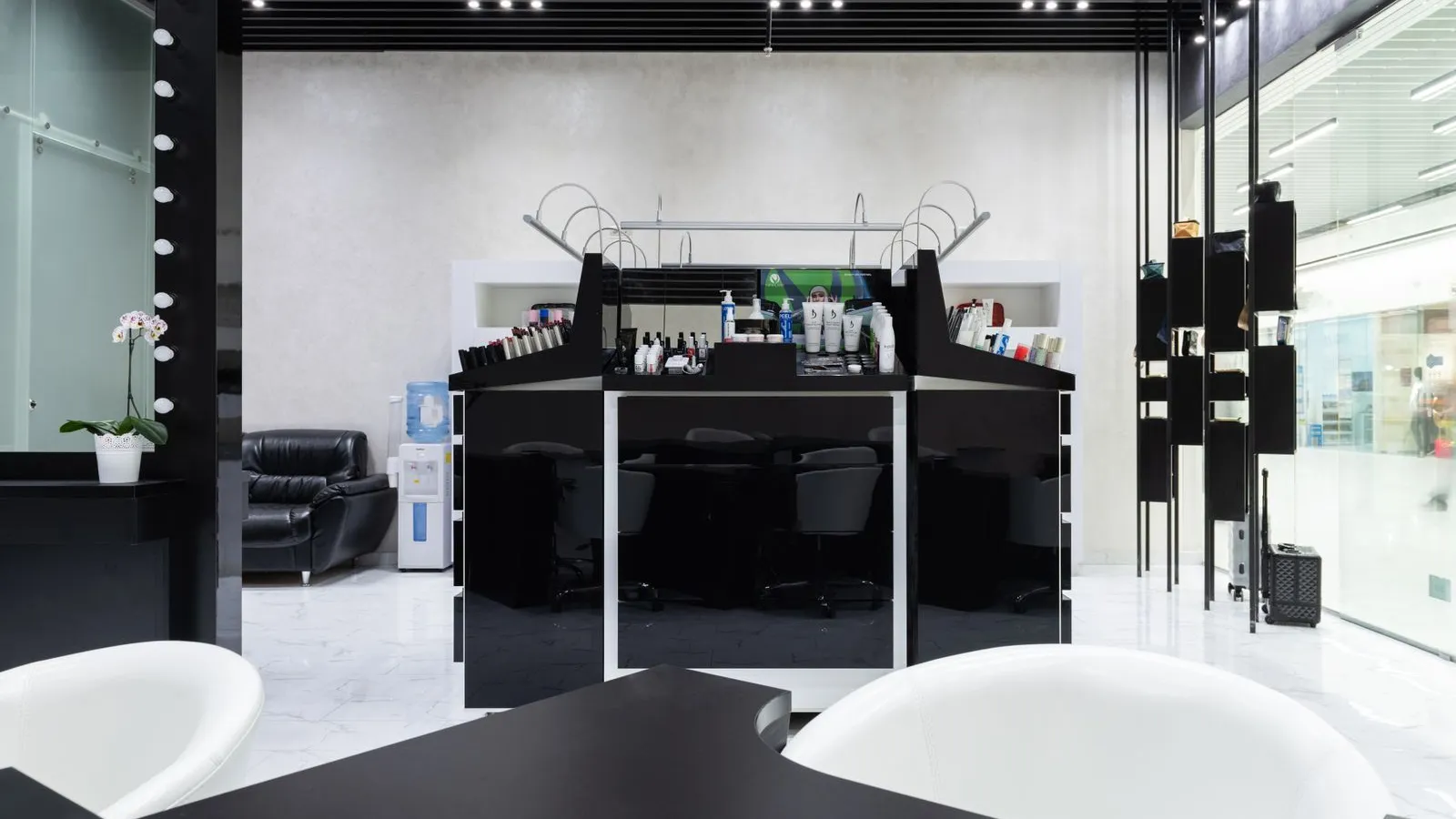
- Your logo and a cover photo of the actual space, taken in daylight.
- A one-line description for any service whose name doesn't explain itself, such as what a "signature facial" includes.
- Your address and a landmark, such as the building and floor, so nobody gets lost on the way to their first visit.
- How to reach you for questions the page doesn't answer.
Add your team and their hours
Add each person who takes clients, the services they do, and the hours they work. Clients either pick a person or take whoever is free. See how to set staff schedules.
Set rules that protect your day
| Rule | What to decide |
|---|---|
| How far ahead | How many days ahead clients can book. Far enough for regulars, not so far your schedule can't change. |
| Minimum notice | How close to the start a client can book, so a booking never surprises you. |
| Start times | Every 15, 30, or 60 minutes. Fewer start times leave fewer awkward gaps. |
| One or several services | Whether a client can book a manicure and pedicure in one visit. |
| Phone number | Whether to require one, so you can reach a client on the day. |
Decide how clients pay
Choose what clients pay when they book: the full price, a deposit, or nothing until they arrive. Then choose how: your own GCash, QR Ph, or bank account, cards through a payment gateway, or Pay in person. See how to take GCash and QR Ph payments and how to reduce no-shows.
Write your cancellation rule in one or two sentences while you are here. Clients read it before they pay, which is the best time.
Book yourself before anyone else does
Open the page on your phone and book a real service the way a client would, payment included. You will find the confusing name, the missing photo, or the price typed wrong in a few minutes. Then cancel the test booking.
Share the link everywhere
Put the link in your Instagram and Facebook profiles, on Google, in your chat quick replies, and on a QR code at the counter. See how to take bookings from Instagram and Facebook.
Every Onsuki business gets a booking site at an address such as yourbusiness.onsuki.com the moment it signs up, or on your own domain. Get Started walks you through four steps: your services and team, your address and hours, how you get paid, and sharing the link. If you already have a price list or another booking page, send it from Bring your business over and Onsuki's team sets it up for you. Clients book on their phone without an account or an app. See Online booking and Pricing.