Know every client before they arrive
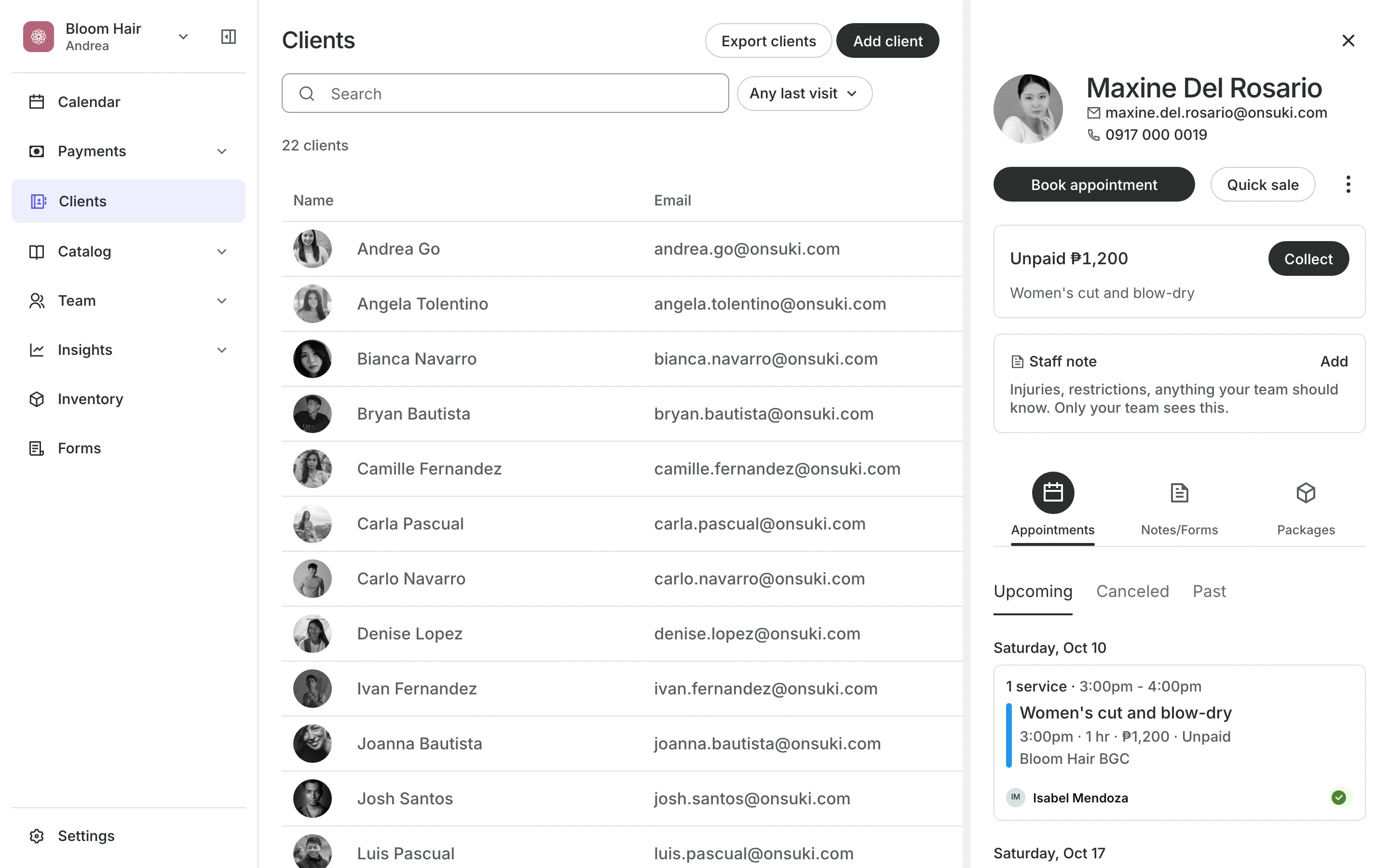
Every client has one profile with their bookings, what they owe, their packages, and your team's notes. Clients are added for you when they book online.
Free 7-day trial. No credit card required.

Clients pay online or in person













Keep every client in one list
Search by name, mobile number, or email. Open a profile to book, sell, or collect a payment.
Notes
Write notes your team can read
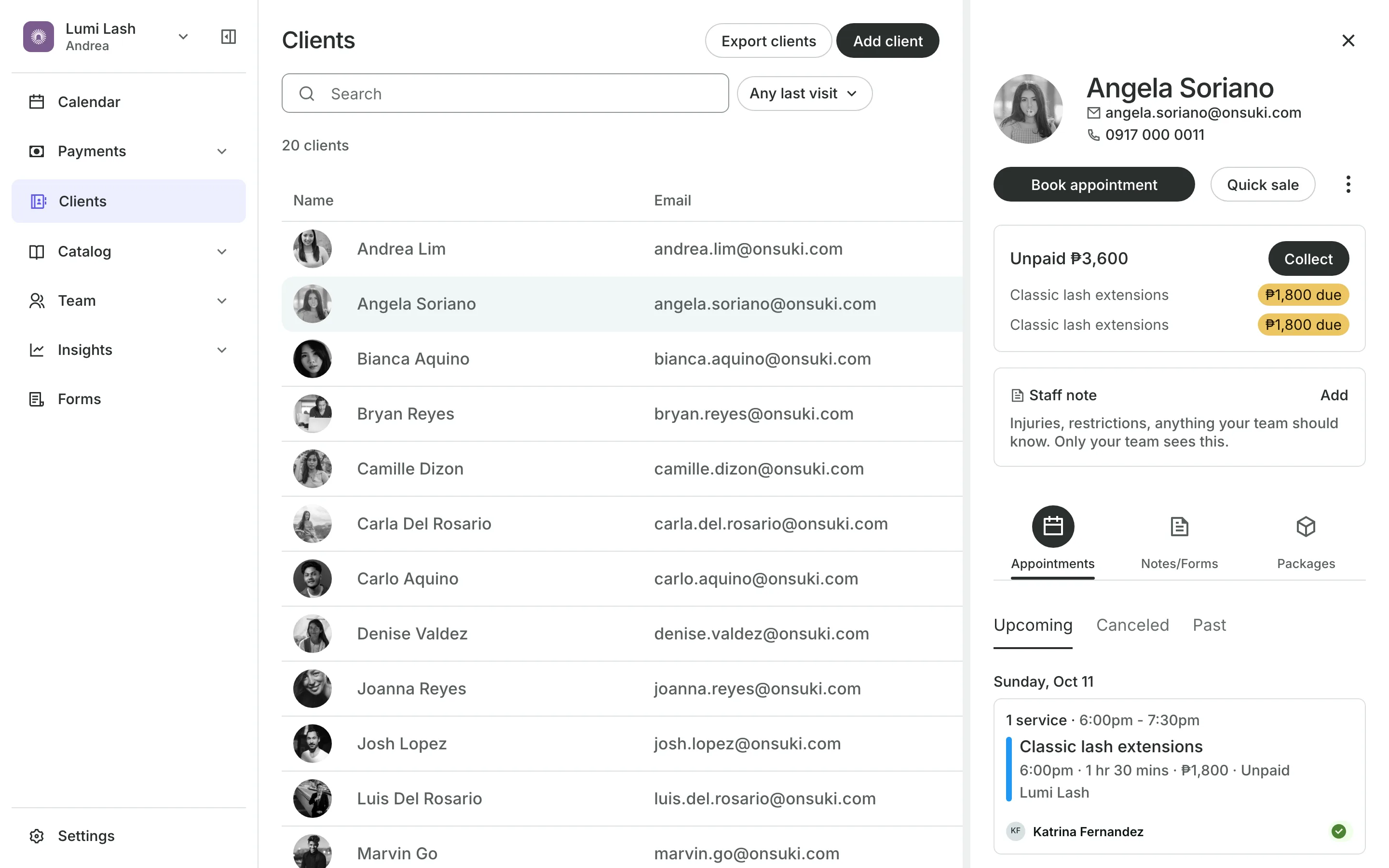
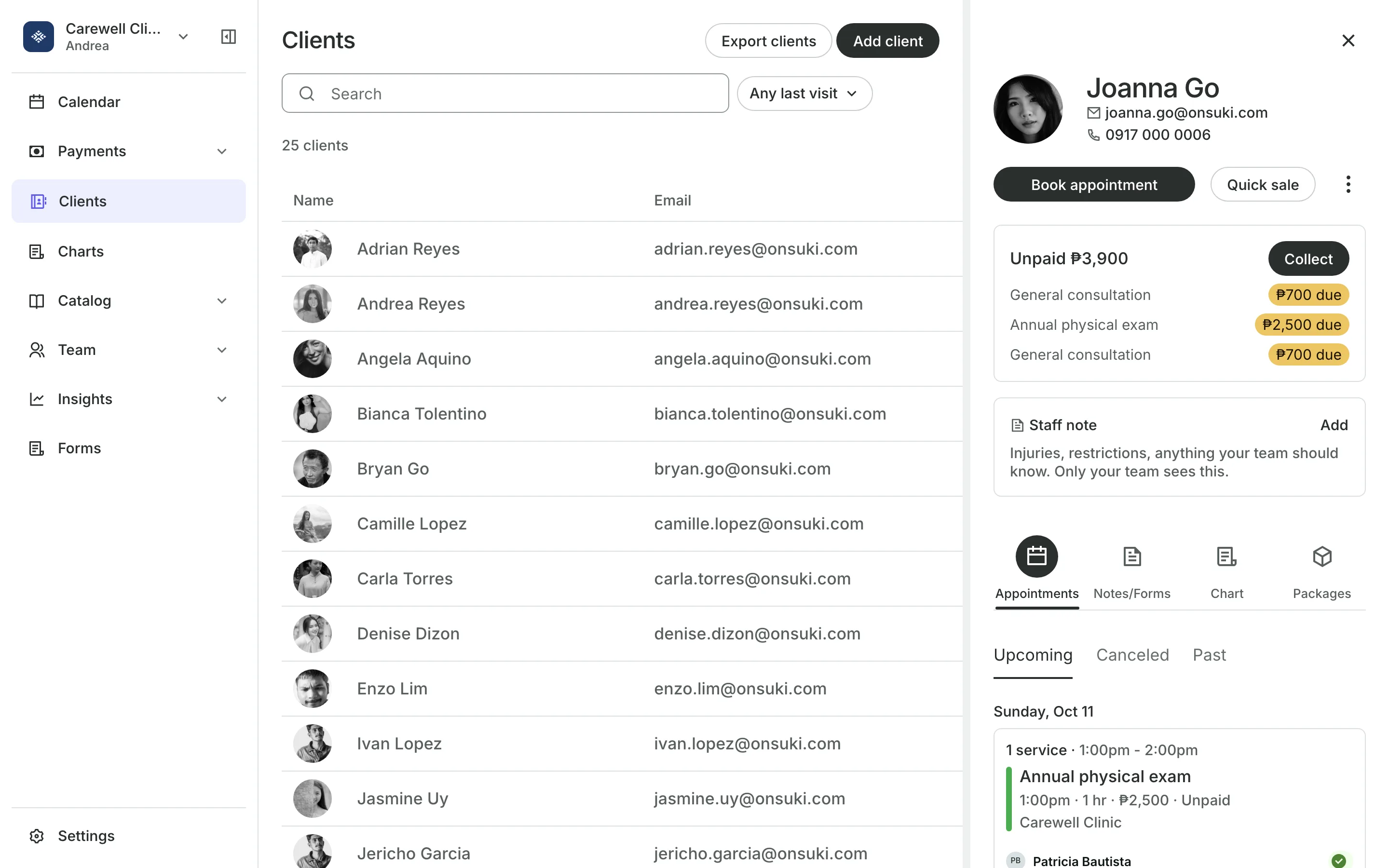
Staff notes sit at the top of the profile for things everyone should know.
Notes are dated entries in the client's record, for your team only.
Forms the client filled in sit beside your notes.
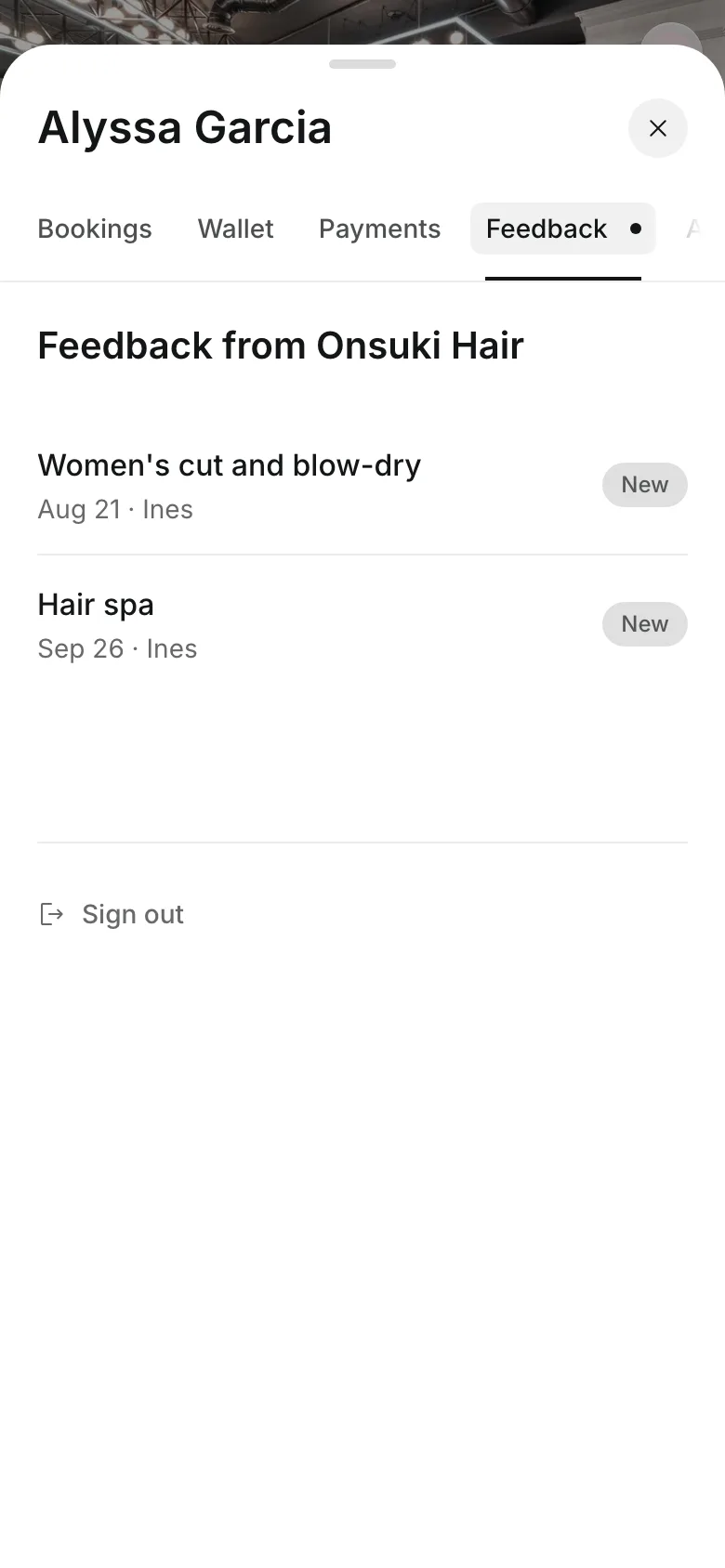
Feedback is written after a visit for the client to read.
Feedback
Send feedback after each visit
Write what you worked on and what to practice at home. Share it, and the client reads it in their account on your booking site.
- Share it now, or save a draft for later
- Edit it, and the client sees the new version
- Withdraw it at any time
Records
Keep balances and records straight
Unpaid shows on the profile, with each item the client owes.
Collect records cash, card, or your own methods like GCash.
Merge combines a duplicate into one profile, credits added up.
Export downloads your client list as a CSV file.
Their account
Give clients their own account
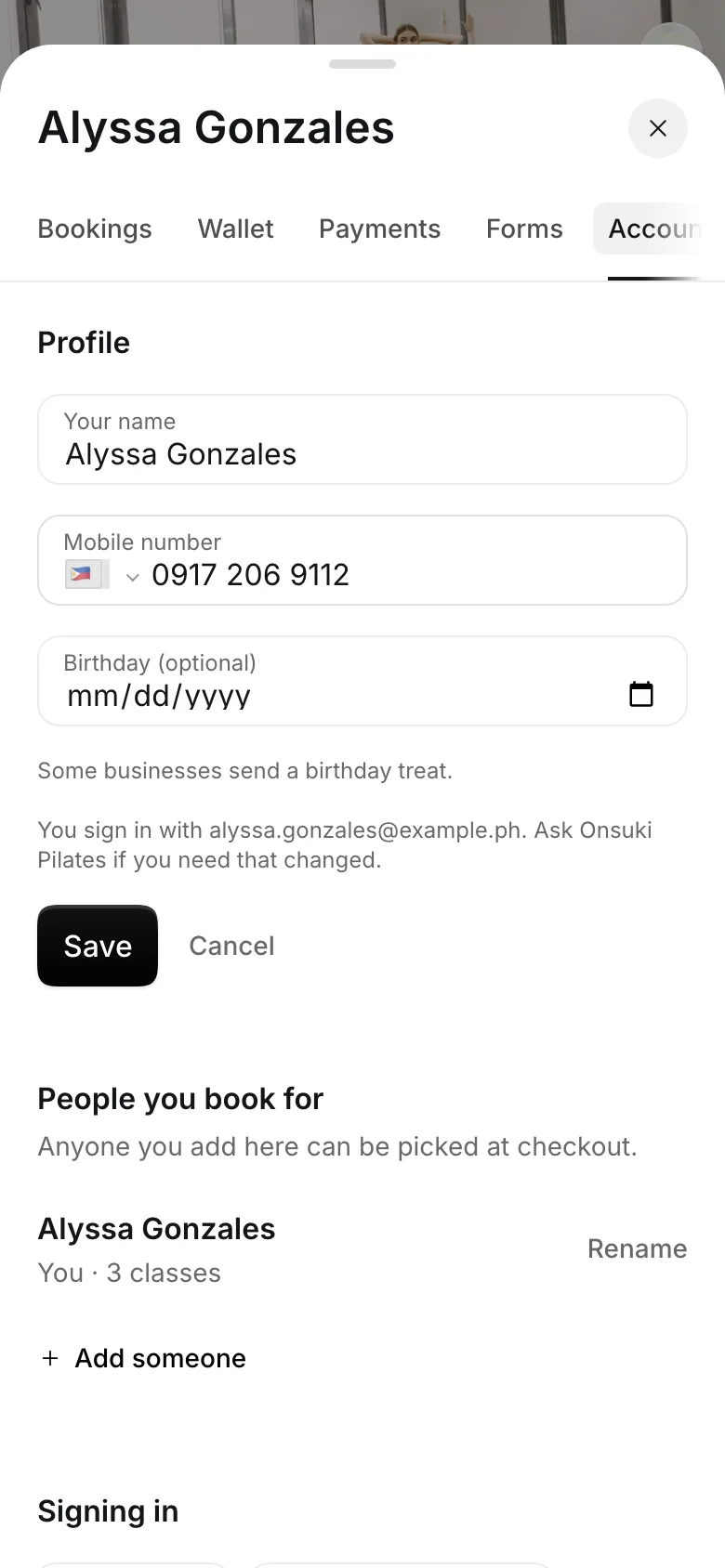
Clients sign in on your booking site with a code sent to their email. They see their bookings, credits, payments, forms, and your feedback.
- Update their name, number, and photo
- Add the people they book for, like their children
- See every payment they made
Bring your clients with you
Clients who book online are added for you. Add the rest as they come in.
1
Add clients
Add someone who books by phone or walks in, with a name, mobile number, and email.
2
Write staff notes
Note injuries, preferences, or anything your team should know before a visit.
3
Book from the profile
Book an appointment or sell a package straight from the client's profile.
Booking for any business
Tell us what you run and Onsuki sets itself up for it: your words, your way of booking, the screens you need.
















Frequently asked questions
No. Staff notes and notes are for your team only. Clients see only the feedback you share.
Merge them. Bookings, sales, notes, and package credits move to the profile you keep.
Yes. Export clients downloads a CSV with each client's contact details, visits, credits left, and what they owe.
Yes. A client can delete their account from your booking site, or you can delete them. Their personal details go, and your sales records stay.
7 days, with every feature of your plan. You choose a plan when the trial ends.
No. You sign up with your email or Google account, tell us what you run, and start setting up.
Each plan is one monthly price with unlimited bookings. See the pricing page for the plans and what each includes.
Take bookings and get paid, the simple way.
Free 7-day trial. No credit card required.