Sell visits up front
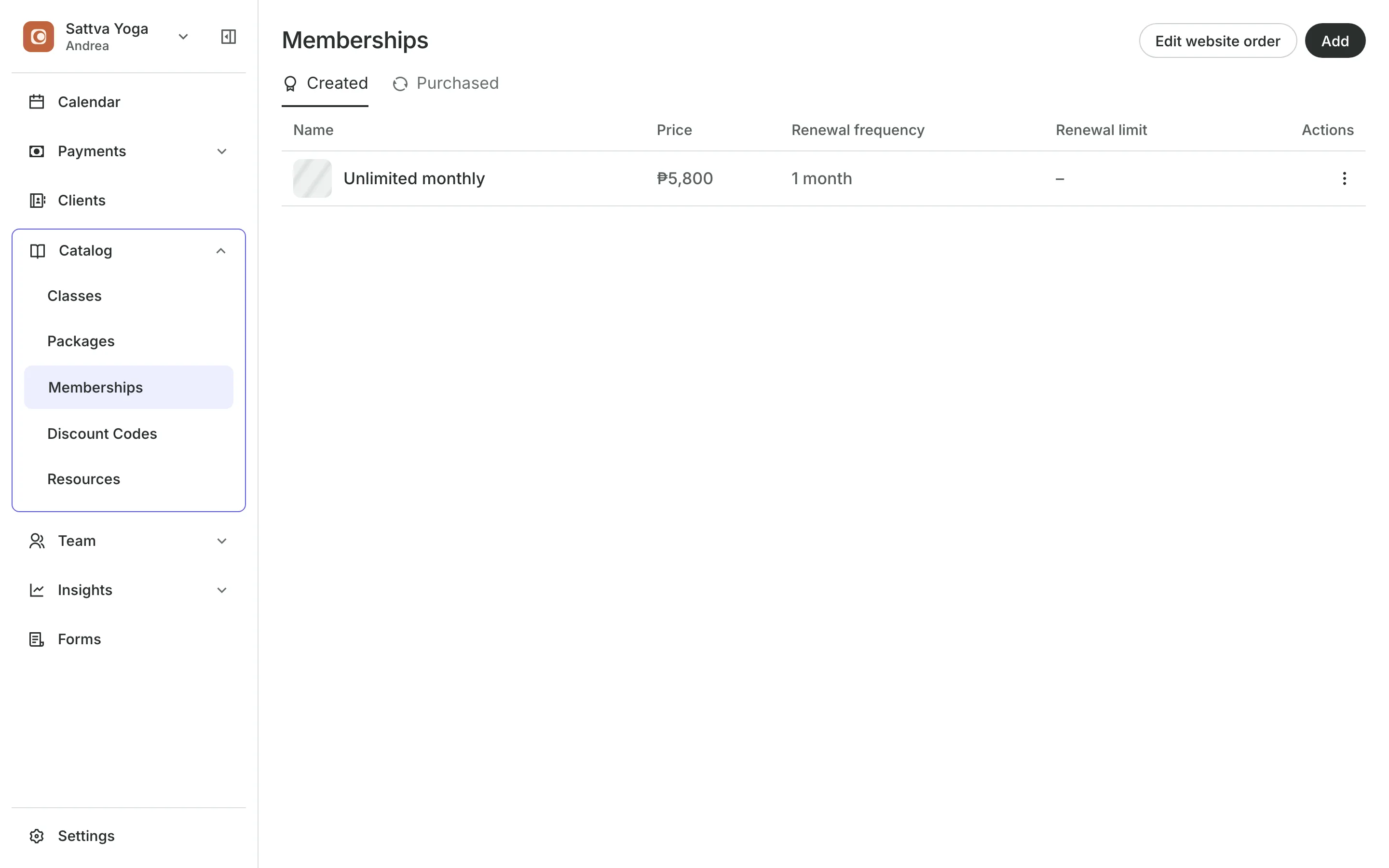
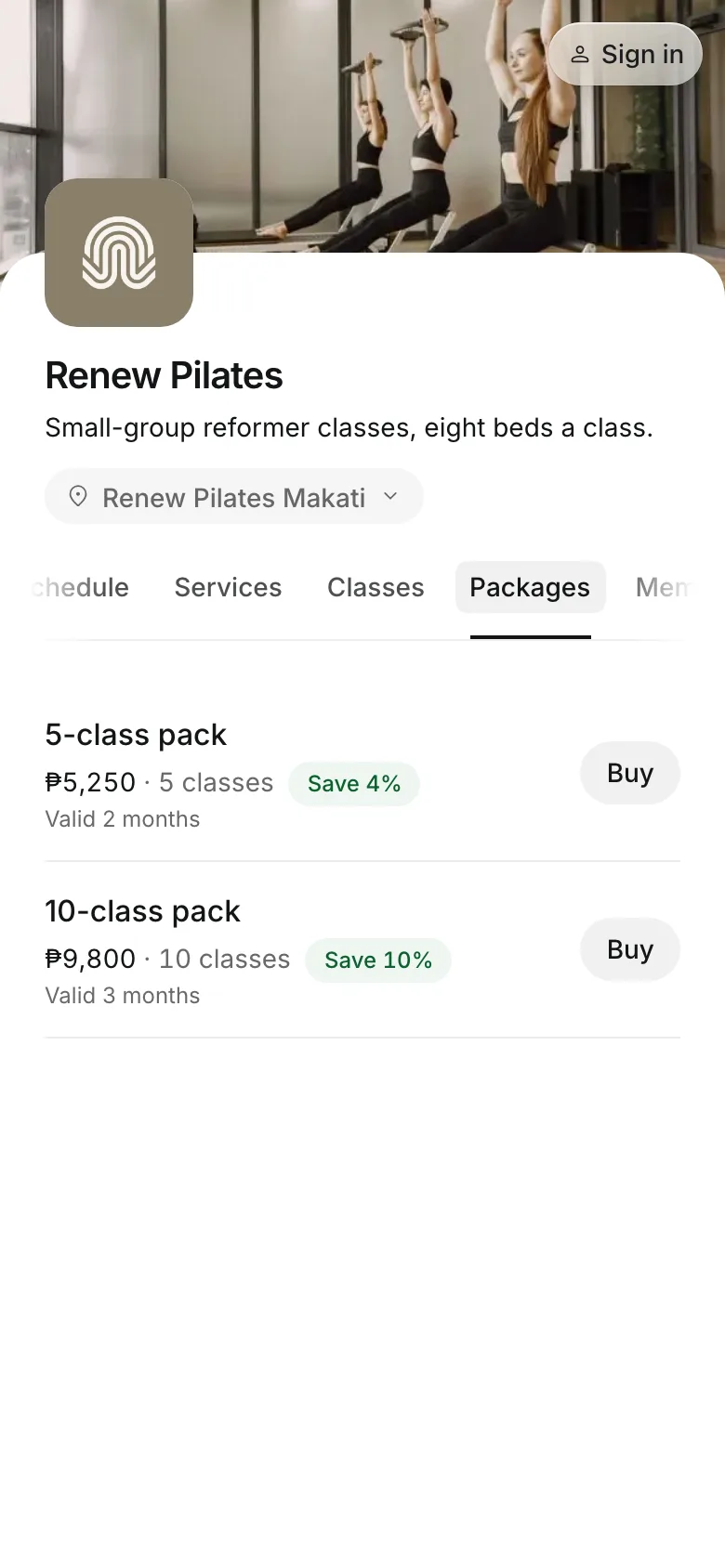
Sell packs of classes or sessions, and memberships that renew each period. Clients see what is left in their wallet on your booking site.
Free 7-day trial. No credit card required.
Clients pay online or in person













Get paid before the visits start
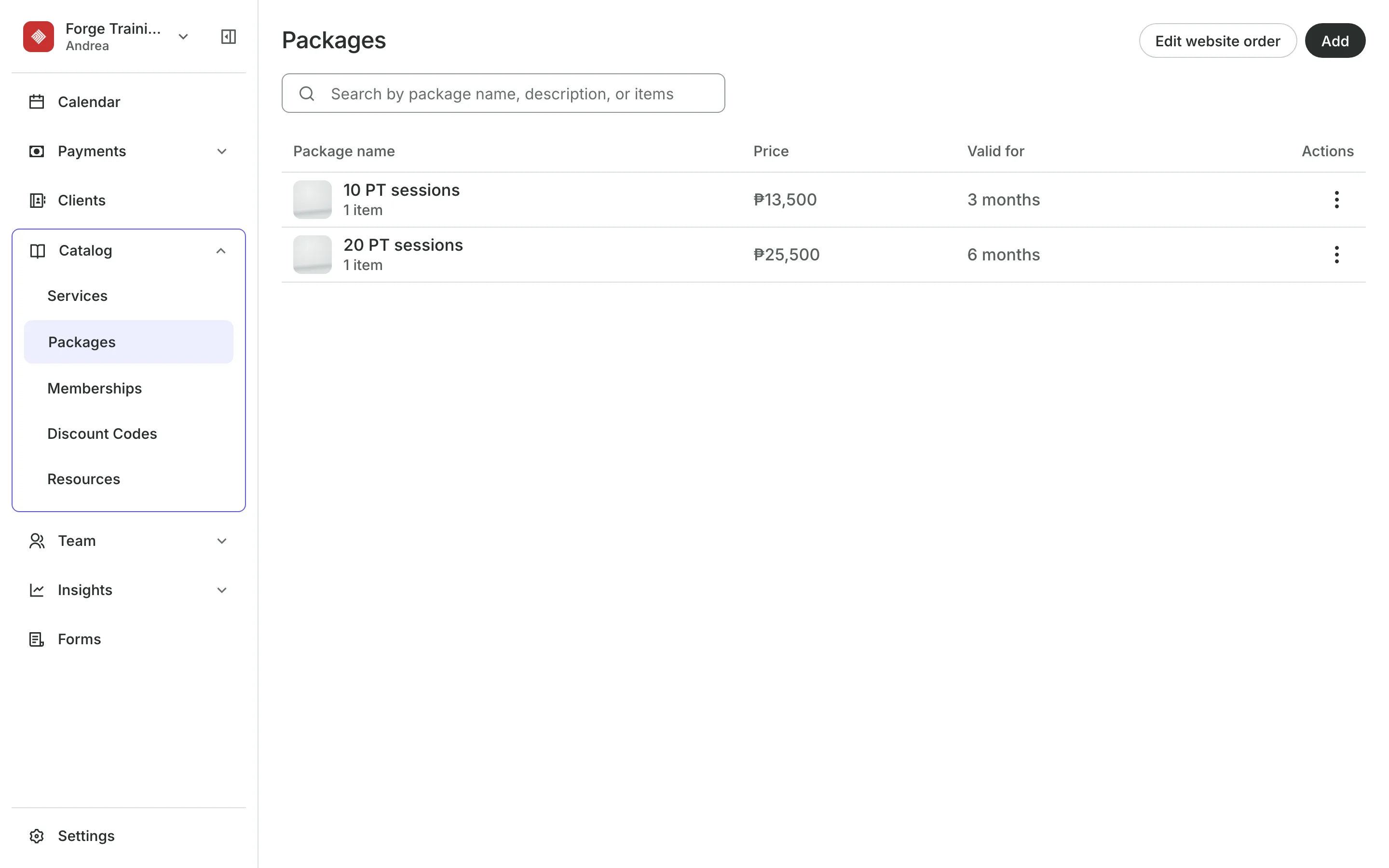
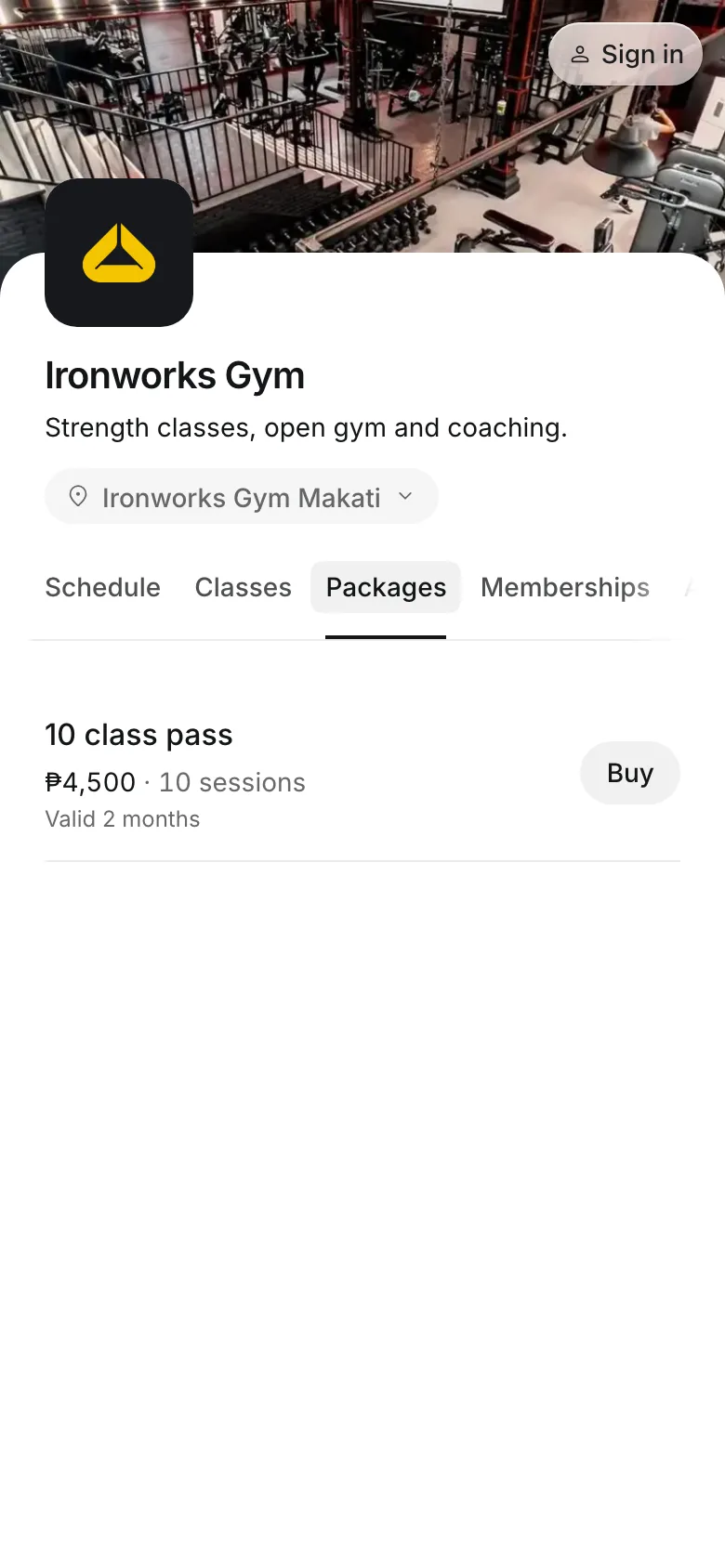
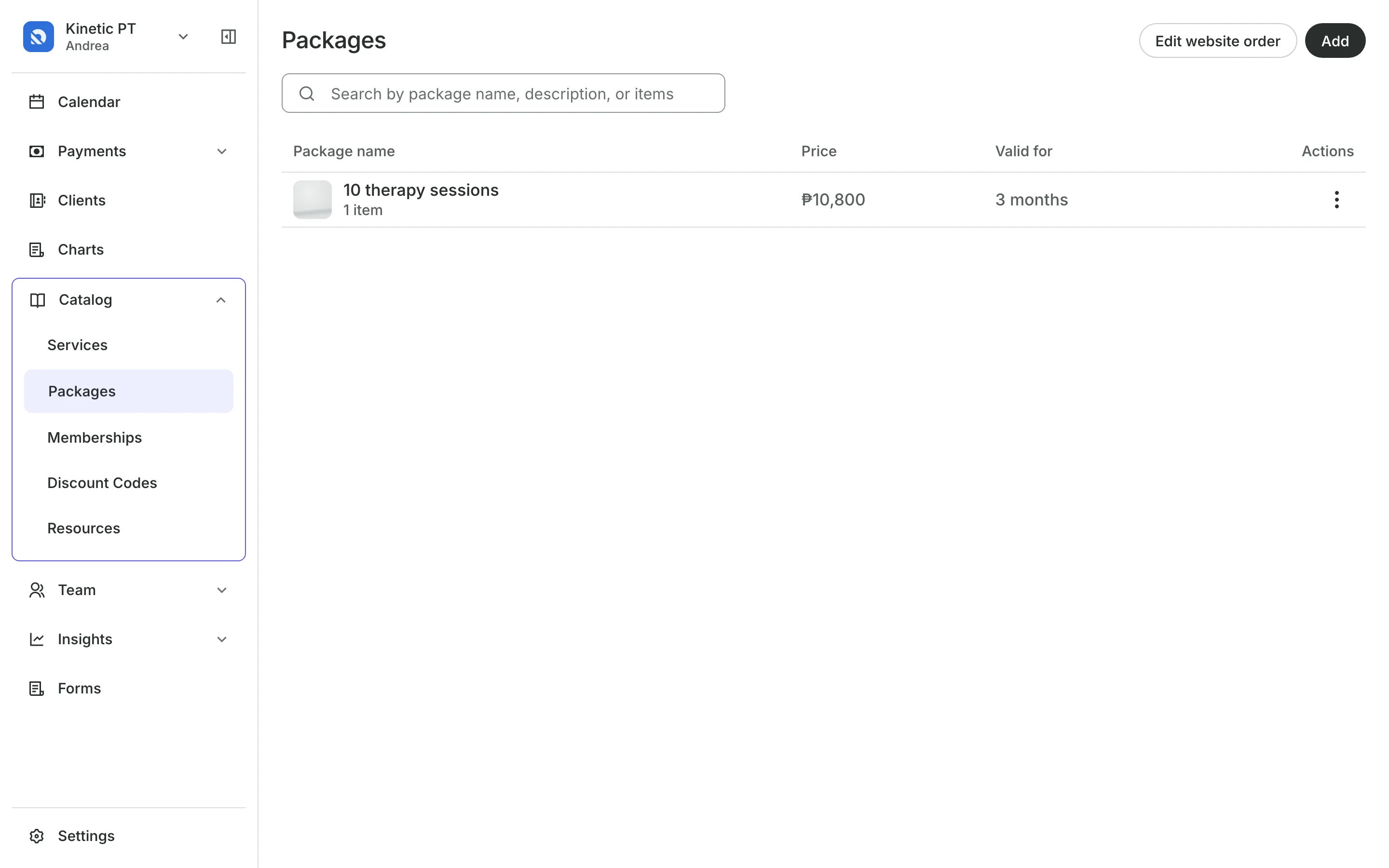
A package is a set of credits a client buys once and uses later. A membership gives fresh credits each period it is paid.
Packages
Sell packs that expire on time
Expiry gives clients a set time to use their credits, like 3 months.
Start at first booking starts the clock when they first book, not when they buy.
Guests per booking lets the buyer bring others on one booking.
Staff levels let a package cover sessions with one level, like Senior.
Online
Sell packs on your booking site
Packages and memberships get their own tab on your booking site. Once they buy, the Wallet in their account shows how much is left, what it covers, and the date to use it by.
- Book straight from a package
- Stop a membership, or freeze it if you allow it
- Pay a renewal from their account
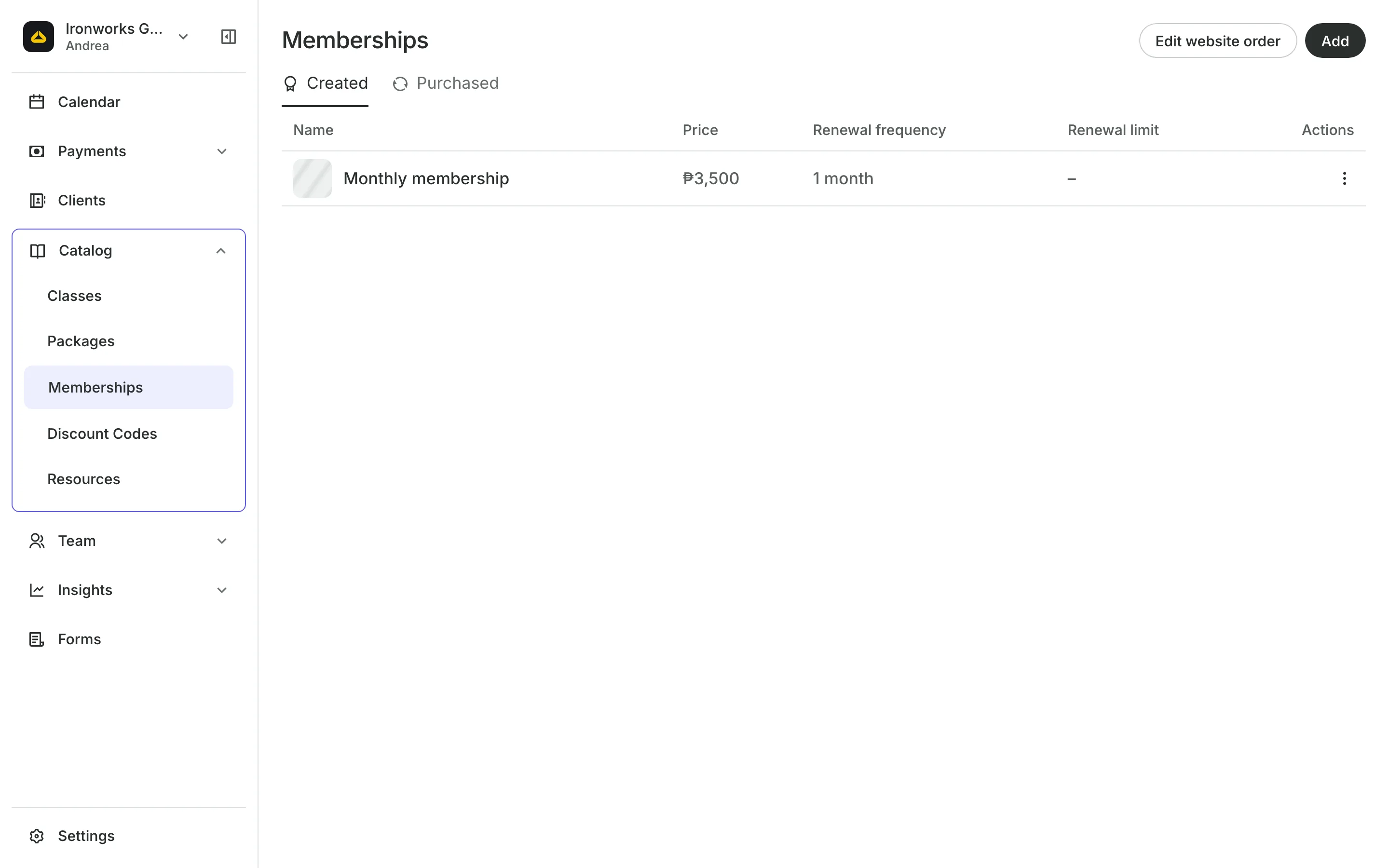
Memberships
Renew memberships every period
Renewals send the member a bill for the next period, never a card charge.
New credits for the next period are ready once its bill is paid.
Freezes pause a membership and move its end date back.
Carry over lets unused credits roll into the next period.
Offers
Bring new clients through the door
A first-timer offer is a package only clients who have never booked with you can buy. If you sell classes, your schedule points new clients to it.
- First-time clients only, one per client
- Refused for returning clients, online and in person
- Give free credits from a client's profile
Start selling packages today
Create a package, choose how long it lasts, and put it on sale.
1
Create a package
Choose the classes, services, or products it covers, how many, and the price.
2
Set an expiry
Choose how long credits last, from the day they buy or from their first booking.
3
Sell it
Clients buy it on your booking site, or your team sells it with Quick sale.
Booking for any business
Tell us what you run and Onsuki sets itself up for it: your words, your way of booking, the screens you need.


















Frequently asked questions
Each renewal is a bill the member pays the way they pay for a booking: online, by transfer to your account, or in person. The new credits are ready once it is paid.
If they cancel in time, the credit goes back to their package. The package itself is never refunded.
Yes. Choose a staff level on the service in the package, and it covers sessions with that level only.
Yes. Change the expiry on that client's package from their profile, with a reason only your team sees.
7 days, with every feature of your plan. You choose a plan when the trial ends.
No. You sign up with your email or Google account, tell us what you run, and start setting up.
Each plan is one monthly price with unlimited bookings. See the pricing page for the plans and what each includes.
Take bookings and get paid, the simple way.
Free 7-day trial. No credit card required.