Run a full class schedule
Put classes on a weekly schedule, let clients book a spot on their phone, and check them in from the calendar.
Free 7-day trial. No credit card required.
Clients pay online or in person













Schedule once, book every week
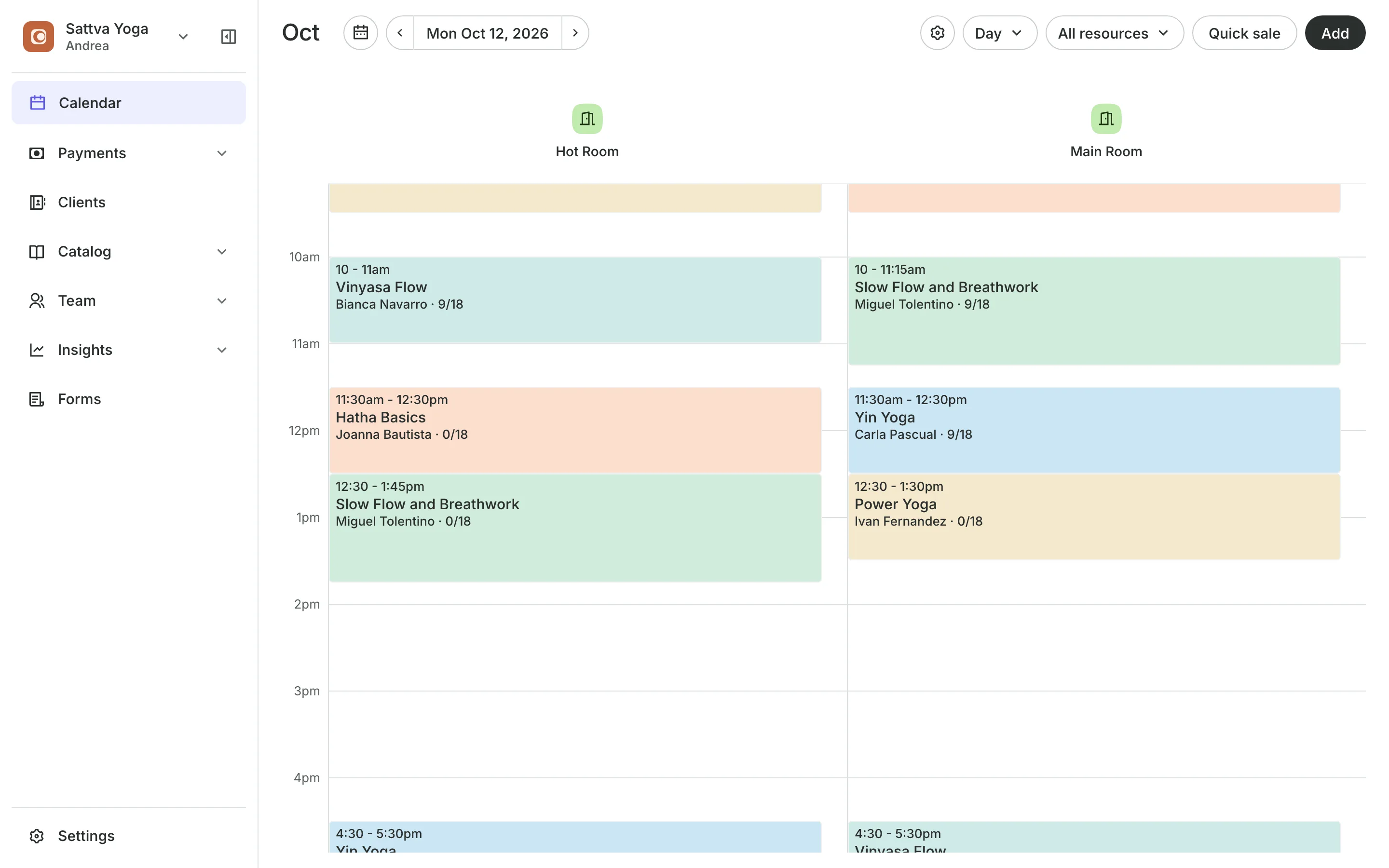
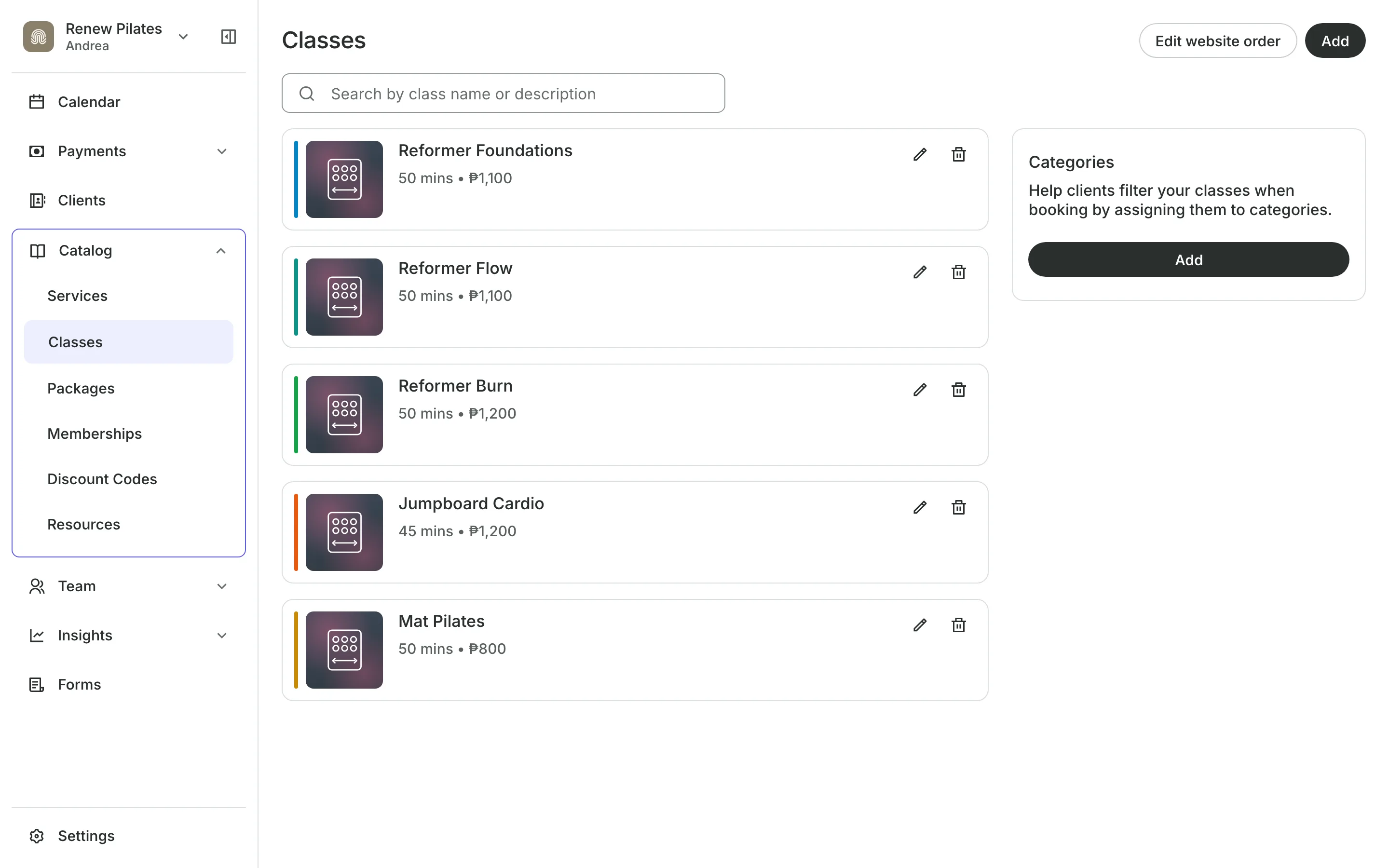
A weekly time keeps adding classes to your calendar as the weeks pass. Each time has its own room, teacher, and number of spots.
Schedule
Set classes to repeat each week
Every week puts the next eight weeks on your calendar and keeps adding.
Spots are set for each time, up to 200, starting at the room's size.
Waitlists keep classes full, even with last-minute cancellations.
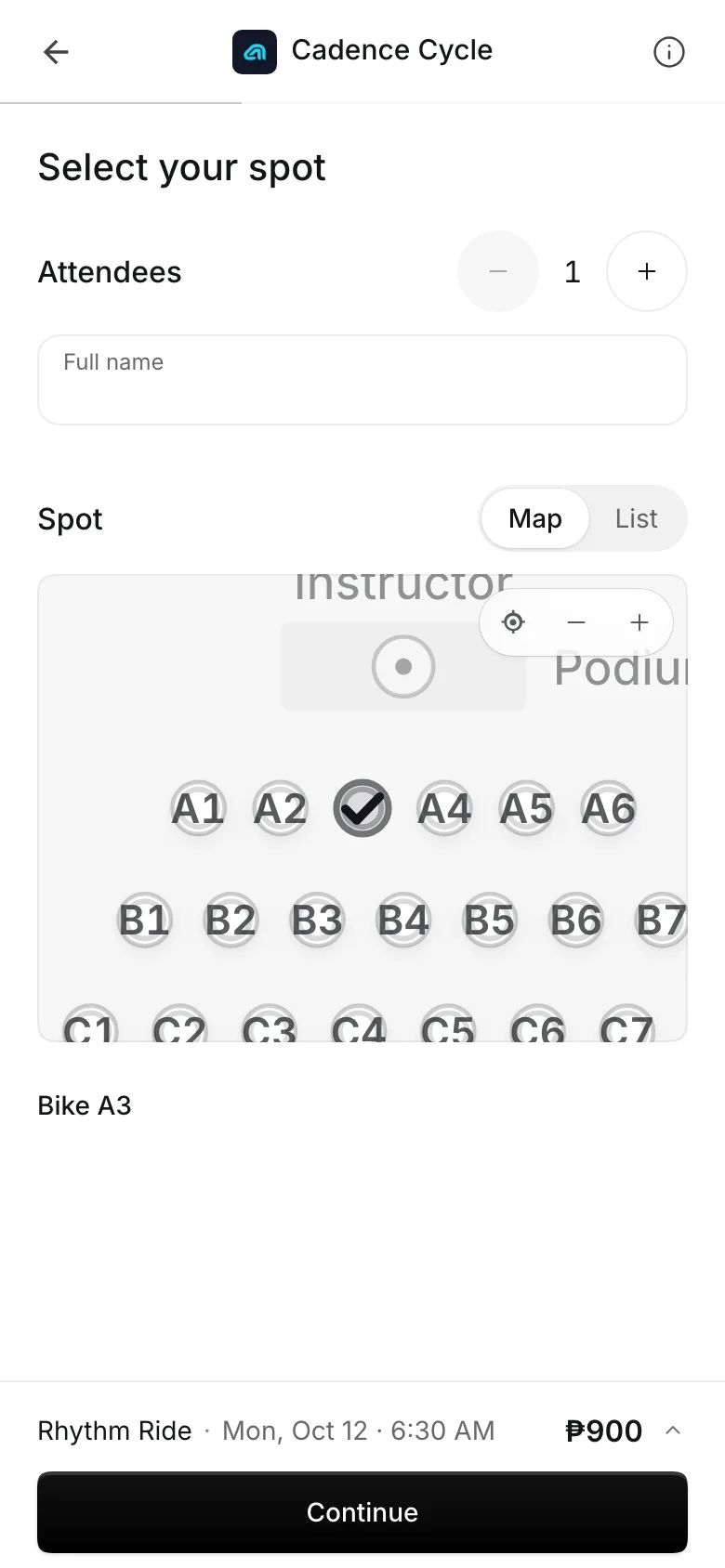
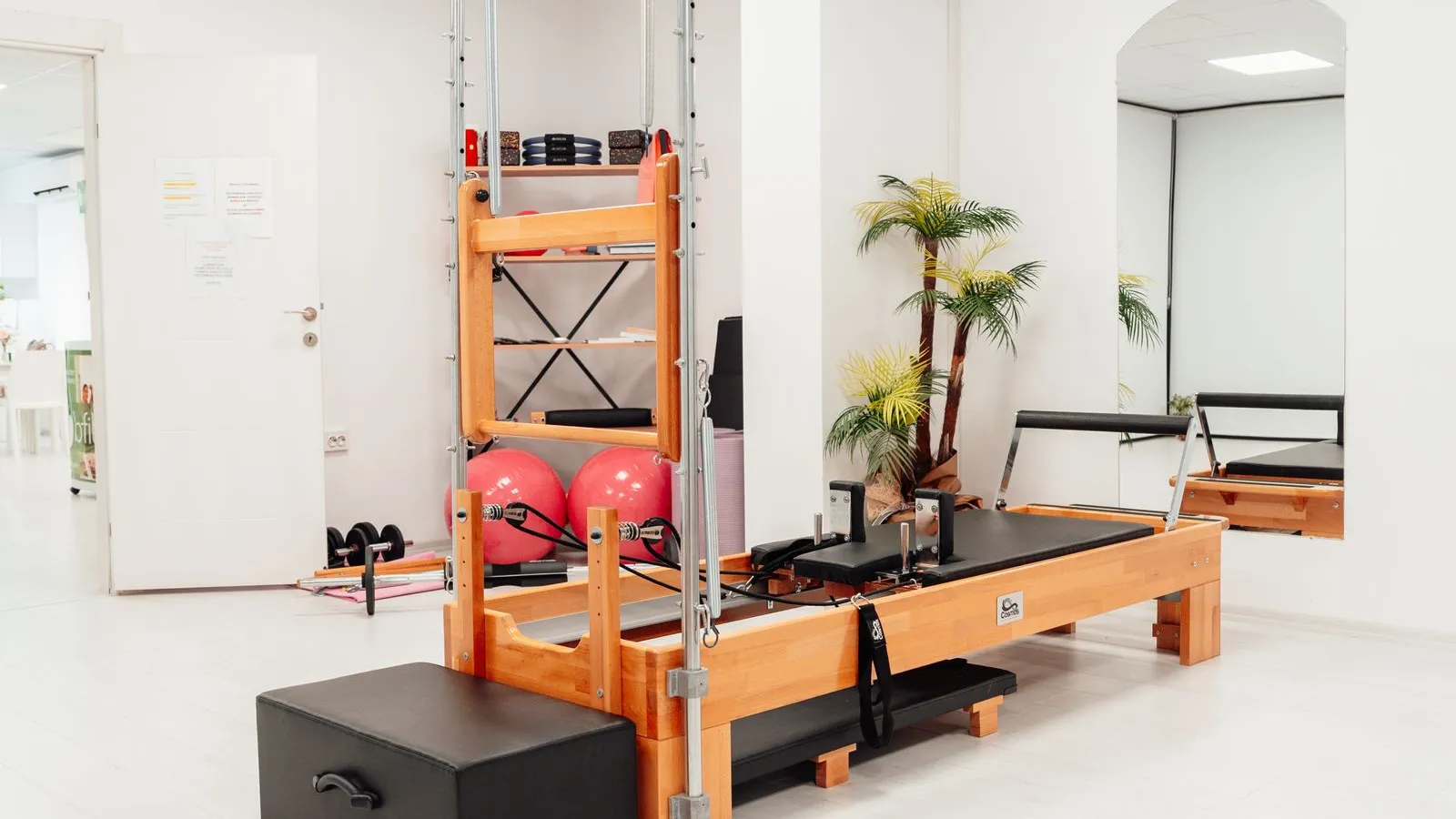
Pick Your Spot lets clients choose their mat, bike, or reformer on a map.
Booking
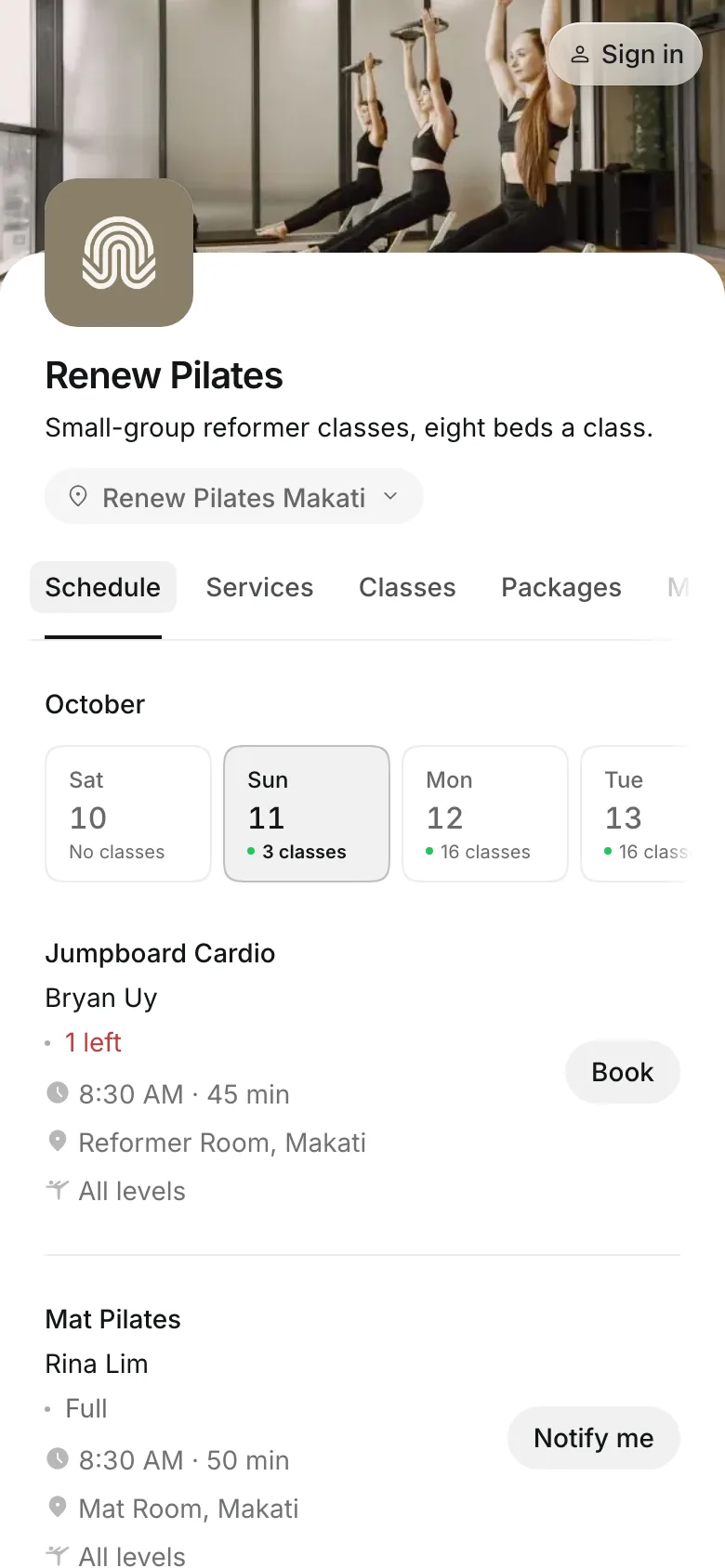
Let clients book a spot
Clients pick a class on your schedule and pay with a package, a membership, or the drop-in price.
- Book for themselves and others at once
- Join the waitlist when a class is full
- Move to another time of the same class
Roster
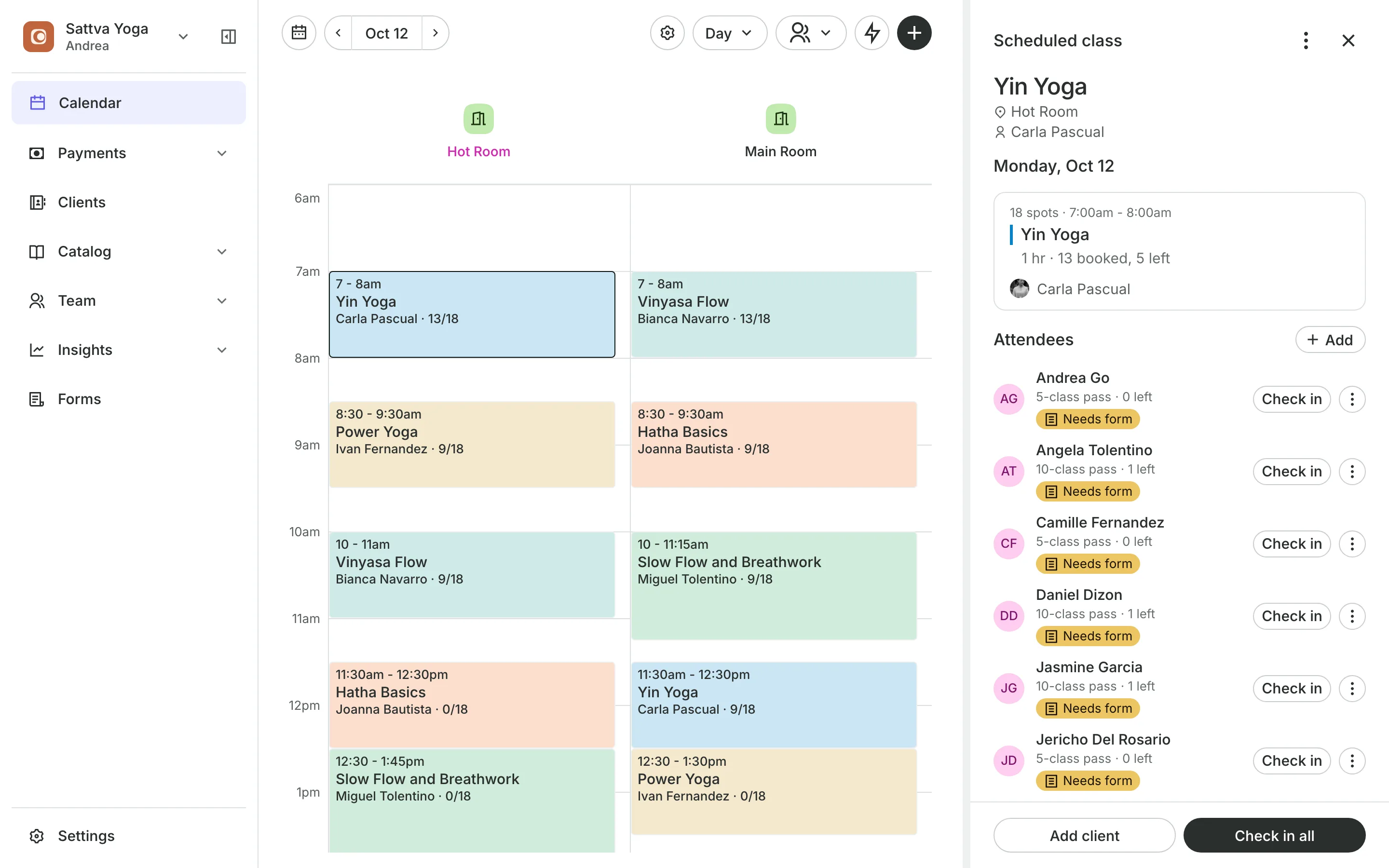
Check everyone in from the calendar
Attendees show how each person is paying, from a package to in person.
Tags flag a first visit, a missing form, or health answers to read.
Check in all checks in the whole class at once.
No-shows are marked from the roster, with the money shown first.
Upsells
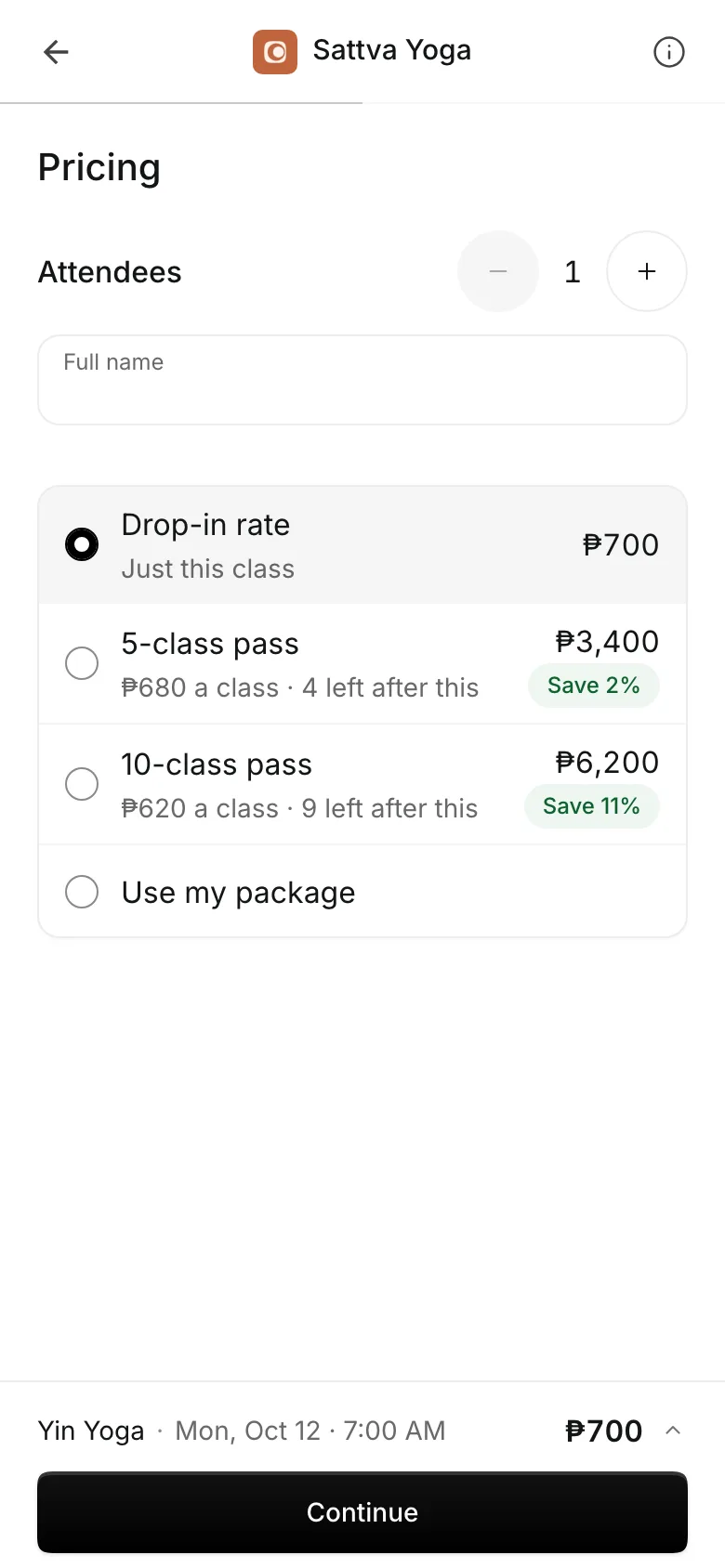
Sell packs and add-ons at checkout
When a client books one class, checkout shows your packages beside the drop-in price, with the price per class and what they save. Add-ons like grip socks are offered in the same step.
- Packages shown with their saving per class
- This class is paid from the package they just bought
- Add-ons sold with the class, in one payment
Start your class schedule
Add a room, add a class, and give it times.
1
Add your room
Every class runs in a room. Draw a spot map on it if clients pick where they go.
2
Add the class
Its name, level, drop-in price, and how long it runs.
3
Give it times
Choose the days, the start time, the teacher, and the number of spots.
Booking for any business
Tell us what you run and Onsuki sets itself up for it: your words, your way of booking, the screens you need.
















Frequently asked questions
Everyone on the waitlist gets an email, and the first to book gets the spot. You can also book someone in from the waitlist yourself.
Everyone booked gets back what they used. Credits go back to their package, payments are refunded or listed for you to send back, and each client gets an email.
Yes. The teacher, the room, and the spots belong to each time on the schedule, not to the class.
Yes, with Pick Your Spot. Draw a map of the room once and turn it on for a class. Clients pick a free spot when they book.
7 days, with every feature of your plan. You choose a plan when the trial ends.
No. You sign up with your email or Google account, tell us what you run, and start setting up.
Each plan is one monthly price with unlimited bookings. See the pricing page for the plans and what each includes.
Take bookings and get paid, the simple way.
Free 7-day trial. No credit card required.