Rent your courts by the hour
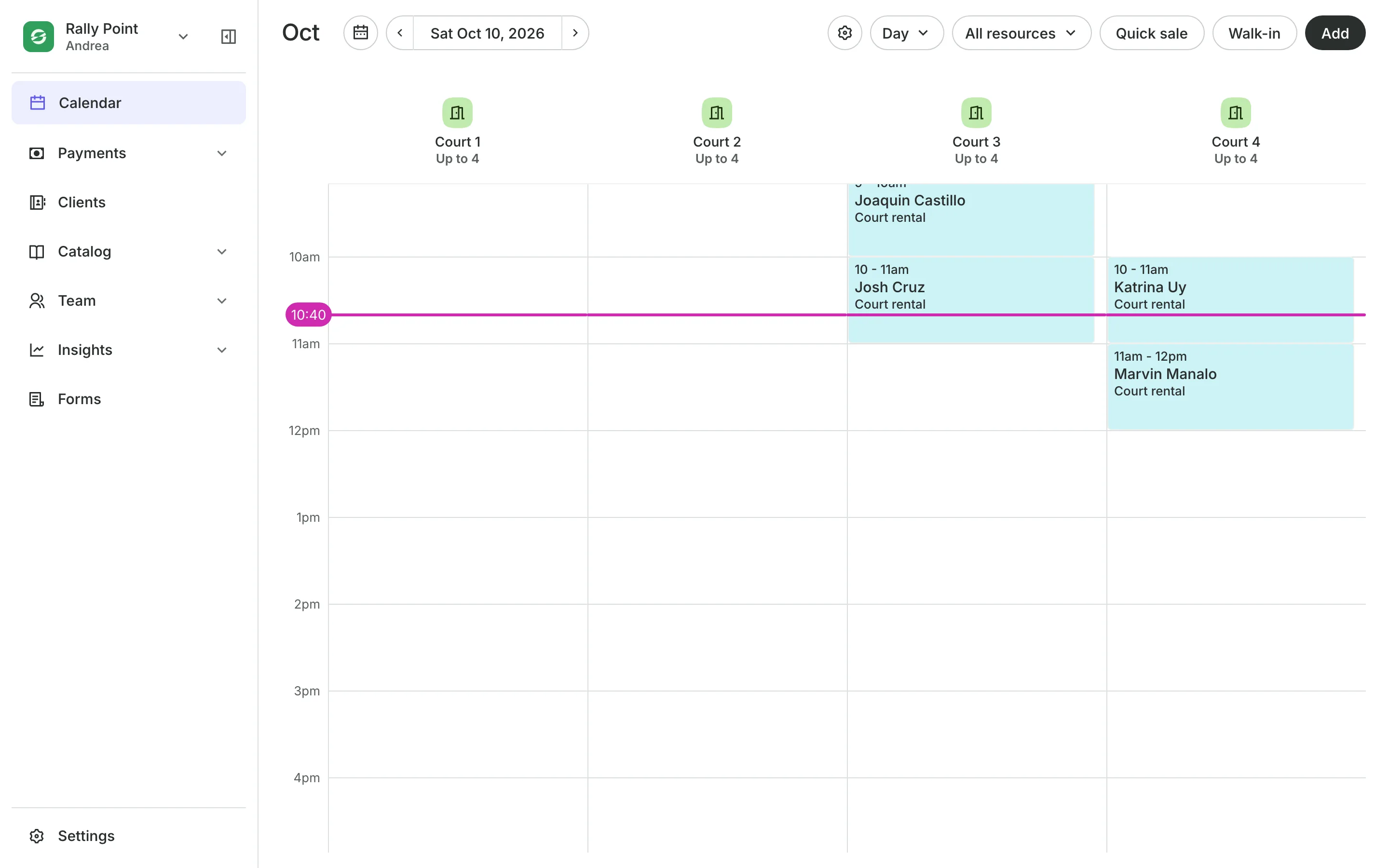
Clients pick a court, a time, and how long they want to play, on their phone. You see every court on one calendar.
Free 7-day trial. No credit card required.
Clients pay online or in person













Run your venue from one calendar
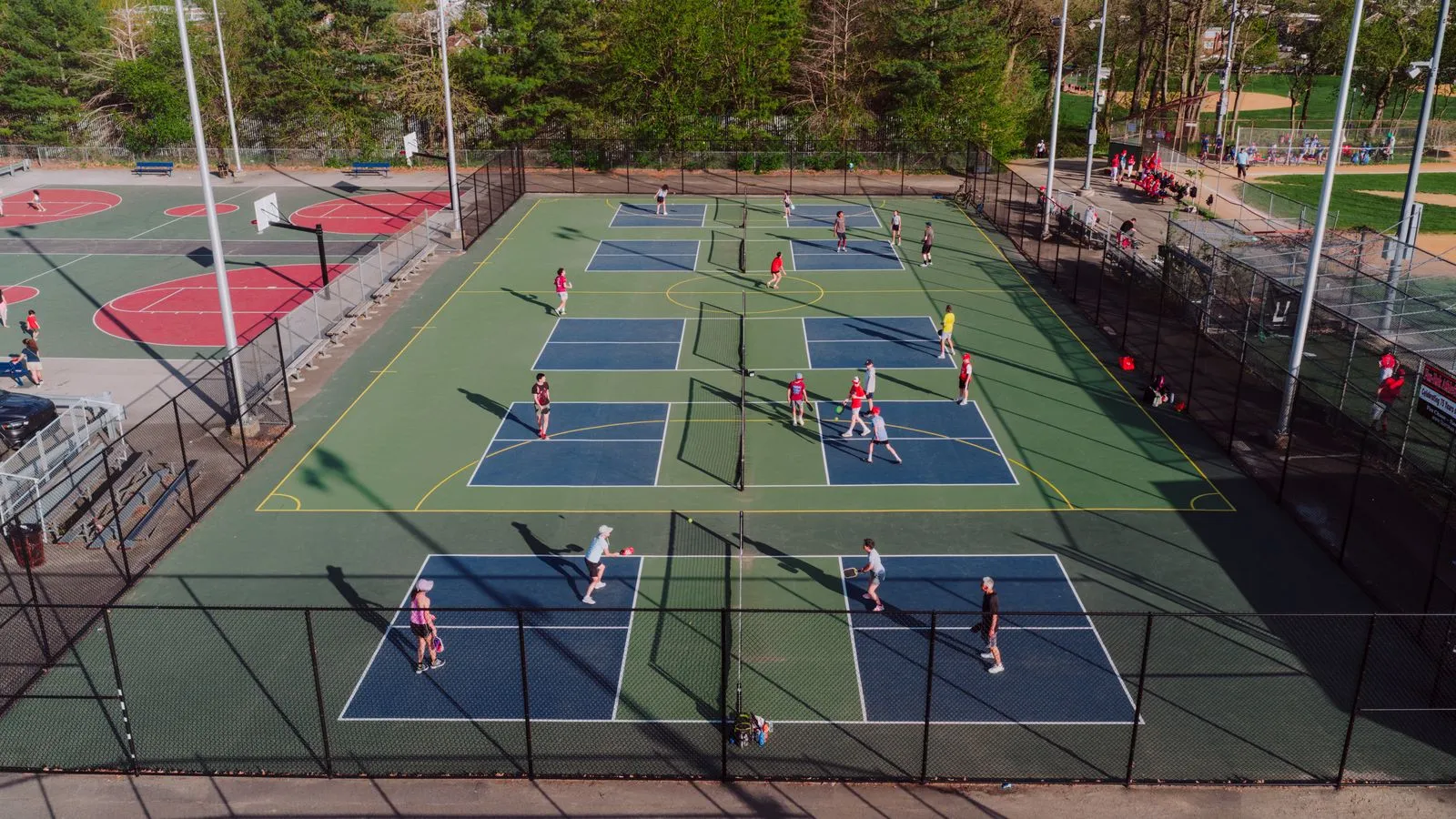
Each court or bay is a column on your calendar. The screens use your own word for them, such as Courts or Bays.
Court types
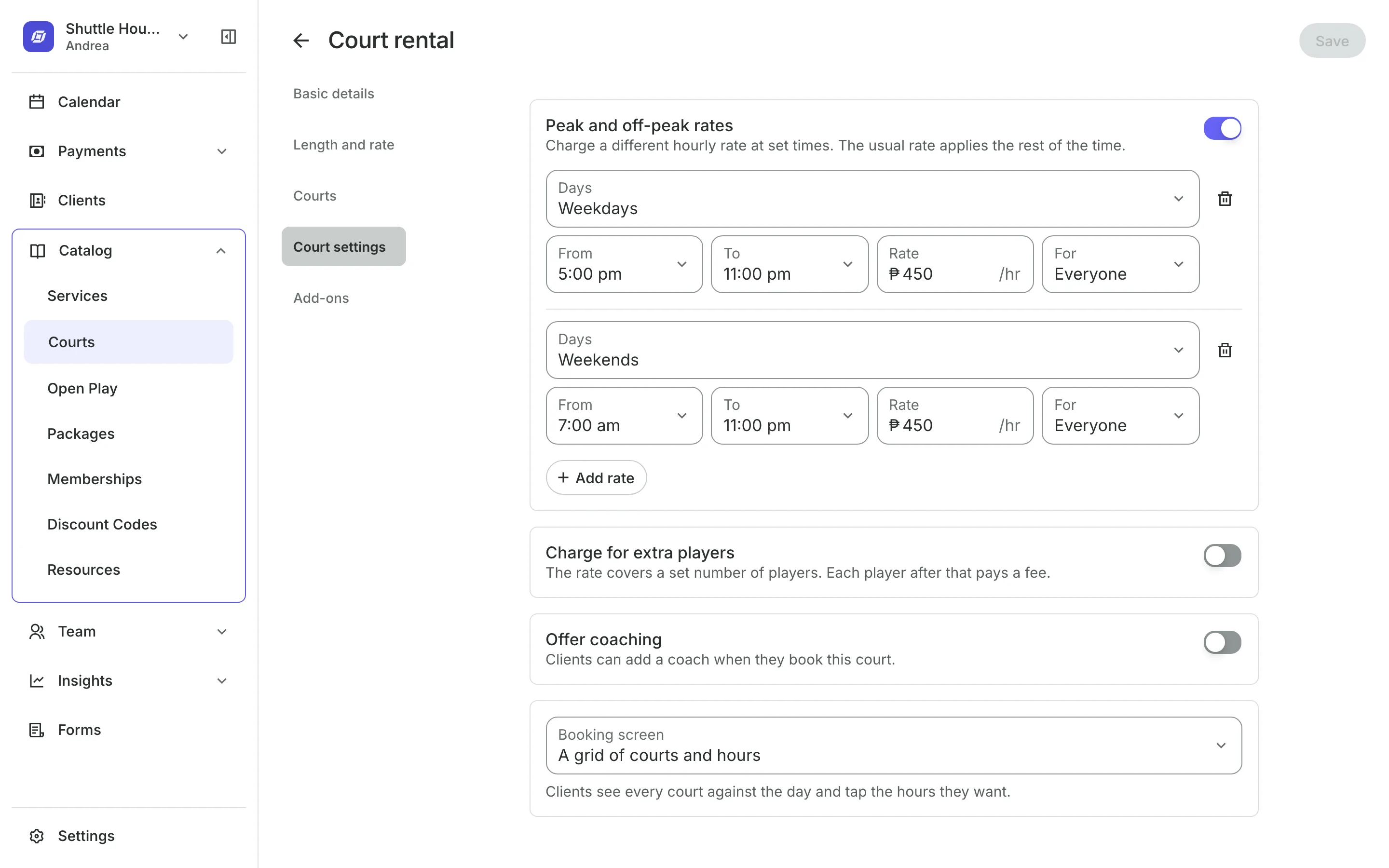
Set up each court type once
An hourly rate for each court type, priced by the hour the booking falls in.
Booking lengths set the shortest and longest booking, and the step between.
Extra players can carry a fee per booking or per hour.
Coaching lets clients add a coach who is free for the whole time.
Booking
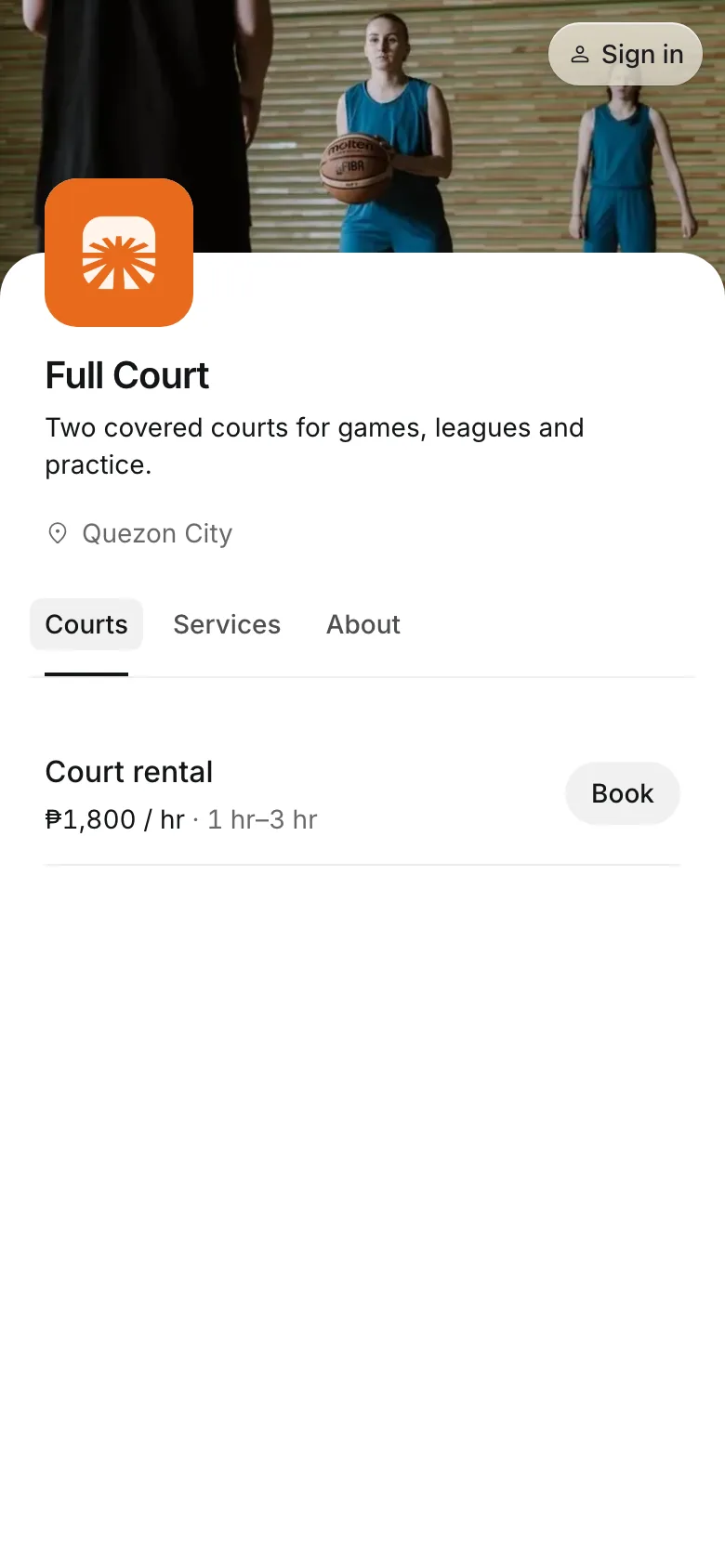
Let players book on their phone
Clients choose how long, a day, and a time, set how many players are coming, and book. Where you allow it, they tap the court and hours they want on a grid instead of a list of times.
- Pick a court, or get any free one
- Guest fees shown before they book
- Change the time from their own account
Rates and packs
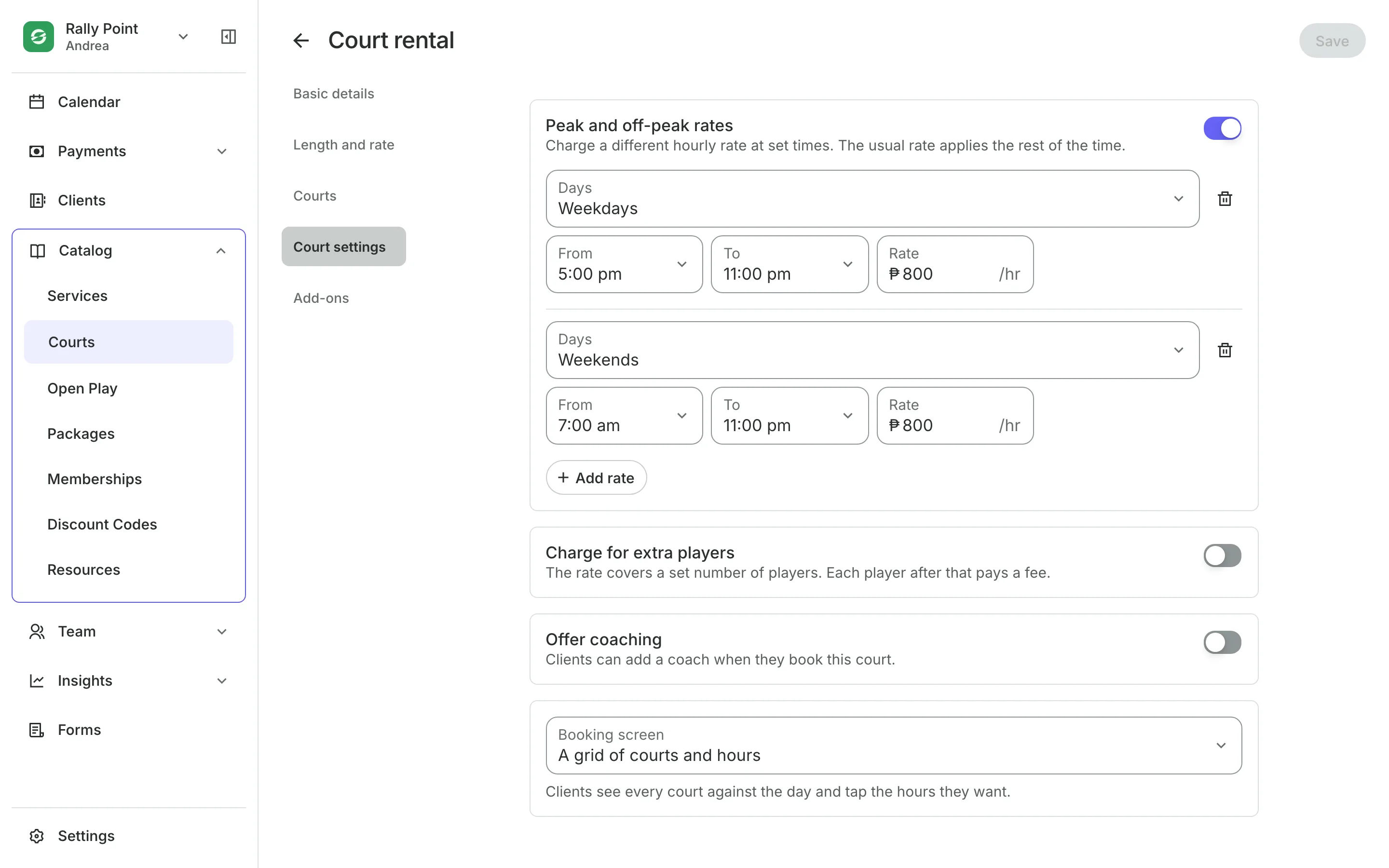
Charge more at peak hours
Peak rates charge a different hourly rate on evenings or weekends.
Member rates apply only to clients who hold a plan you choose.
Packs of hours are spent on any court type they cover.
Peak hours use no more of a pack than off-peak hours.
Open Play
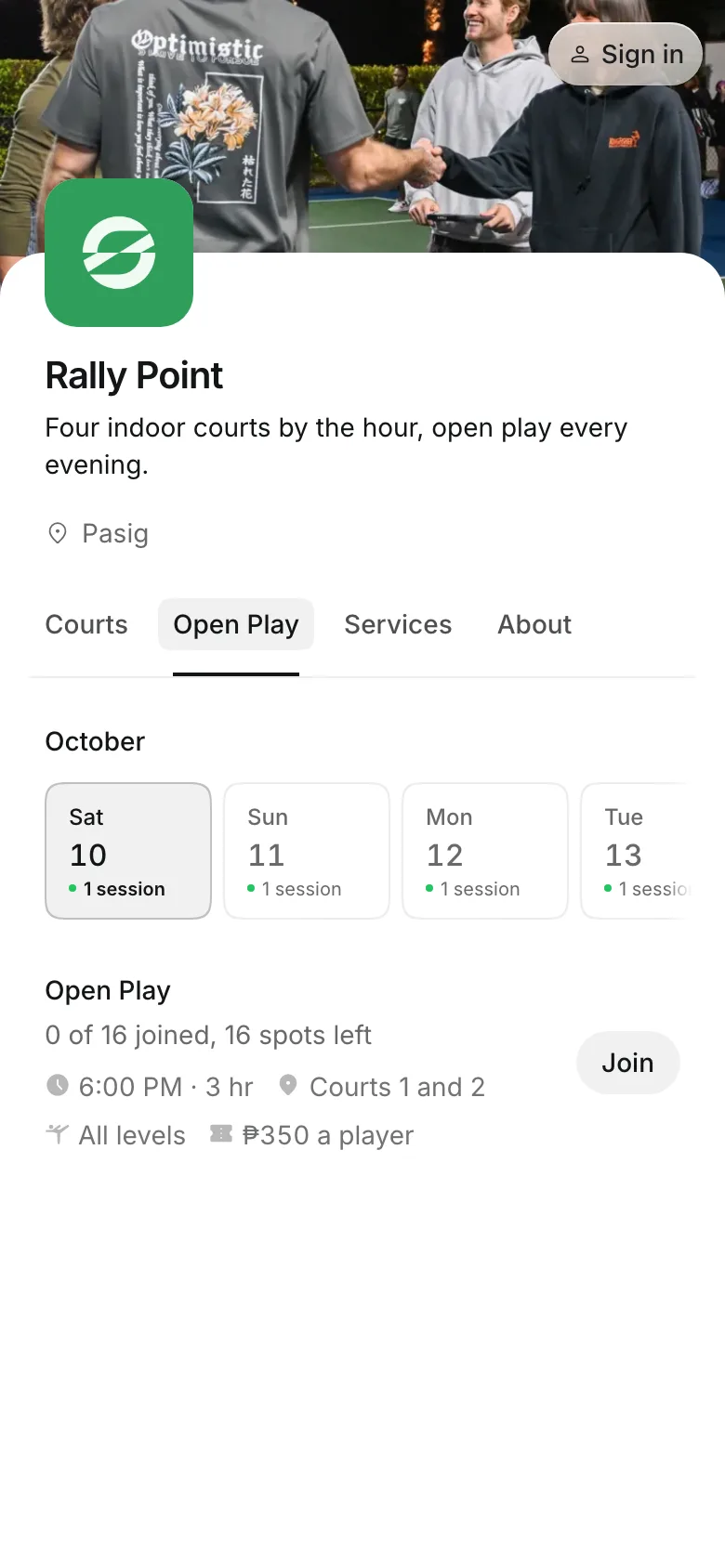
Run open play sessions
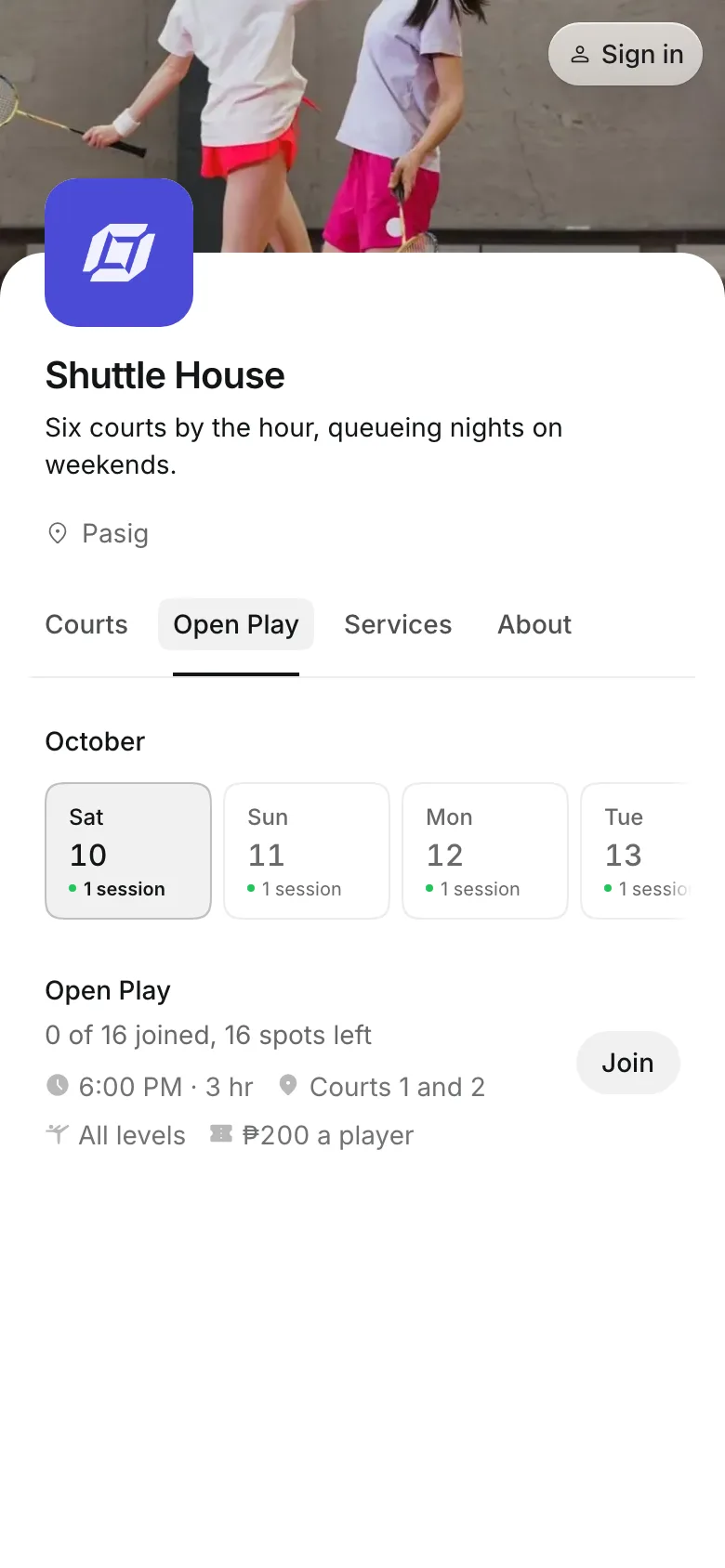
Open play is a session on one or more courts where each player pays to join. Clients see how many spots are left, never who joined.
- A price per player, every week or one time
- Several courts held for one session
- A waitlist when a session is full
Open your courts to bookings
Add your courts, set your rates, and share your booking page.
1
Add your courts
Add each court or bay, then group them into a court type with its rate and booking lengths.
2
Set your rates
Add peak and off-peak rates, and member rates if you sell plans.
3
Share your booking page
Players pick a court, a time, and how many are playing.
Booking for any business
Tell us what you run and Onsuki sets itself up for it: your words, your way of booking, the screens you need.













Frequently asked questions
Yes. From the court calendar, add a booking and select Add another court for each one.
No. A pack of hours costs the same at any time of day. A two-hour booking uses 2 hours.
Yes. Turn on coaching on a court type, and clients can add a coach who is free for the whole booking. The coach is paid separately from the court.
No. Open play is a drop-in session where each player pays to join. A clinic or a lesson with a coach is set up as a class.
7 days, with every feature of your plan. You choose a plan when the trial ends.
No. You sign up with your email or Google account, tell us what you run, and start setting up.
Each plan is one monthly price with unlimited bookings. See the pricing page for the plans and what each includes.
Take bookings and get paid, the simple way.
Free 7-day trial. No credit card required.