Decide who on your team sees what
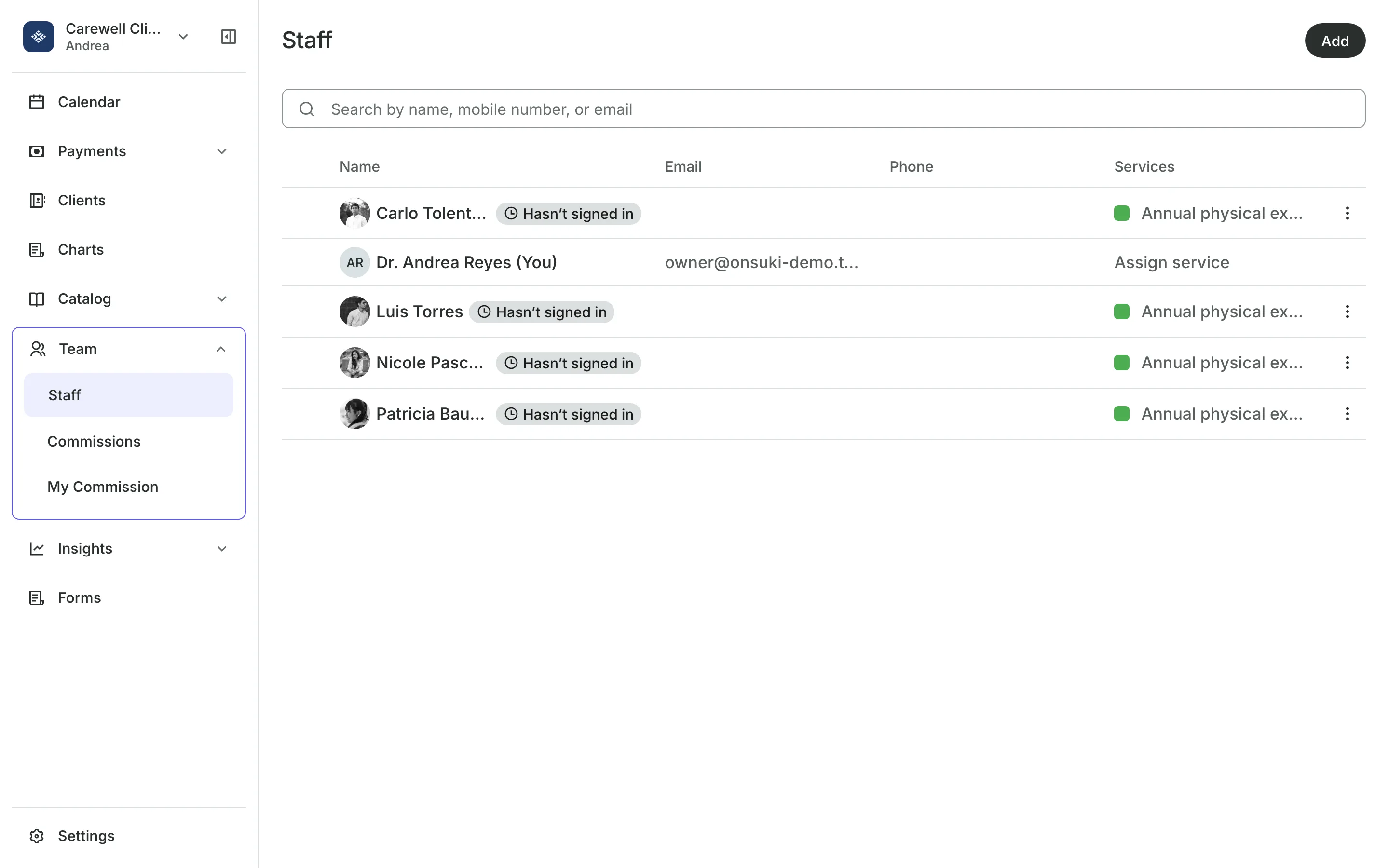
Give each person a role, then turn single permissions on or off. Set their hours, time off, and the services clients can book them for.
Free 7-day trial. No credit card required.
Clients pay online or in person













Set up your team once
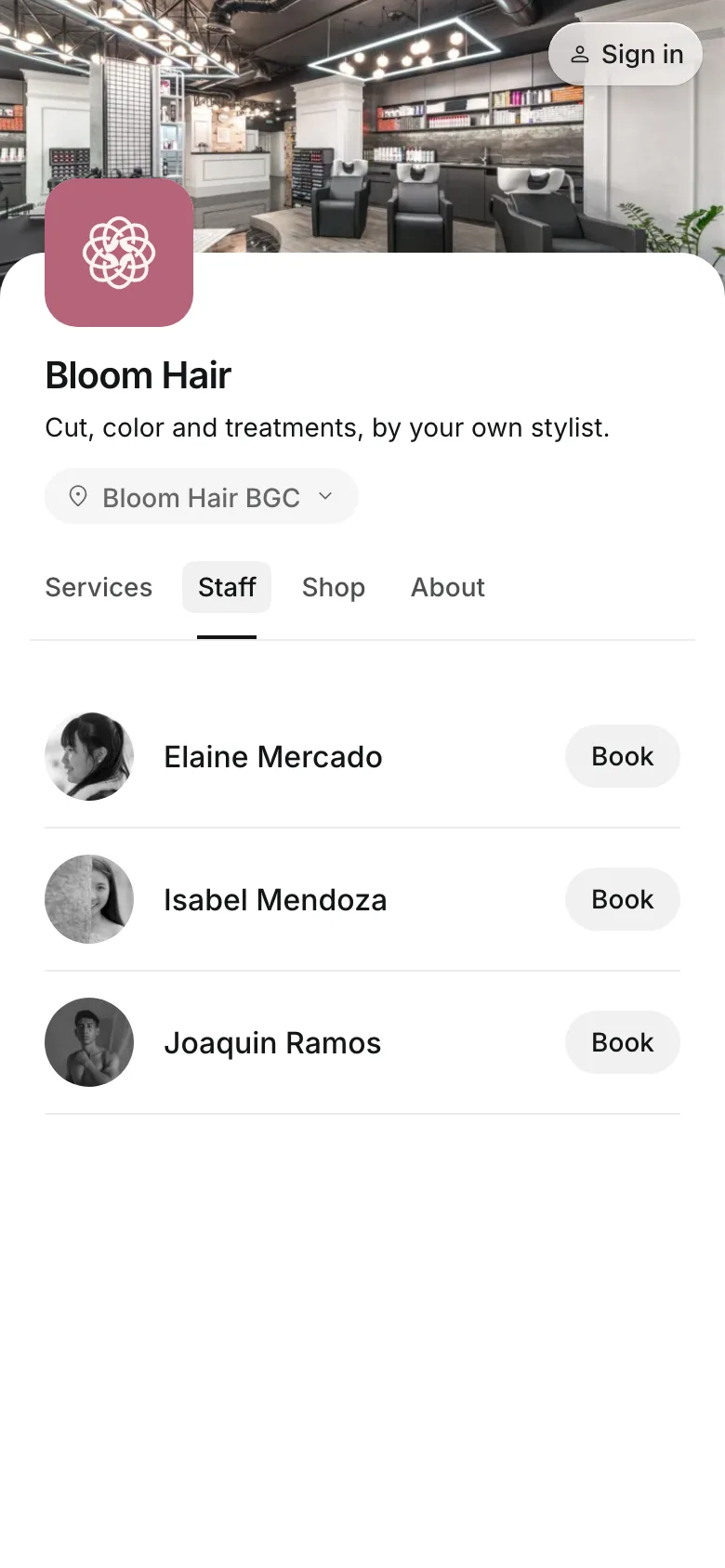
Each person signs in with their own email, sees what their role allows, and is booked only for the services and hours you set.
Roles
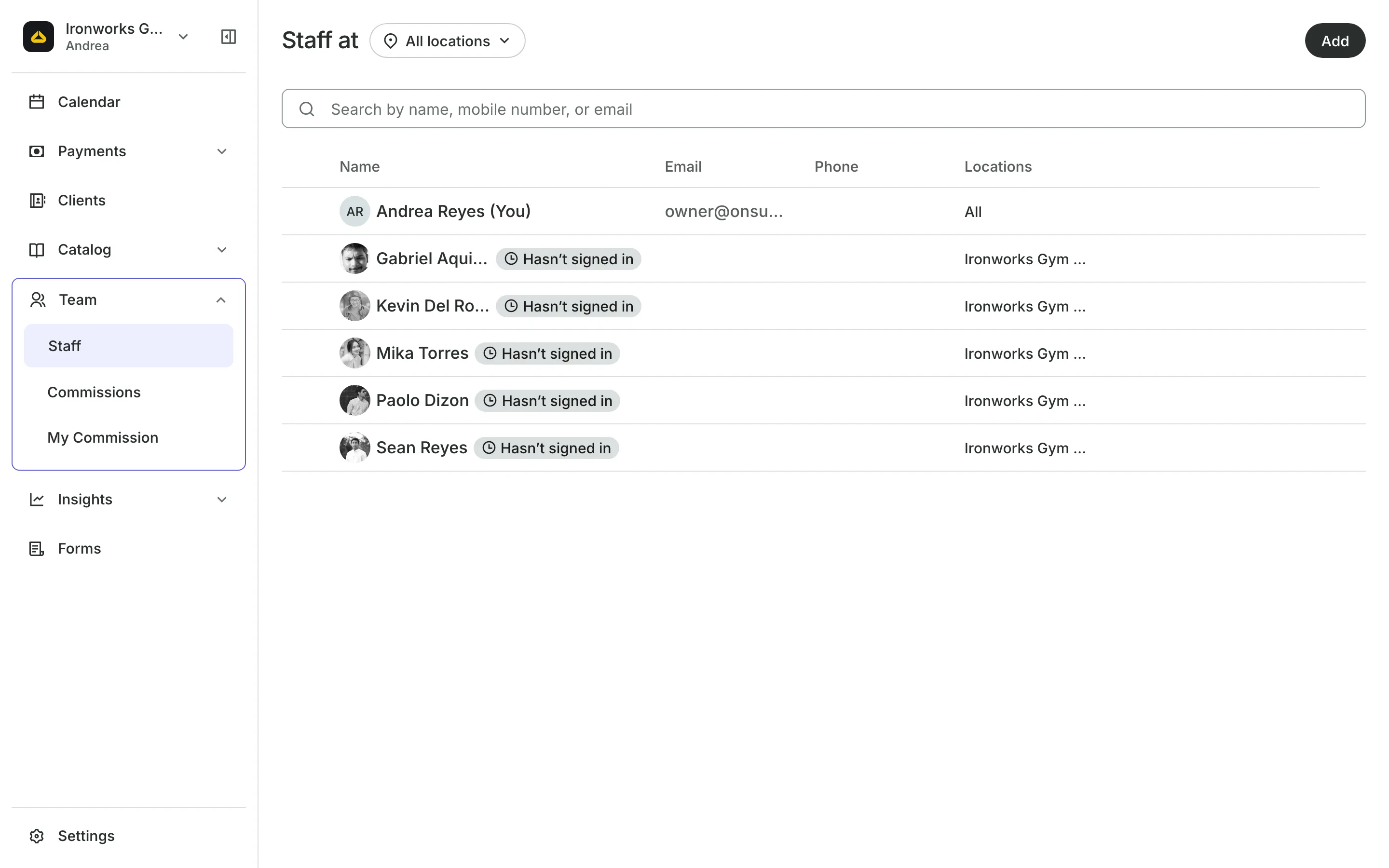
Start everyone with a role
Owner has every permission, and no one can take one away.
Manager runs the team and the day, with reports and settings.
Front desk books and checks out clients. New people start here.
Provider sees only their own calendar and their own clients.
Permissions
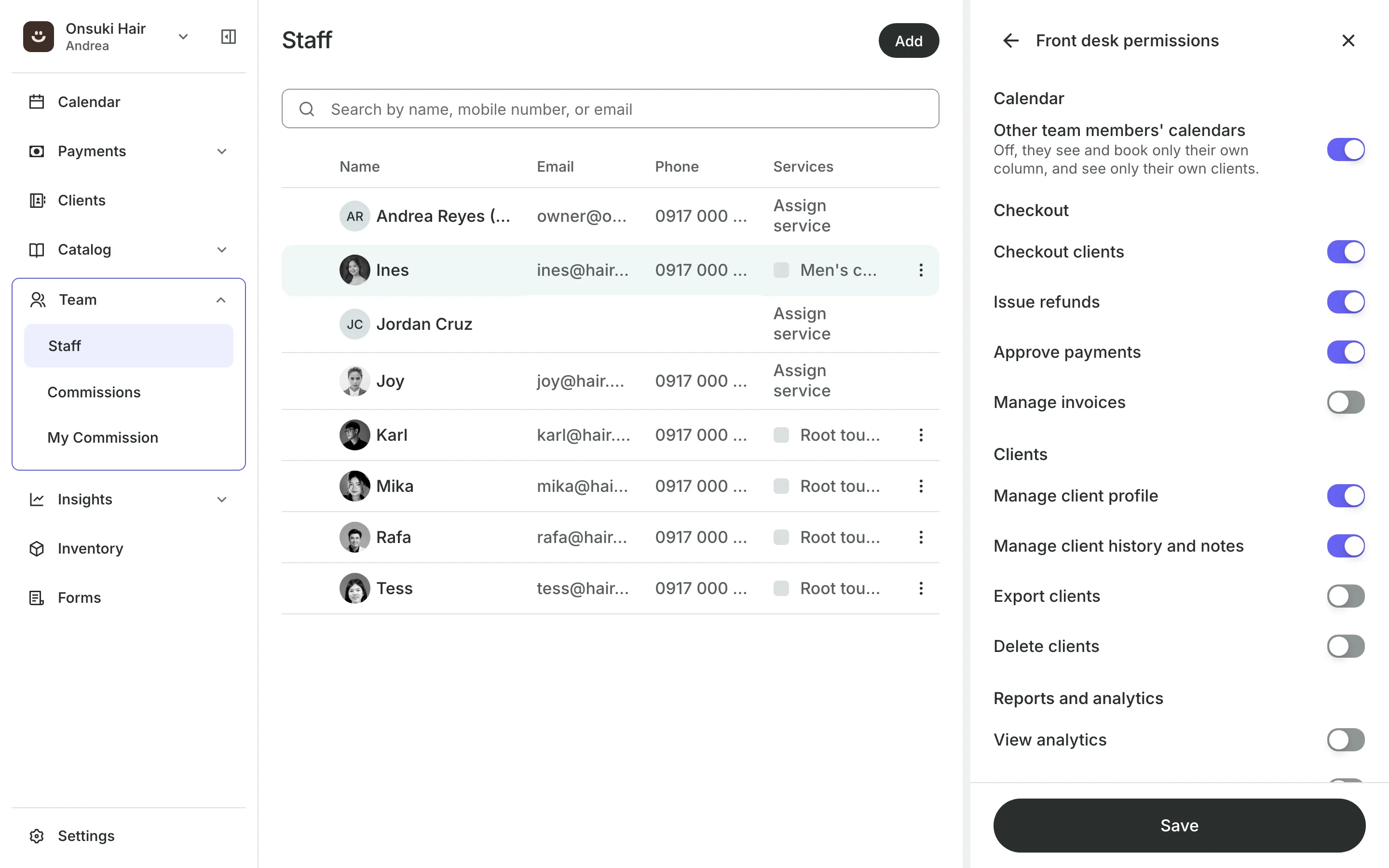
Change one permission for one person
A role is a starting set. Turn single permissions on or off for one person, grouped the way the dashboard is, such as Calendar, Checkout, and Clients.
- Refunds, reports, and exports each a permission
- You can only give permissions you have yourself
- Owners keep every permission
Schedule
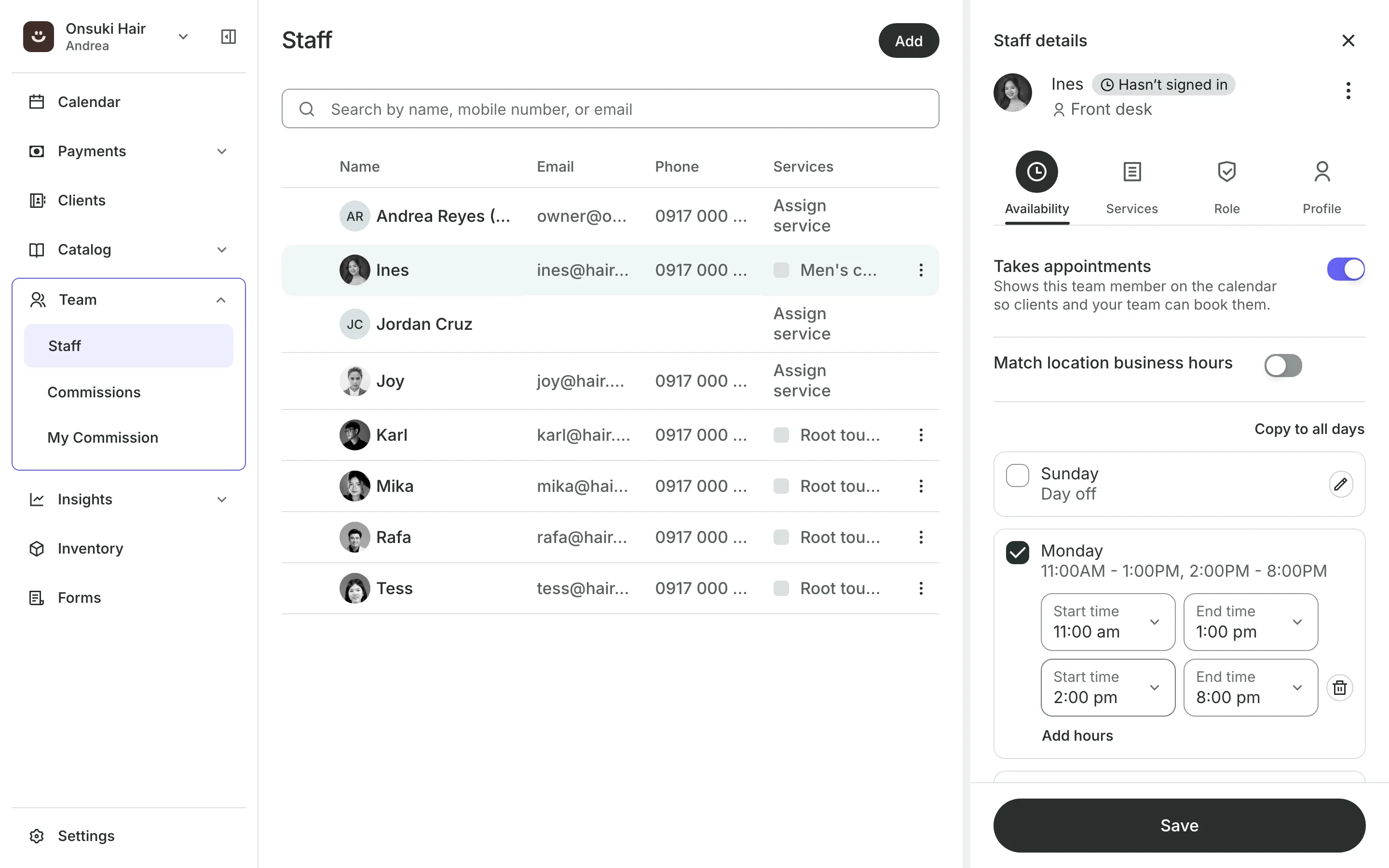
Set when each person works
Working hours follow the location's hours, or a week of their own with breaks.
Time off blocks a day, a few days, or a few hours, and can repeat.
Booking link opens your booking site with that person already chosen.
Calendar feed shows their bookings in Google Calendar or Apple Calendar.
Services and levels
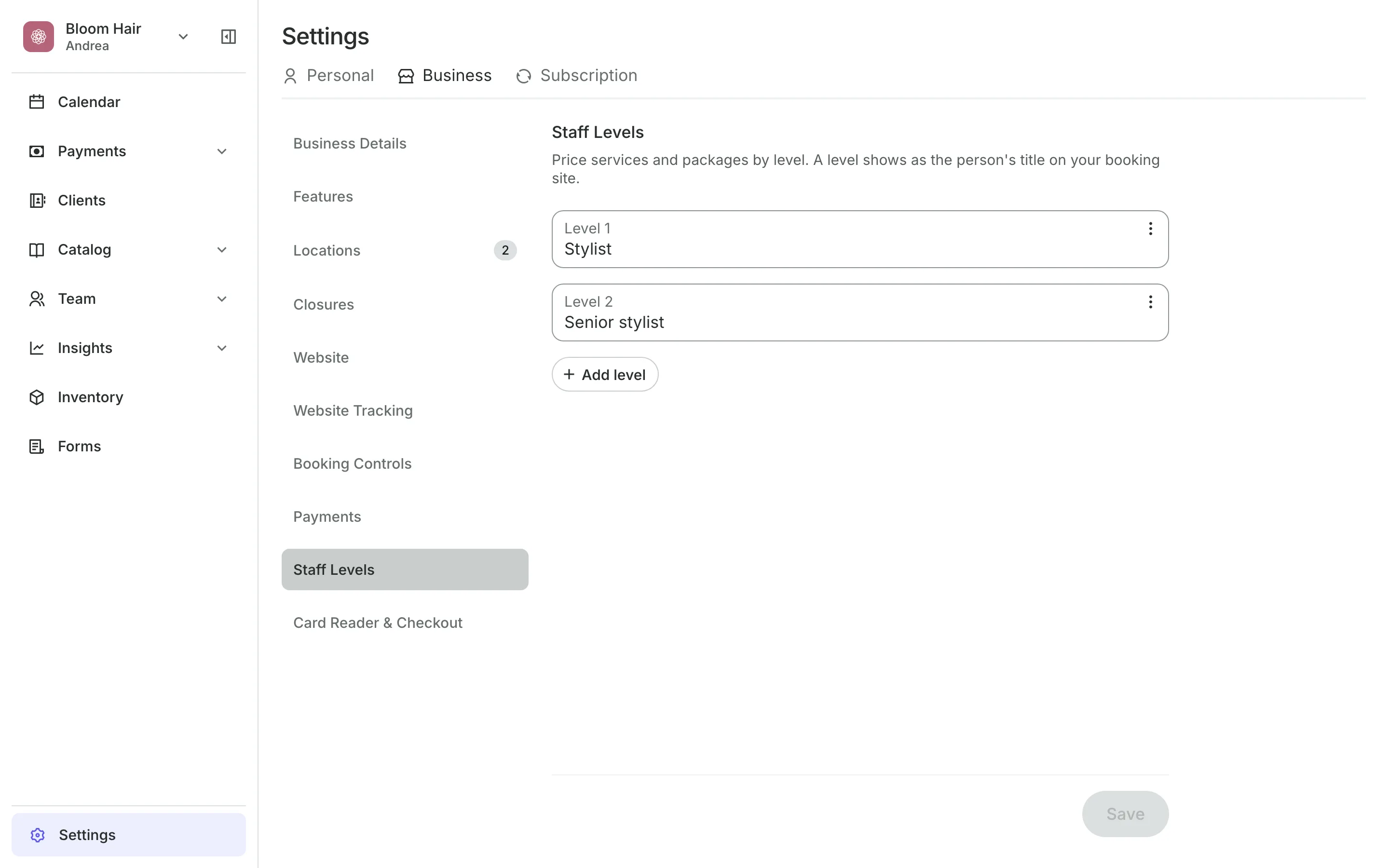
Charge by each person's level
Choose the services each person offers. Staff levels, such as Junior and Senior, give a service a price for each level and show as the person's title on your booking site.
- Only the services you tick can be booked
- A price for each level on a service
- A package limited to one level
Bring your team in
Add each person, choose their role, and set what clients can book them for.
1
Add each person
Enter their name and email. They get an email to sign in.
2
Choose their role
Owner, Manager, Front desk, or Provider, then change any single permission.
3
Set hours and services
Check their working hours and tick the services they offer.
Booking for any business
Tell us what you run and Onsuki sets itself up for it: your words, your way of booking, the screens you need.
















Frequently asked questions
Yes. The Provider role sees only their own calendar and the clients who booked with them.
Yes. Turn single permissions on or off for that person. You can only give permissions you have yourself.
Yes. Each person can create a private link for Google Calendar or Apple Calendar. It is read-only and shows bookings from 30 days ago to 90 days ahead.
No. A level sets a price and a title. What a person can do comes from their role.
7 days, with every feature of your plan. You choose a plan when the trial ends.
No. You sign up with your email or Google account, tell us what you run, and start setting up.
Each plan is one monthly price with unlimited bookings. See the pricing page for the plans and what each includes.
Take bookings and get paid, the simple way.
Free 7-day trial. No credit card required.