A booking site ready the day you sign up
Every business gets its own booking site at its own address. Clients book and pay on their phone, without an account or an app.
Free 7-day trial. No credit card required.
Clients pay online or in person













Let clients book themselves
Put your link in your bio and your chat replies. Clients pick a time, pay, and get a confirmation email.
Your site
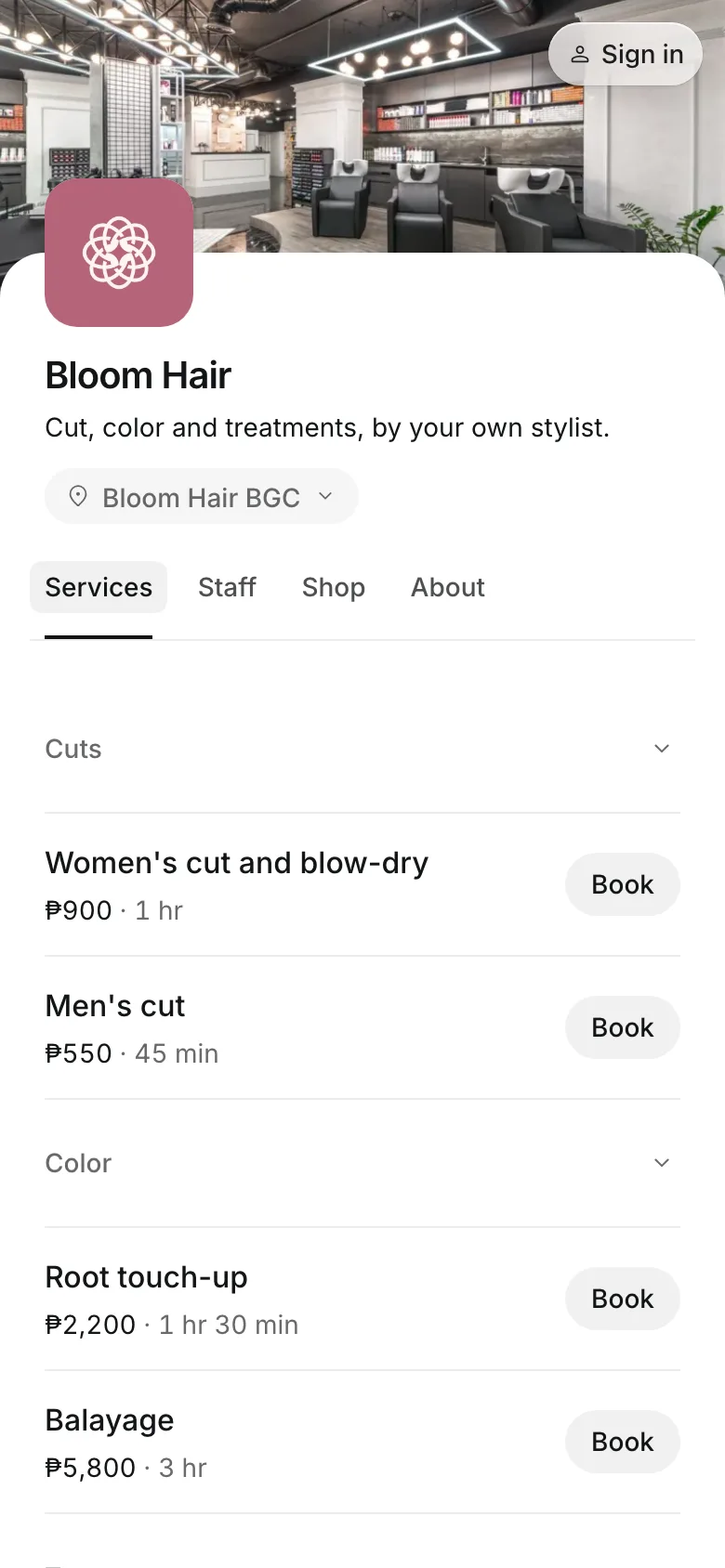
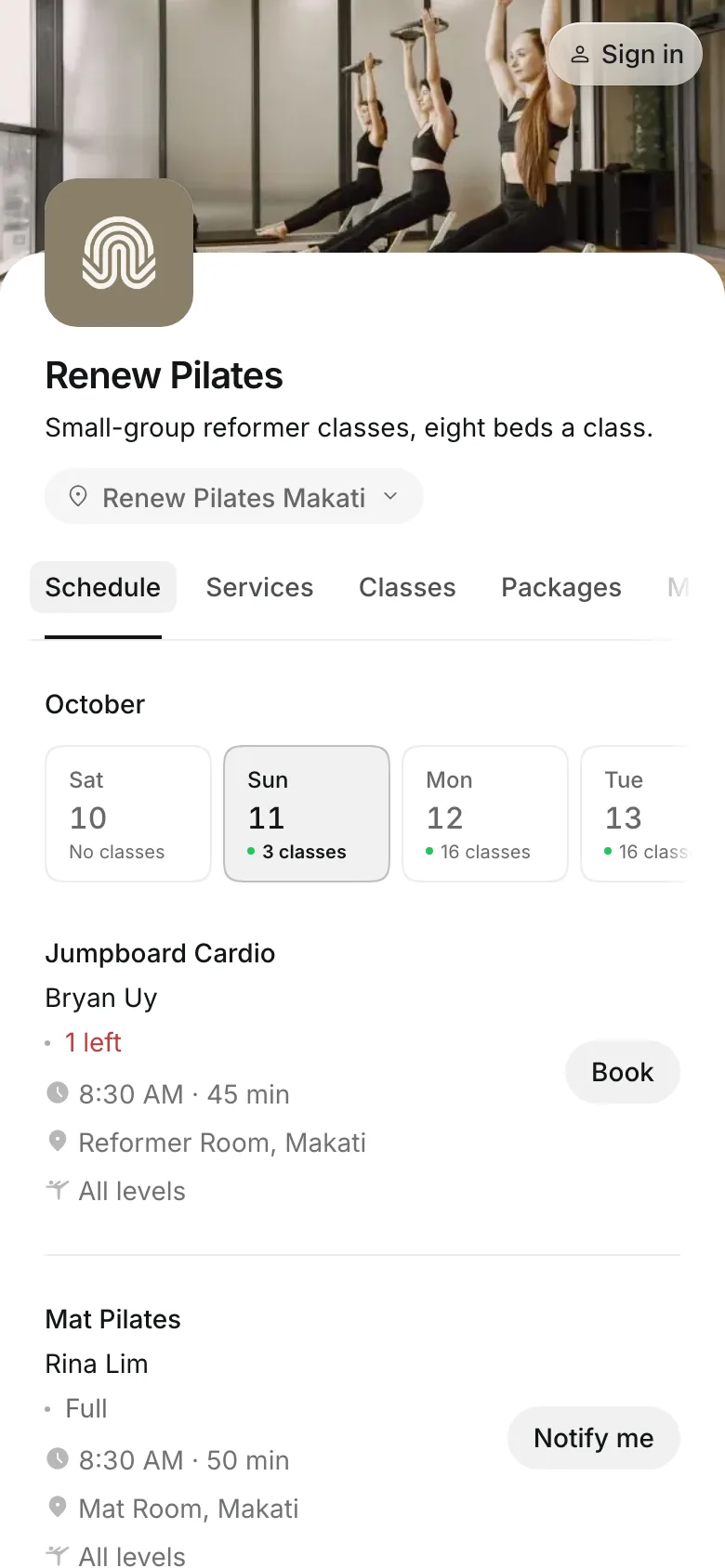
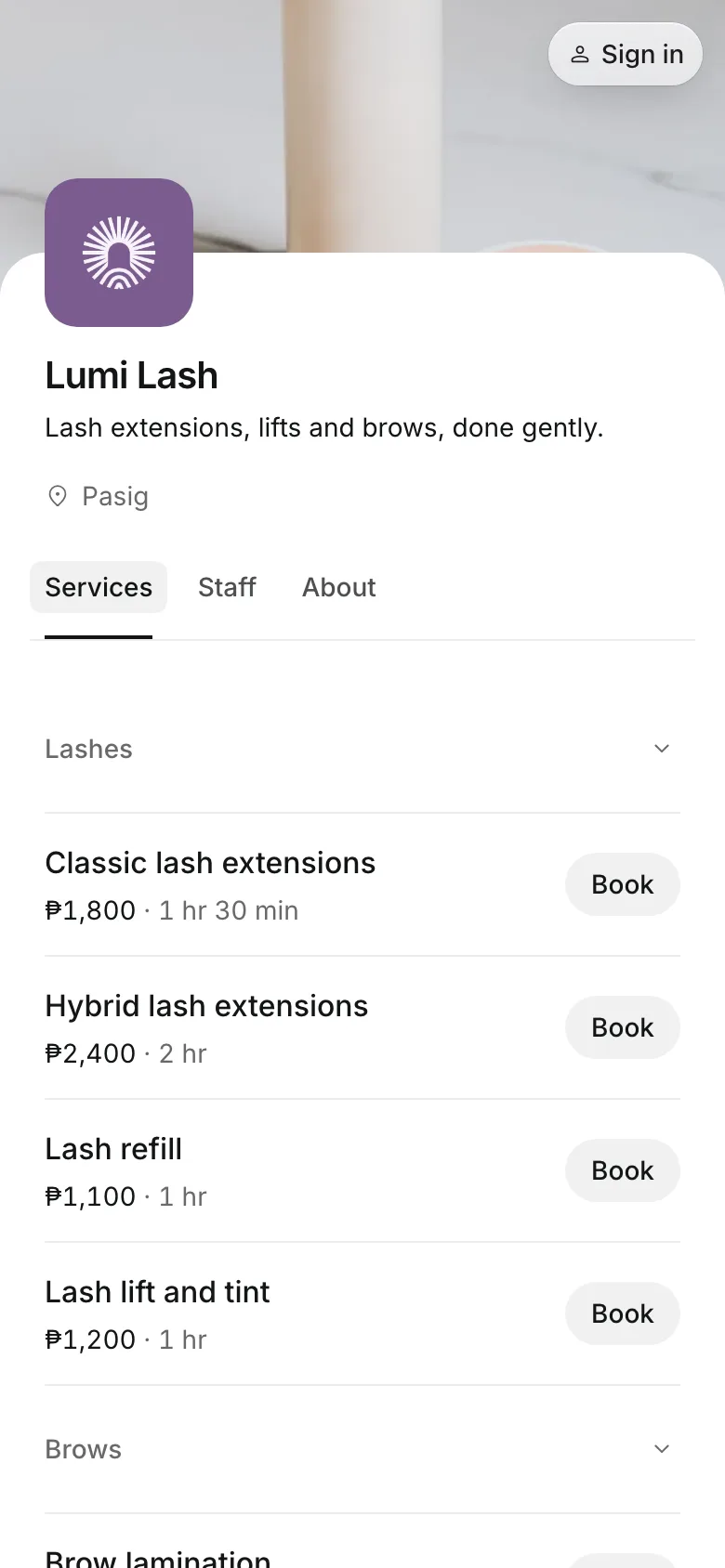
Show everything you sell
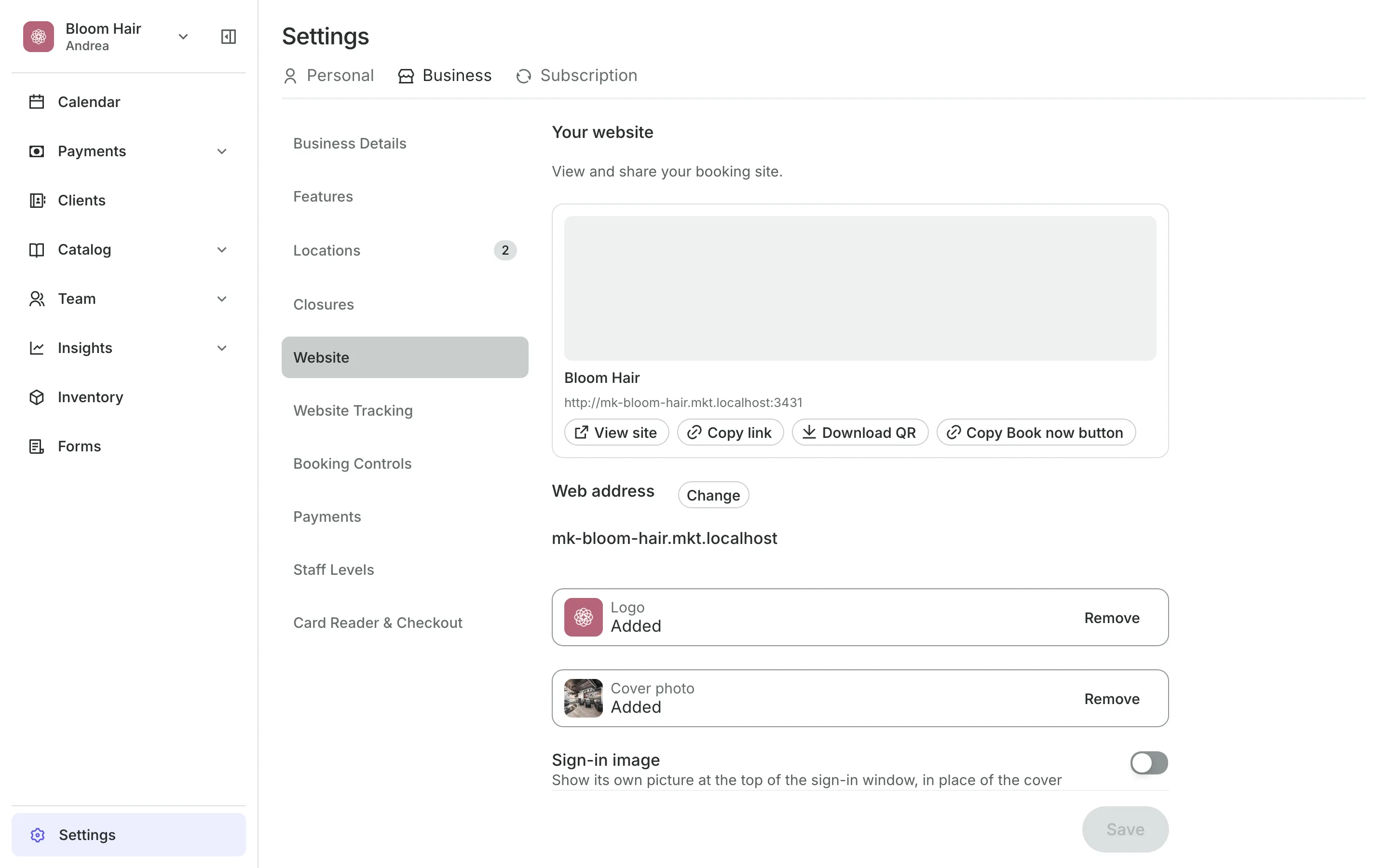
Your address is made from your business name, like yourbusiness.onsuki.com.
Tabs for services, classes, packages, and more show once you add them.
Your logo and photos sit at the top, with your own words on the About tab.
Contact buttons let clients call you, or message you on WhatsApp or Viber.
Booking rules
Decide when clients can book
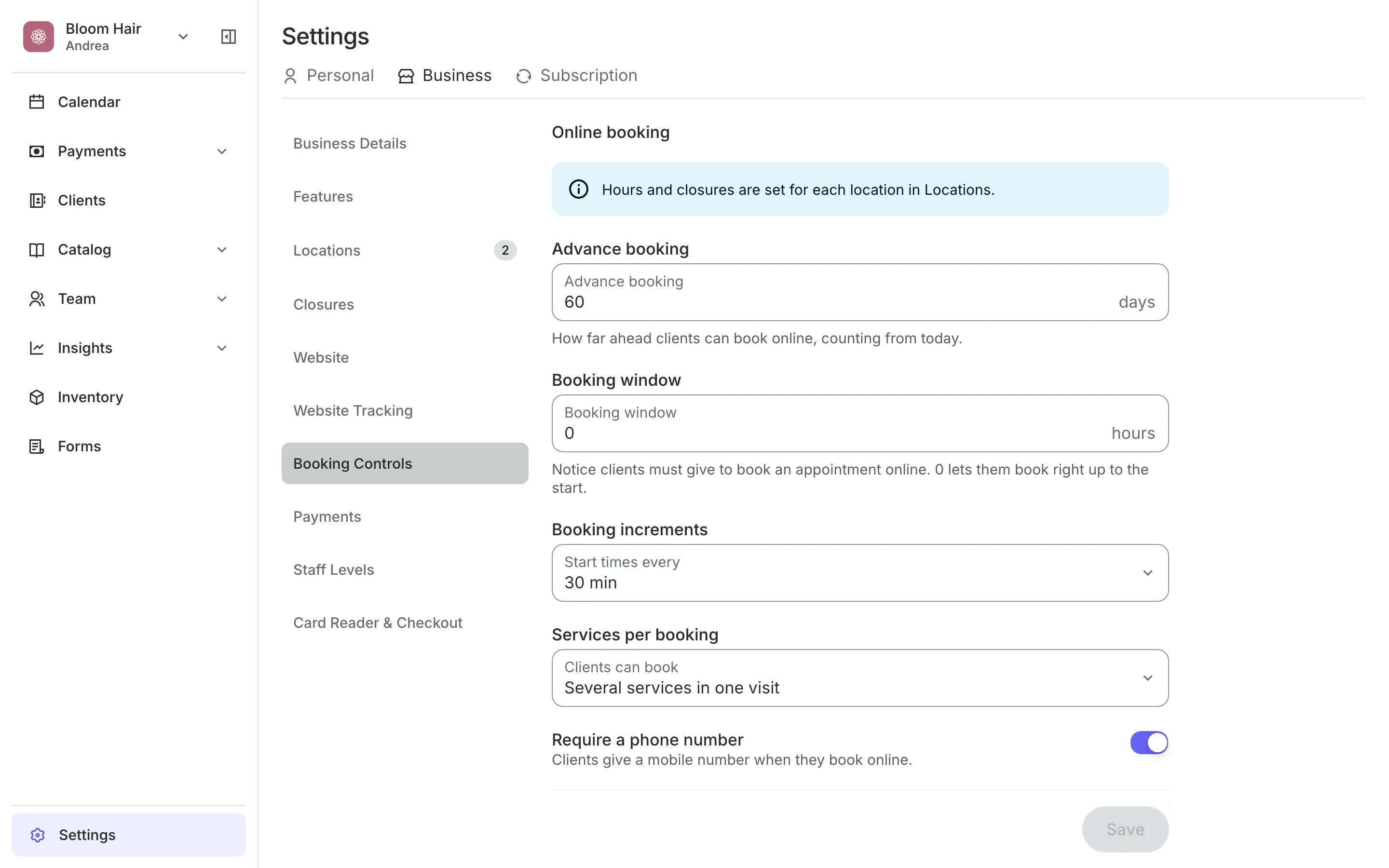
Booking rules set which times clients see online. They never limit your team, who can book any free time on the calendar.
- How many days ahead clients can book
- How much notice a booking needs
- Start times every 15 minutes, 30 minutes, or 1 hour
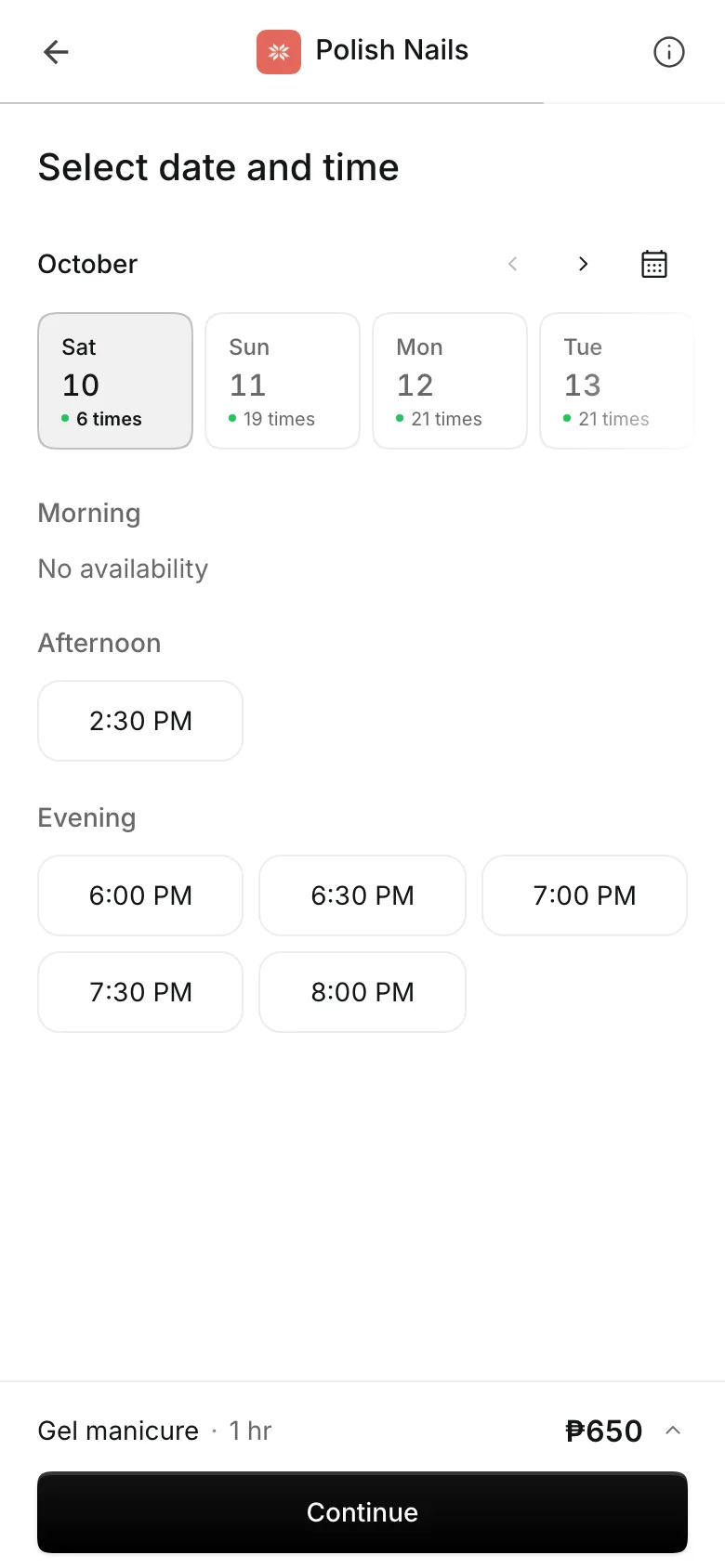
Checkout
Pick a time, no account needed
No account is needed: clients enter a name, email, and mobile number.
Sign in with an email code, Google, or Face ID fills in the details.
Package credits can pay for the booking once a client signs in.
Confirmation emails go out with a calendar entry for every booking.
My bookings
Let clients manage their own bookings
Clients sign in on your site to see what is coming up, what they owe, and their credits and tickets.
- Cancel within your cancellation policy
- Change the time while it is still free to cancel
- Pay what they owe from their account
Open your booking site today
Your site is ready when you sign up. Add what you sell, then share the link.
1
Add what you sell
Services, classes, or packages. Each kind gets its own tab on your site.
2
Add your logo and photos
Upload a logo and a cover photo, and write a few lines about your business.
3
Share your link
Copy it for your bio, download the QR code to print, or add a Book now button to your own website.
Booking for any business
Tell us what you run and Onsuki sets itself up for it: your words, your way of booking, the screens you need.
















Frequently asked questions
No. Clients book in their phone's browser with a name, email, and mobile number. They sign in only to see their bookings later.
Yes. Rename any tab in your website settings, such as Barbers instead of Staff.
The old address keeps working and sends clients to the new one, so links and QR codes you already shared still land on your site.
Yes. Turn off Available to book online on the service. Your team can still book it on the calendar.
7 days, with every feature of your plan. You choose a plan when the trial ends.
No. You sign up with your email or Google account, tell us what you run, and start setting up.
Each plan is one monthly price with unlimited bookings. See the pricing page for the plans and what each includes.
Take bookings and get paid, the simple way.
Free 7-day trial. No credit card required.