Booking software for personal trainers:Fill your week with regular clients
Book a client's regular slot for weeks ahead in one step, sell packs of sessions, and give each client feedback after they train.
Free 7-day trial. No credit card required.
Clients pay online or in person













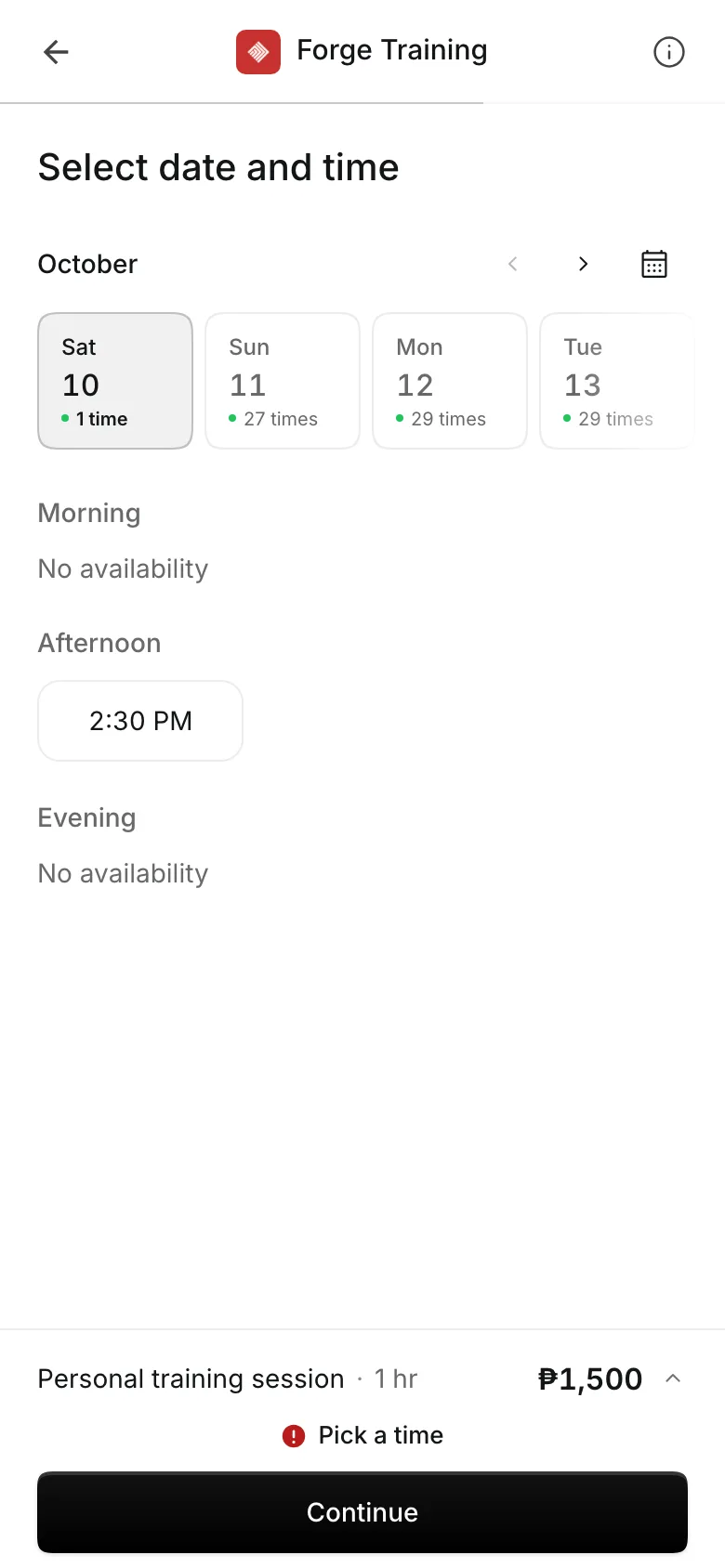
Let clients book you directly
Share your own booking link. Clients pick a session and a time you are free, and pay by card or e-wallet, by GCash or bank transfer, or in person.
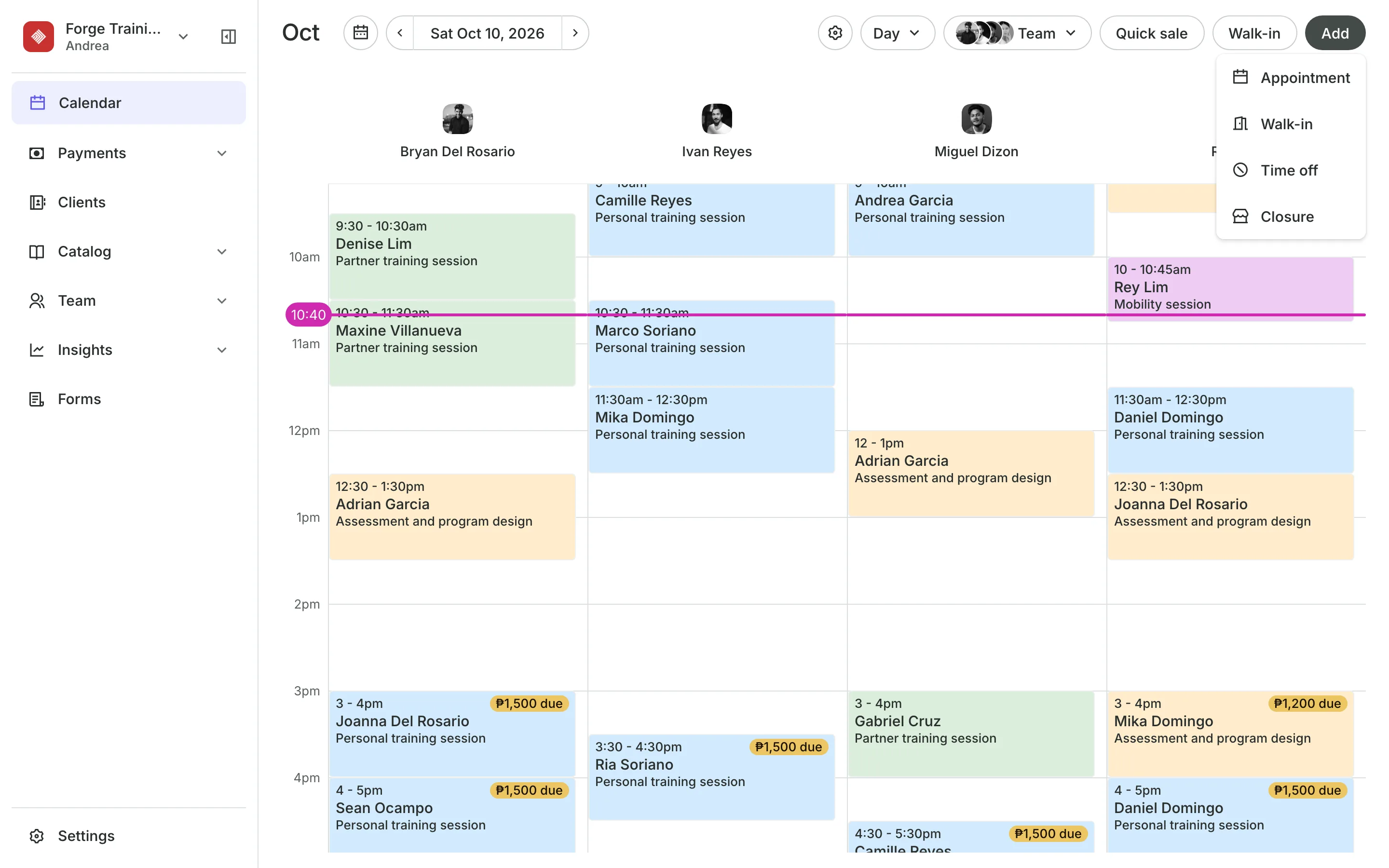
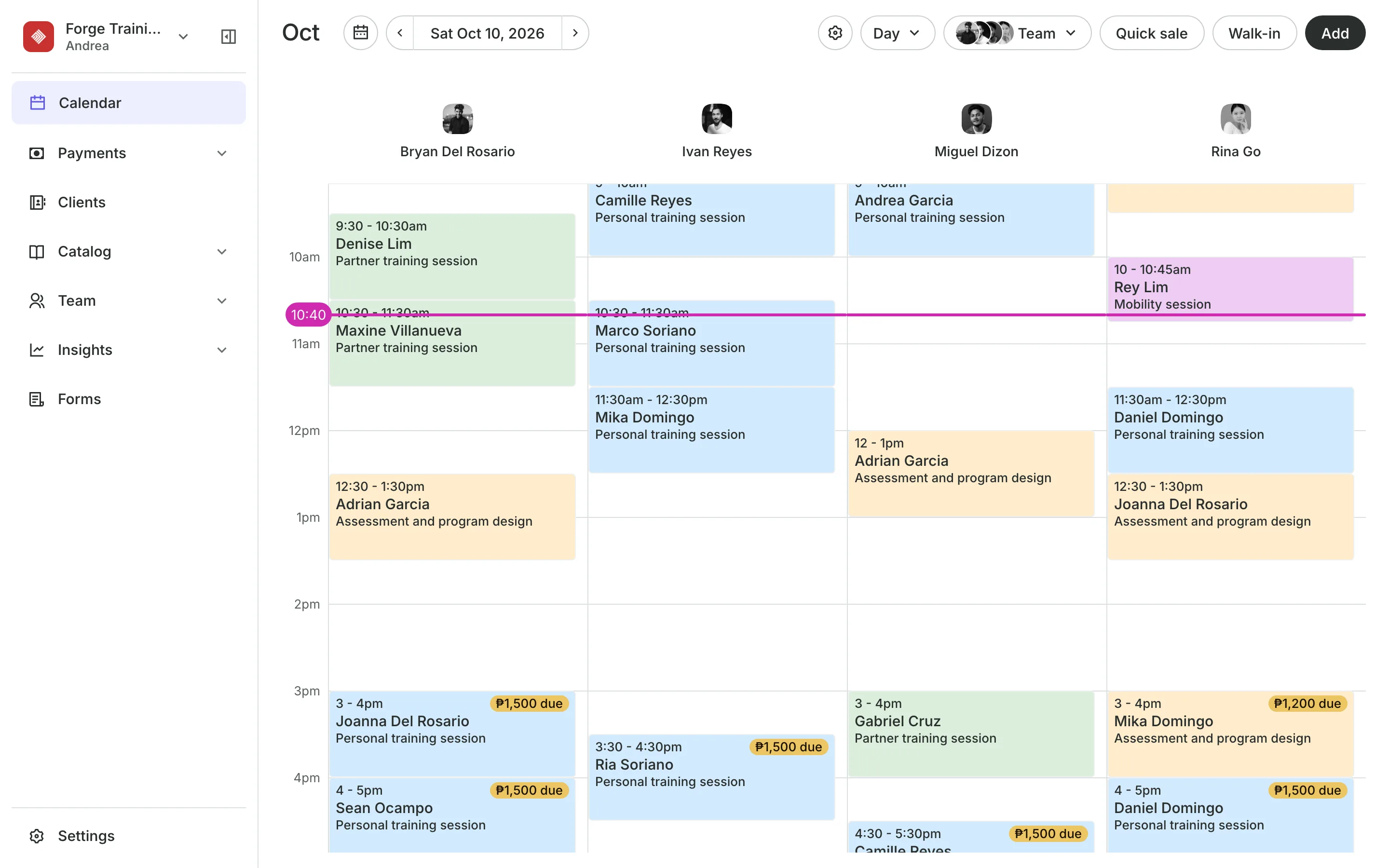
Repeating sessions
Book the regular slot once
Pick the client, the session, and the time, then repeat it every week, or every two, three, or four weeks. Onsuki books the whole run and names any date it had to skip.
- End after 4 to 52 sessions, or on a date
- Change one session, or this and the ones after
- Each session paid when the client comes in
Packs
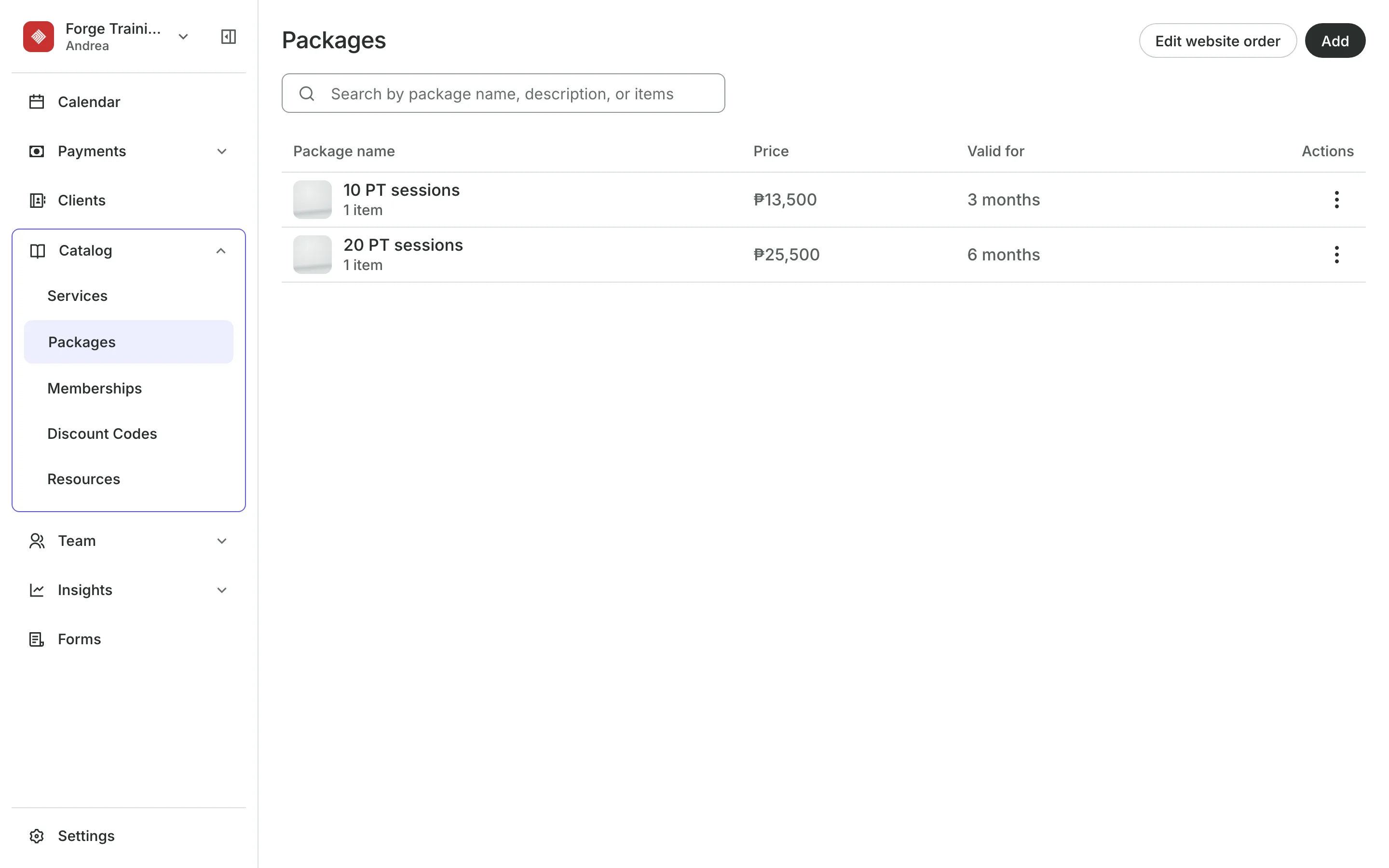
Sell sessions in packs
Session packs of 10 or 20 are paid up front and used one by one.
Trainer levels price a head coach higher for the same session.
Level packs cover sessions with one level, such as Senior.
Sessions left show on the client's profile and in their account.
Your team
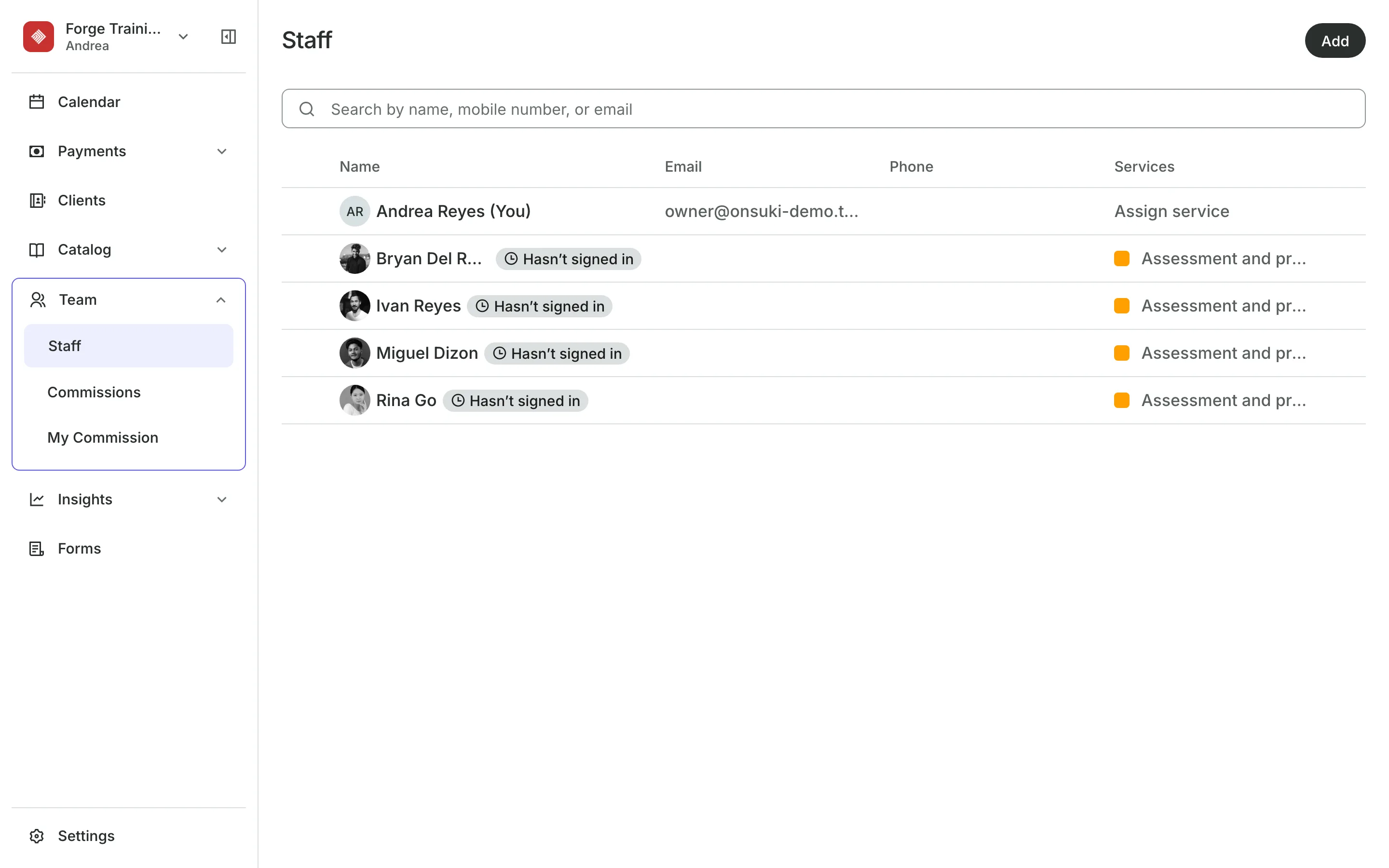
Give each trainer their own calendar
Training alone? Choose Just me when you add your team. With trainers, give each the Provider role: they see their own column and their own clients, and cannot take payments or see your sales.
- Each trainer's own booking link for their Instagram
- Sessions in each trainer's phone calendar
- Working hours and time off for each trainer
Notes
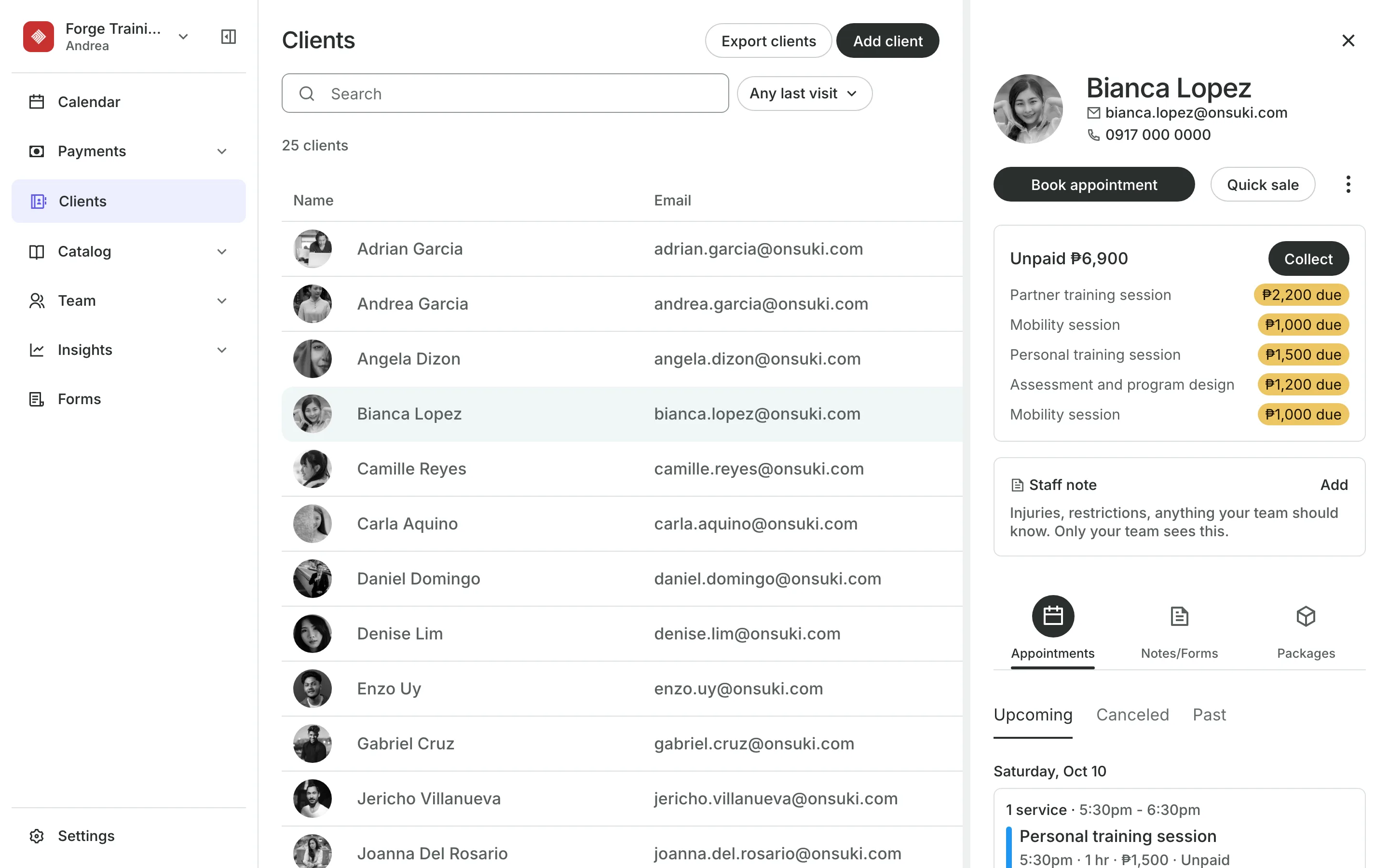
Keep notes on every client
Staff notes hold injuries and limits your team should know.
Notes keep a dated record of each client's training.
Feedback after a session, for the client to read in their account.
Health forms are asked before the first session.
See what your training business gets
- AppointmentsServices, staff, rooms, and add-ons, booked online or from the calendar.
- PackagesPacks of visits and memberships that renew, with credits clients see in their wallet.
- Online BookingYour own booking site where clients book, pay, and manage their bookings.
- TeamRoles, permissions, hours, and time off for everyone who works with you.
- ClientsClient profiles with bookings, balances, notes, feedback, and packages.
- FormsIntake forms and a waiver, filled in before the visit or at the front desk.
- PaymentsOnline checkout, transfers to your own accounts, and Pay in person.
- ReportsAnalytics, reports, sales history, and a cash count at the end of the day.
- ConciergeA chat on your booking page that answers customers and books a class or an appointment.
- AssistantType what you need done, in English or Taglish, and confirm each change.



Frequently asked questions
Yes. Choose Just me when you add your team.
Yes. Give them the Provider role. They see their own calendar column and their own clients, and can't take payments or see your sales.
Each session is paid when the client comes in, from their pack or at checkout.
Yes. Set how many no-shows block a client from booking online, counted over a number of days.
7 days, with every feature of your plan. You choose a plan when the trial ends.
No. You sign up with your email or Google account, tell us what you run, and start setting up.
Each plan is one monthly price with unlimited bookings. See the pricing page for the plans and what each includes.
Take bookings and get paid, the simple way.
Free 7-day trial. No credit card required.