Tell it what you need done
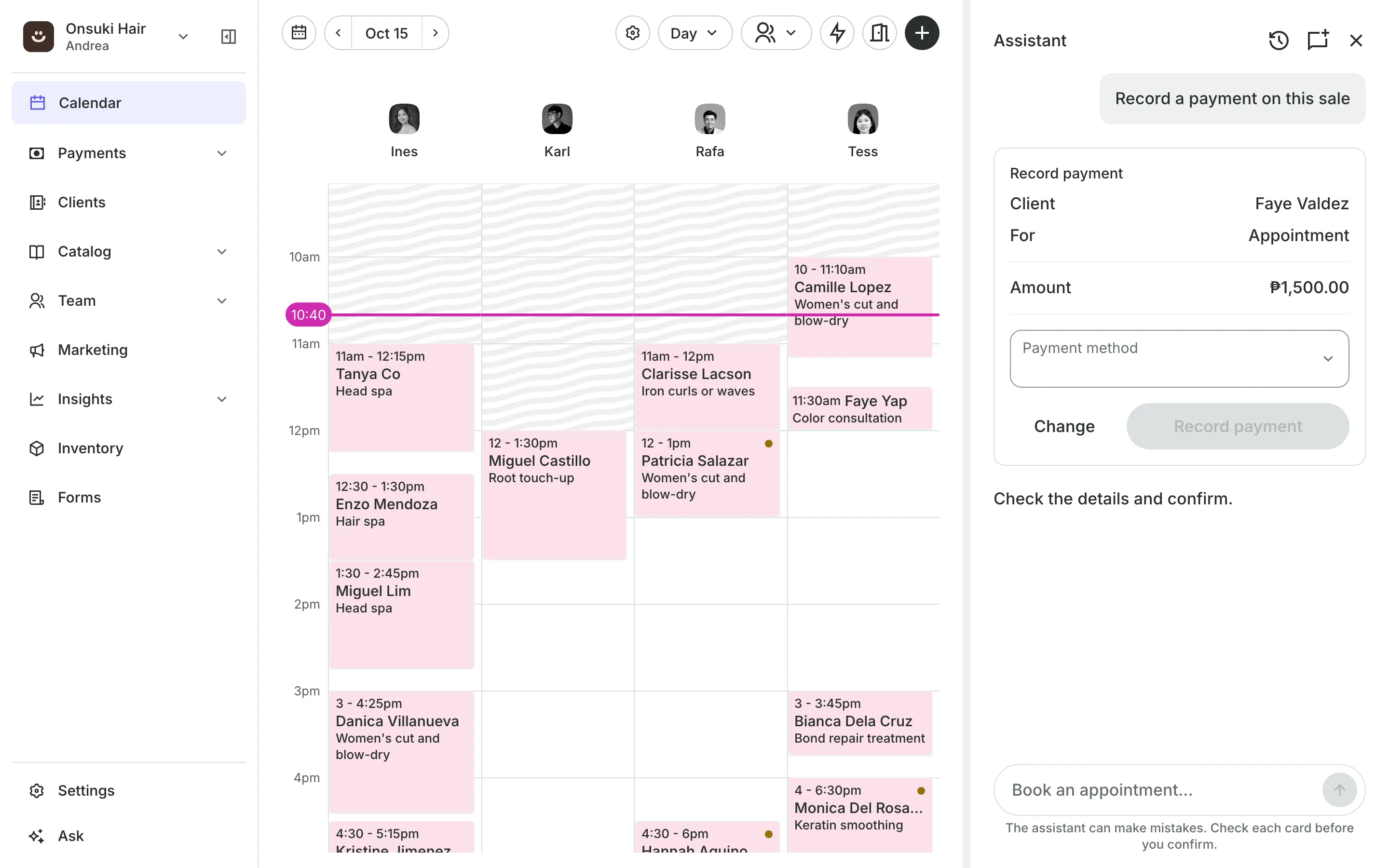
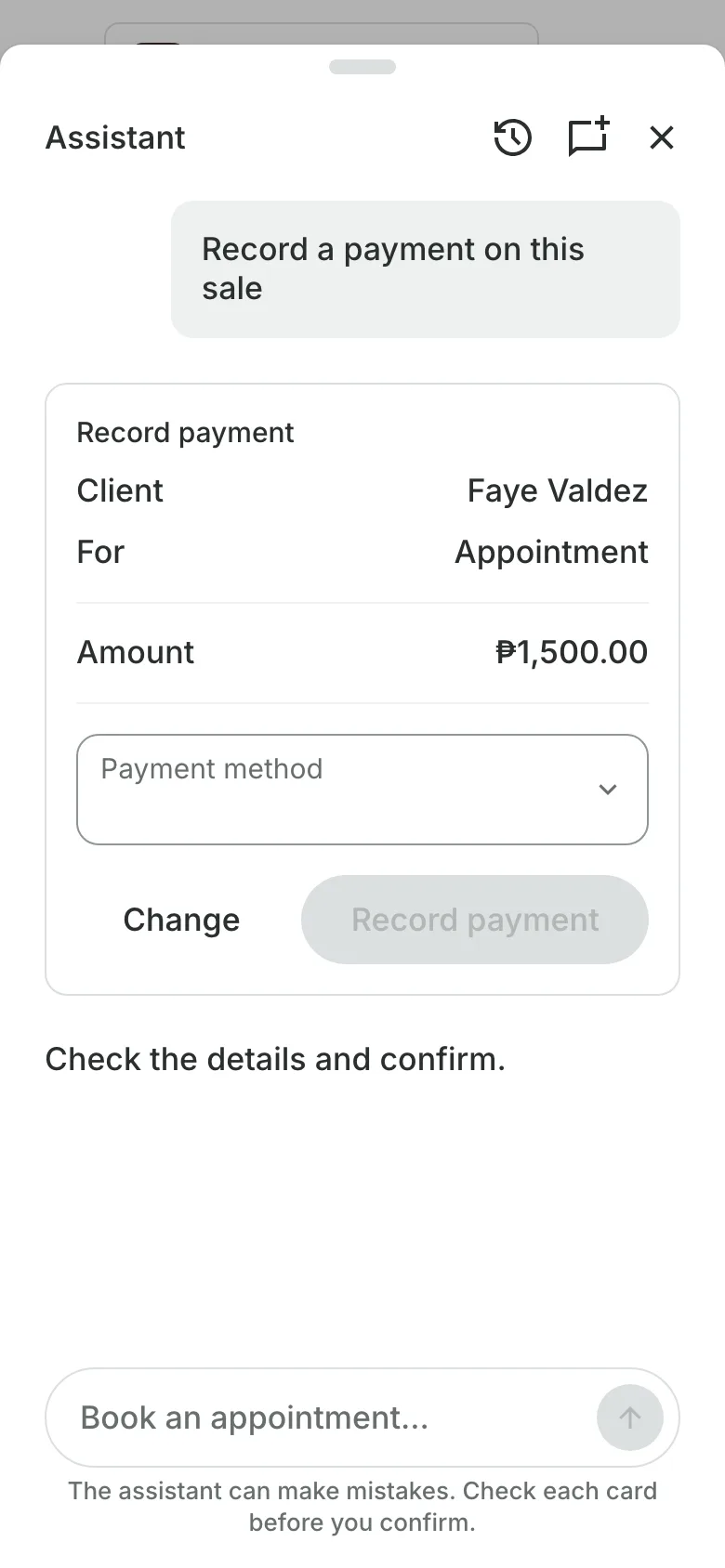
Book a client, record a payment, or see who owes, by typing it in plain English or Taglish. The assistant shows each change on a card, and nothing is saved until you confirm.
Free 7-day trial. No credit card required.
Clients pay online or in person













Your dashboard, a sentence away
Open Ask from the menu on any screen. It works with your own clients, calendar, and sales, and only with what your role allows.
Ask
Ask the way you would ask a person
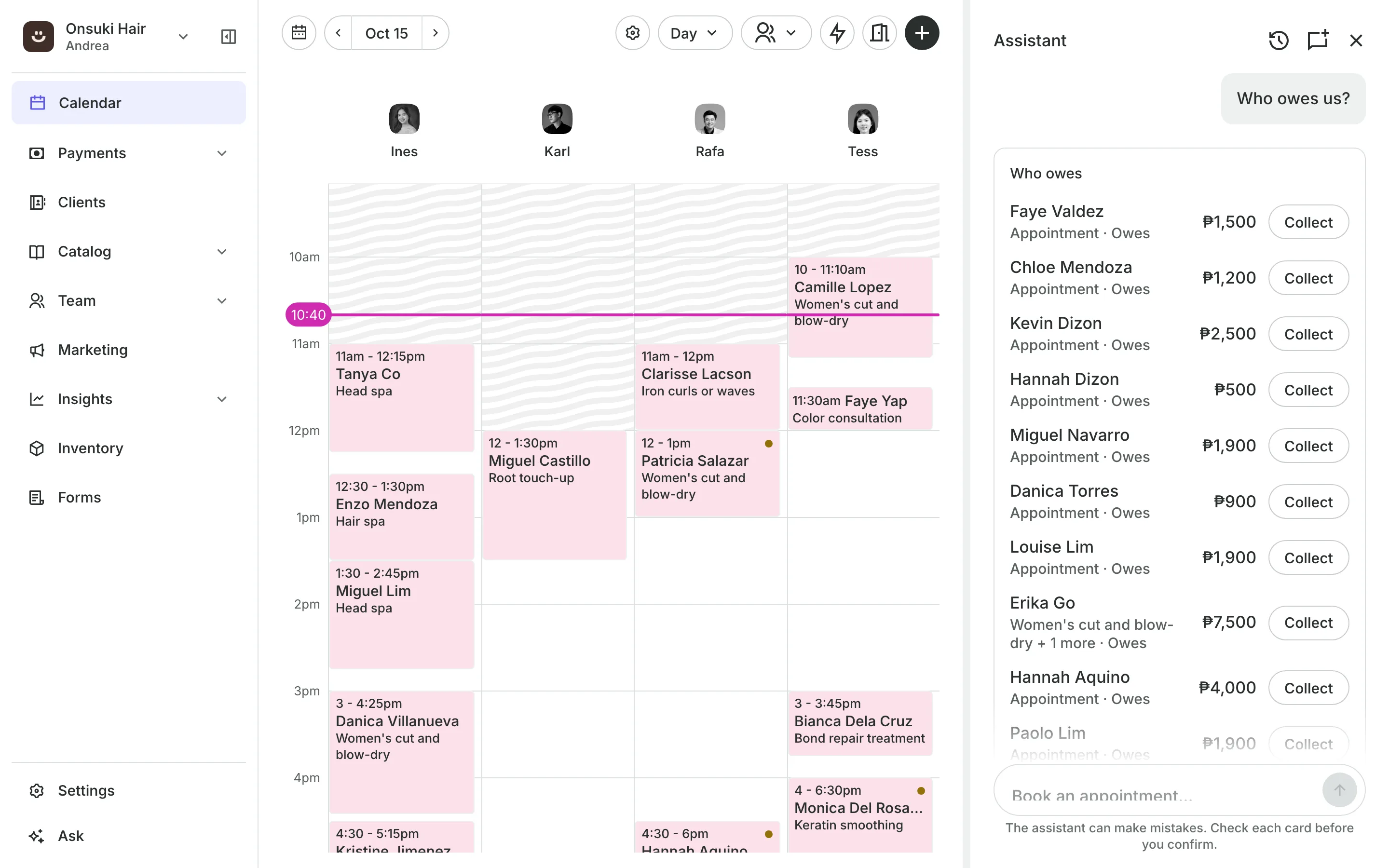
Who owes lists each client, what for, and the amount, with Collect beside it.
The day shows what is booked, and marks arrivals, no-shows, and check-ins.
Free times finds the next opening for a service and books it.
Your numbers give sales for a day or a range, and your top clients.
Confirm
Every change waits for you
A booking, a payment, a refund, or a new price shows on a card with the exact figures. Nothing is saved until you press the card's button, and you can change it first.
- Each person sees only what their permissions allow
- Client charts are never sent to it
- Anything it cannot do, it points you to the right screen
Ask your first question
Open Ask in the menu, type what you need, and confirm the card.
1
Open Ask
From the menu on a computer, or the sparkle at the top on a phone.
2
Type what you need
"Who owes us?" or "May bakante ba bukas ng 3 PM?"
3
Confirm the card
Check the details, then press the card's button.
Booking for any business
Tell us what you run and Onsuki sets itself up for it: your words, your way of booking, the screens you need.















Frequently asked questions
Every plan includes a monthly allowance of AI use, shared by the assistant and your booking page's chat. Settings, Subscription shows how much of it is used, as a percentage.
For more, add AI Plus (20 times the included use) or AI Max (80 times) to your plan.
Every change waits for you. You see the client, the time, and the amount on a card, and it is saved when you press the card's button.
Book, move, and cancel appointments; add clients to classes; record payments and refunds; sell packages and memberships; block time; close a day; change a service's price; check stock; and check stays in and out.
7 days, with every feature of your plan. You choose a plan when the trial ends.
No. You sign up with your email or Google account, tell us what you run, and start setting up.
Each plan is one monthly price with unlimited bookings. See the pricing page for the plans and what each includes.
Take bookings and get paid, the simple way.
Free 7-day trial. No credit card required.