Booking software for golf simulators:Keep every bay booked, day and night
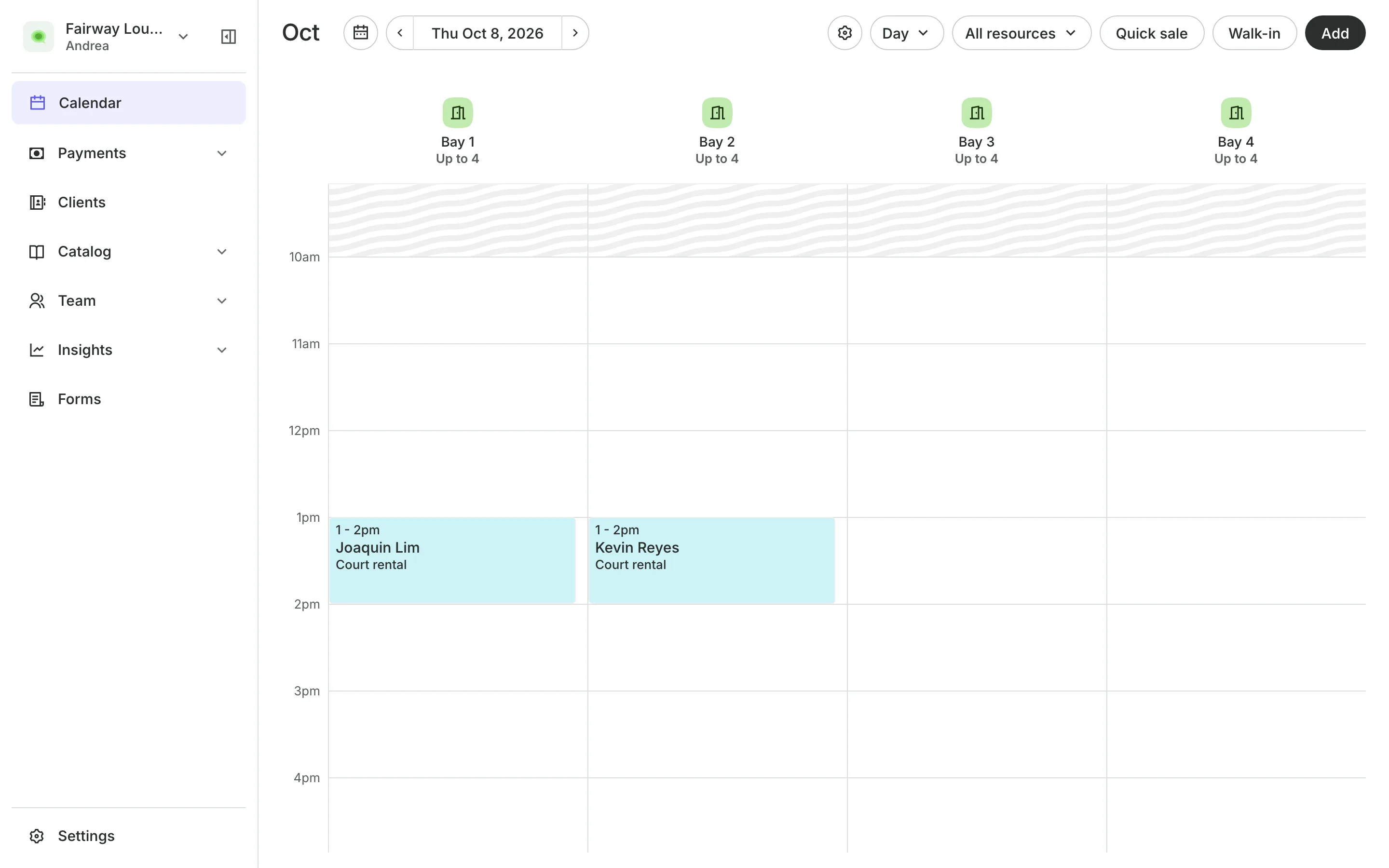
Golfers choose how long they want to play and a start time, and Onsuki puts them in a free bay. They pay online or in person, and you see every bay on one calendar.
Free 7-day trial. No credit card required.
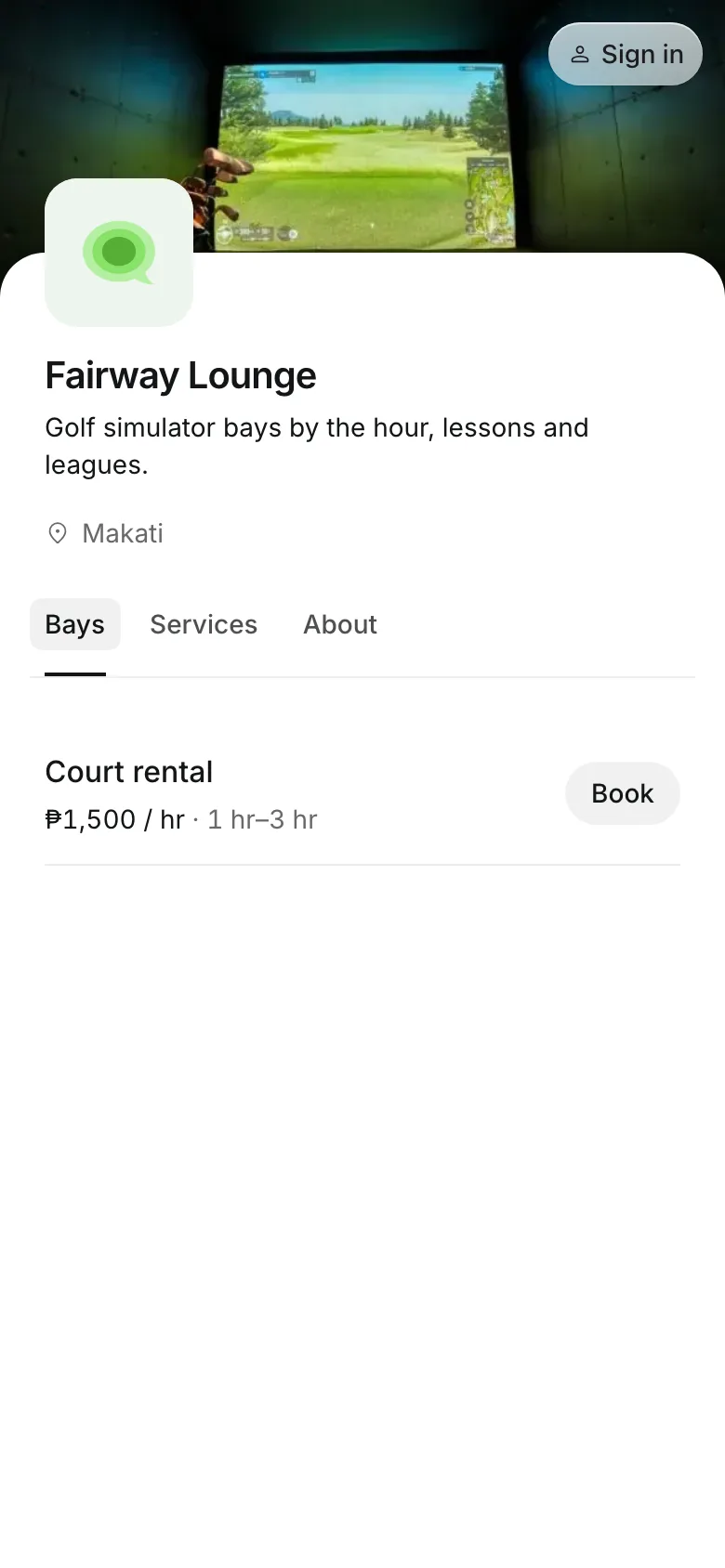
Clients pay online or in person













Sell time in the bay
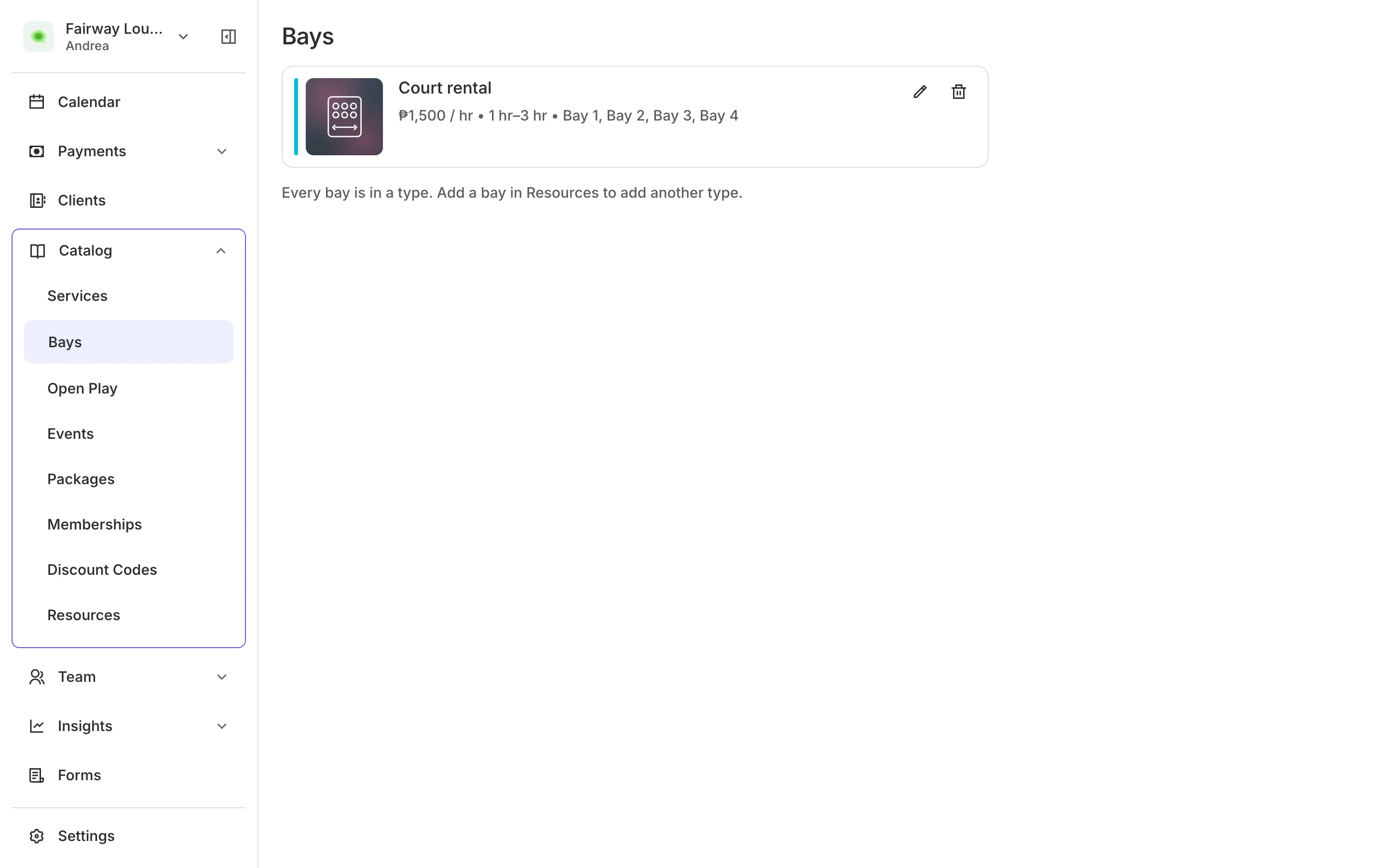
A round on the simulator can run an hour or an afternoon. Set the lengths you sell and the rate for an hour, and your screens say Bays, not courts.
Bays
Rent bays by the hour
Booking lengths from half an hour up to a long round, as you set them.
A list of times lets golfers pick a start, and a free bay is assigned.
Extra players can pay a fee per booking or per hour.
Bay choice can be turned on for golfers who want a favorite bay.
Rates and packs
Price your bays by the hour
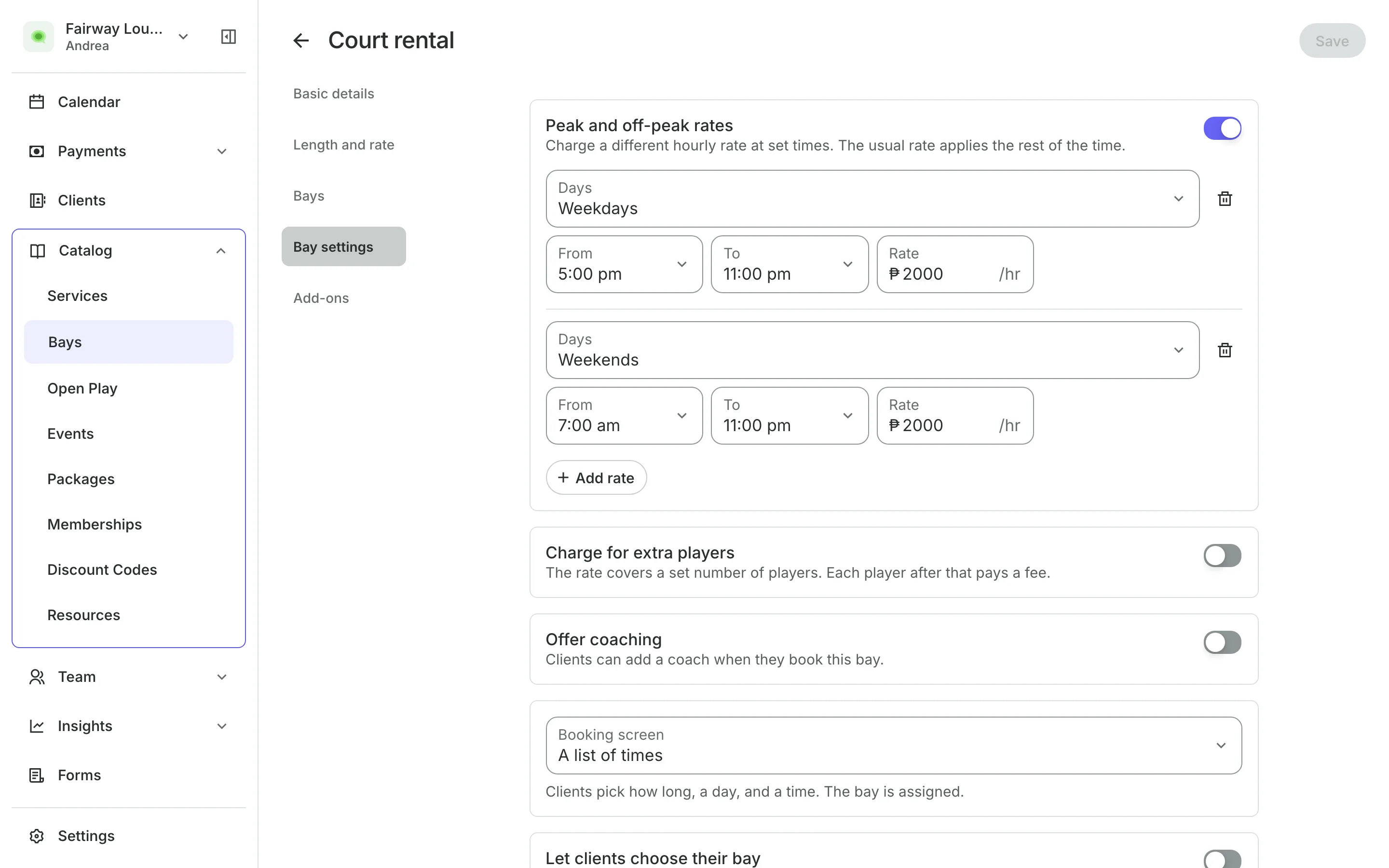
Charge more on weekday evenings and weekends, and less in the quiet morning hours. Sell regulars a pack of bay hours that costs the same at any time of day.
- Peak and off-peak rates by day and hour
- Member rates for golfers on a plan you choose
- Hours back in the pack when a booking is canceled
Lessons
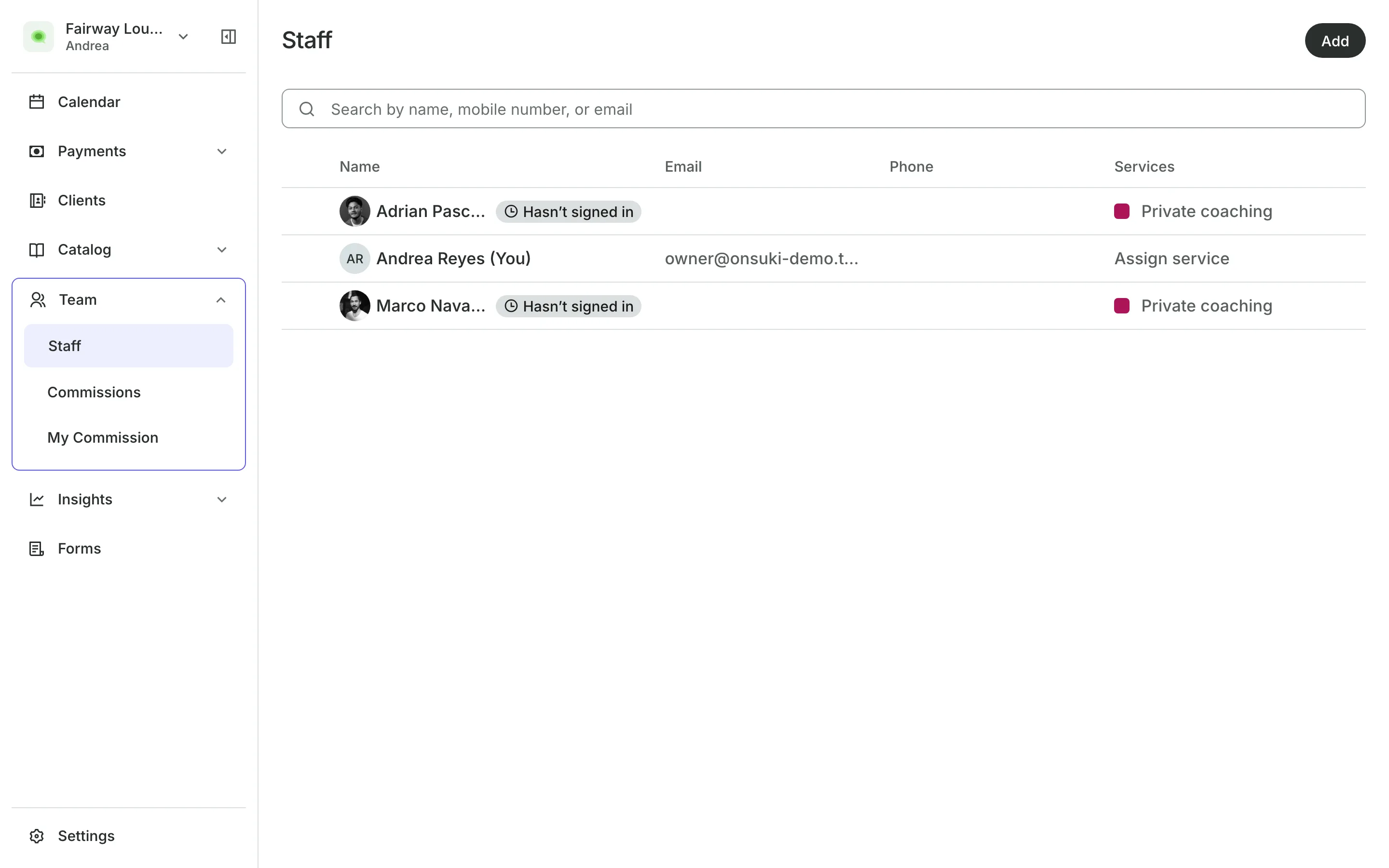
Book a coach with the bay
Your coaches are on your team list, each with their role and hours.
Offer coaching on a bay type, and golfers add a coach as they book.
The coach's time is held for the whole booking, beside the bay.
The coach's price is its own line, apart from the bay.
Events and the counter
Run tournaments and walk-ins
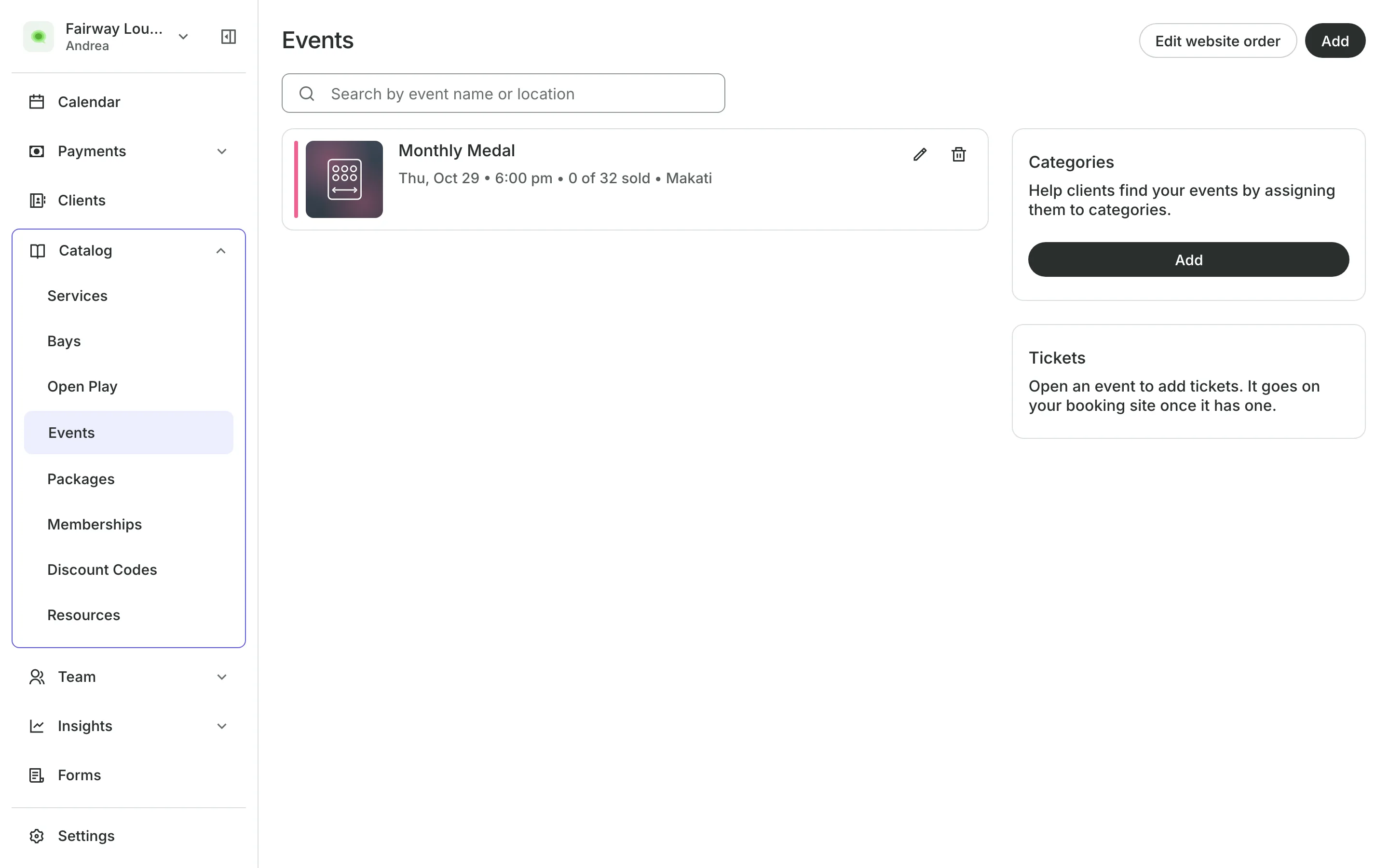
Sell tickets to a tournament or a league night, with a QR code to scan at the door. Book golfers who walk in on the bay that is free now, and sell drinks and gear at the counter.
- Event tickets with a capacity you set
- Walk-ins booked on the slot in progress
- Each bay a column on your calendar
See what your bays get
- CourtsCourts and bays by the hour, peak rates, packs of hours, and open play.
- Online BookingYour own booking site where clients book, pay, and manage their bookings.
- PaymentsOnline checkout, transfers to your own accounts, and Pay in person.
- PackagesPacks of visits and memberships that renew, with credits clients see in their wallet.
- EventsOne-off events with ticket types, a code on every ticket, and check-in at the door.
- TeamRoles, permissions, hours, and time off for everyone who works with you.
- ClientsClient profiles with bookings, balances, notes, feedback, and packages.
- InventorySell products online and at checkout, with stock counted as you go.
- ConciergeA chat on your booking page that answers customers and books a class or an appointment.
- AssistantType what you need done, in English or Taglish, and confirm each change.

Frequently asked questions
By default they choose a length and a time, and Onsuki assigns a free bay. Turn on Let clients choose their bay if they want to pick.
Yes. Add rates for set days and hours. A booking that crosses a boundary is priced by the hour it falls in.
No. A pack of hours pays for the bay at any hour. A two-hour booking uses 2 hours.
Yes. Create an event with ticket types and a capacity, and check guests in at the door with their QR code. Block off the bays for that time on your calendar.
7 days, with every feature of your plan. You choose a plan when the trial ends.
No. You sign up with your email or Google account, tell us what you run, and start setting up.
Each plan is one monthly price with unlimited bookings. See the pricing page for the plans and what each includes.
Take bookings and get paid, the simple way.
Free 7-day trial. No credit card required.