Booking software for occupational therapy clinics:Book the therapist and the sensory gym
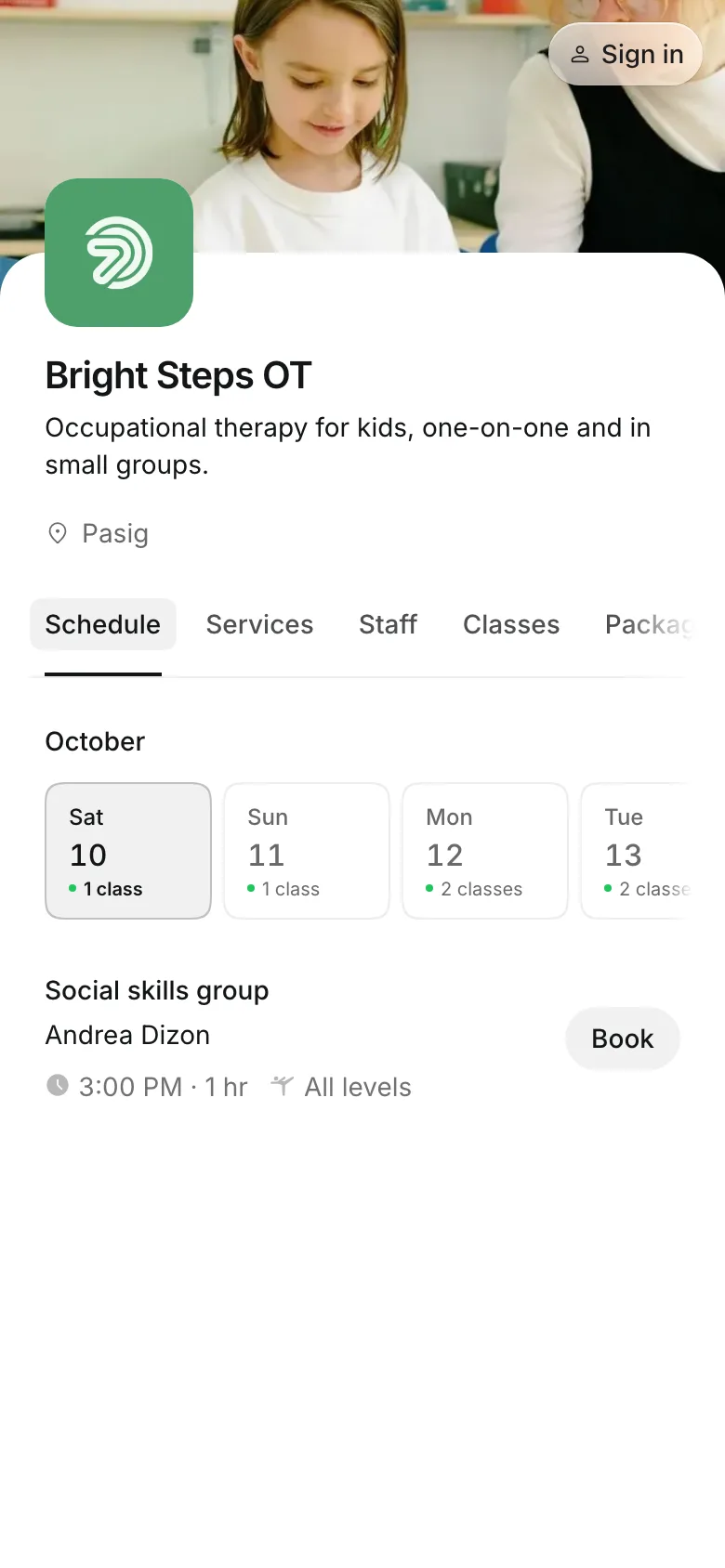
Each session holds the therapist and the room it needs, so two sessions never land in the same space. Parents book for their child online and pay by card or e-wallet, by GCash or bank transfer, or in person.
Free 7-day trial. No credit card required.
Clients pay online or in person













Fit sessions around your rooms
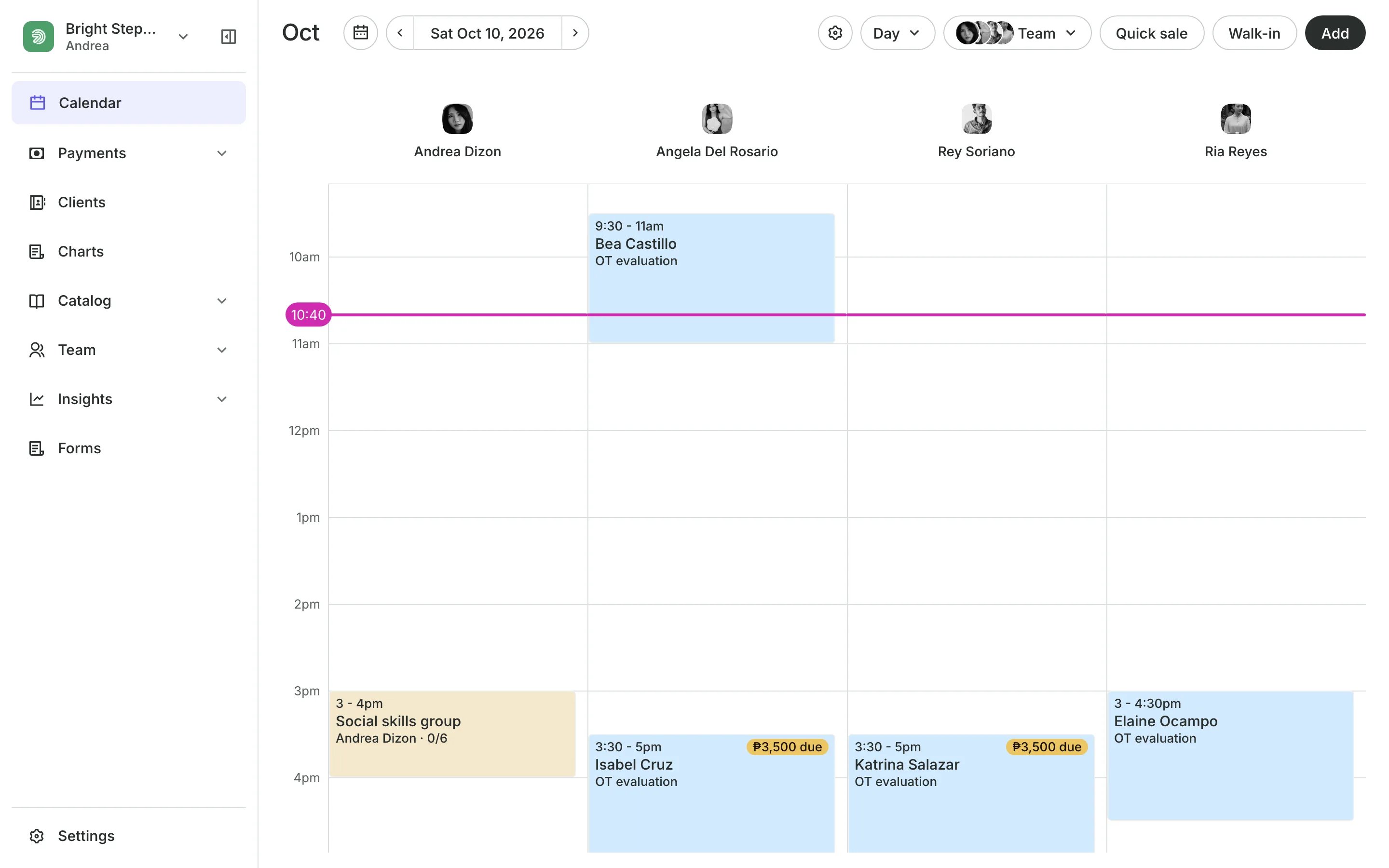
A clinic with one sensory gym and three therapists runs out of space before it runs out of people. Onsuki books both, so the calendar only offers times when the room is free too.
Charting
Chart every session, signed
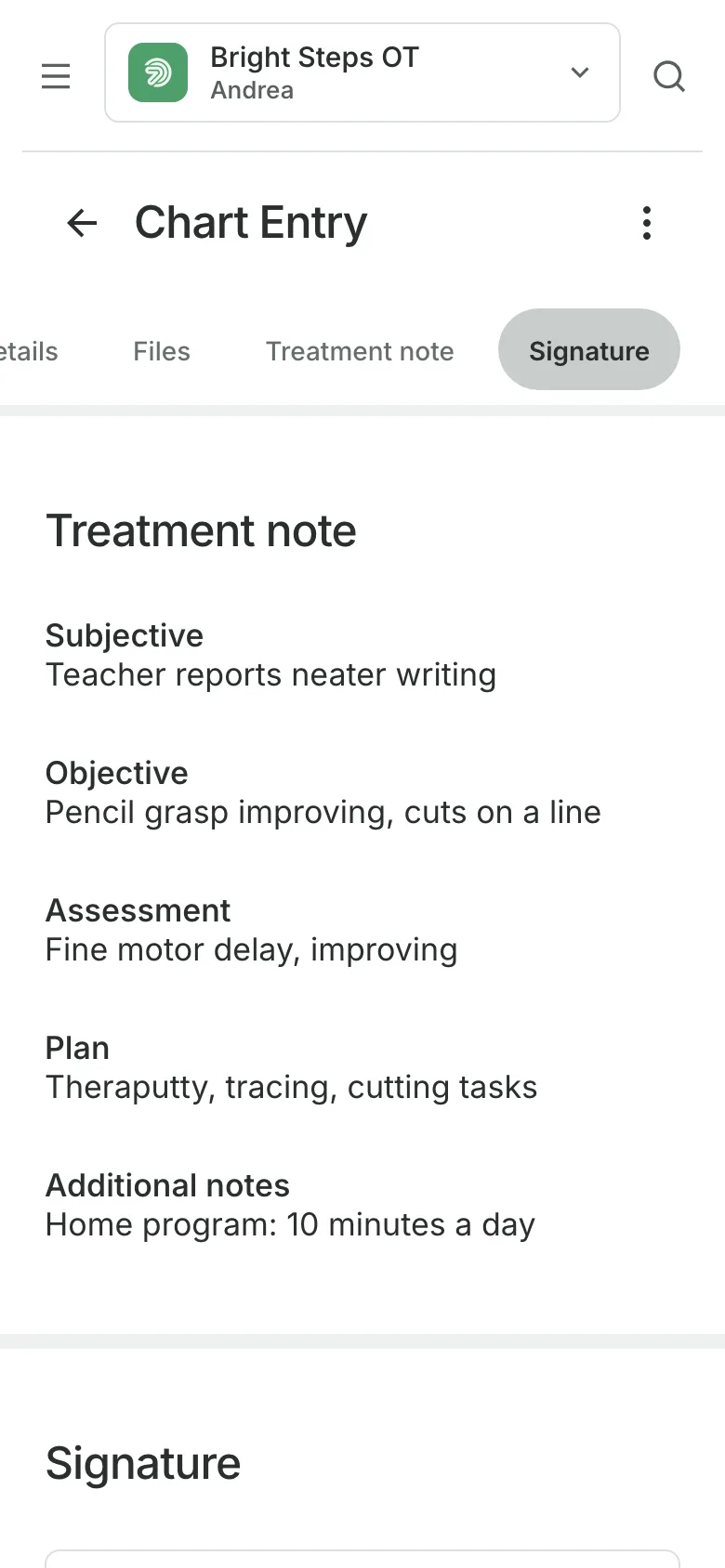
Write each session's note from a template, track the plan's sessions as they are given, and sign entries with a PIN or Face ID. Charting is on the Clinic plan.
- A treatment plan that counts sessions given
- Only the therapists you choose can open charts
- A PDF of the record when a parent asks
Rooms and equipment
Never double-book the sensory gym
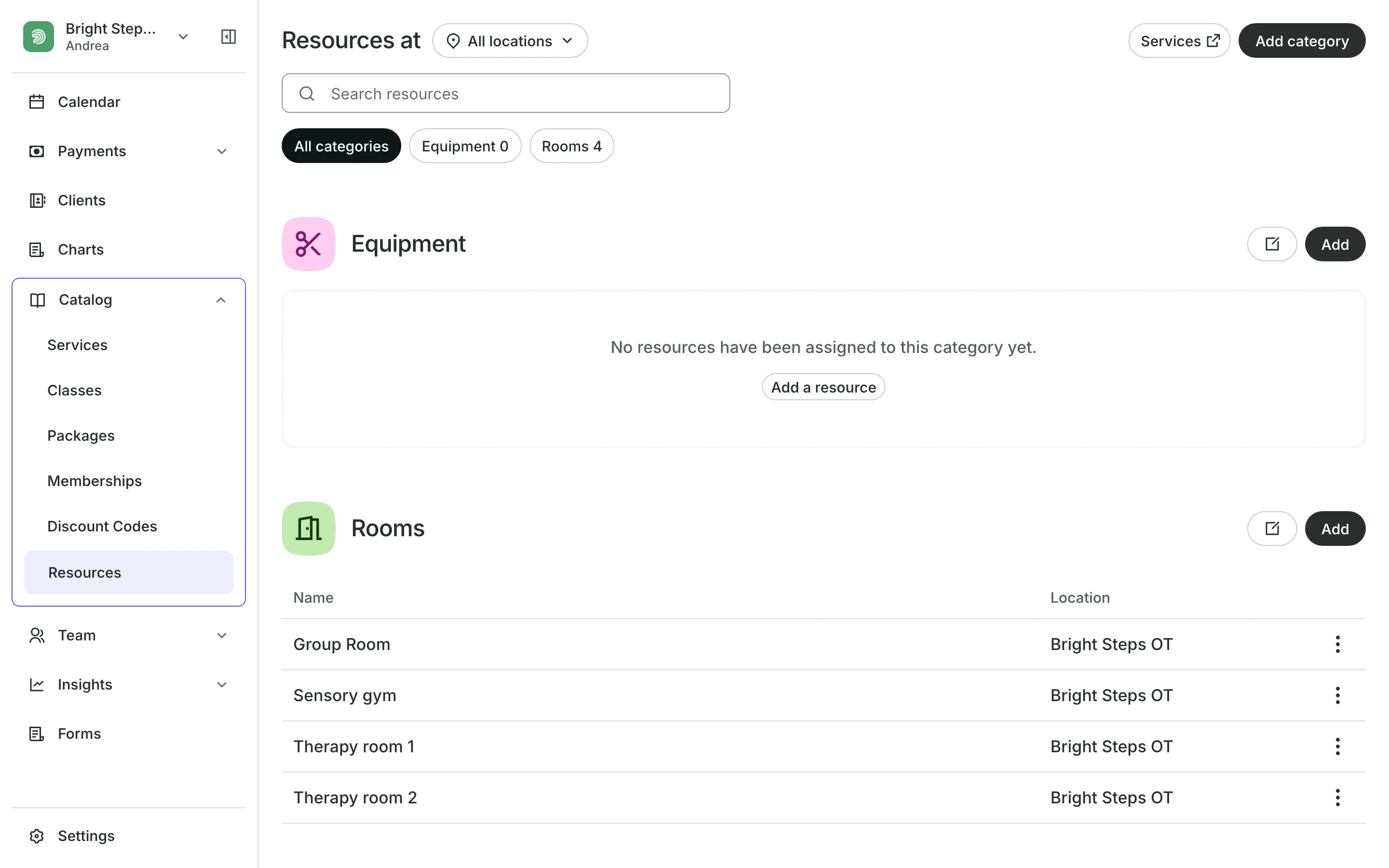
Rooms like the sensory gym are booked with each session.
Equipment a service needs is never booked twice at once.
Working hours are set for each therapist at each branch.
Repeating appointments hold the same time every week.
Packages
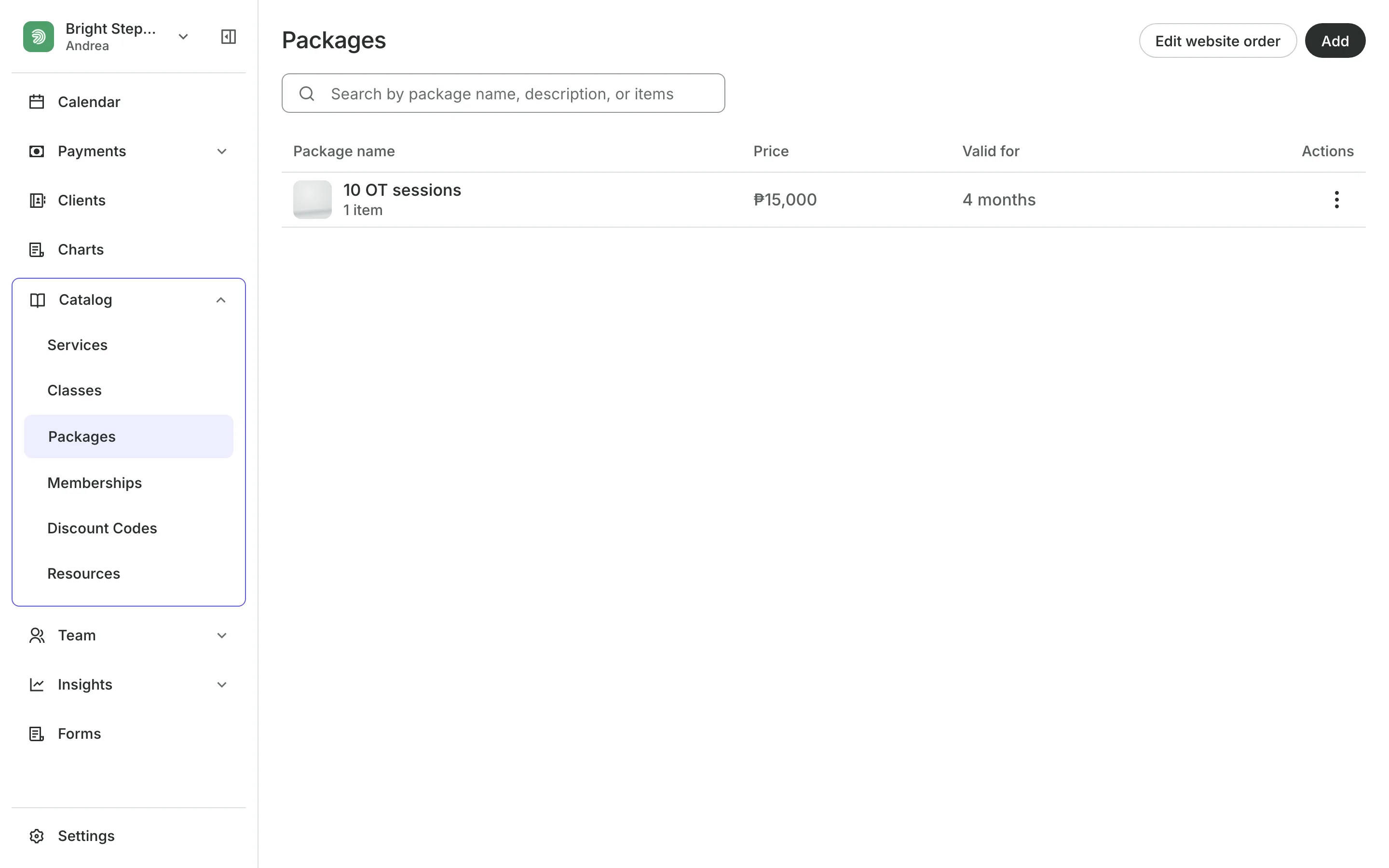
Sell a block of sessions
Parents pay once for 8, 12, or 24 sessions, and each visit uses one credit. The clock can start at the first session, and one family can be given more time after an illness.
- Bought online, or sold at the front desk
- The credit comes back when a session is canceled in time
- One package can cover sessions and groups
Groups
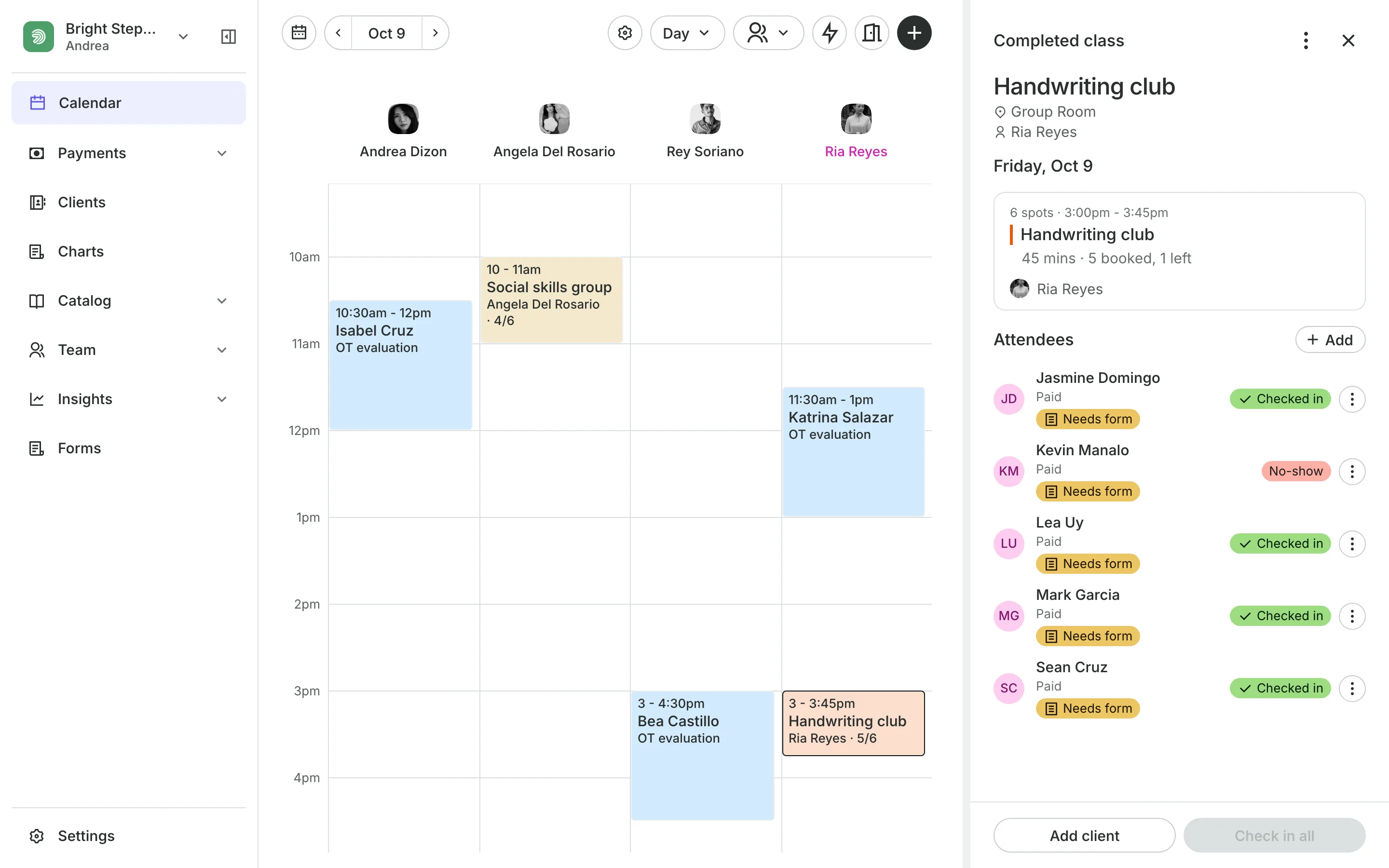
Run small groups as classes
Classes hold a handwriting or social skills group of a set size.
Waitlists email families when a place opens up.
Attendees name each child a parent books into the group.
Check in marks who came from the class roster.
Deposits and payments
Take a deposit when they book
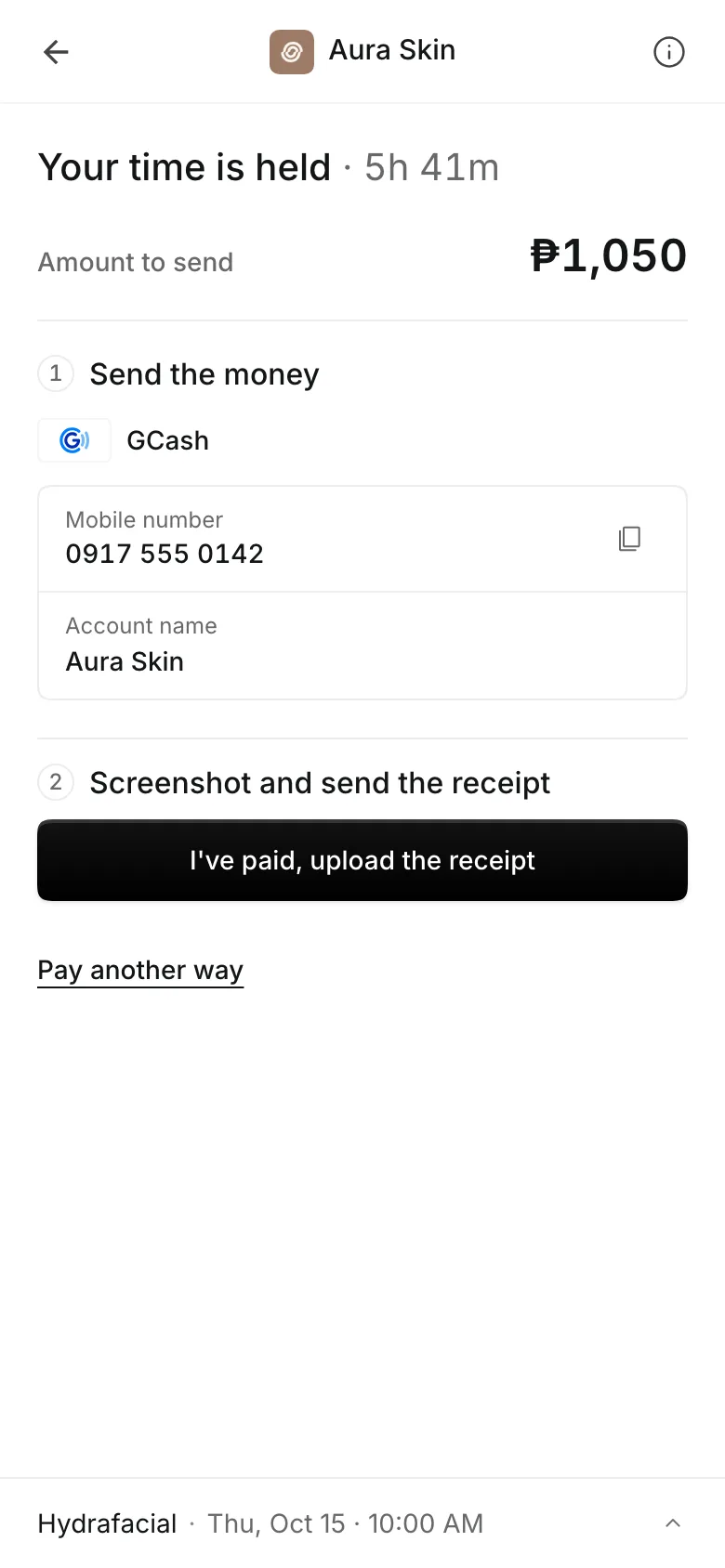
Ask for a percent or a fixed amount when parents book online, and show your cancellation policy before they pay. They pay online through PayMongo, by transfer to your own GCash, QR Ph, or bank account, or in person.
- A receipt with each transfer, approved by you
- A reminder email the day before
- A no-show keeps the deposit
See what your clinic gets
- AppointmentsServices, staff, rooms, and add-ons, booked online or from the calendar.
- Online BookingYour own booking site where clients book, pay, and manage their bookings.
- PackagesPacks of visits and memberships that renew, with credits clients see in their wallet.
- ClassesRepeating classes with a roster, check-in, waitlists, and spot picking.
- ClientsClient profiles with bookings, balances, notes, feedback, and packages.
- FormsIntake forms and a waiver, filled in before the visit or at the front desk.
- ChartingClinical charts with templates, photos, consents, and signed entries.
- PaymentsOnline checkout, transfers to your own accounts, and Pay in person.
- TeamRoles, permissions, hours, and time off for everyone who works with you.
- AssistantType what you need done, in English or Taglish, and confirm each change.
Pricing
Charting is on the Clinic plan
The Clinic plan is ₱4,400 a month, billed annually, or ₱5,500 month to month. Your whole team is included.
Clinic has everything in Business, plus client charts. Booking, forms, packages, and reports are on every plan.
Frequently asked questions
Yes. Add the room as a resource and require it on the service. Clients are only offered times when both are free.
Yes. Turn on Classes in Settings, Features, then schedule each group with its size, room, and therapist. Packages can cover groups and one-to-one sessions.
On the Clinic plan, charting adds treatment plans that count each session against the package. See pricing.
7 days, with every feature of your plan. You choose a plan when the trial ends.
No. You sign up with your email or Google account, tell us what you run, and start setting up.
Each plan is one monthly price with unlimited bookings. See the pricing page for the plans and what each includes.
Take bookings and get paid, the simple way.
Free 7-day trial. No credit card required.