Booking software for coworking spaces:Book desks and meeting rooms by the hour
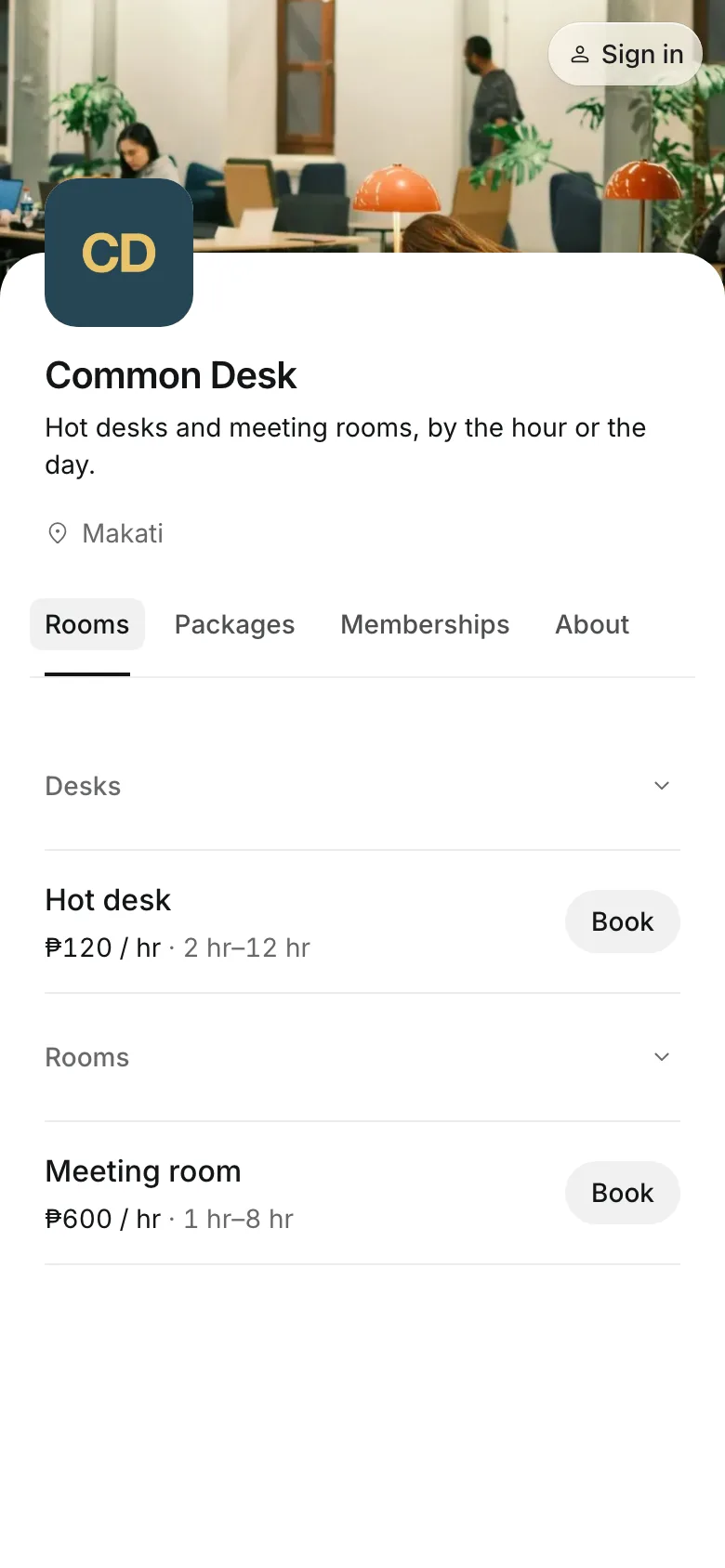
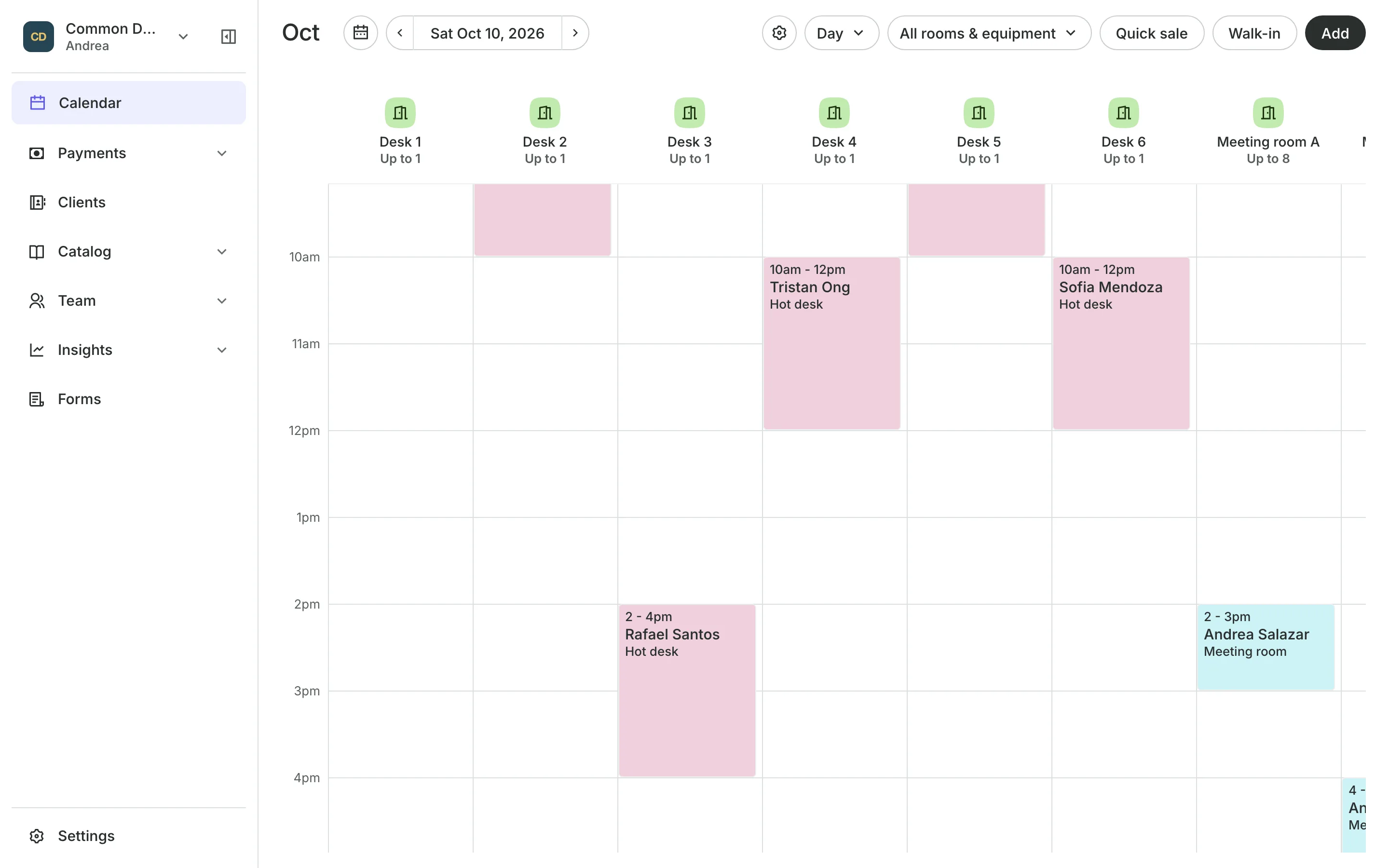
Members and walk-ins pick a desk or a meeting room, the time and how long they need it, and pay online or at the front desk. Every desk and room is on one calendar.
Free 7-day trial. No credit card required.
Clients pay online or in person













Fill every desk and every room
Freelancers want a desk for the afternoon, and teams want the meeting room at ten. Onsuki books each one by the hour, so a room is never sold twice.
Desks and rooms
Sell desks and rooms by the hour or the day
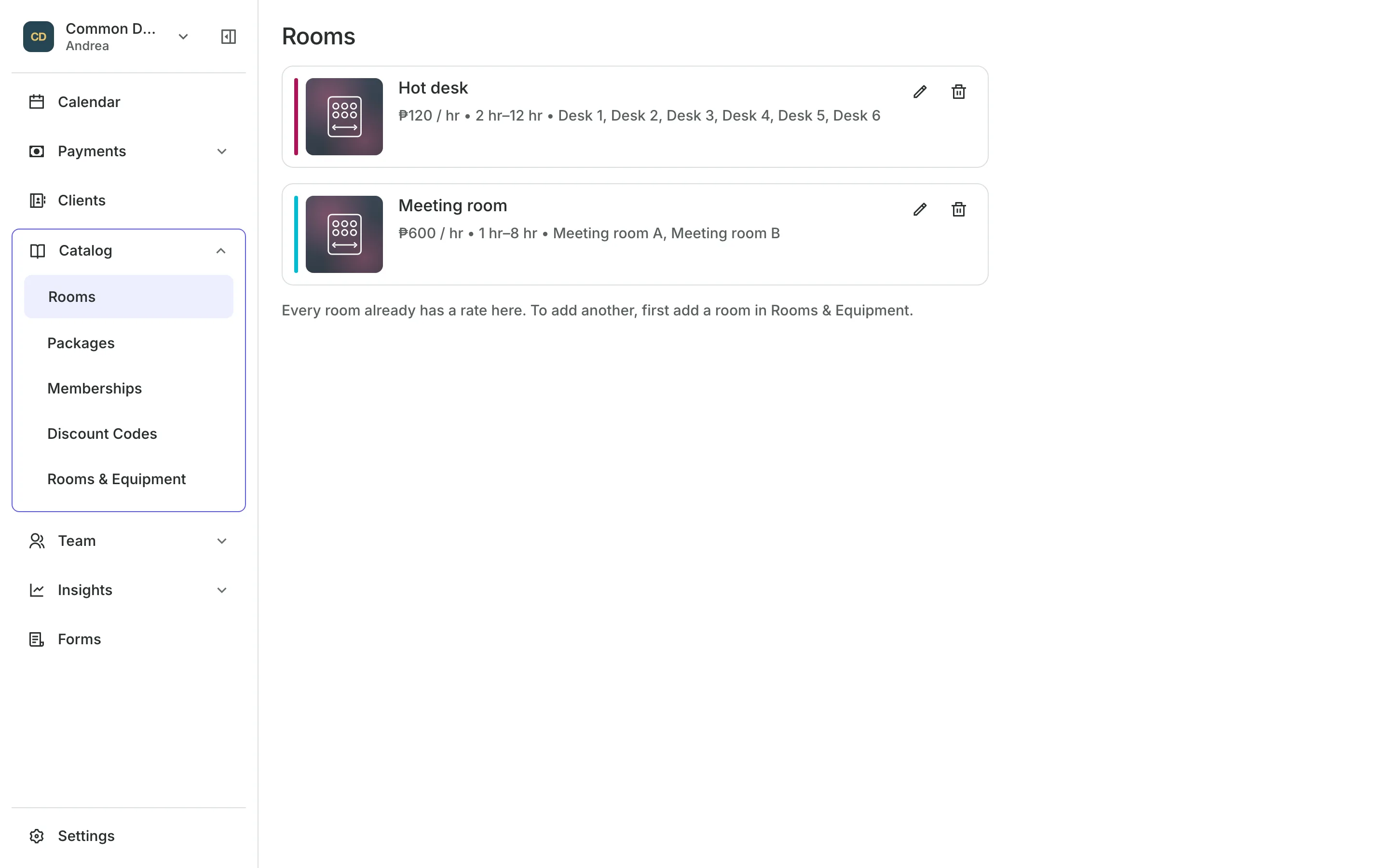
Hot desks from two hours up to a full twelve-hour day.
Meeting rooms by the half hour, with their own rate.
A free desk is assigned, or members pick their favorite.
Several rooms can go on one booking for a workshop day.
Member rates
Give members a lower rate
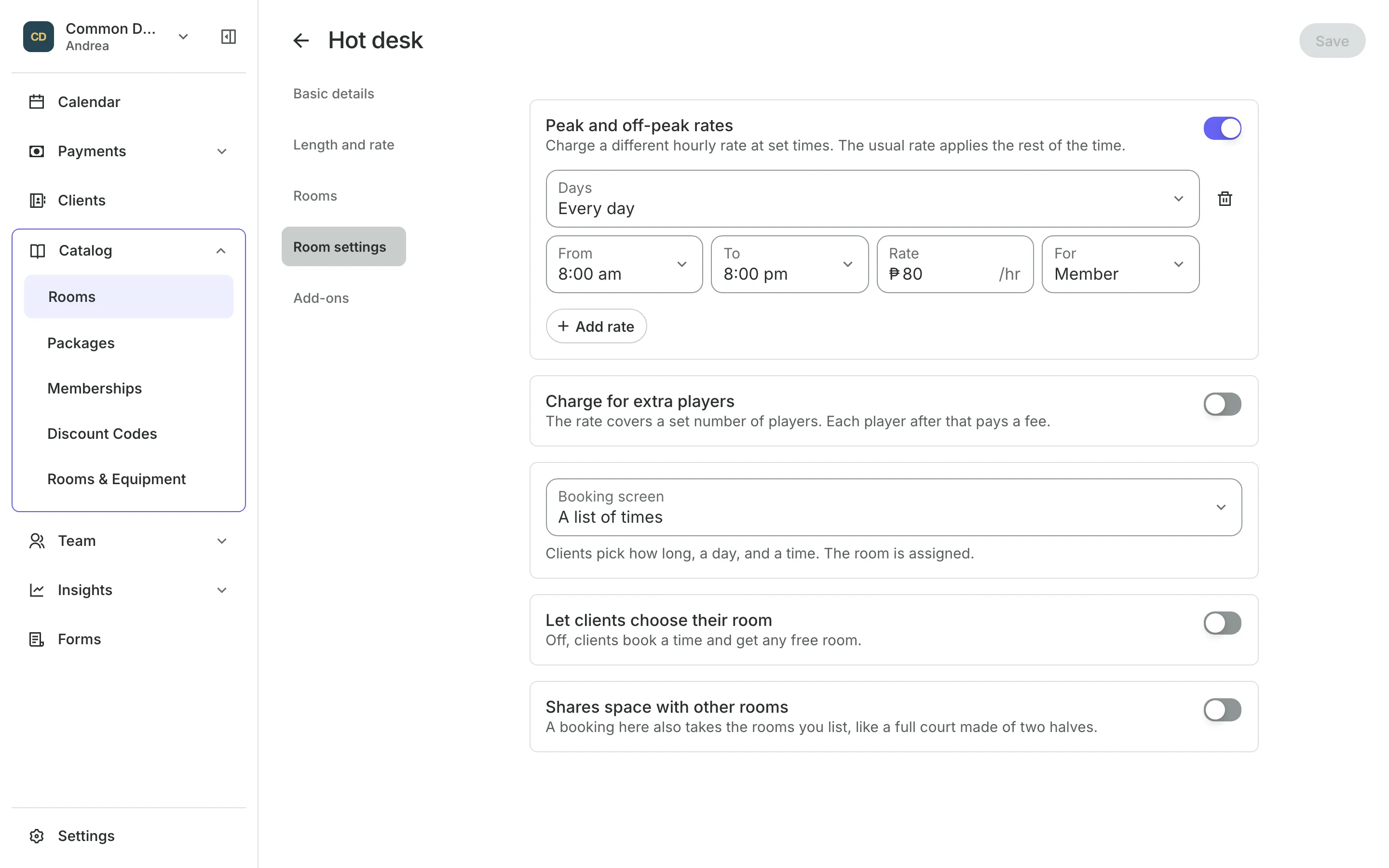
Add a rate for clients on your membership, and it wins over the public rate whenever they book. Charge more at peak hours for everyone else if you like.
- Member rates on desks and meeting rooms
- Peak and off-peak rates by day and hour
- A booking priced by the hour it falls in
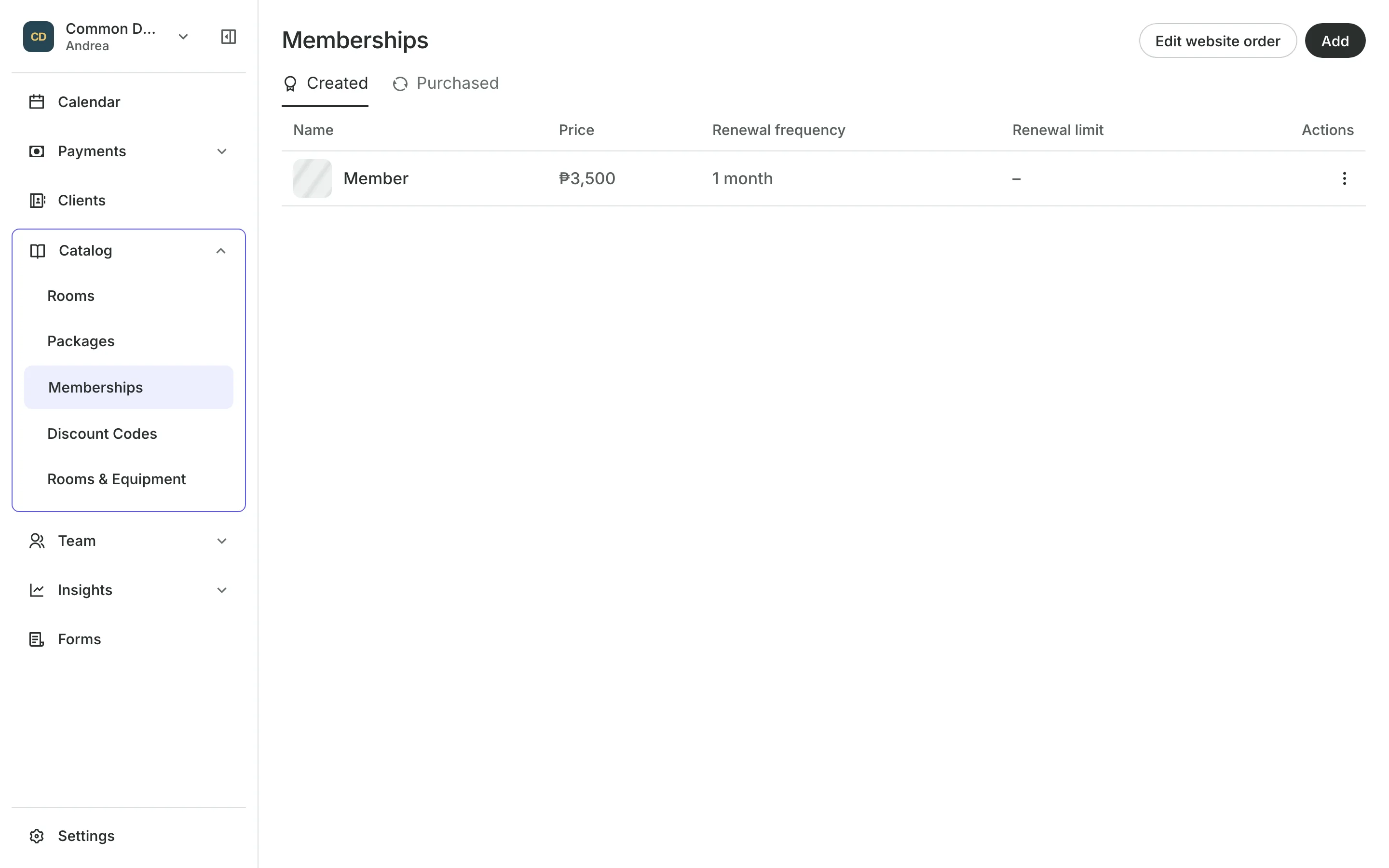
Memberships
Bill members every month
Memberships renew with a bill the member pays each period.
GCash, QR Ph, or bank to your own account, with a receipt to check.
Card and e-wallets online at checkout.
Members see their plan and bookings in their account.
Packs and teams
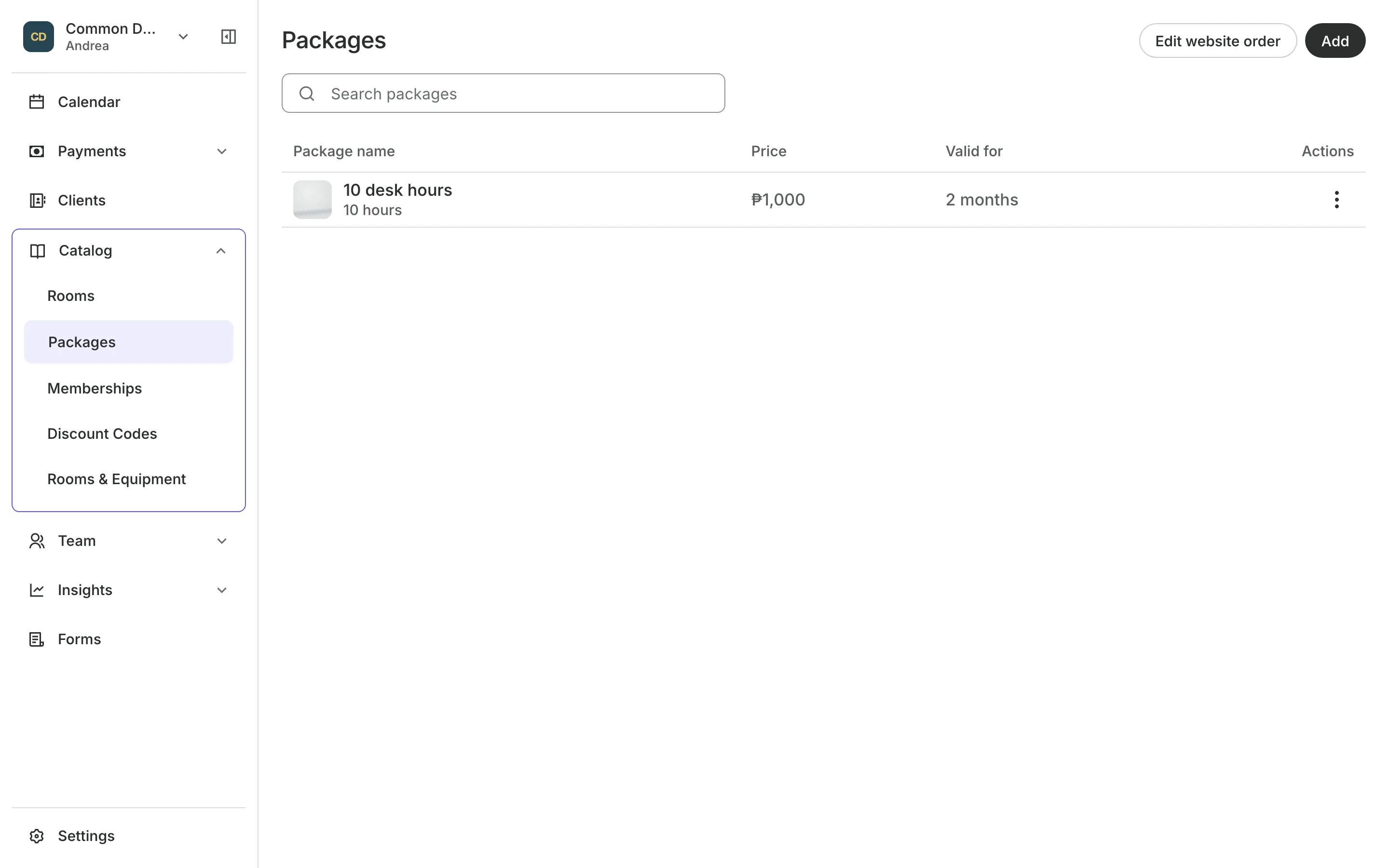
Sell packs of desk hours
Sell a pack of desk hours that costs the same at any time of day, used one booking at a time. Send a company one invoice for its team's bookings, with a due date and a pay link.
- Hours back in the pack when a booking is canceled
- Invoices with services, products, and custom charges
- Walk-ins booked on the slot in progress
See what your space gets
- CourtsCourts and bays by the hour, peak rates, packs of hours, and open play.
- Online BookingYour own booking site where clients book, pay, and manage their bookings.
- PackagesPacks of visits and memberships that renew, with credits clients see in their wallet.
- InvoicesEmail a client an invoice they pay online from a link.
- PaymentsOnline checkout, transfers to your own accounts, and Pay in person.
- GCash and Bank TransfersClients pay your own accounts, with a 0% fee from Onsuki.
- ClientsClient profiles with bookings, balances, notes, feedback, and packages.
- ReportsAnalytics, reports, sales history, and a cash count at the end of the day.
- ConciergeA chat on your booking page that answers customers and books a class or an appointment.
- AssistantType what you need done, in English or Taglish, and confirm each change.
Frequently asked questions
Yes. Add a rate row for your membership on the desk's type. It applies only to clients who hold that plan, and wins over the public rate at the same time.
Yes. Set the longest booking up to twelve hours, within your opening hours.
Sign up as a studio or rehearsal space rental and your screens call them spaces. Turn on Bays and Courts in Features, add each desk and meeting room under Spaces & Equipment, then group them into types with their rates.
7 days, with every feature of your plan. You choose a plan when the trial ends.
No. You sign up with your email or Google account, tell us what you run, and start setting up.
Each plan is one monthly price with unlimited bookings. See the pricing page for the plans and what each includes.
Take bookings and get paid, the simple way.
Free 7-day trial. No credit card required.