Booking software for OB-GYN clinics:Your clinic hours at every hospital, in one place
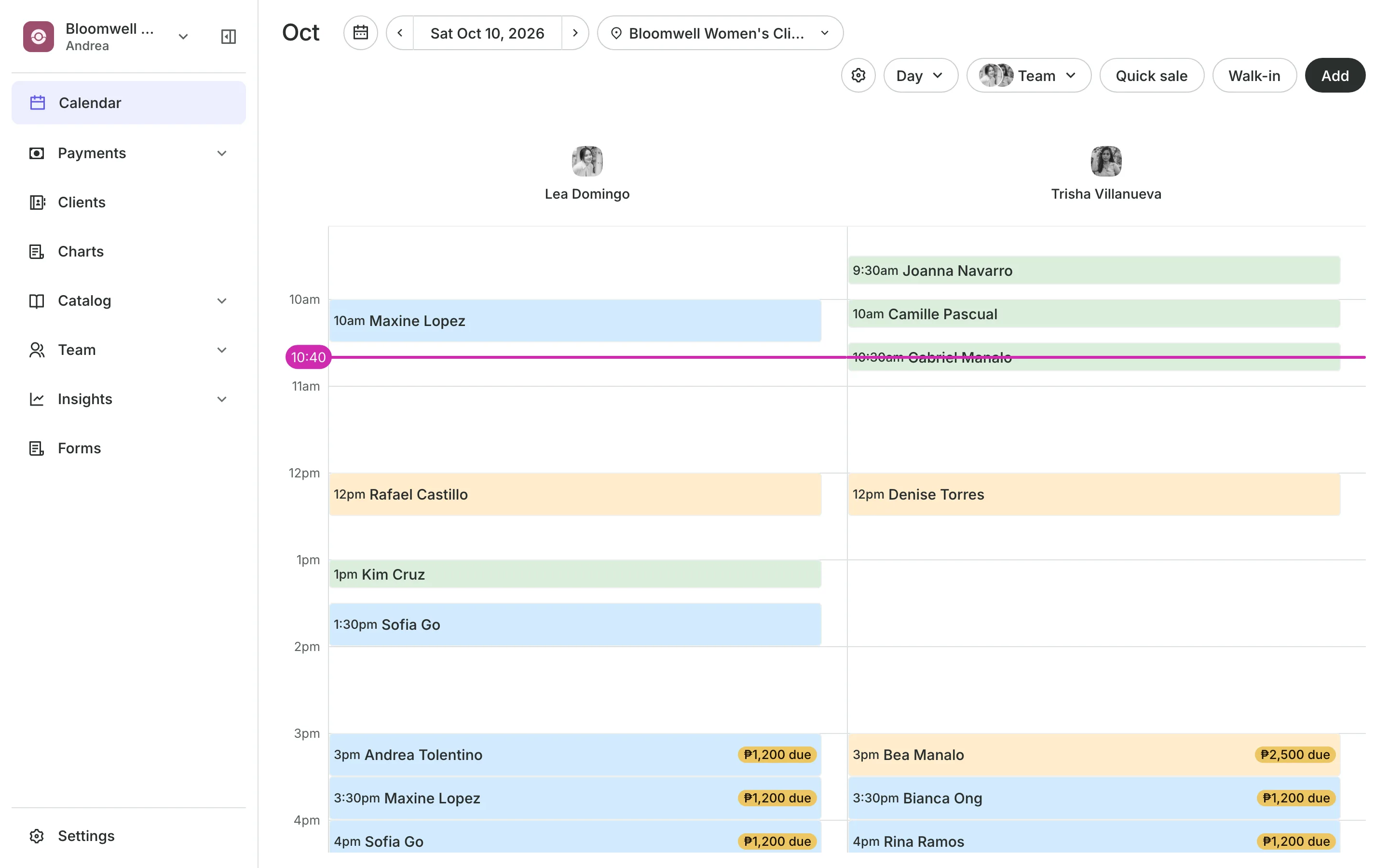
Set each hospital or clinic where you see patients as a location, with your hours there. Patients book online only when you are in, and your secretary runs one calendar for all of them.
Free 7-day trial. No credit card required.
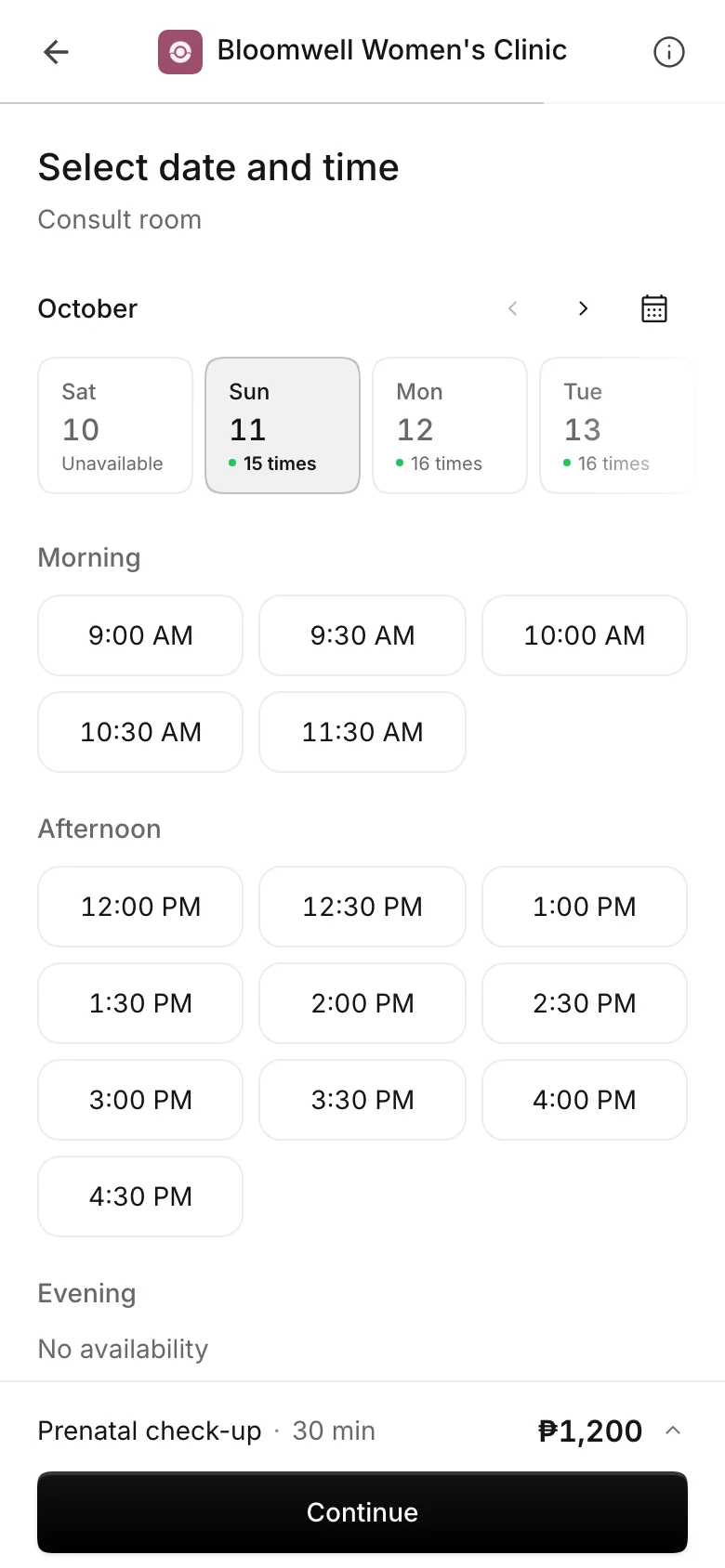
Clients pay online or in person













See patients wherever you hold clinic
Tuesday mornings at one hospital, Thursday afternoons at another. Onsuki keeps your week at each place and offers patients only those times.
Charting
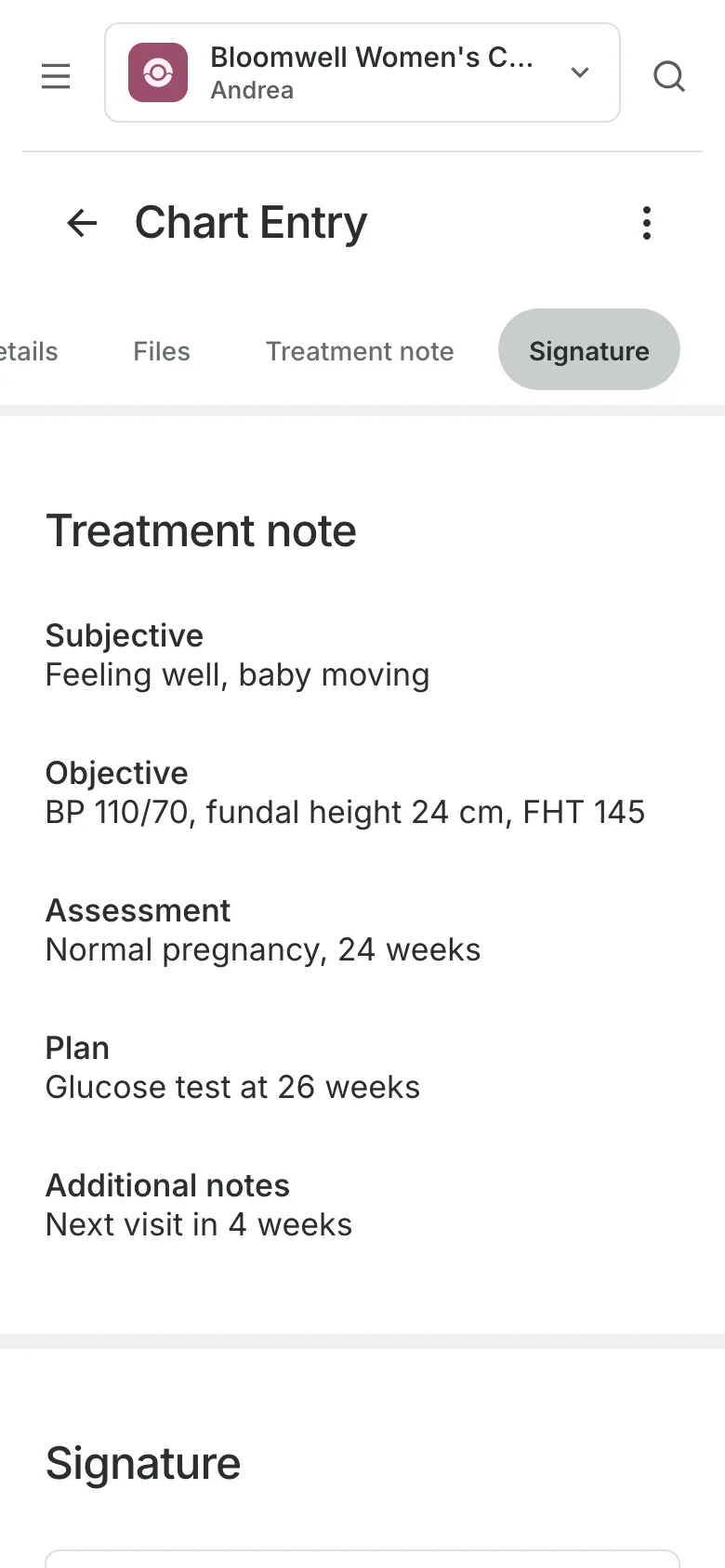
Chart each visit your way
Write from the SOAP note, or build your own template with the sections you use at a prenatal visit. Entries are signed with the doctor's PIN and PRC number. Charting is on the Clinic plan.
- Intake answers reviewed into the medical summary
- A staff note your team sees, never the patient
- A PDF of the record when it's asked for
Locations
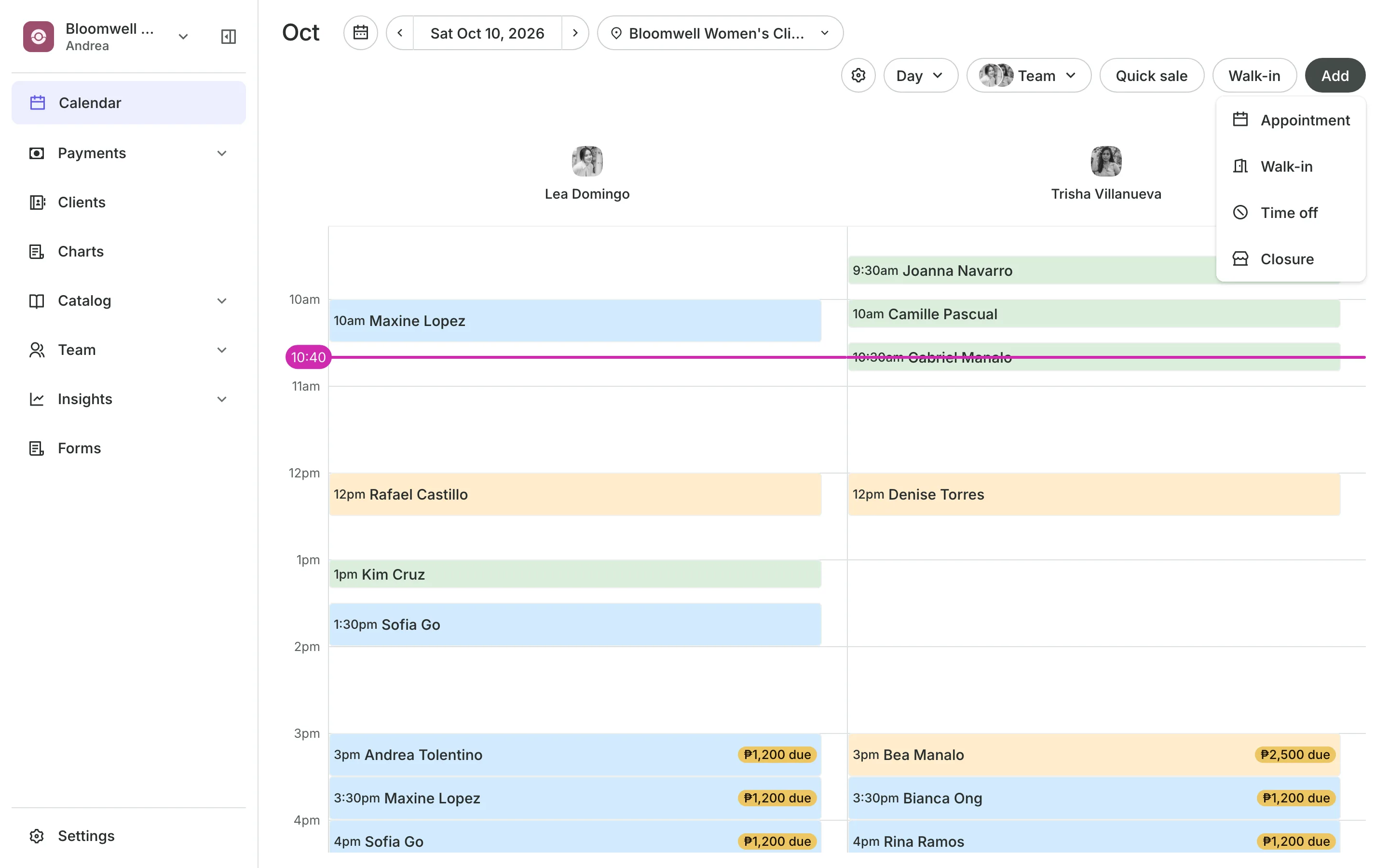
Set your hours at each hospital
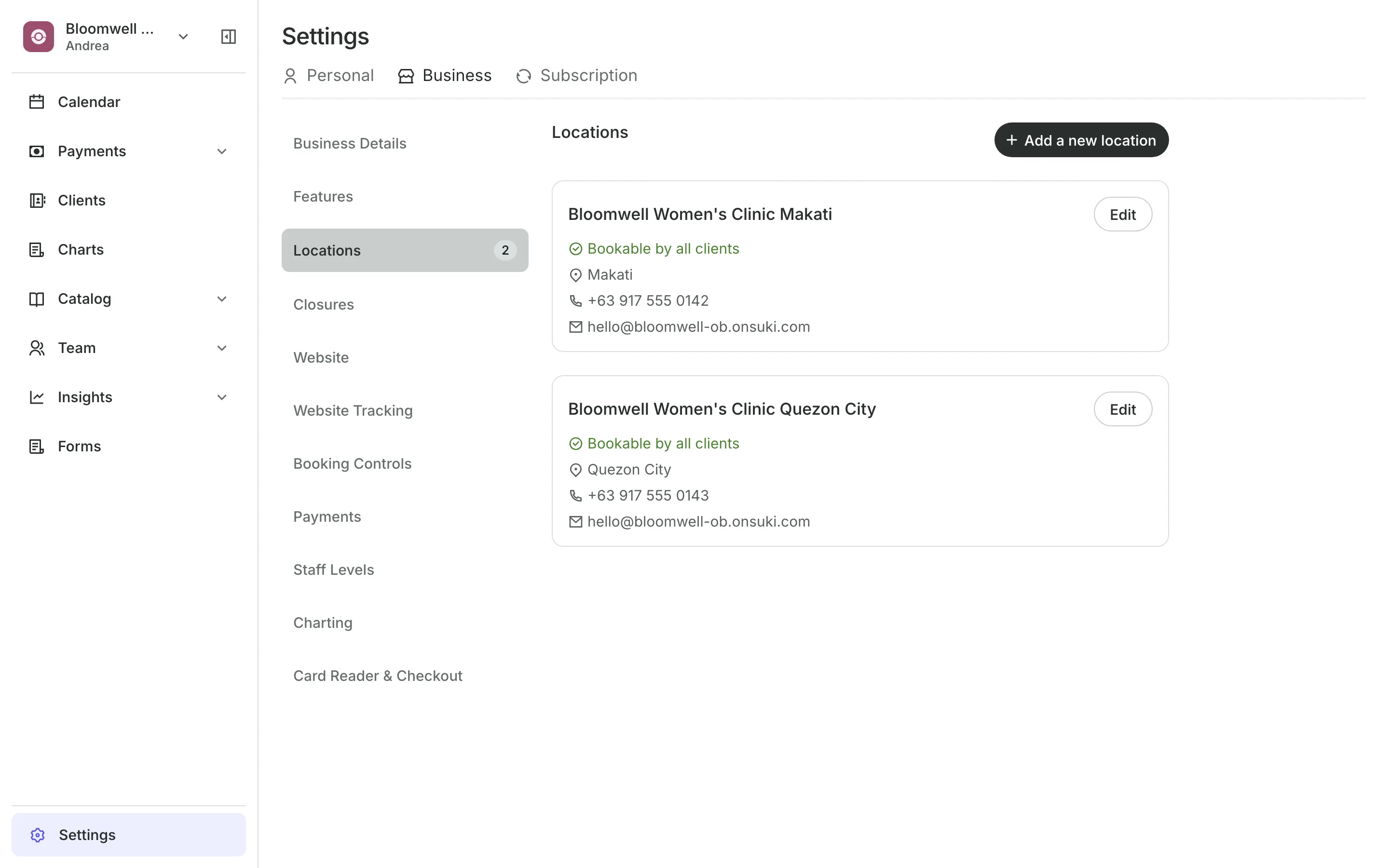
Locations for each hospital or clinic where you see patients.
Working hours per location, with your own days and breaks.
Time off closes your hours when you are away.
Front desk lets your secretary book, check out, and check receipts.
Repeating appointments
Book the prenatal visits ahead
Book a patient every 2, 3, or 4 weeks until a date you choose. Dates that are taken or closed are skipped and named, so you can rebook them, and each visit is paid when she comes in.
- The same doctor for the whole series
- Move or cancel this and following visits
- An email reminder the day before each one
Rooms and equipment
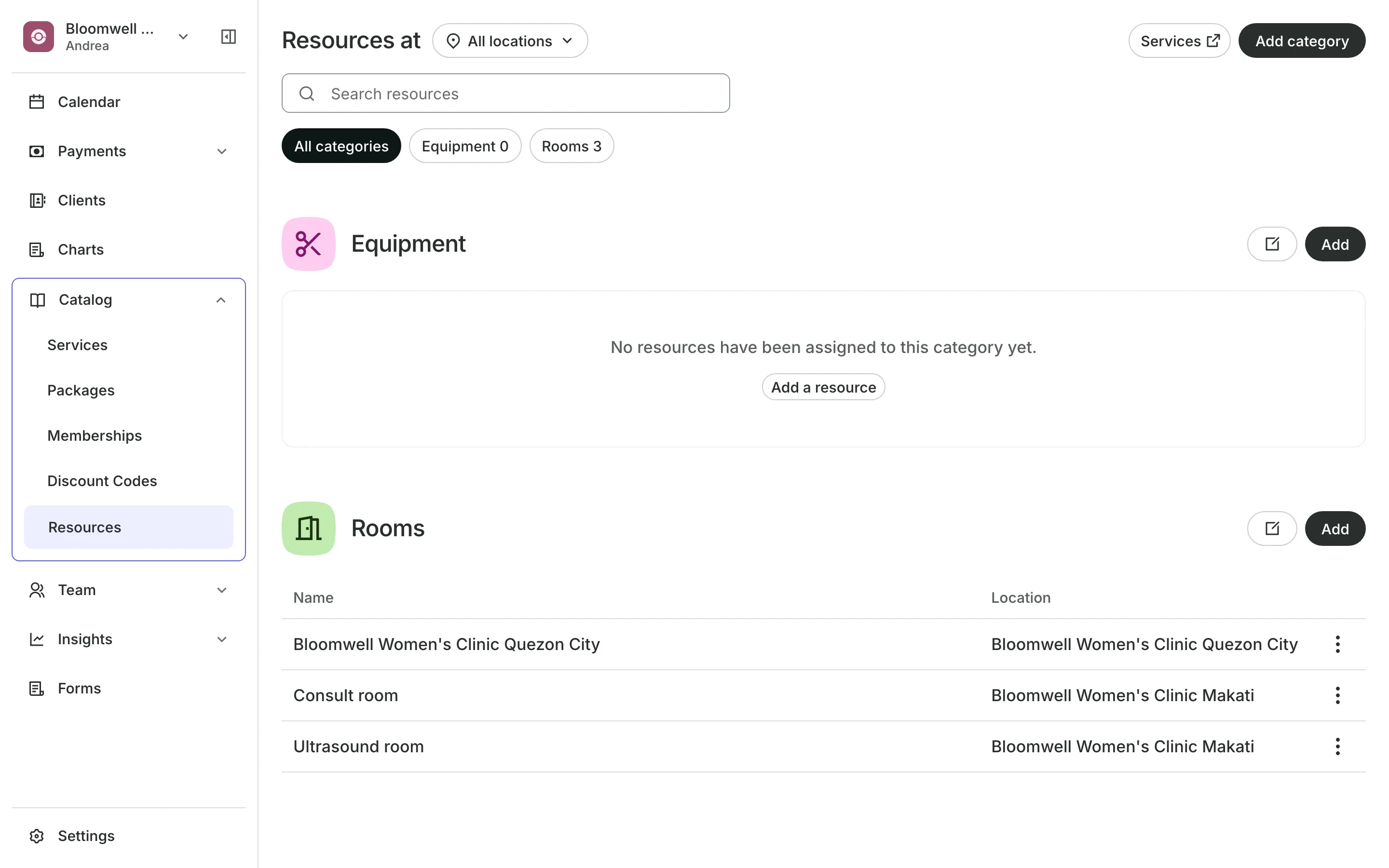
Keep the ultrasound room free
Rooms and equipment like the ultrasound room are never booked twice.
Several services fit in one visit, such as a consult and an ultrasound.
Hidden services like procedures stay off your site for your team to book.
Starting At shows a From price and sets the final one at checkout.
Deposits and payments
Take a deposit when they book
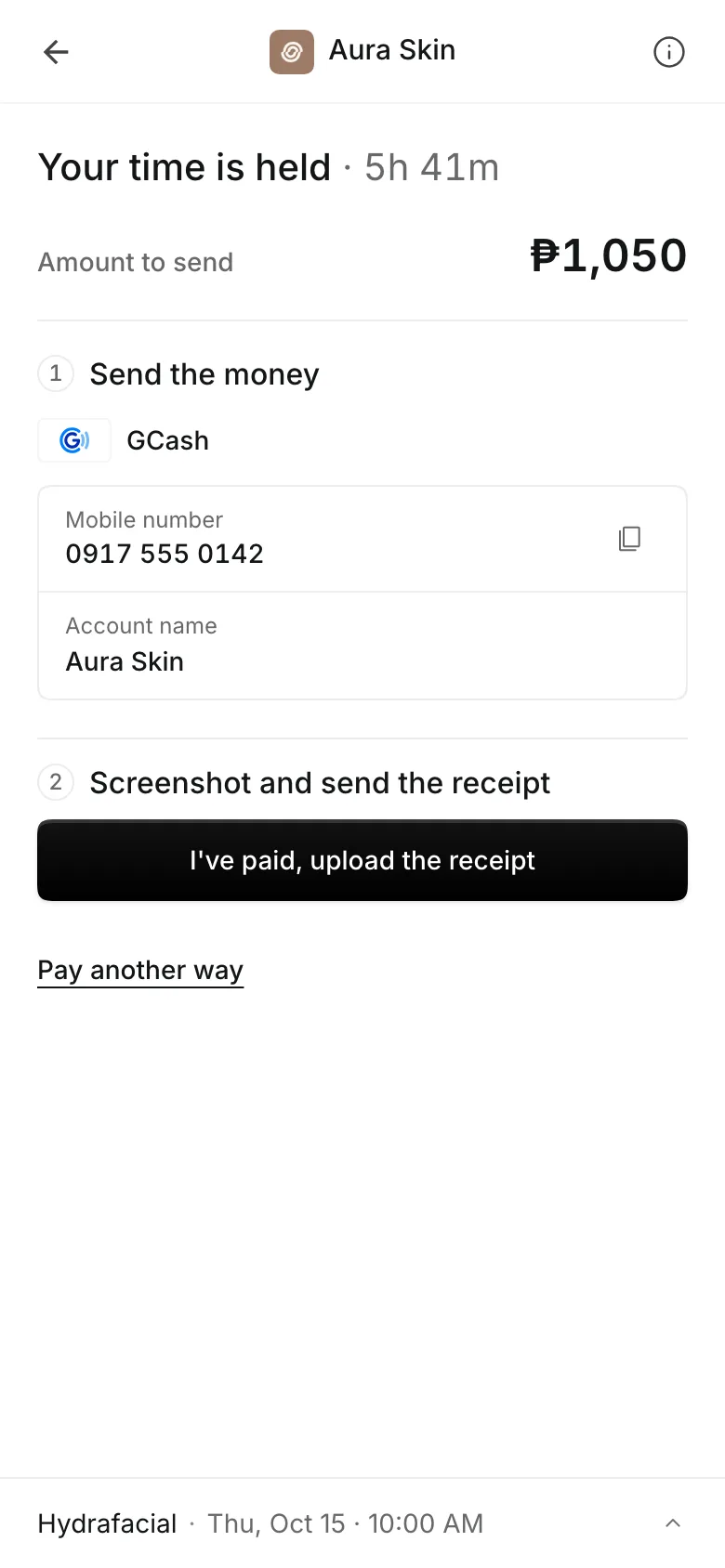
Ask for a percent or a fixed amount when patients book online, and show your cancellation policy before they pay. They pay online through PayMongo, by transfer to your own GCash, QR Ph, or bank account, or in person.
- A receipt with each transfer, approved by you
- A reminder email the day before
- A no-show keeps the deposit
See what your clinic gets
- AppointmentsServices, staff, rooms, and add-ons, booked online or from the calendar.
- Online BookingYour own booking site where clients book, pay, and manage their bookings.
- LocationsEach branch with its own hours, team, rooms, and prices, in one account.
- ChartingClinical charts with templates, photos, consents, and signed entries.
- FormsIntake forms and a waiver, filled in before the visit or at the front desk.
- ClientsClient profiles with bookings, balances, notes, feedback, and packages.
- PaymentsOnline checkout, transfers to your own accounts, and Pay in person.
- TeamRoles, permissions, hours, and time off for everyone who works with you.
- AssistantType what you need done, in English or Taglish, and confirm each change.
Pricing
Charting is on the Clinic plan
The Clinic plan is ₱4,400 a month, billed annually, or ₱5,500 month to month. Your whole team is included.
Clinic has everything in Business, plus client charts. Booking, forms, packages, and reports are on every plan.
Frequently asked questions
Yes. Add each one as a location and set your days and hours there. Each location is part of your plan, so see pricing.
Yes. Book a repeating appointment every 1 to 4 weeks, ending after a number of visits or on a date. Nothing is charged until each visit.
Yes. Give them the Front desk role. They can book, move, and check out patients on every calendar, without your settings or reports.
Charting is part of the Clinic plan. Booking, intake forms, and payments are on every plan. See pricing.
7 days, with every feature of your plan. You choose a plan when the trial ends.
No. You sign up with your email or Google account, tell us what you run, and start setting up.
Each plan is one monthly price with unlimited bookings. See the pricing page for the plans and what each includes.
Take bookings and get paid, the simple way.
Free 7-day trial. No credit card required.