Booking software for barre studios:Turn a first class into a regular
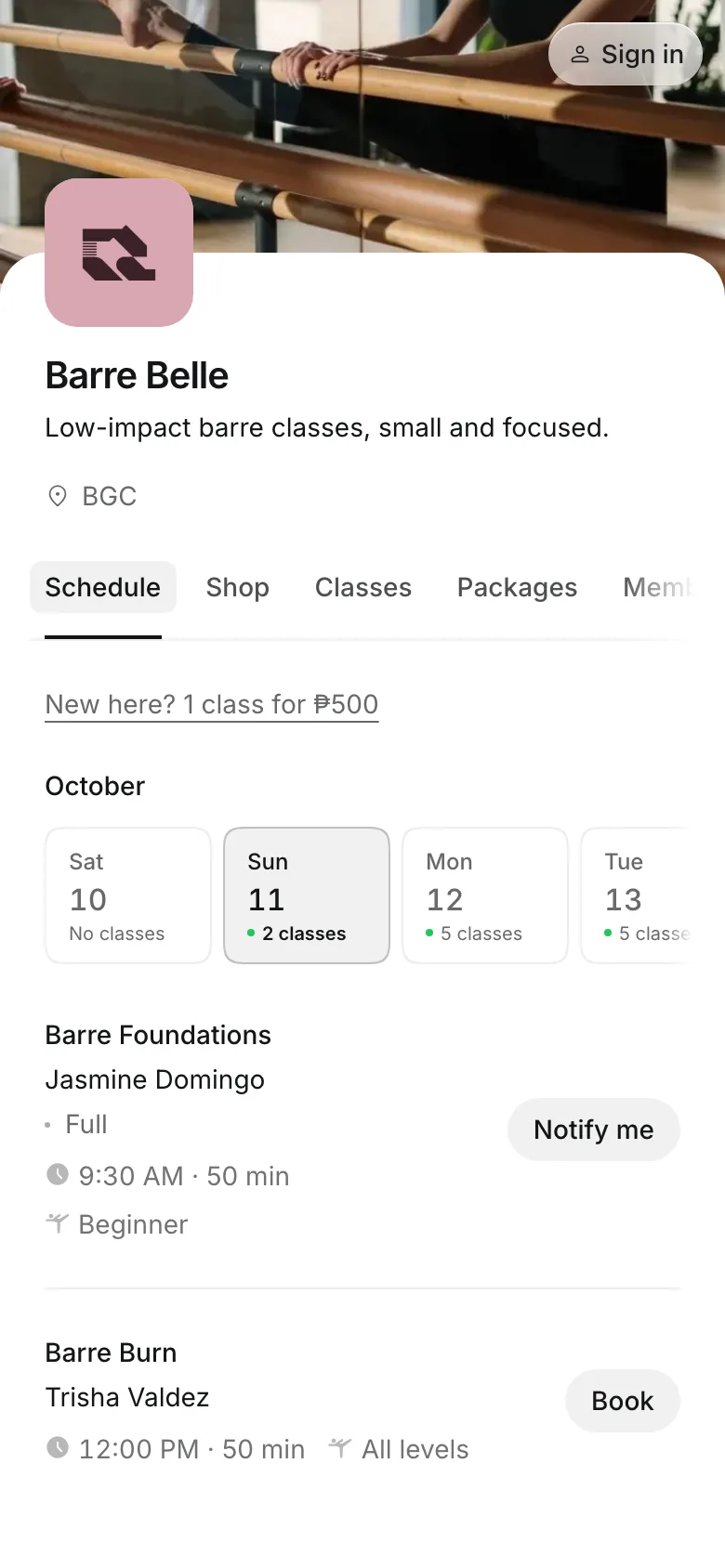
New clients see your intro offer above the schedule and buy it with their first class. Then they come back on a class pack or a membership.
Free 7-day trial. No credit card required.
Clients pay online or in person













Bring first-timers back for more
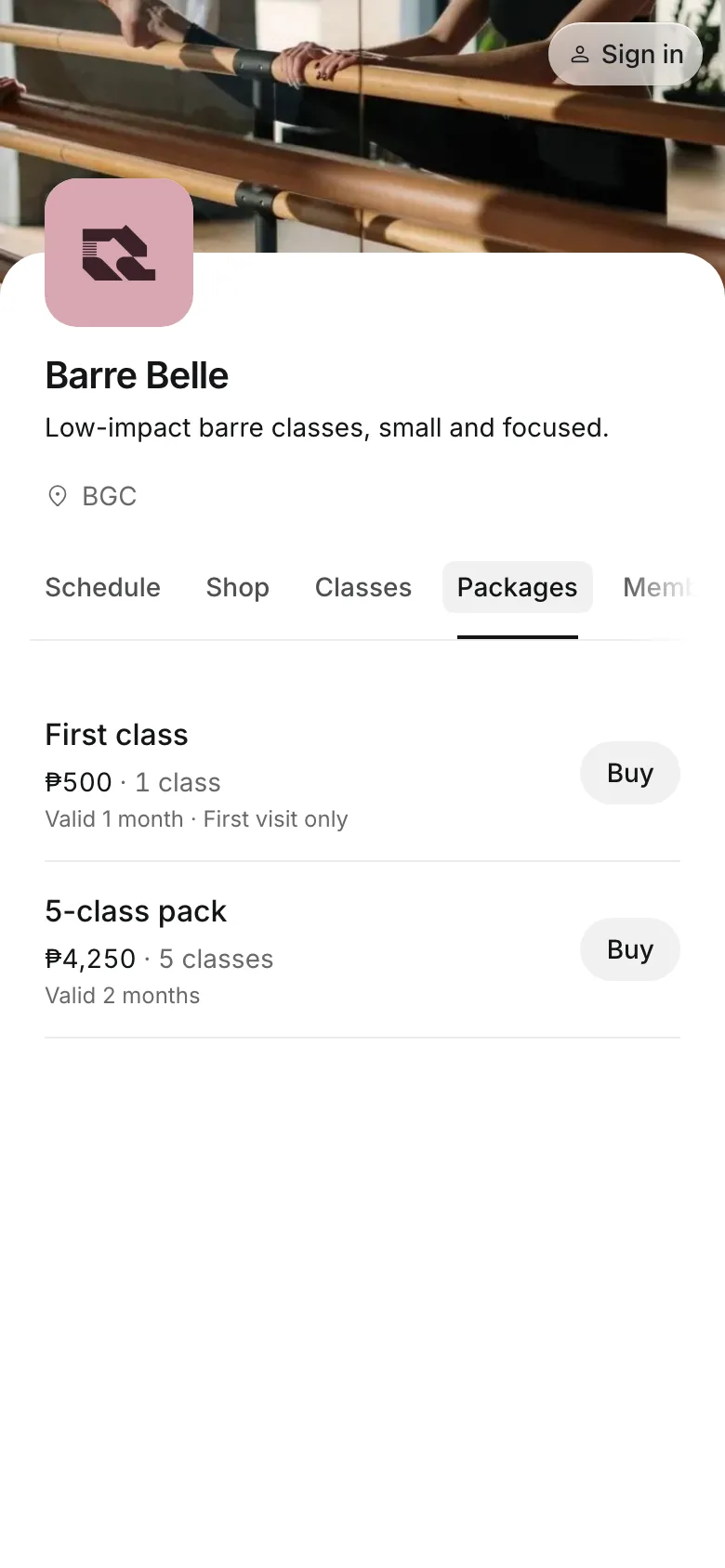
Most barre clients start with one class. Onsuki puts your welcome offer in front of them, and a pack pays for the classes that follow.
First-timer offers
Make an offer only first-timers see
First visit only shows under the offer's price on your booking site.
New here? sits above the schedule, linked to your cheapest offer.
One per client so a new client can buy the offer once.
Buy and book the offer together with the first class.
Memberships and packs
Keep regulars on memberships and packs
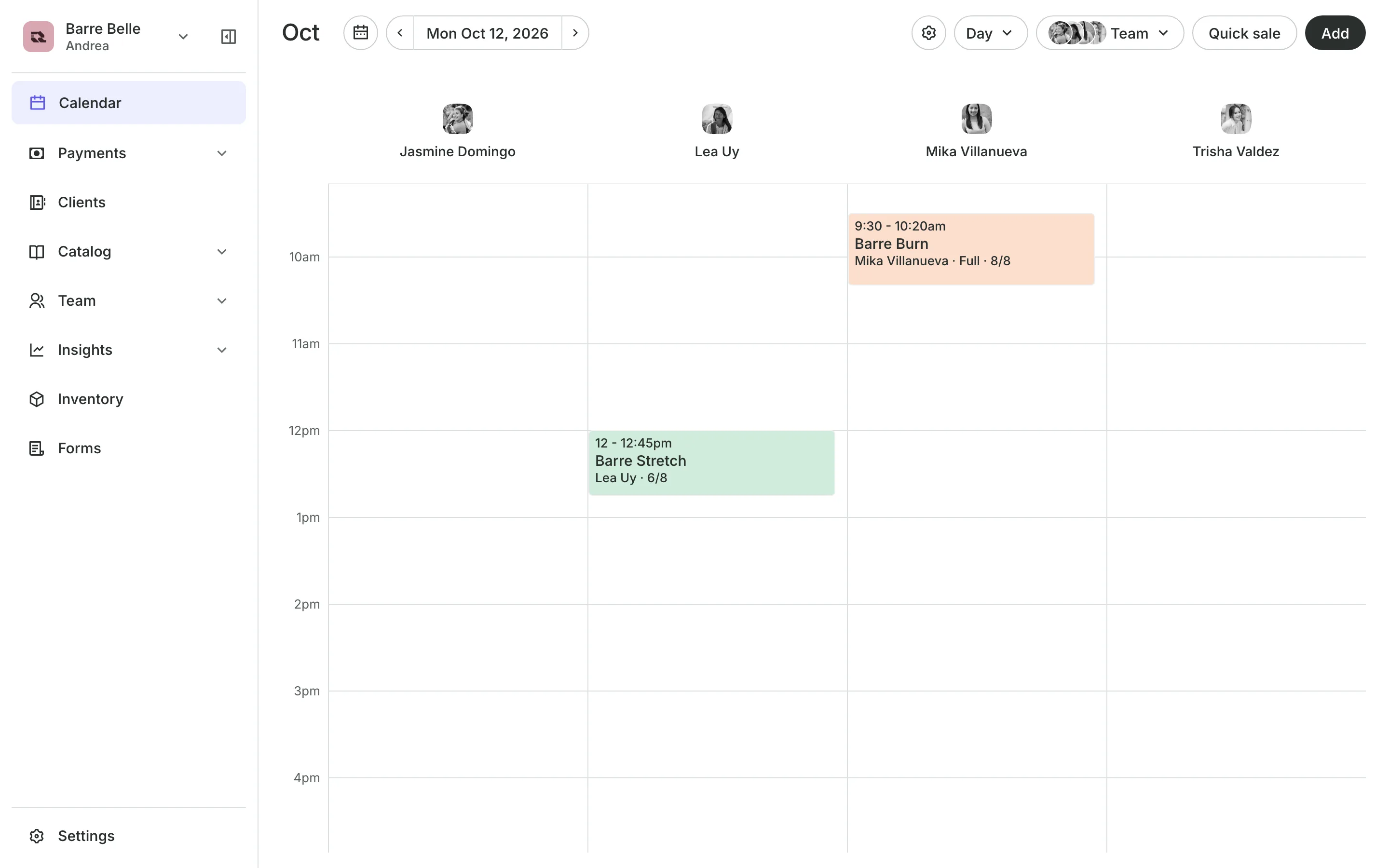
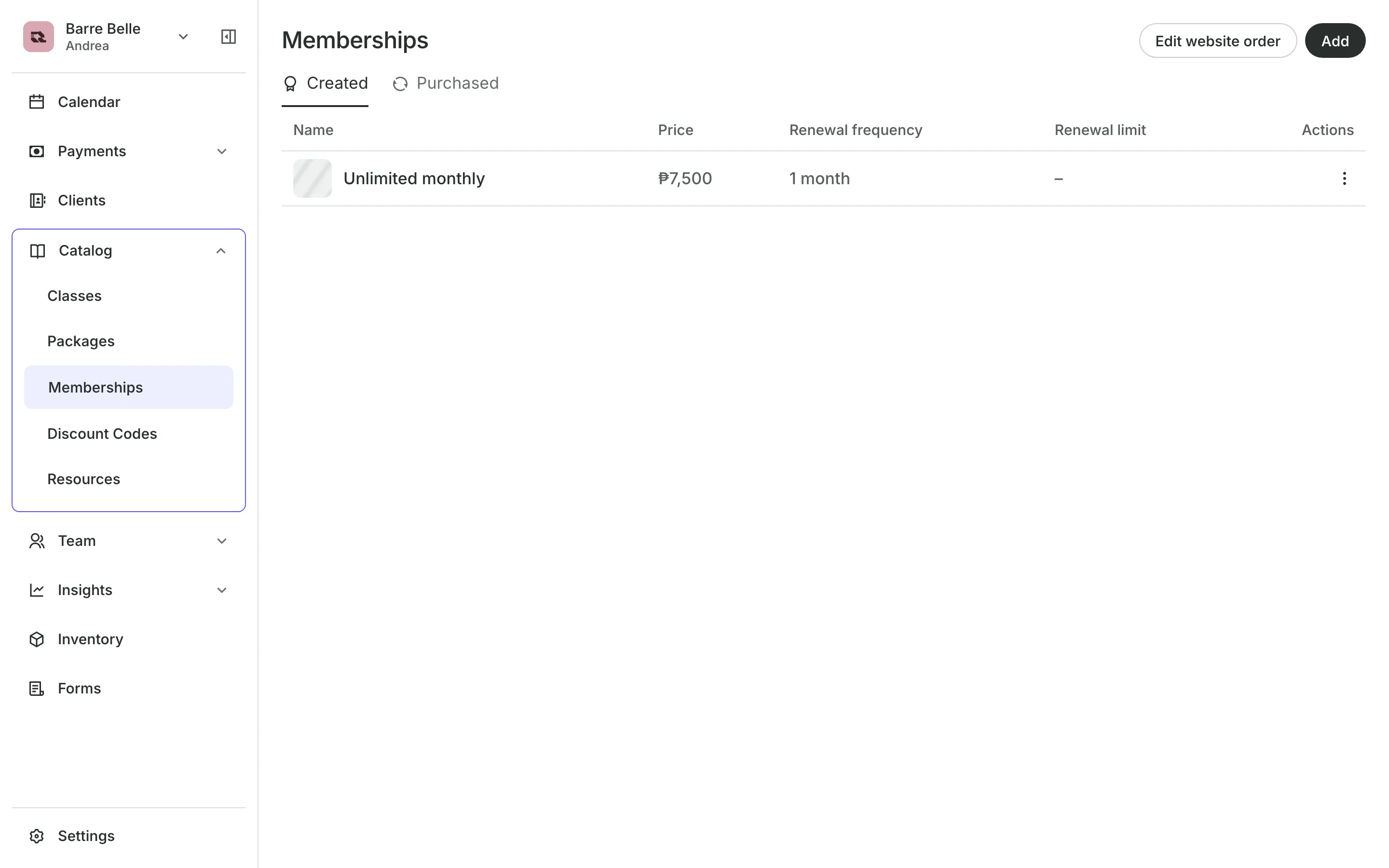
Memberships give unlimited classes or a set number each period, renewed by a bill the client pays. Packs of 5 or 10 classes cover every class you run, with an expiry that starts at the first booking.
- Packs that let the buyer bring a friend
- Credits back on a cancel made in time
- Client retention shown on Analytics
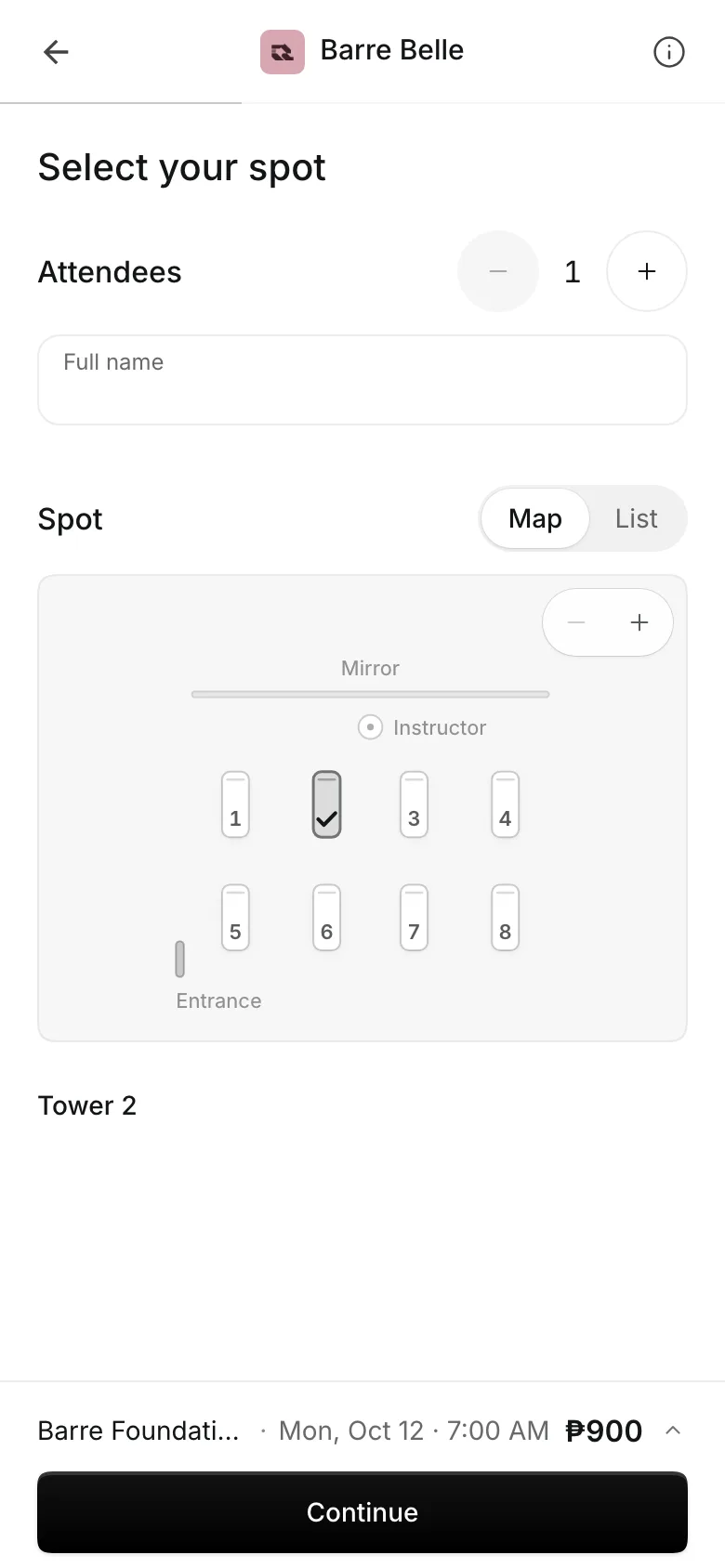
Pick Your Spot
Let clients pick their spot
Spot map lays out the room in rows, front at the top.
Spot names for each place at the barre, or Not in use.
A free spot is given to anyone who does not pick.
Roster shows each client's spot, and you can change it.
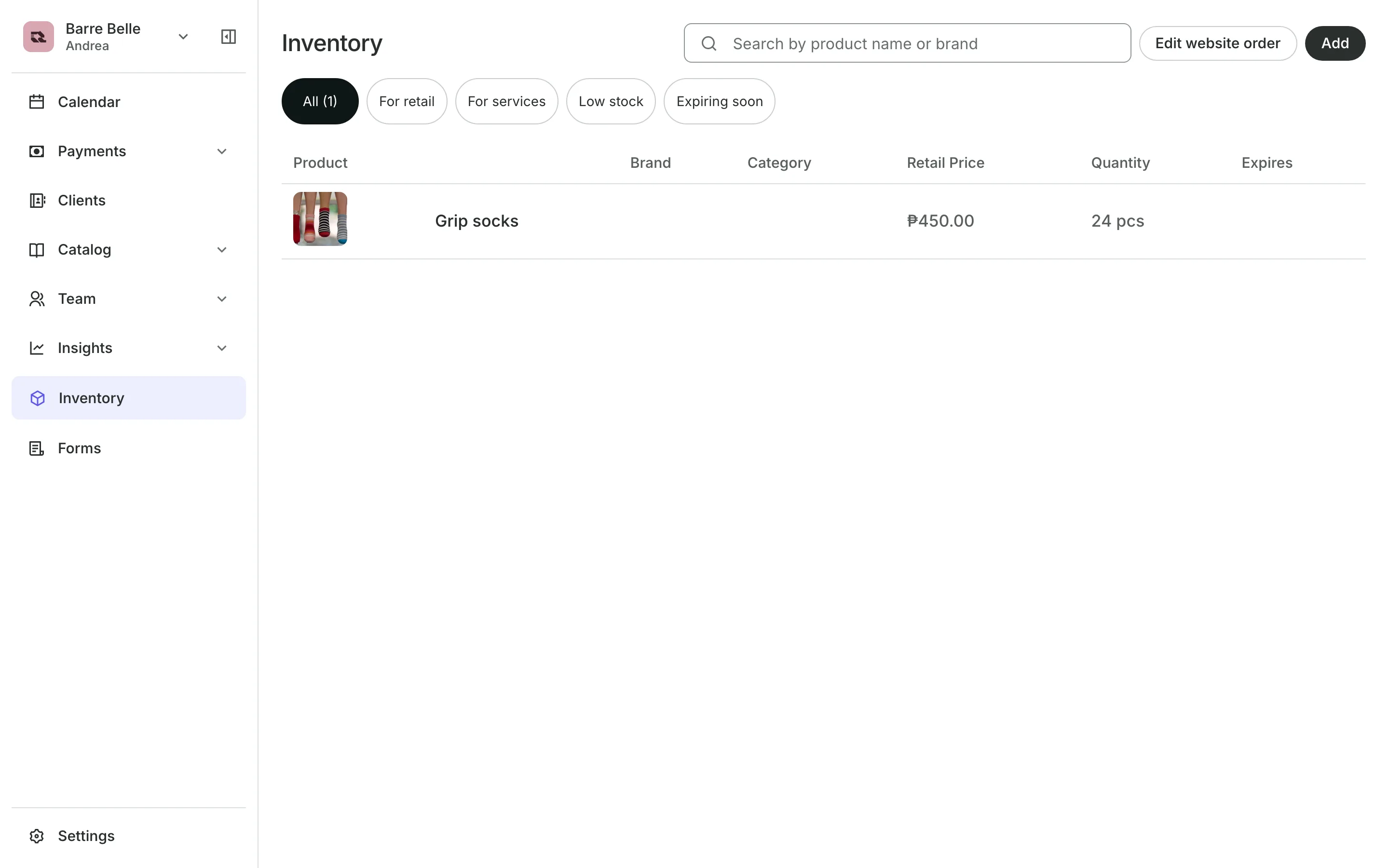
Grip socks
Sell grip socks with the booking
Add grip socks to Inventory and offer them on your classes. Clients add a pair when they book. The socks also sell on your booking site's Shop page.
- Stock counted down with each pair sold
- Socks offered as an add-on to a class
- Sold out shown when the last pair goes
See what your studio gets
- ClassesRepeating classes with a roster, check-in, waitlists, and spot picking.
- PackagesPacks of visits and memberships that renew, with credits clients see in their wallet.
- Online BookingYour own booking site where clients book, pay, and manage their bookings.
- InventorySell products online and at checkout, with stock counted as you go.
- PaymentsOnline checkout, transfers to your own accounts, and Pay in person.
- FormsIntake forms and a waiver, filled in before the visit or at the front desk.
- ClientsClient profiles with bookings, balances, notes, feedback, and packages.
- ReportsAnalytics, reports, sales history, and a cash count at the end of the day.
- ConciergeA chat on your booking page that answers customers and books a class or an appointment.
- AssistantType what you need done, in English or Taglish, and confirm each change.


Frequently asked questions
No. Only clients who have never booked with you can buy it, whether they buy online or from your team.
Pick Your Spot is part of every plan. See pricing.
With late cancellations charged, a client who cancels inside your window keeps nothing back. Before the window, the credit goes back to their pack.
Yes. When a spot opens, everyone waiting is emailed, and the first to book takes it.
7 days, with every feature of your plan. You choose a plan when the trial ends.
No. You sign up with your email or Google account, tell us what you run, and start setting up.
Each plan is one monthly price with unlimited bookings. See the pricing page for the plans and what each includes.
Take bookings and get paid, the simple way.
Free 7-day trial. No credit card required.