Booking software for craft studios:Fill every seat at the wheel
Guests pick a workshop on your schedule, book a seat for themselves and their friends, and pay online or in person. Each class closes when its seats are gone.
Free 7-day trial. No credit card required.
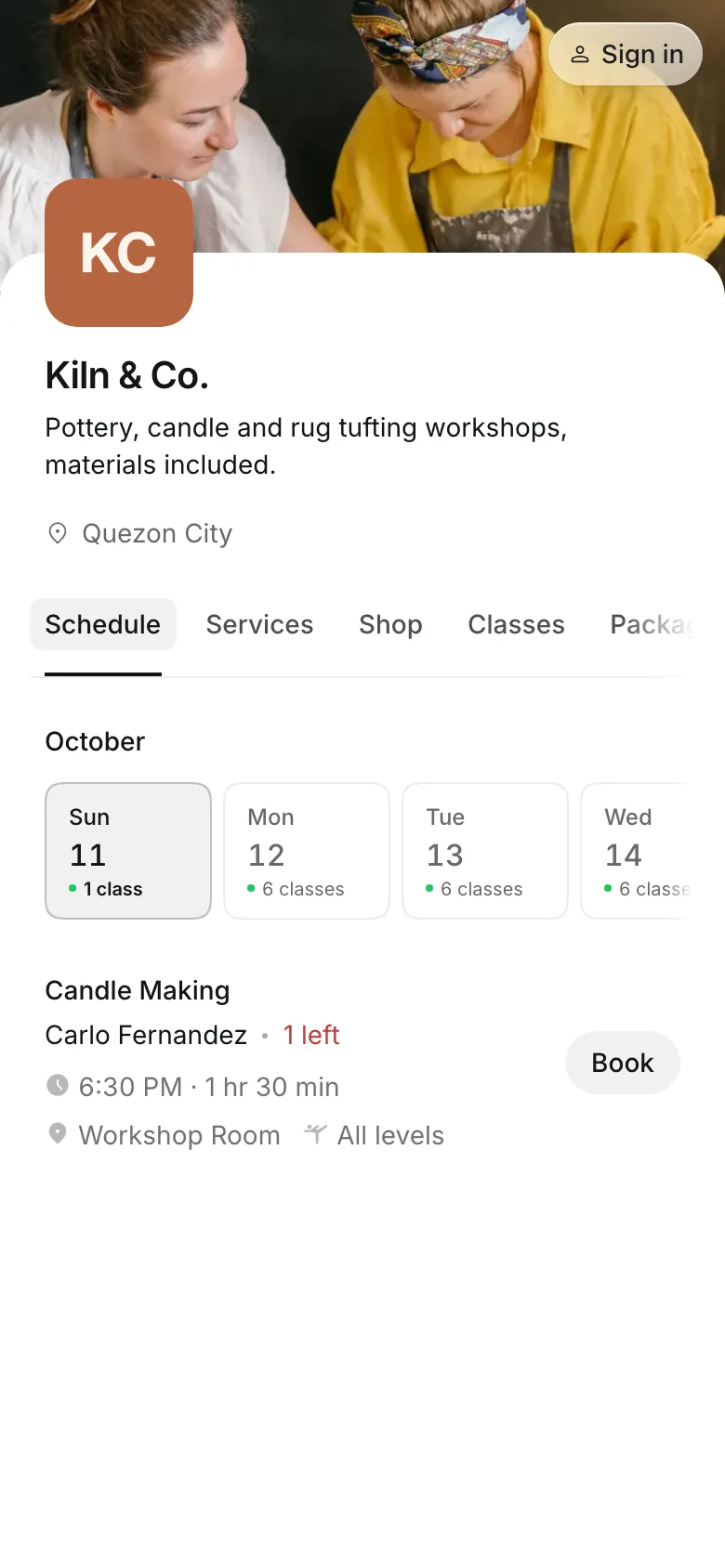
Clients pay online or in person













Workshops, private groups, and nights out
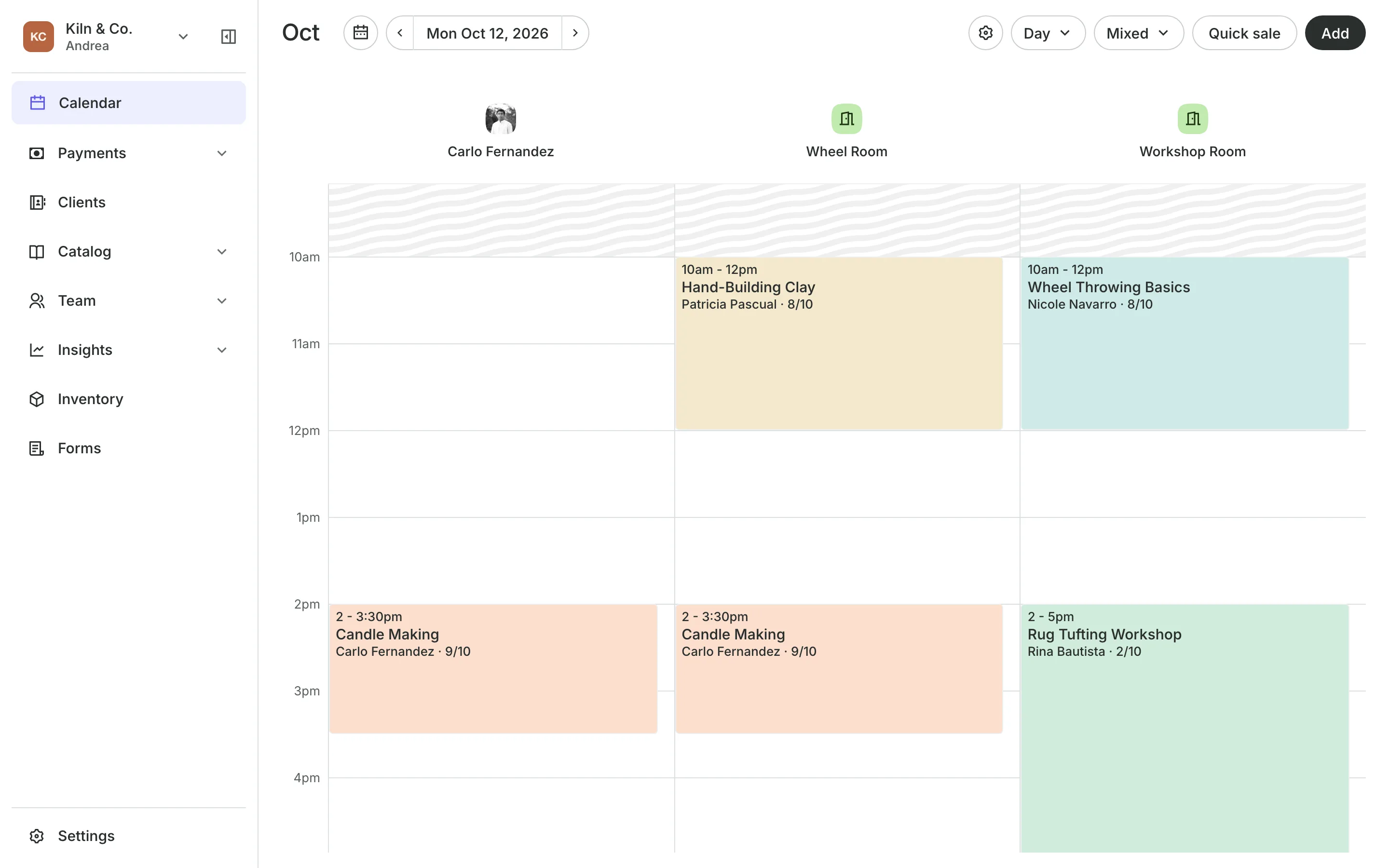
A craft studio runs small classes with a set number of wheels or tables. Onsuki keeps the seat count for each time, so a class never takes more people than you have room for.
Workshops
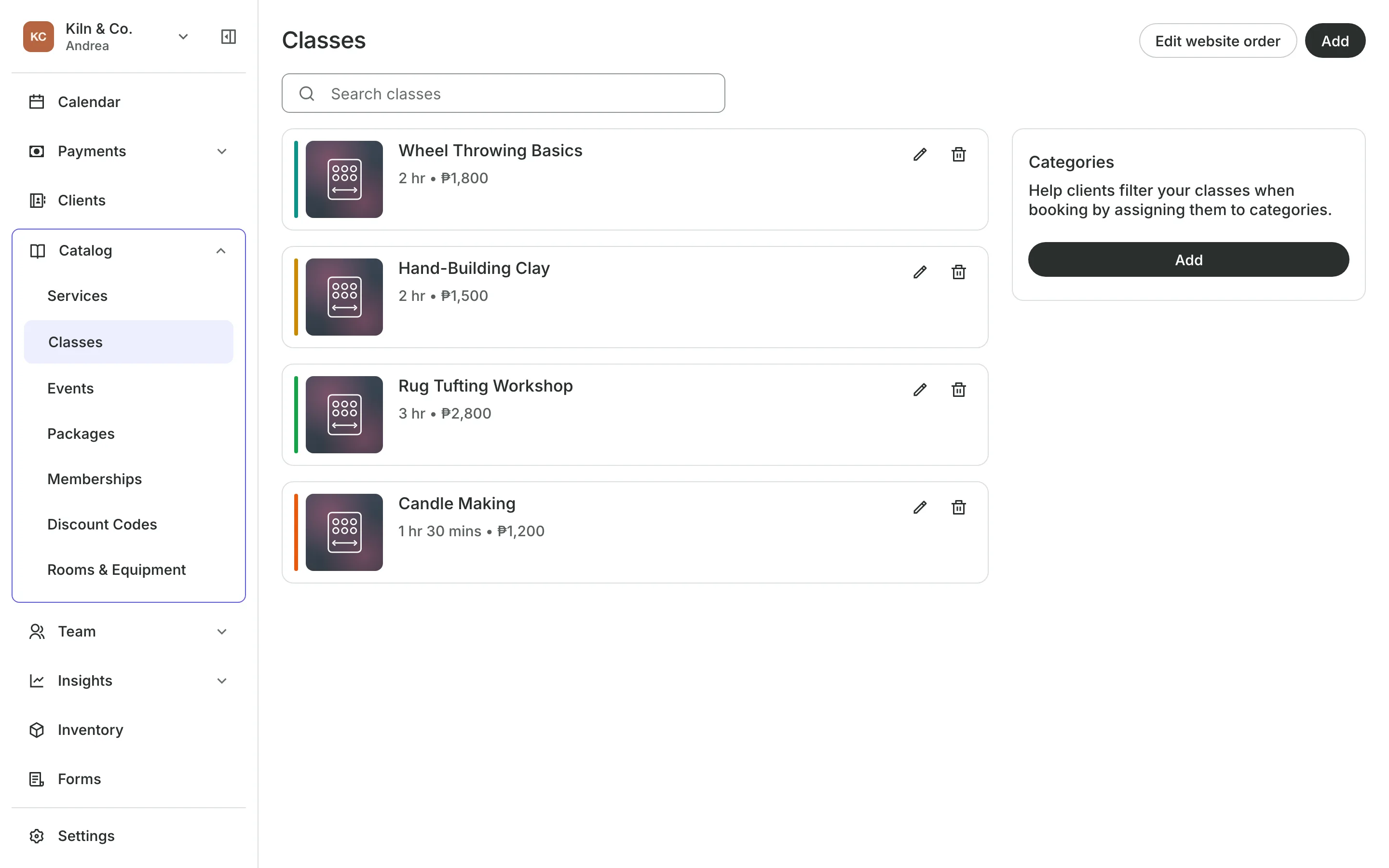
Sell a set number of seats
Each workshop has its own price, length, and what is included.
Seats per class are set on each time, by room and instructor.
A waitlist opens when a class is full.
Materials included are named in the description guests read.
Booking
Book for the whole barkada
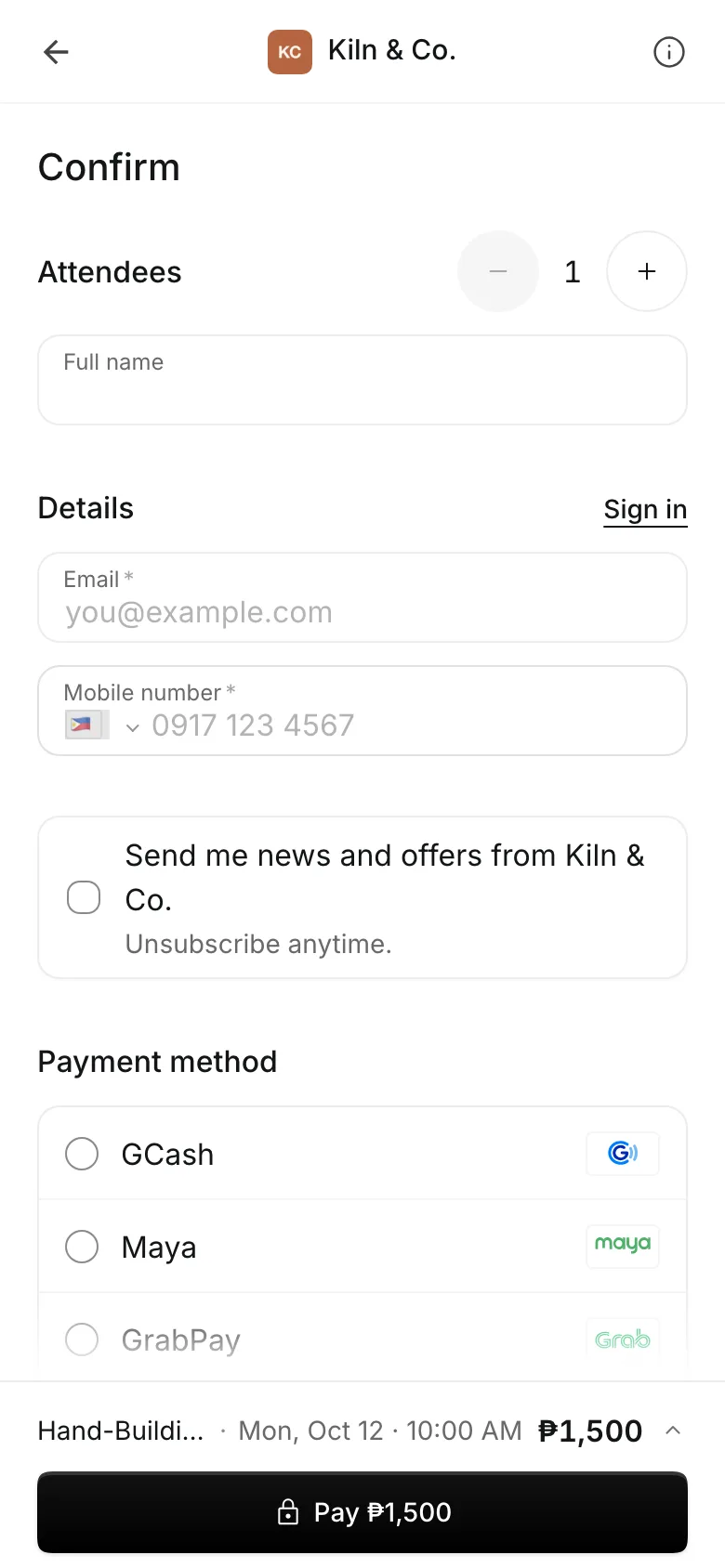
Guests choose a class and book a seat for themselves and for friends in one go, then pay by card, e-wallet, GCash, or in person.
- Seats for other people on the same booking
- Passes used one workshop at a time
- A first-timer offer for a guest's first class
Private groups
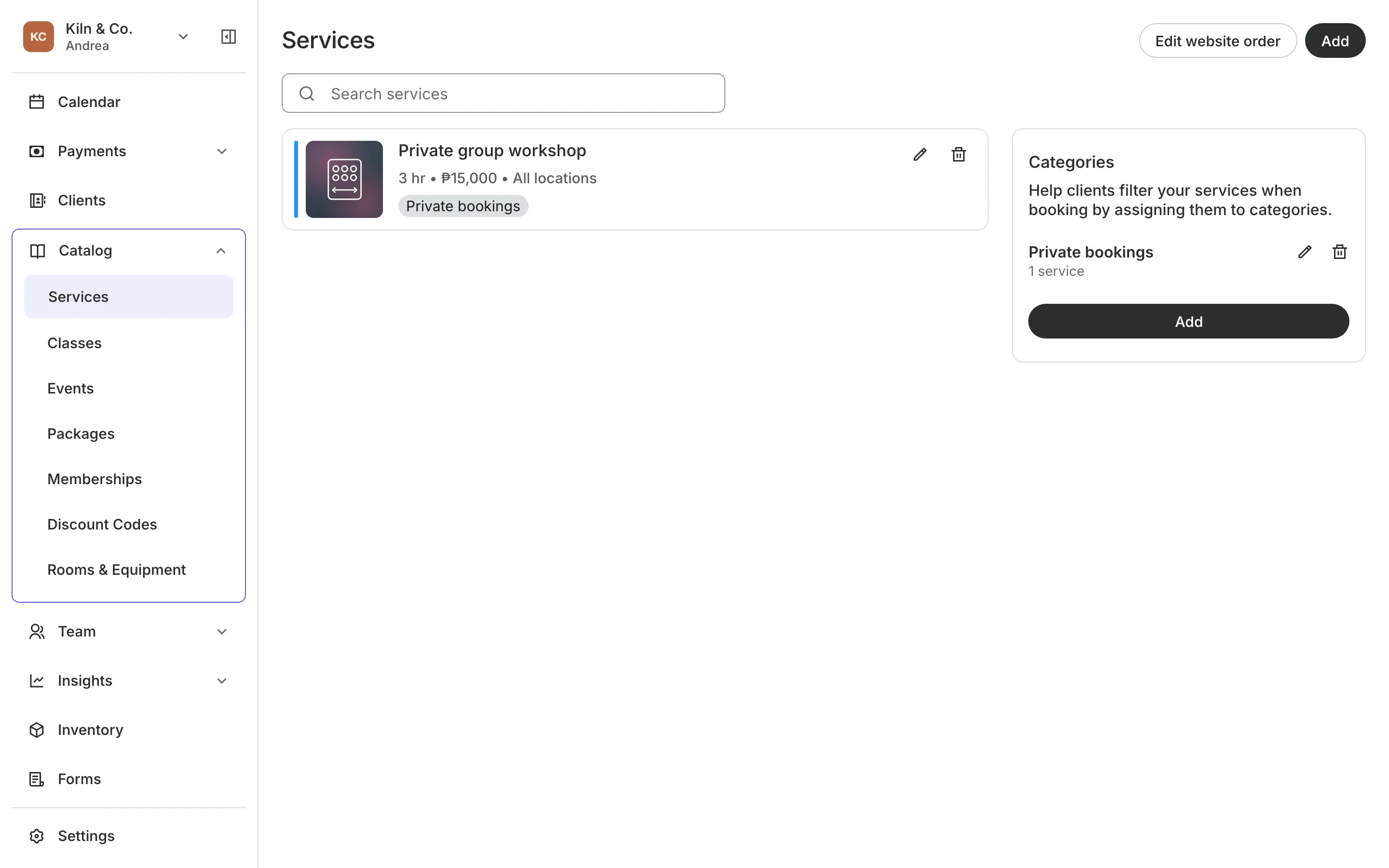
Take private group bookings
A private workshop is its own service, with its own price and length.
An instructor is booked with it, at a time that suits the group.
Deposits can hold the date for a team or birthday booking.
Your calendar shows private bookings beside your classes.
Events and the shop
Run ticketed nights and sell supplies
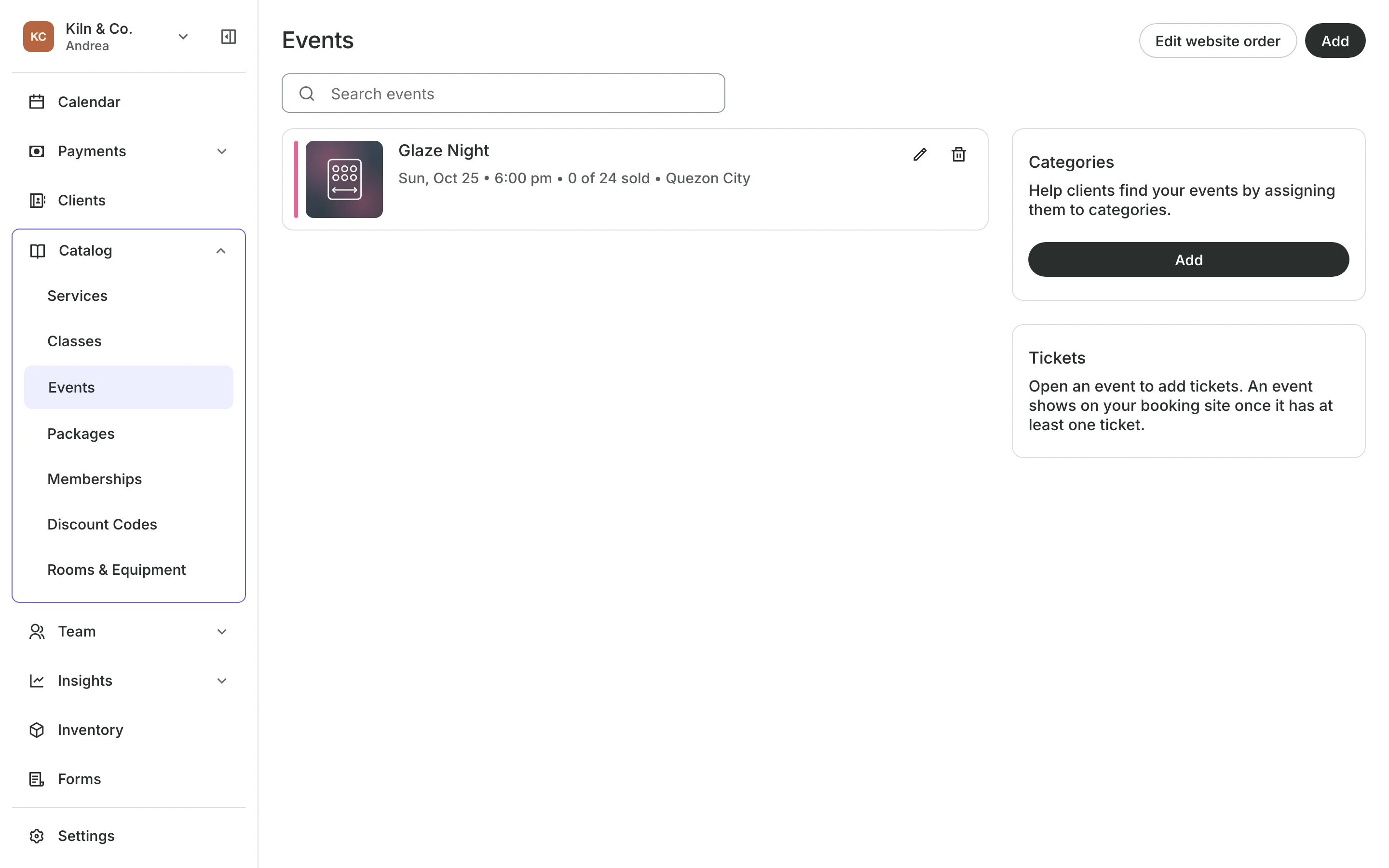
Sell tickets to a glaze night or a date-night workshop, with a QR code to scan at the door. Sell candles, clay tools, and kits at the counter and on your Shop page.
- Ticket types with a capacity you set
- Products at checkout and online
- Stock that counts down as you sell
See what your studio gets
- ClassesRepeating classes with a roster, check-in, waitlists, and spot picking.
- Online BookingYour own booking site where clients book, pay, and manage their bookings.
- PackagesPacks of visits and memberships that renew, with credits clients see in their wallet.
- EventsOne-off events with ticket types, a code on every ticket, and check-in at the door.
- AppointmentsServices, staff, rooms, and add-ons, booked online or from the calendar.
- InventorySell products online and at checkout, with stock counted as you go.
- PaymentsOnline checkout, transfers to your own accounts, and Pay in person.
- ClientsClient profiles with bookings, balances, notes, feedback, and packages.
- ConciergeA chat on your booking page that answers customers and books a class or an appointment.
- AssistantType what you need done, in English or Taglish, and confirm each change.
Frequently asked questions
Yes. Guests book a seat for themselves and for other people at the same time, up to the seats left in the class.
Add the private workshop as a service with its price and length. Clients book it with an instructor, and you can ask for a deposit to hold the date.
Yes. Create an event with ticket types and a capacity, and check guests in at the door with their QR code.
7 days, with every feature of your plan. You choose a plan when the trial ends.
No. You sign up with your email or Google account, tell us what you run, and start setting up.
Each plan is one monthly price with unlimited bookings. See the pricing page for the plans and what each includes.
Take bookings and get paid, the simple way.
Free 7-day trial. No credit card required.