Booking software for tutoring centers:Book the right tutor for every subject
Families pick a subject, then a tutor who teaches it, then a time. You hold weekly slots, sell packages of sessions, and run review classes from one calendar.
Free 7-day trial. No credit card required.
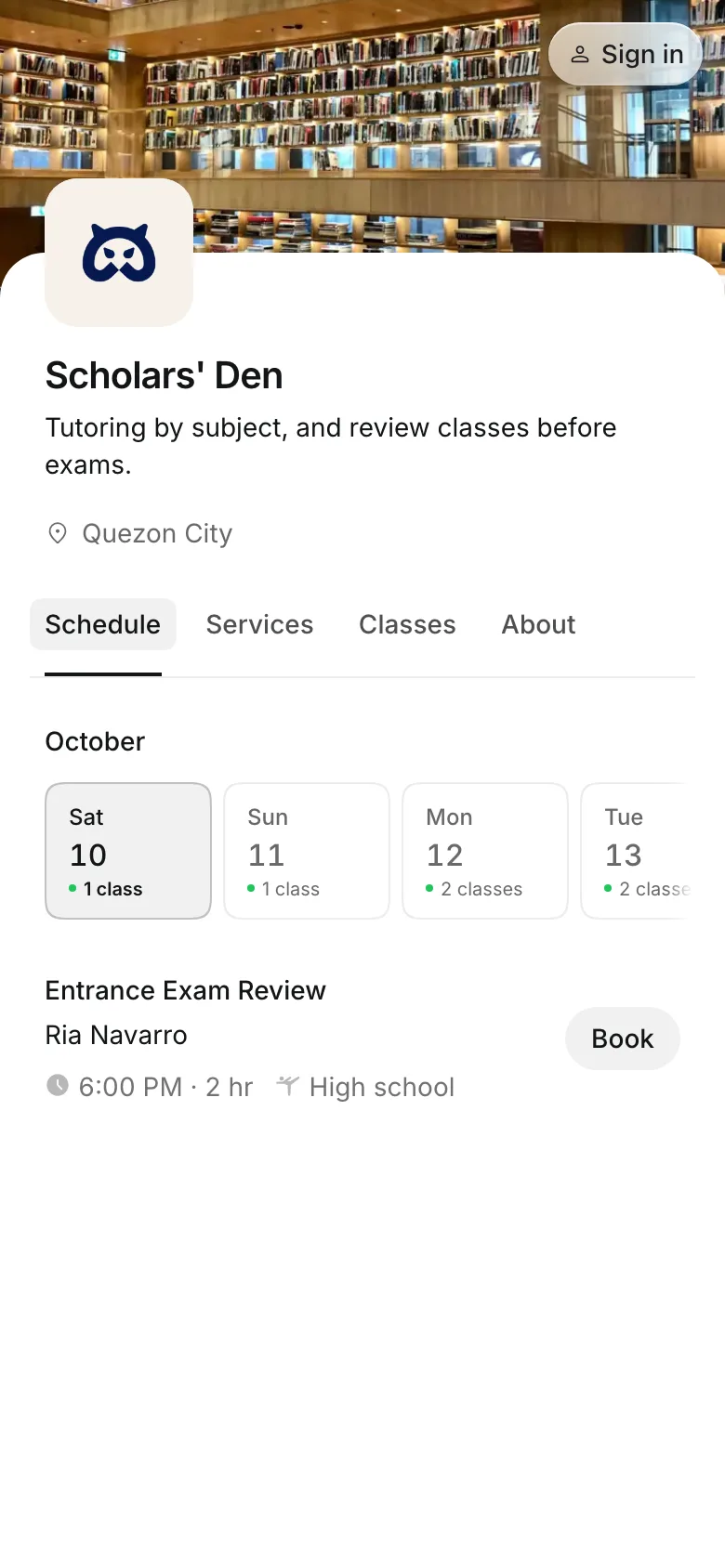
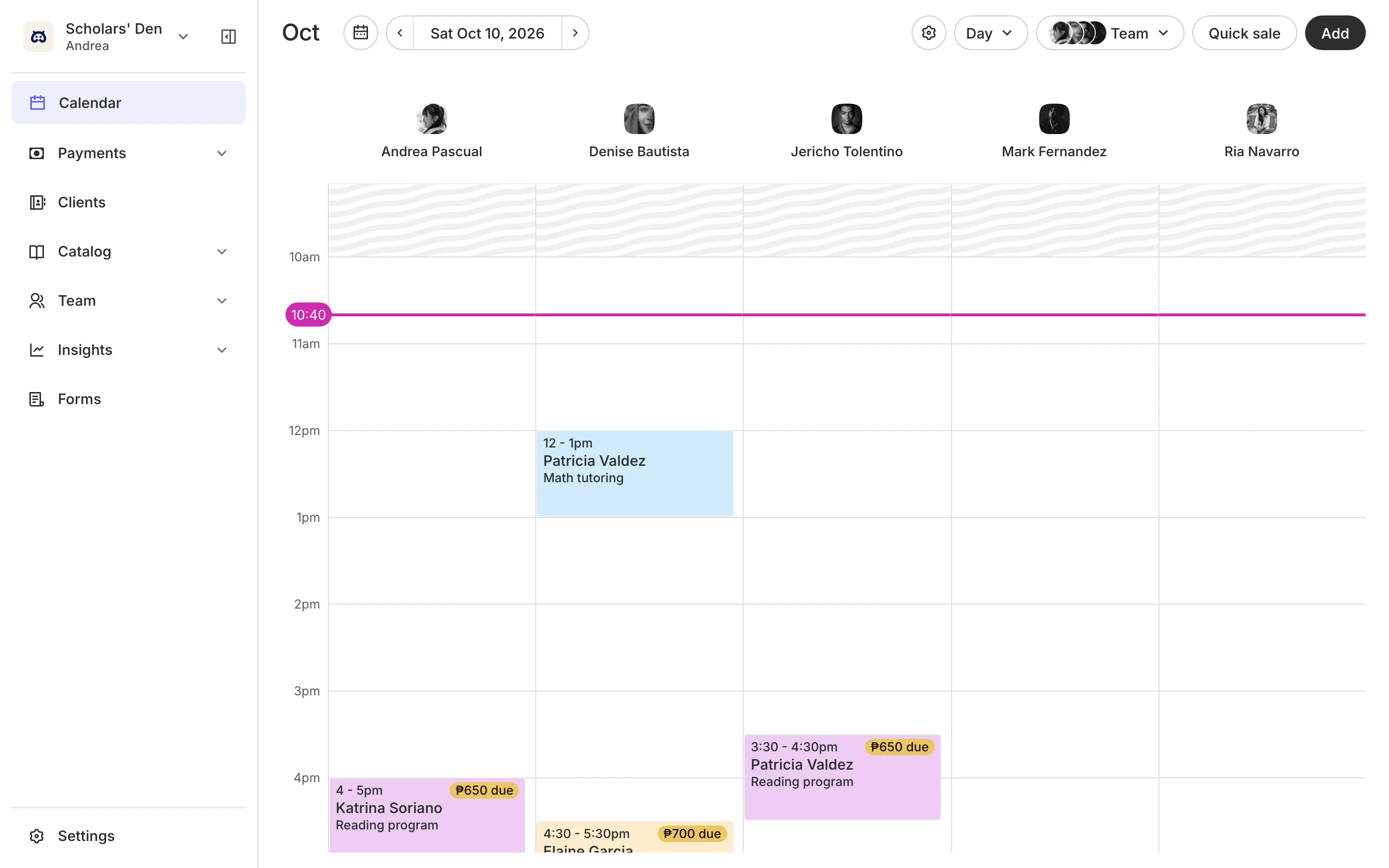
Clients pay online or in person













Match each student to a tutor
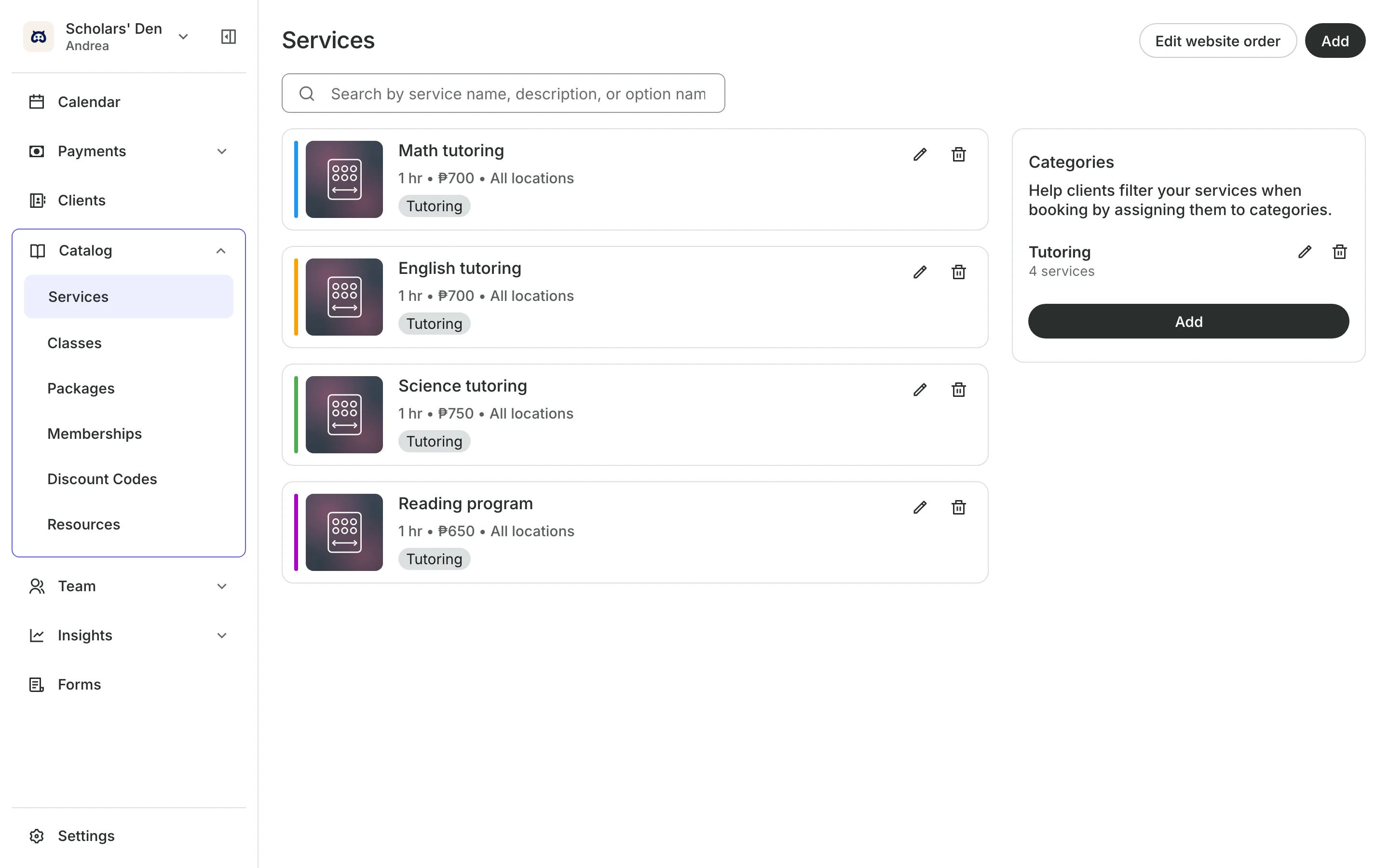
Not every tutor teaches every subject. Tell Onsuki who teaches what, and families only see the tutors and times that fit the subject they need.
Subjects and tutors
Sort sessions by subject
Categories like Math, Science, and Reading head your menu.
Services they offer shows only the tutors for that subject.
Working hours keep each tutor's after-school hours.
Any teacher shows a family every free time for the subject.
Weekly sessions
Hold the same slot all term
Book a student with their tutor every week, or every 2, 3, or 4 weeks, until a date you choose. Dates that are taken or closed are skipped and named, and you can move this session or this and following.
- Packages of sessions, used one per visit
- An expiry, such as 6 months from the first session
- A reminder email the day before each session
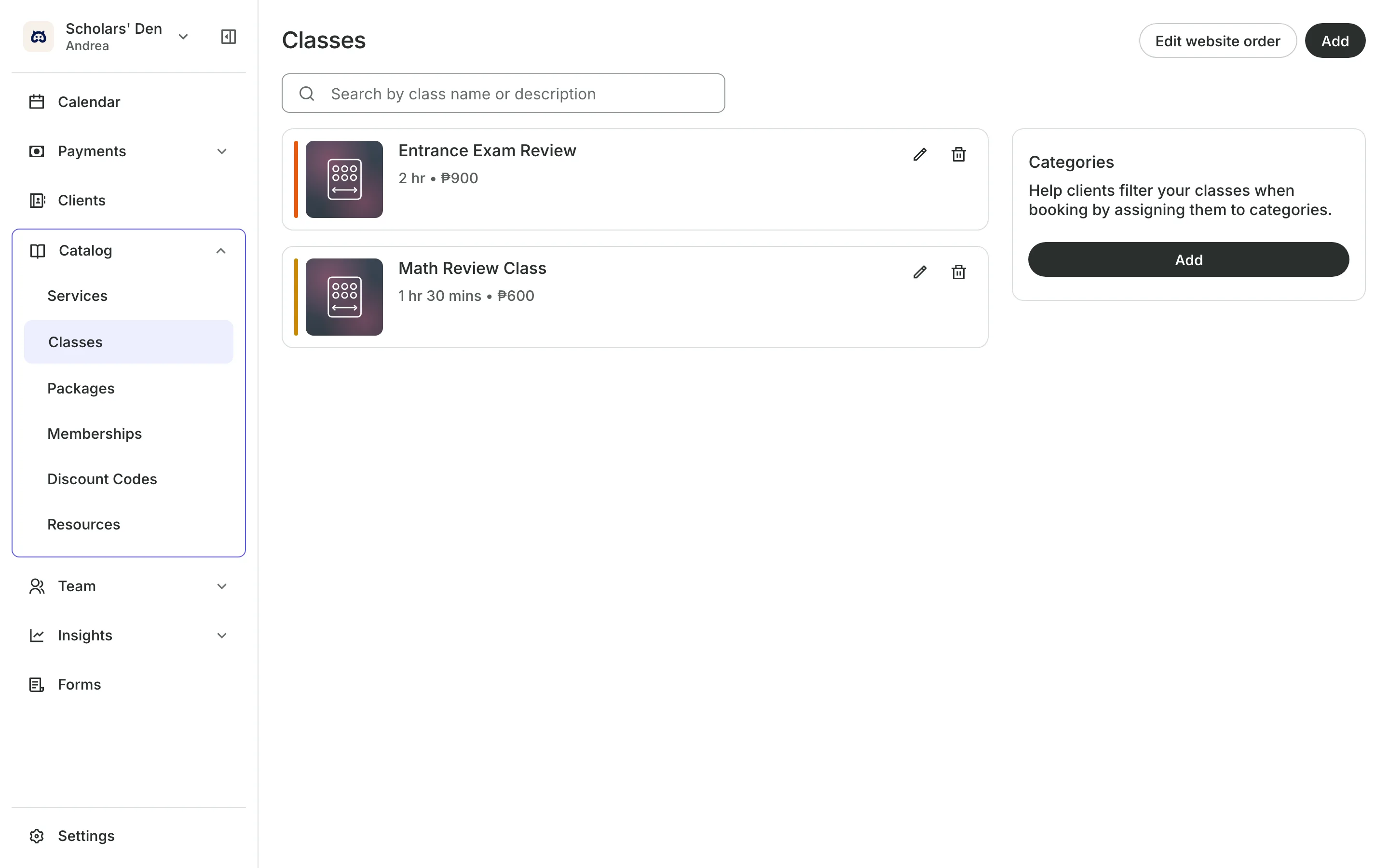
Review classes
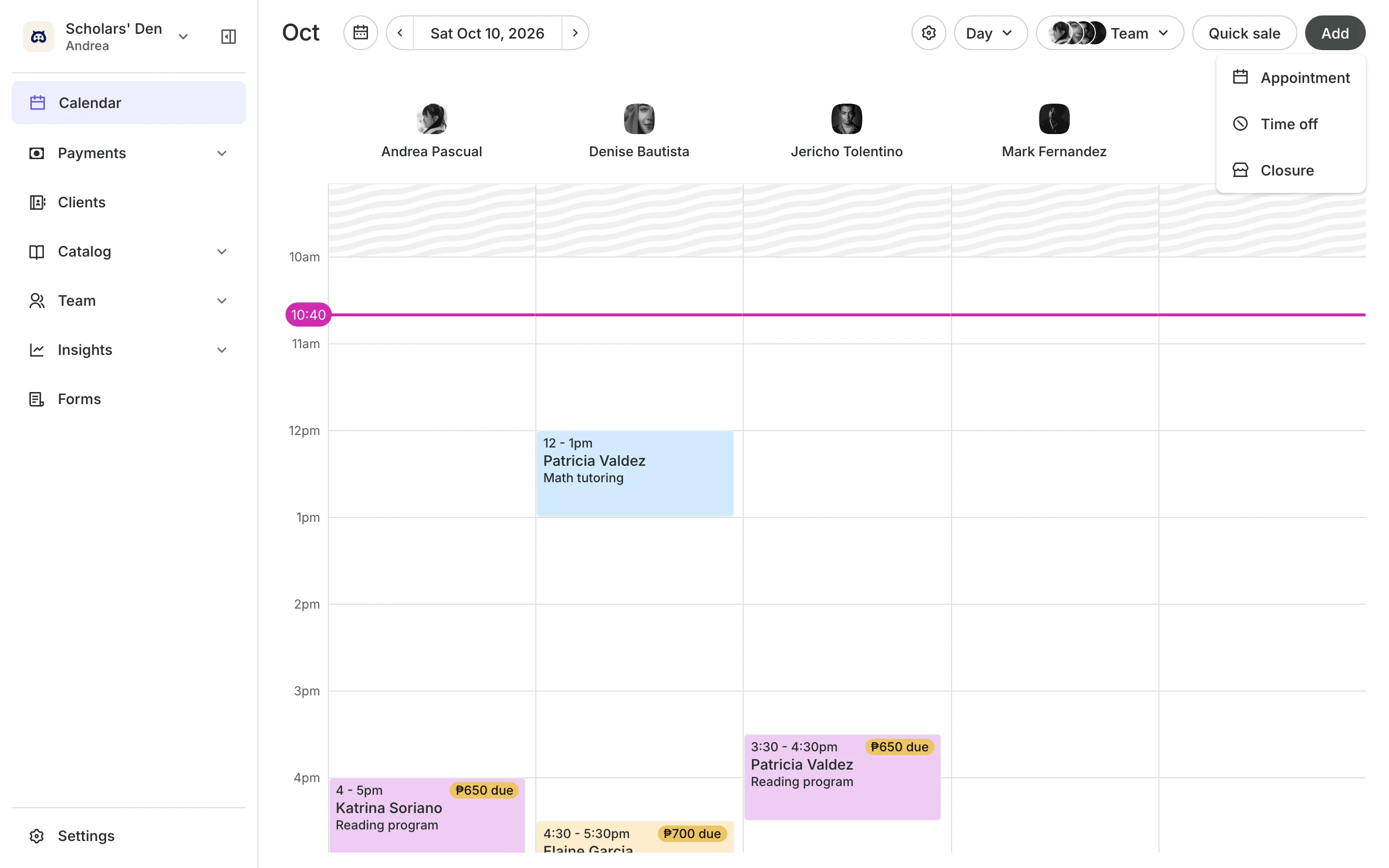
Run group review classes
Classes for entrance exam review, with a set number of seats.
Class levels tell families which grade a class is for.
Waitlists line up students when a class is full.
Packages can cover the review classes and one-on-one sessions.
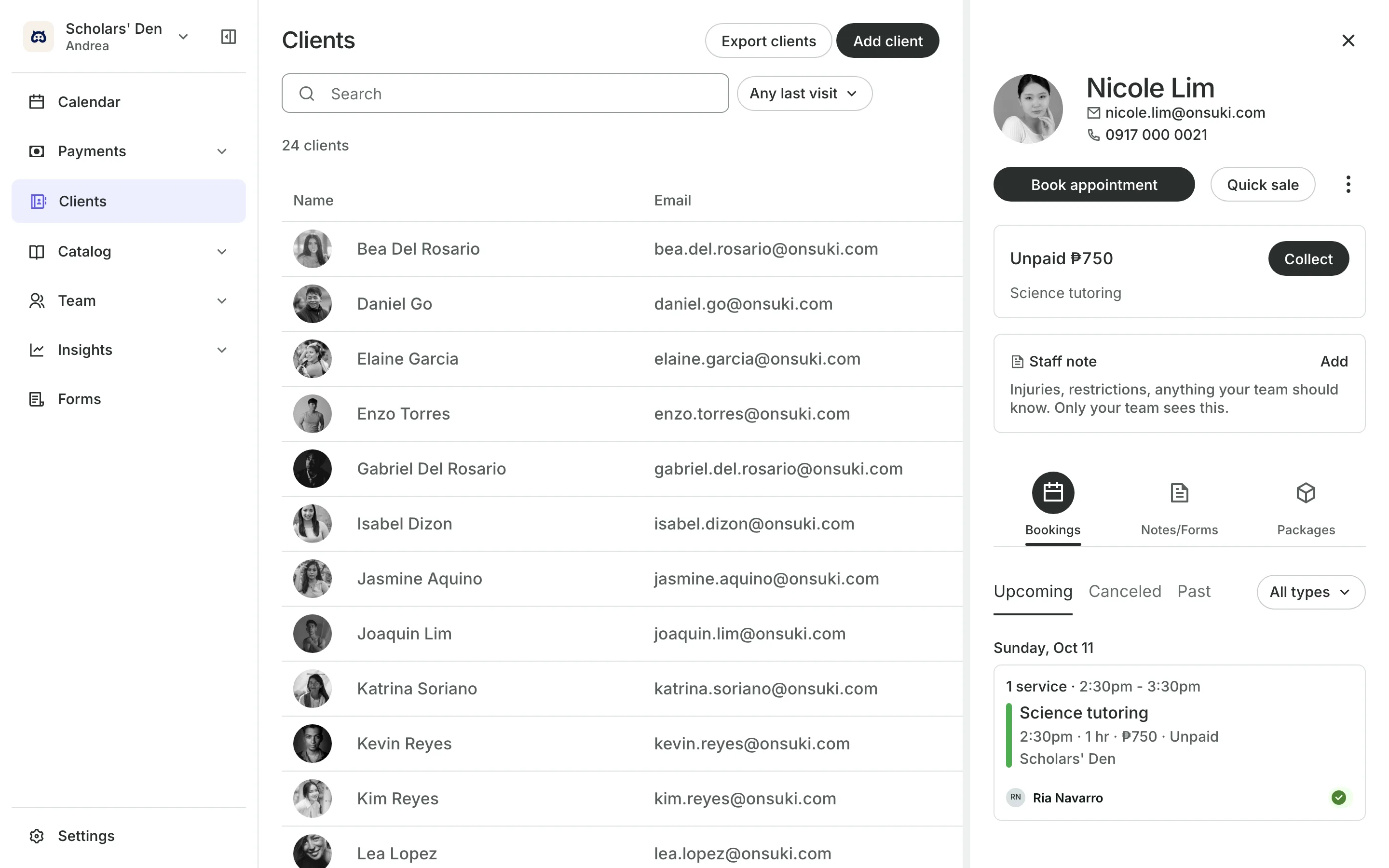
Students and families
Keep families in the loop
Ask for the student's grade, school, and subjects on an intake form before the first session. After each session, the tutor writes what they covered and shares it to the family's account.
- A staff note on how each student learns
- Each tutor sees only their own students
- A different price at each branch
See what your center gets
- AppointmentsServices, staff, rooms, and add-ons, booked online or from the calendar.
- Online BookingYour own booking site where clients book, pay, and manage their bookings.
- PackagesPacks of visits and memberships that renew, with credits clients see in their wallet.
- ClassesRepeating classes with a roster, check-in, waitlists, and spot picking.
- ClientsClient profiles with bookings, balances, notes, feedback, and packages.
- FormsIntake forms and a waiver, filled in before the visit or at the front desk.
- LocationsEach branch with its own hours, team, rooms, and prices, in one account.
- TeamRoles, permissions, hours, and time off for everyone who works with you.
- PaymentsOnline checkout, transfers to your own accounts, and Pay in person.
- ConciergeA chat on your booking page that answers customers and books a class or an appointment.
- AssistantType what you need done, in English or Taglish, and confirm each change.
Frequently asked questions
Yes. On the tutor's Services tab, tick only the sessions they teach. Families can only book them for those.
Yes. A package can include classes and services, each with its own number of credits.
7 days, with every feature of your plan. You choose a plan when the trial ends.
No. You sign up with your email or Google account, tell us what you run, and start setting up.
Each plan is one monthly price with unlimited bookings. See the pricing page for the plans and what each includes.
Take bookings and get paid, the simple way.
Free 7-day trial. No credit card required.