Booking software for bootcamps:Keep every small group full
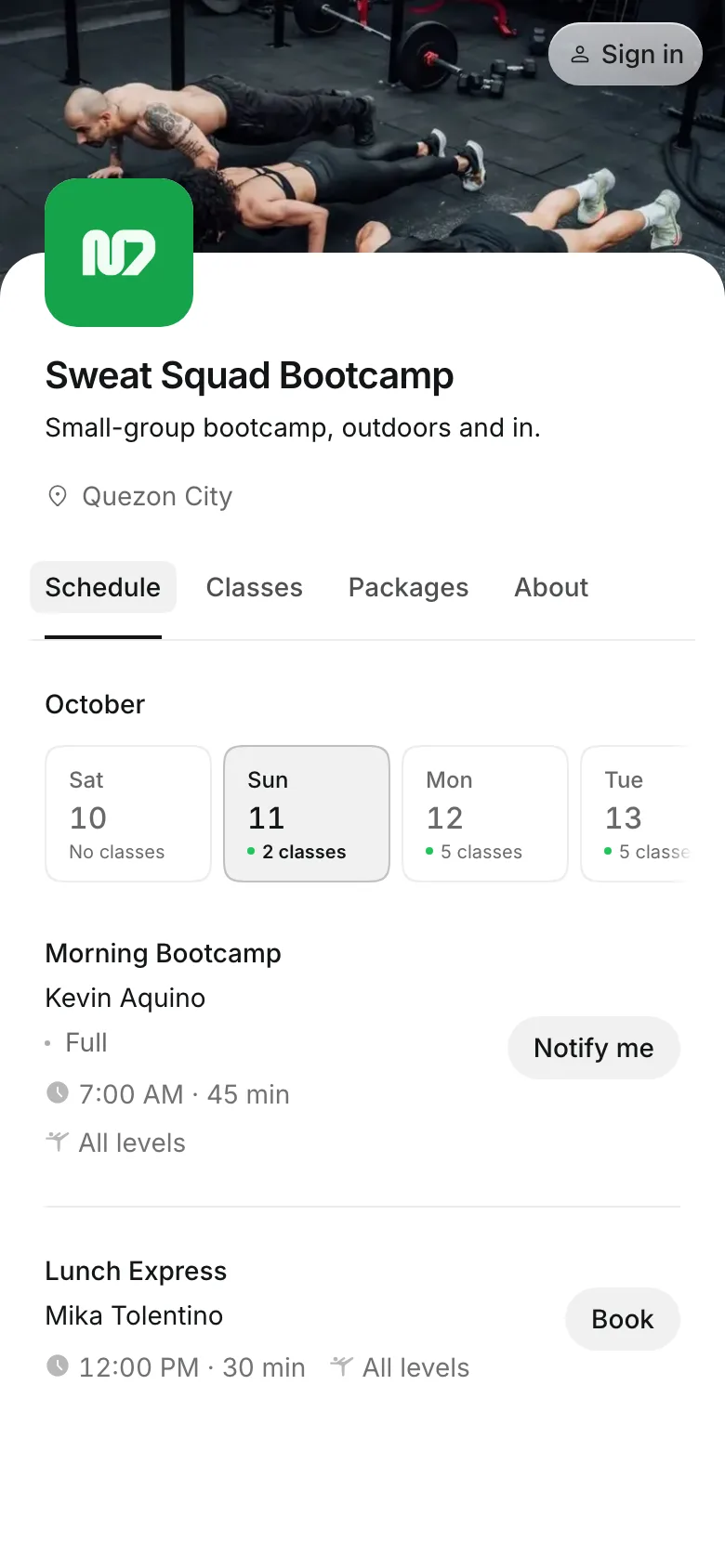
Clients book a spot in your bootcamps and small-group sessions on their phone. When a session fills, the waitlist takes over, and a late cancel costs the credit, not your coach's time.
Free 7-day trial. No credit card required.
Clients pay online or in person













Coach the group you planned for
A six-person session with four people in it loses money. Set the spots on each time, close booking before you start, and decide what a late cancel costs.
Small groups
Cap each session at your spots
Spots are set on each time, so Monday can take 6 and Saturday 20.
Drop-in prices are set per session, so a longer bootcamp can cost more.
Waitlists email everyone waiting when a spot opens.
Late cancels inside your window keep the credit or the payment.
Packs
Sell packs that bring them back
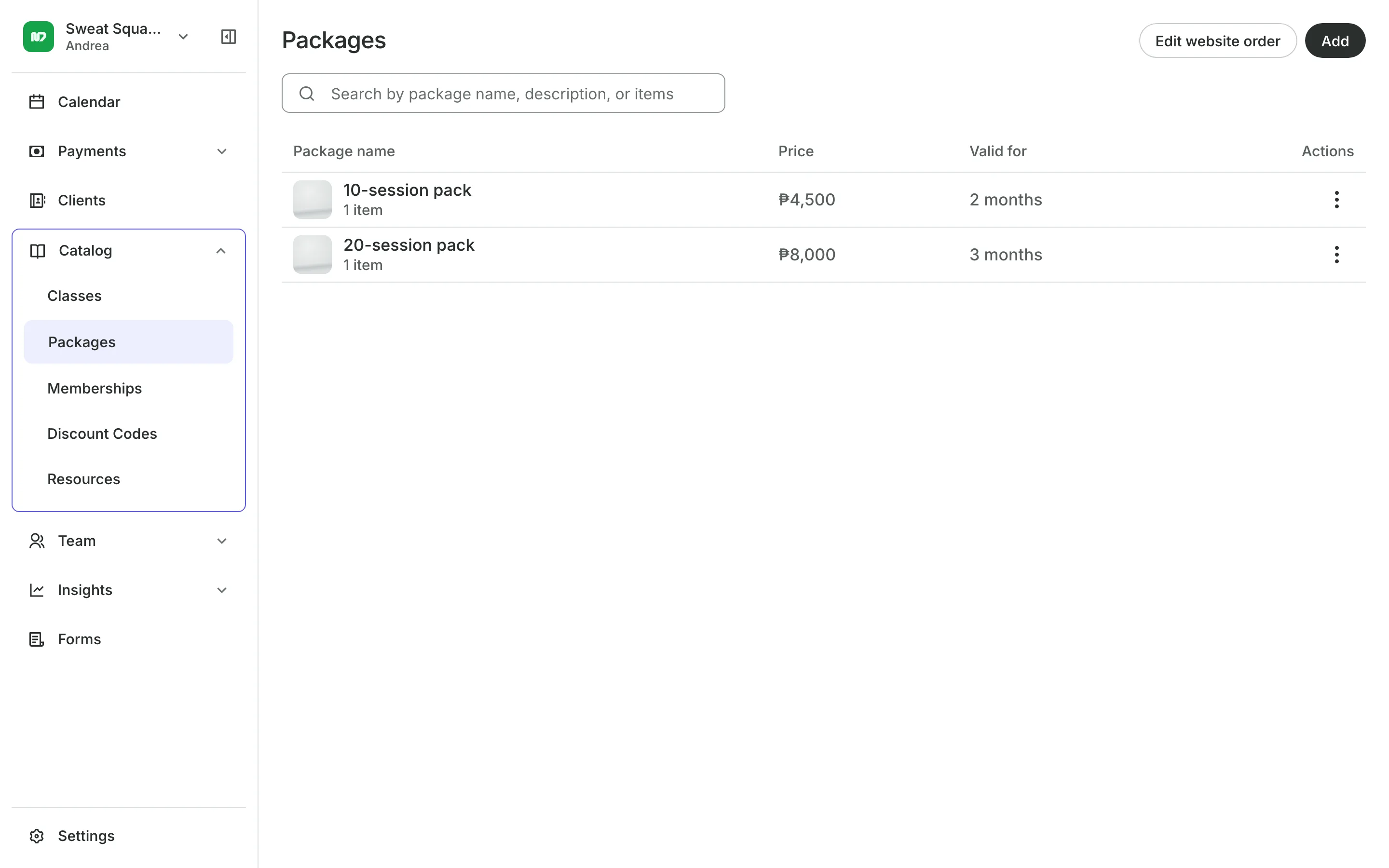
A 10-session pack with an expiry keeps clients coming every week. Start the clock at their first booking, not the day they buy, so nobody loses a week before they begin.
- A first-timer offer only new clients can buy
- Guests per booking, so a member can bring a friend
- Credits back in the pack when they cancel in time
Check-in
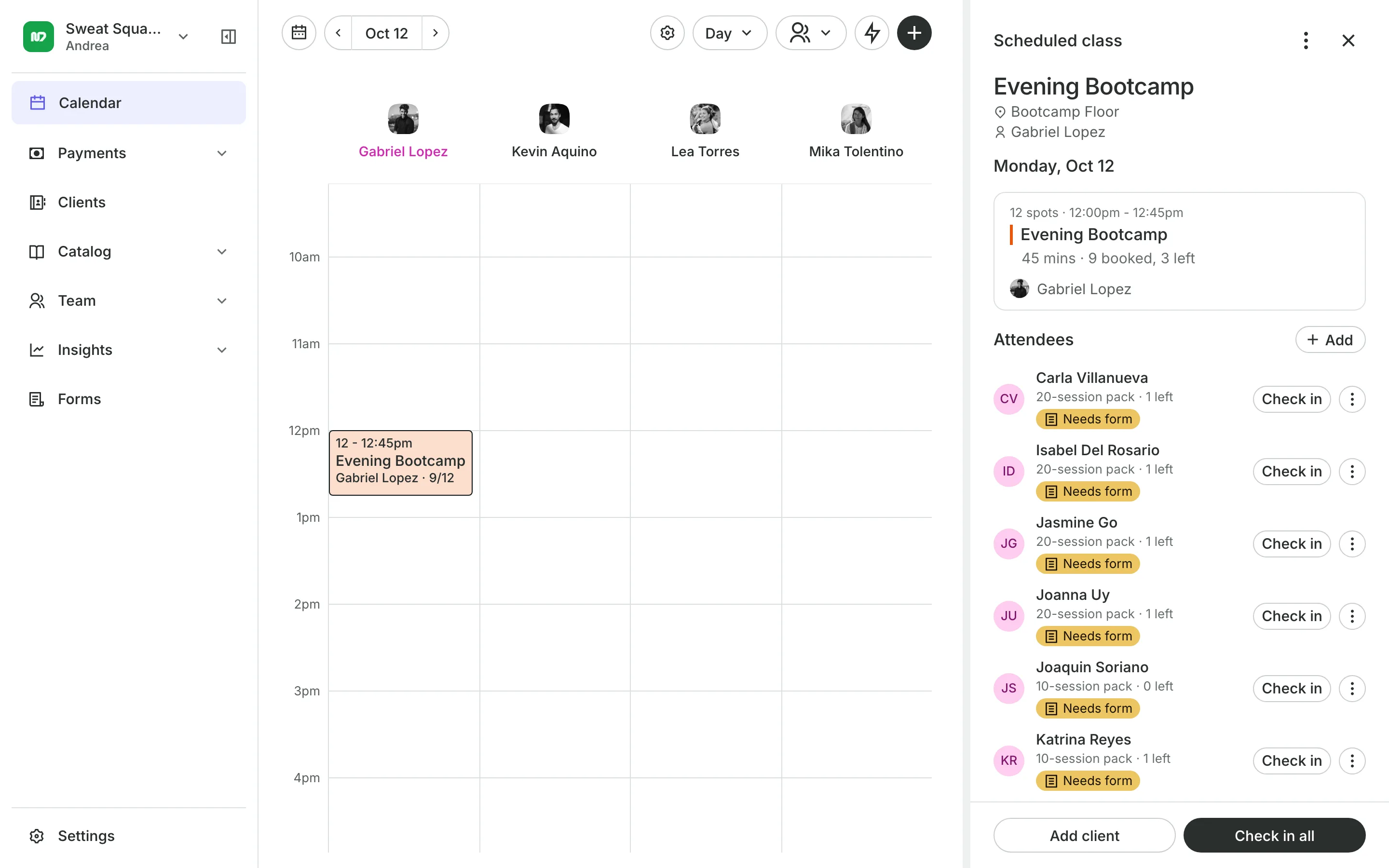
Check the group in from the roster
Check in all marks the whole group as here in one tap.
How each pays shows beside every name: pack, membership, or drop-in.
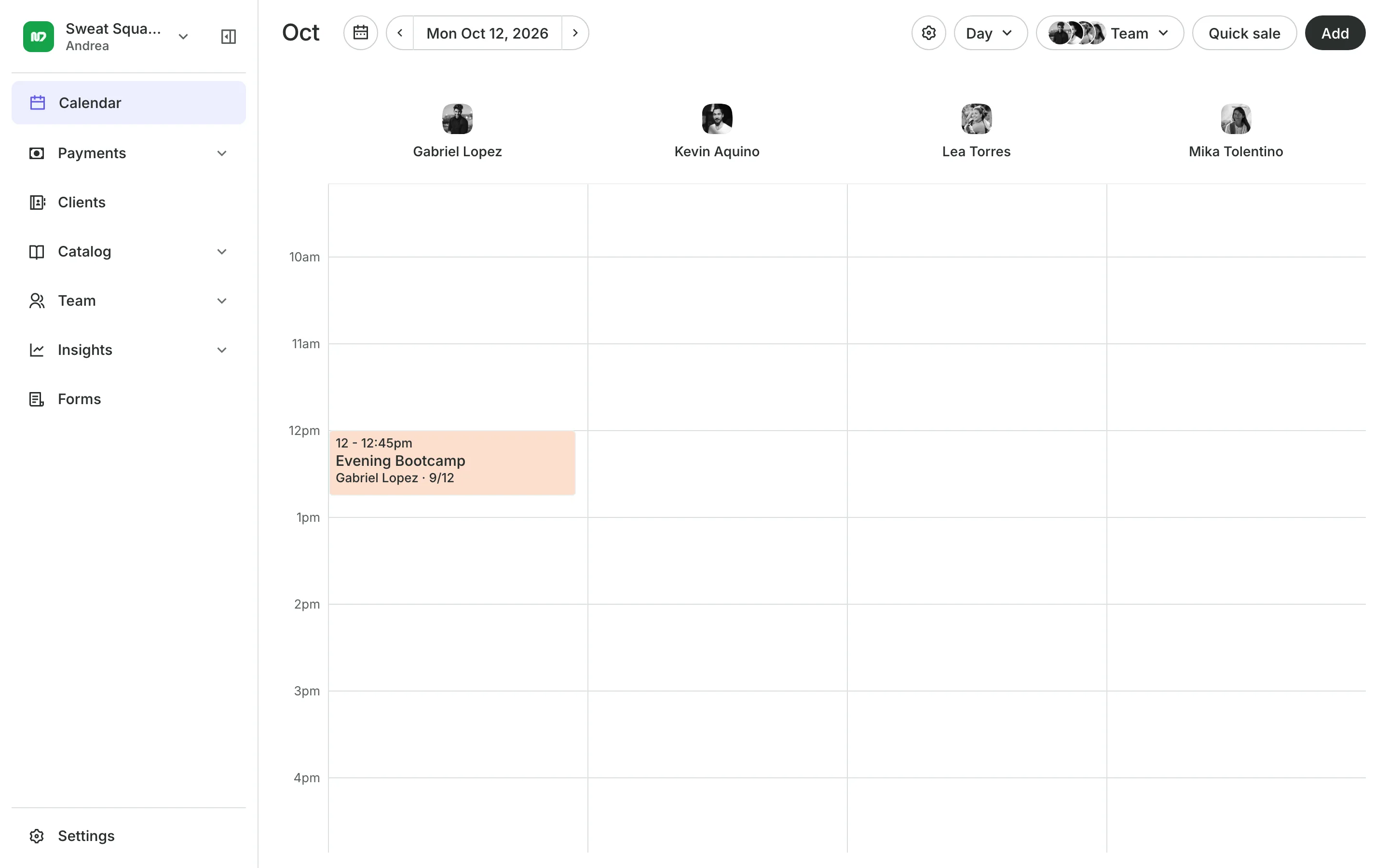
A coach per time lets the same bootcamp run with different coaches.
Cancel a session and every credit goes back, with one email each.
Waivers and forms
Know who is ready to train
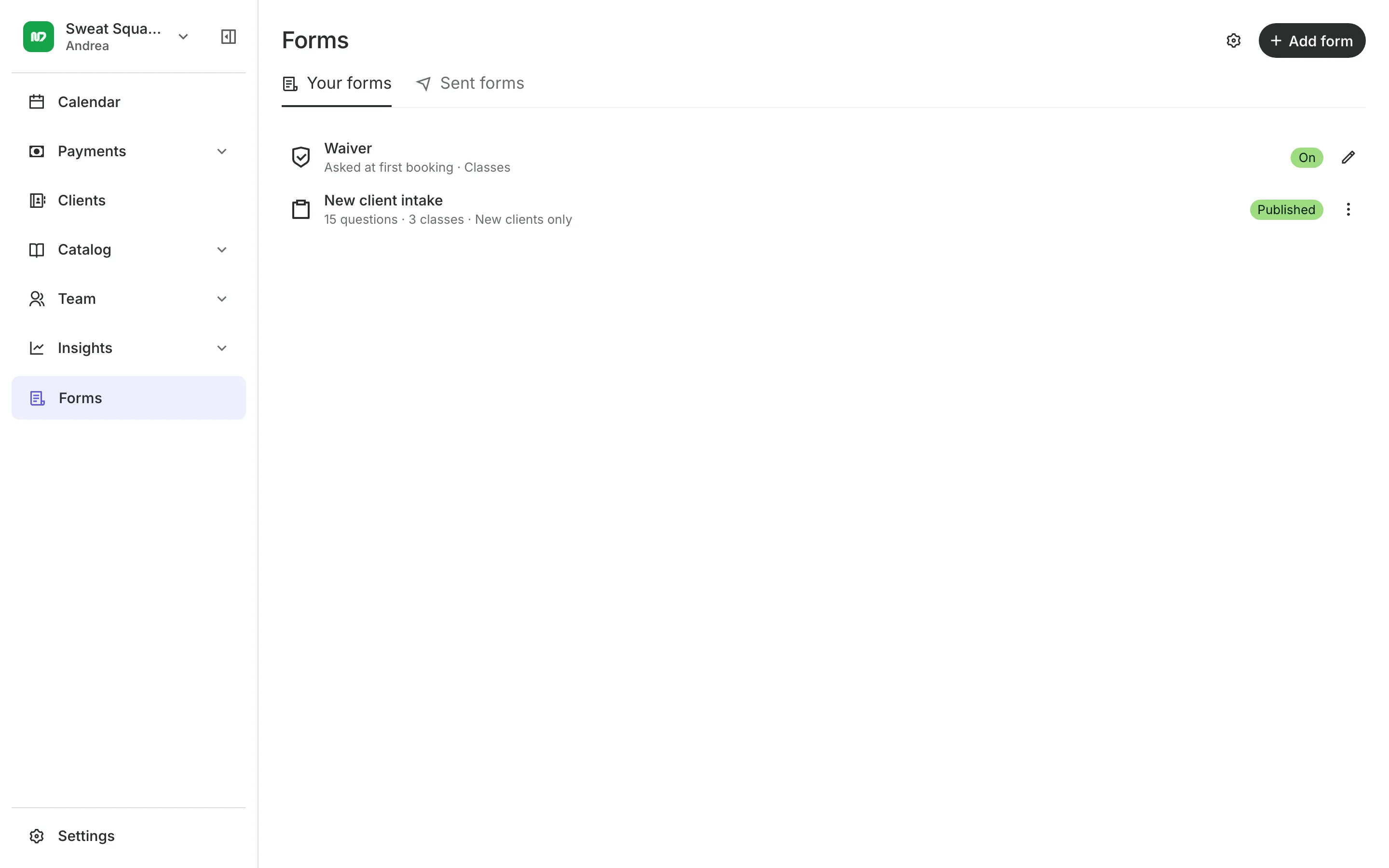
Clients agree to your waiver the first time they book. Add a health form to your hardest sessions, asked once a year, and the roster flags anyone whose answers you should read.
- A form only for the sessions you choose
- Health answers flagged before the session starts
- Staff notes about injuries every coach can read
See what your sessions get
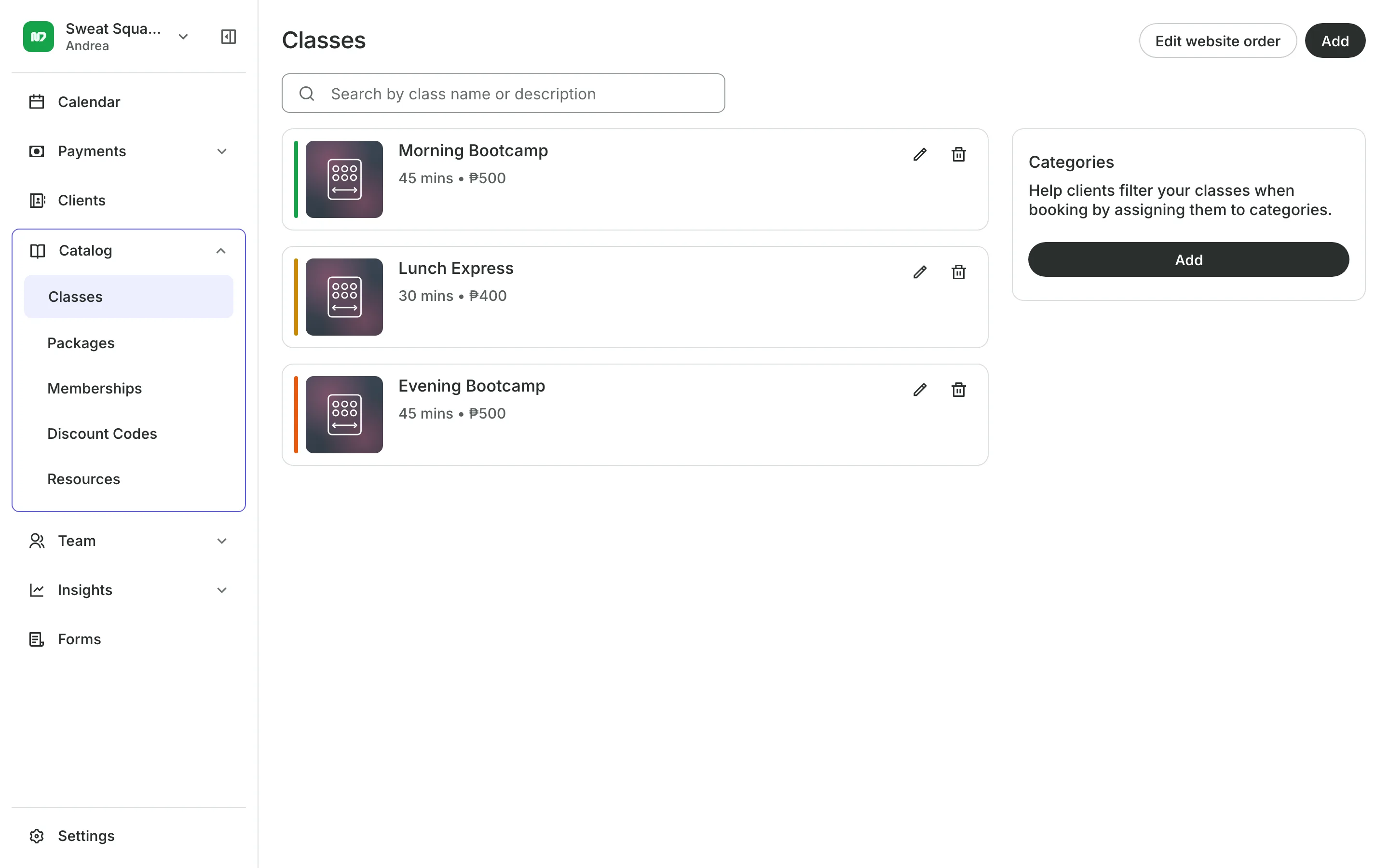
- ClassesRepeating classes with a roster, check-in, waitlists, and spot picking.
- PackagesPacks of visits and memberships that renew, with credits clients see in their wallet.
- Online BookingYour own booking site where clients book, pay, and manage their bookings.
- PaymentsOnline checkout, transfers to your own accounts, and Pay in person.
- FormsIntake forms and a waiver, filled in before the visit or at the front desk.
- ClientsClient profiles with bookings, balances, notes, feedback, and packages.
- TeamRoles, permissions, hours, and time off for everyone who works with you.
- LocationsEach branch with its own hours, team, rooms, and prices, in one account.
- ConciergeA chat on your booking page that answers customers and books a class or an appointment.
- AssistantType what you need done, in English or Taglish, and confirm each change.
Guides for your bootcamp

Frequently asked questions
Yes. Spots belong to each time on the schedule, up to 200, so a small-group slot and a weekend bootcamp can run side by side.
Set a cancellation window and turn on Charge late cancellations. A cancel inside the window keeps the credit or the payment, and clients see the rule before they book.
Yes. Set Guests per booking on the package, and the buyer can book a spot for someone else with their credits.
Yes. Every session needs a room, so add your park or field as a room at its location and schedule sessions there.
7 days, with every feature of your plan. You choose a plan when the trial ends.
No. You sign up with your email or Google account, tell us what you run, and start setting up.
Each plan is one monthly price with unlimited bookings. See the pricing page for the plans and what each includes.
Take bookings and get paid, the simple way.
Free 7-day trial. No credit card required.