Booking software for photo studios:Book each room by the slot, for the whole group
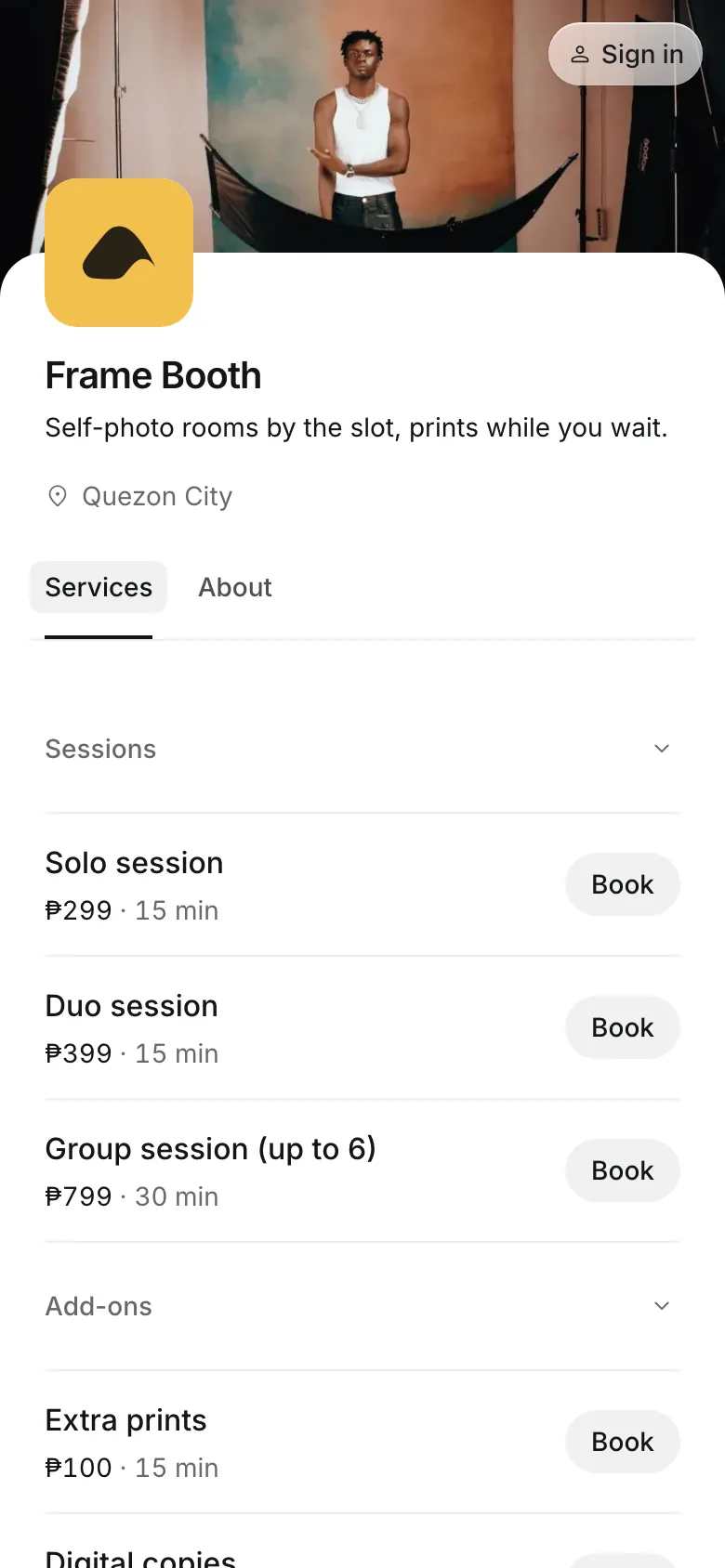
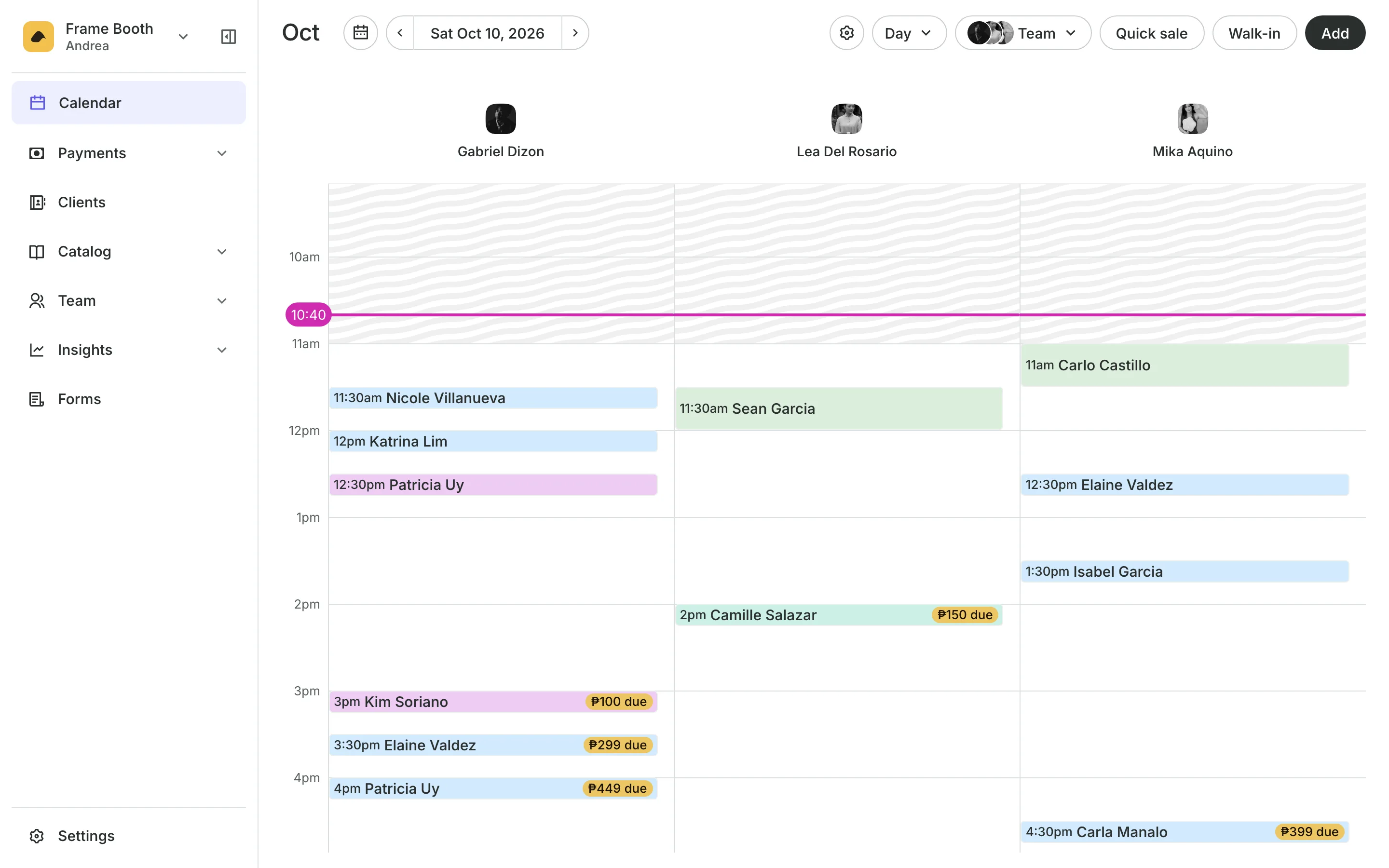
Groups pick a room, a time, and how many are coming on their phone, add extra prints, and pay online, by GCash transfer, or in person. You see every room's day on one calendar.
Free 7-day trial. No credit card required.
Clients pay online or in person













Fill every room, every slot
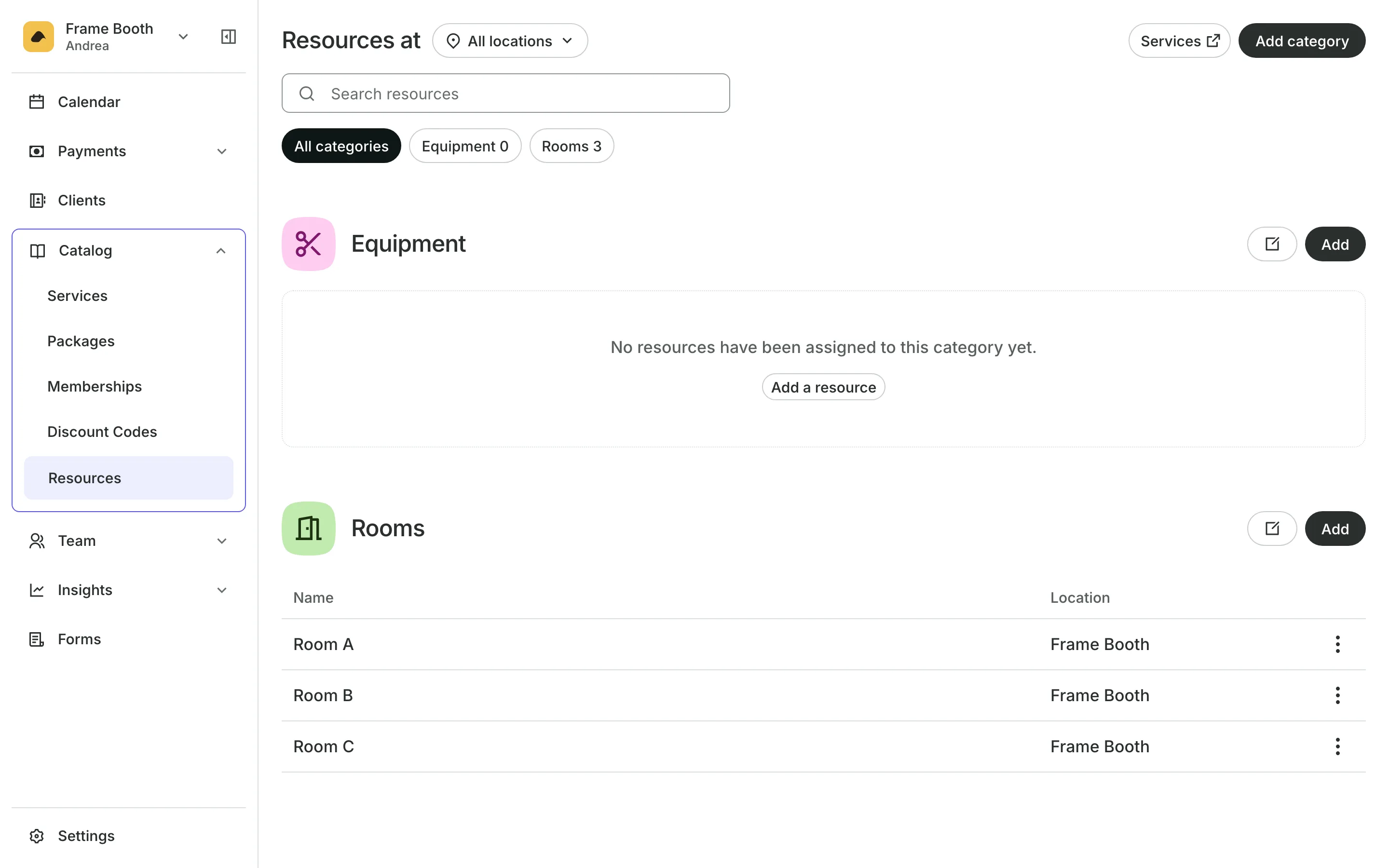
When groups shoot themselves, you sell time in a room, not time with a person. Onsuki books the room itself, so each backdrop can take its own group at the same hour.
Rooms
Sell each room by the slot
Booking lengths from 30 minutes, in steps of 15, 30, or 60.
Room choice lets a group pick the backdrop they came for.
People included per booking, with a fee for each extra person.
Several rooms can go on one booking for a big group.
Booking
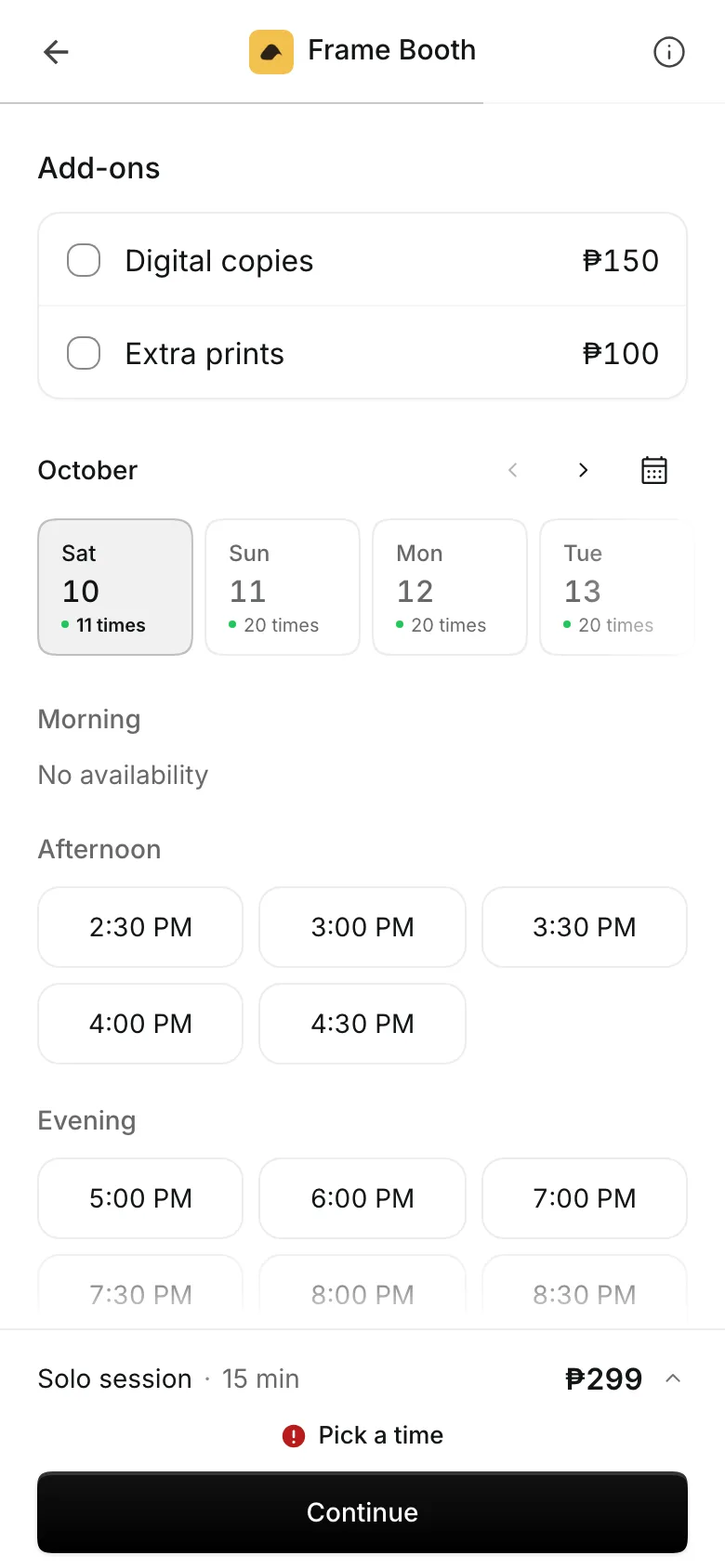
Groups book a slot on their phone
Groups pick a day and a free time slot, then add extra print strips or a printed frame, each with its own price. Add-ons go on the total before they pay.
- Each group of add-ons optional or required
- Only free slots shown for the room they pick
- Props and frames sold at the counter too
Payments
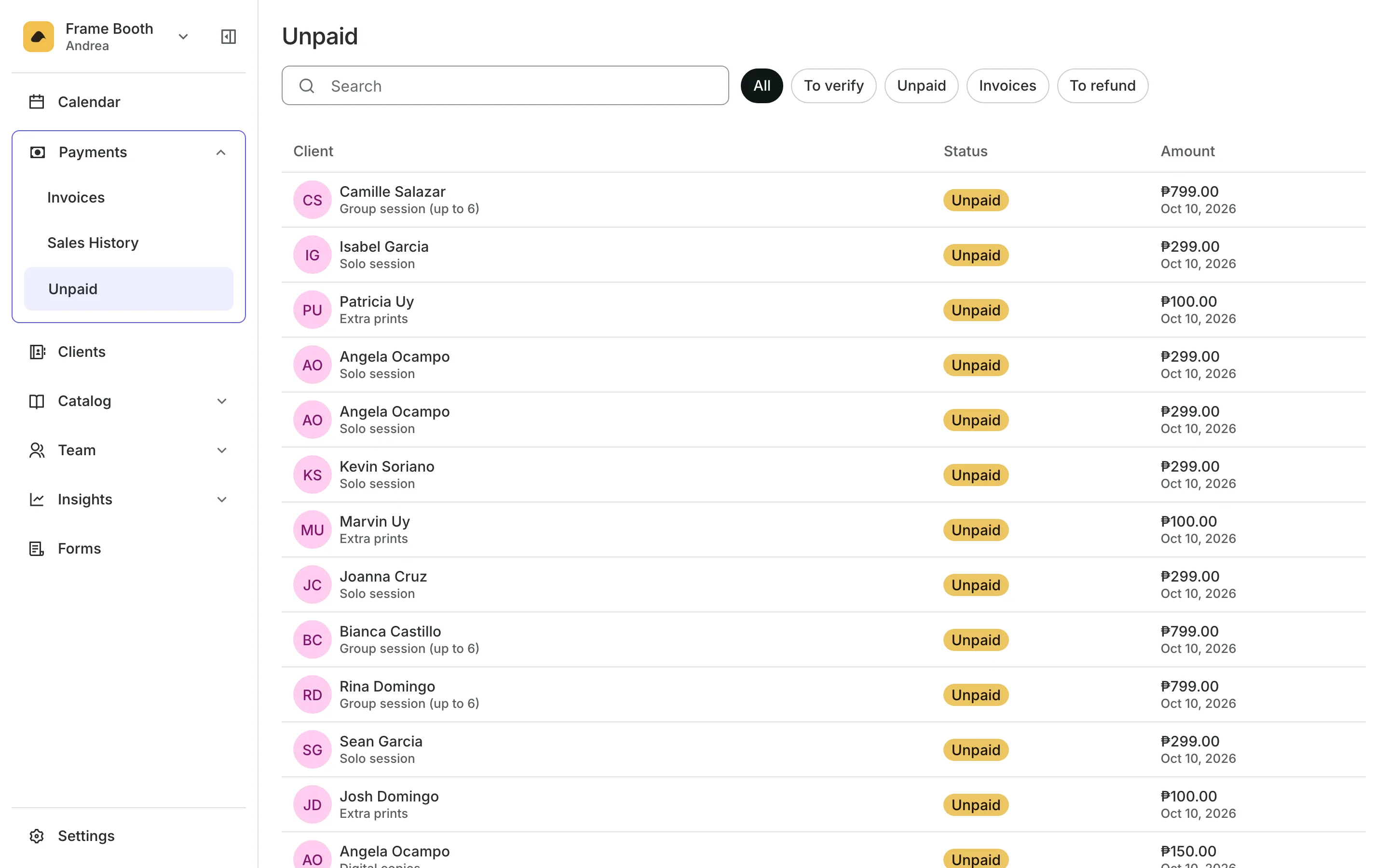
Get paid before the shoot
Online payments take card and e-wallets at checkout.
GCash and QR Ph show your own code with the amount filled in.
Receipts uploaded by the group wait on your Unpaid list to approve.
Pay in person lets a group book now and pay when they arrive.
Busy days
Charge more on weekends
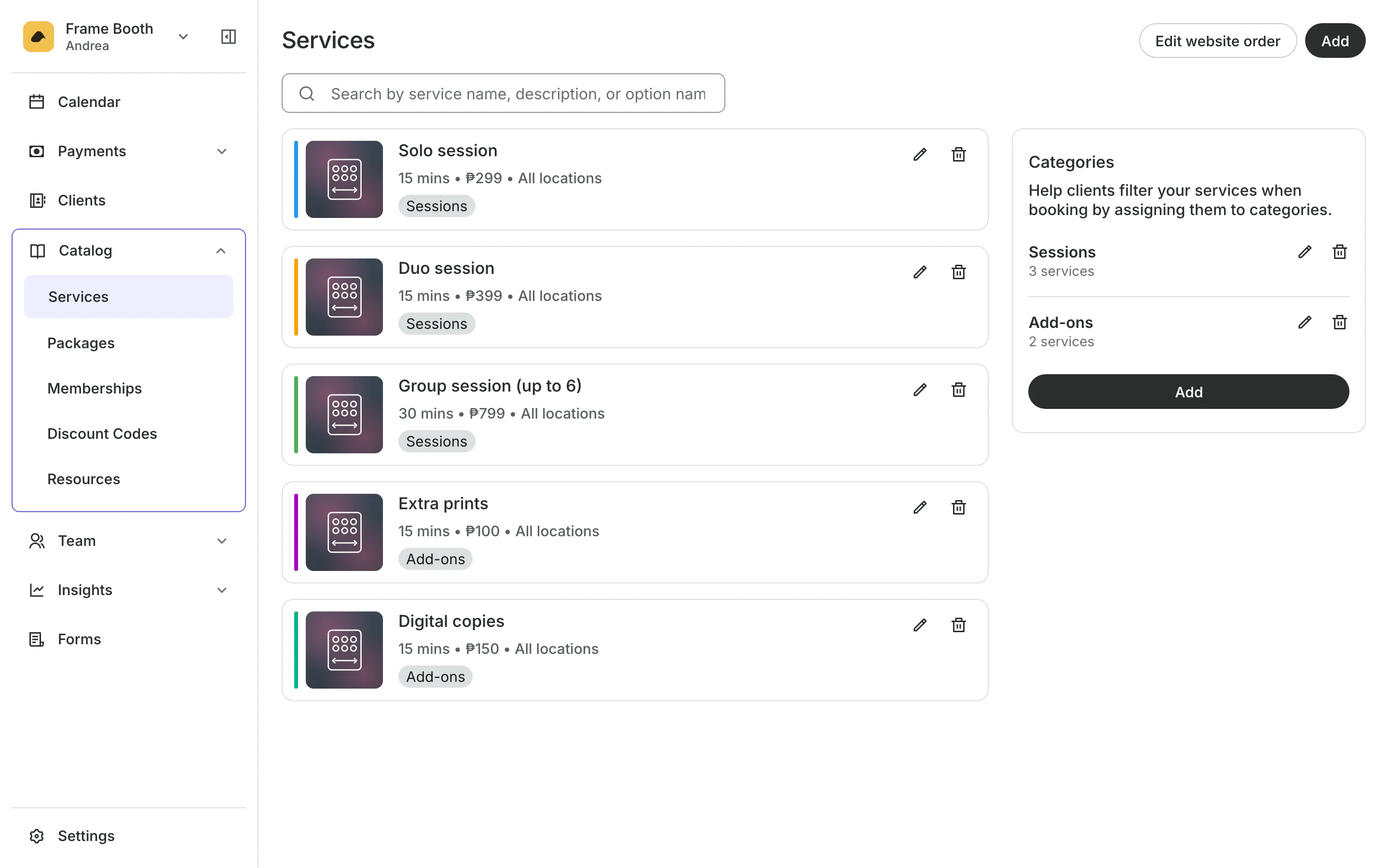
Each room type sits on your menu with its rate and length. Set a higher rate for weekends and evenings, and the rest of the week keeps your usual rate. On the day, each room has its own column on the calendar, and groups who walk in are booked from it.
- Peak and off-peak rates by day and hour
- Check in the whole group at once
- A cap on how many rooms one booking takes
See what your studio gets
- CourtsCourts and bays by the hour, peak rates, packs of hours, and open play.
- Online BookingYour own booking site where clients book, pay, and manage their bookings.
- PaymentsOnline checkout, transfers to your own accounts, and Pay in person.
- InventorySell products online and at checkout, with stock counted as you go.
- ClientsClient profiles with bookings, balances, notes, feedback, and packages.
- ReportsAnalytics, reports, sales history, and a cash count at the end of the day.
- TeamRoles, permissions, hours, and time off for everyone who works with you.
- ConciergeA chat on your booking page that answers customers and books a class or an appointment.
- AssistantType what you need done, in English or Taglish, and confirm each change.
Frequently asked questions
No. Turn on Bays and Courts in Features and set up your rooms there. Your screens call them spaces. A room is booked by itself, so several groups can shoot at the same time.
From 30 minutes, and longer in steps of 15, 30, or 60 minutes. You set an hourly rate, and each booking is charged for its length.
Yes. Set how many people a booking includes and the fee for each extra one, per booking or per hour. The booking screen calls them guests.
7 days, with every feature of your plan. You choose a plan when the trial ends.
No. You sign up with your email or Google account, tell us what you run, and start setting up.
Each plan is one monthly price with unlimited bookings. See the pricing page for the plans and what each includes.
Take bookings and get paid, the simple way.
Free 7-day trial. No credit card required.