Booking software for pole dance studios:One student per pole, every class
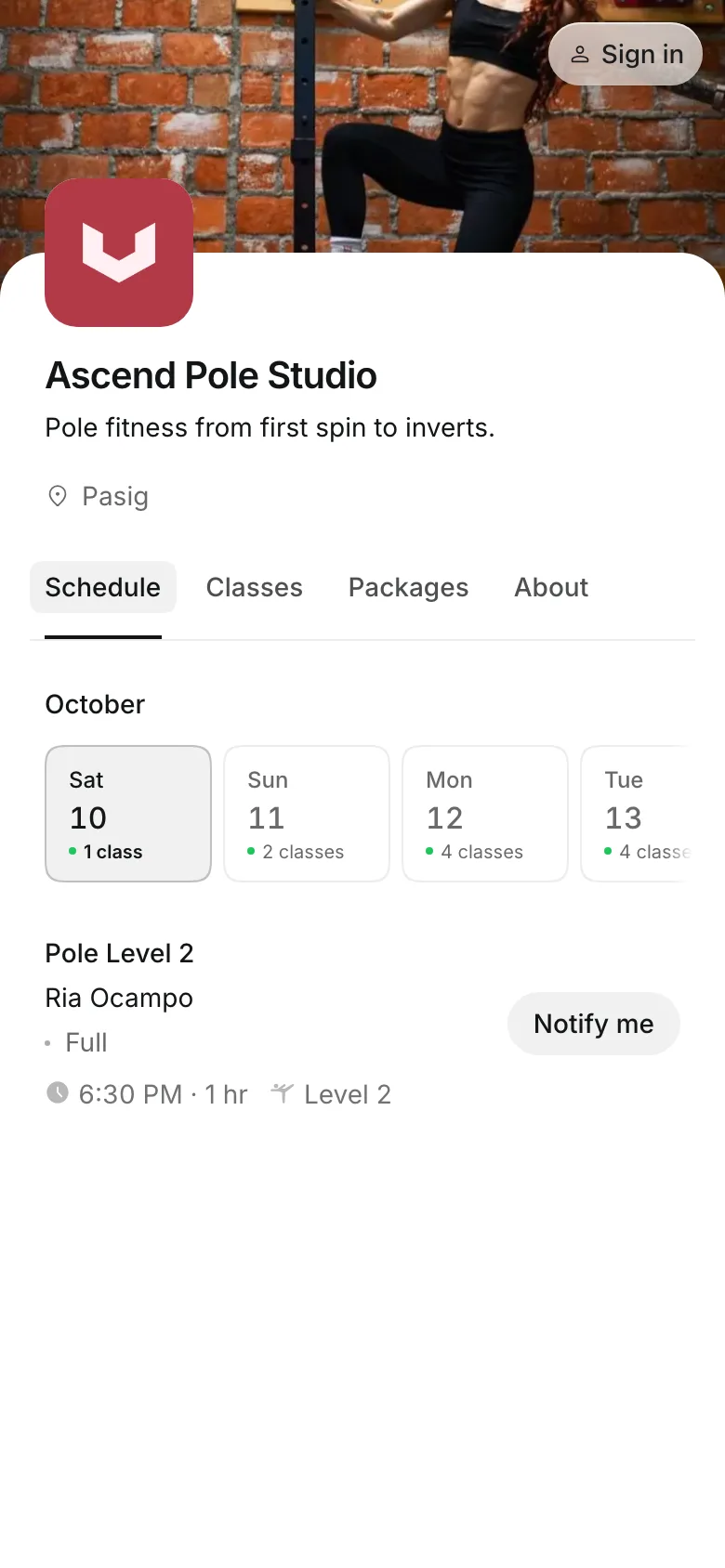
Each class sells only as many spots as the room has poles. Students book by level, pick their pole, and agree to your waiver before their first class.
Free 7-day trial. No credit card required.
Clients pay online or in person













Teach each level its own class
A beginner and an advanced student need different classes. Onsuki shows the level on every class and keeps each one to the poles in the room.
Levels
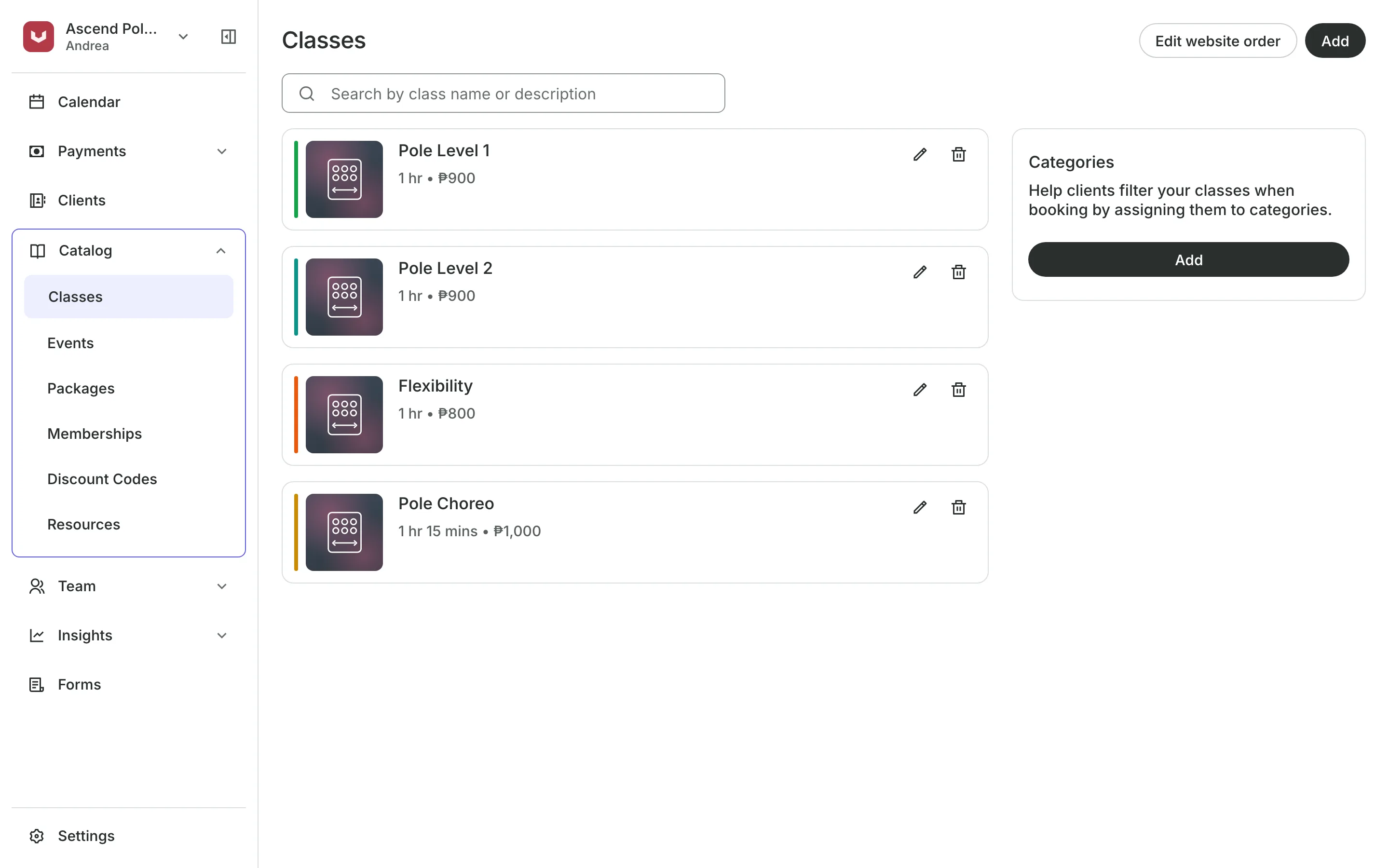
Run classes by level
Class levels in your own words and order, from Intro up.
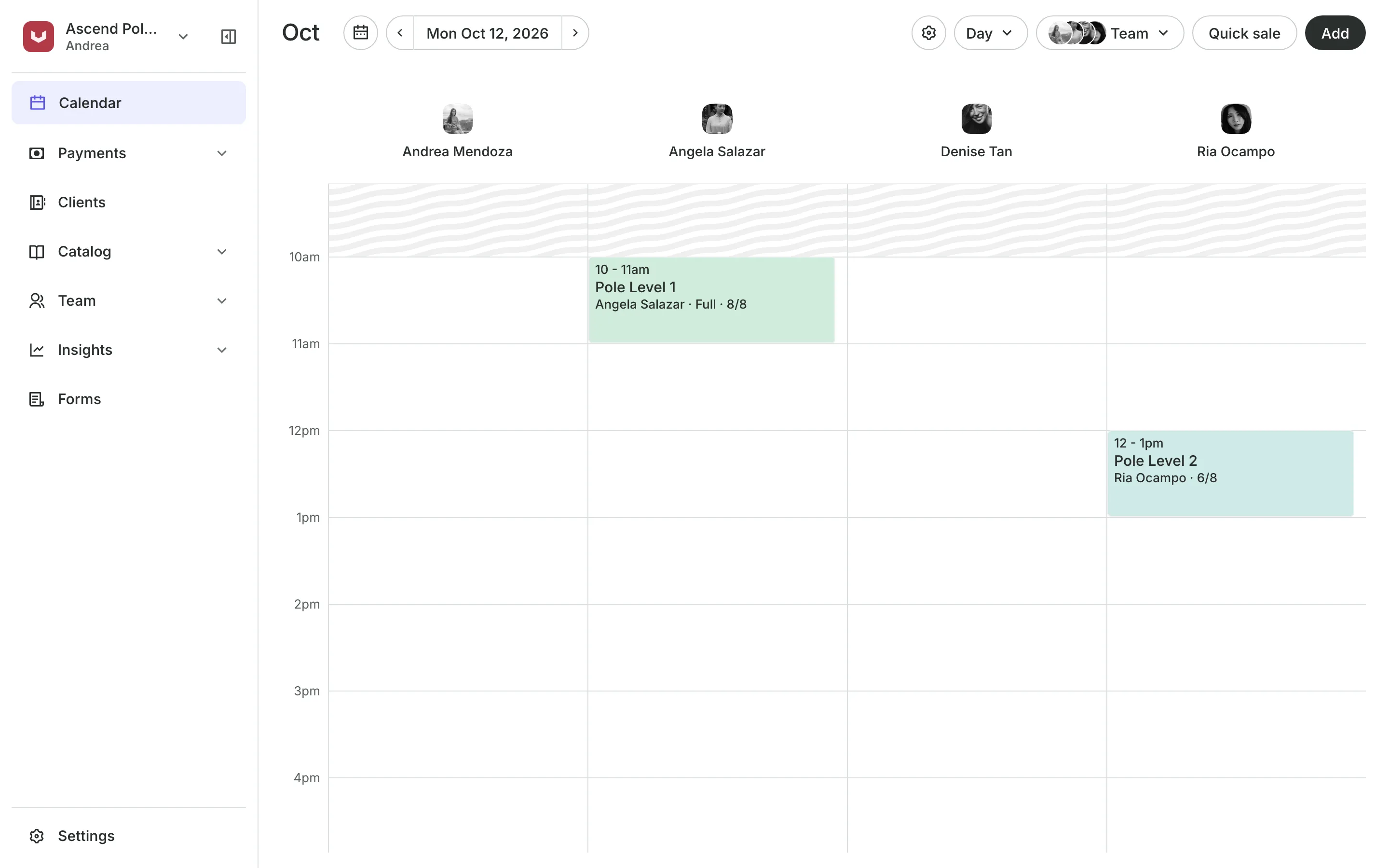
Spots set to the number of poles in the room.
Each time can have its own instructor and room.
Feedback after class tells a student what to practice.
Pick Your Spot
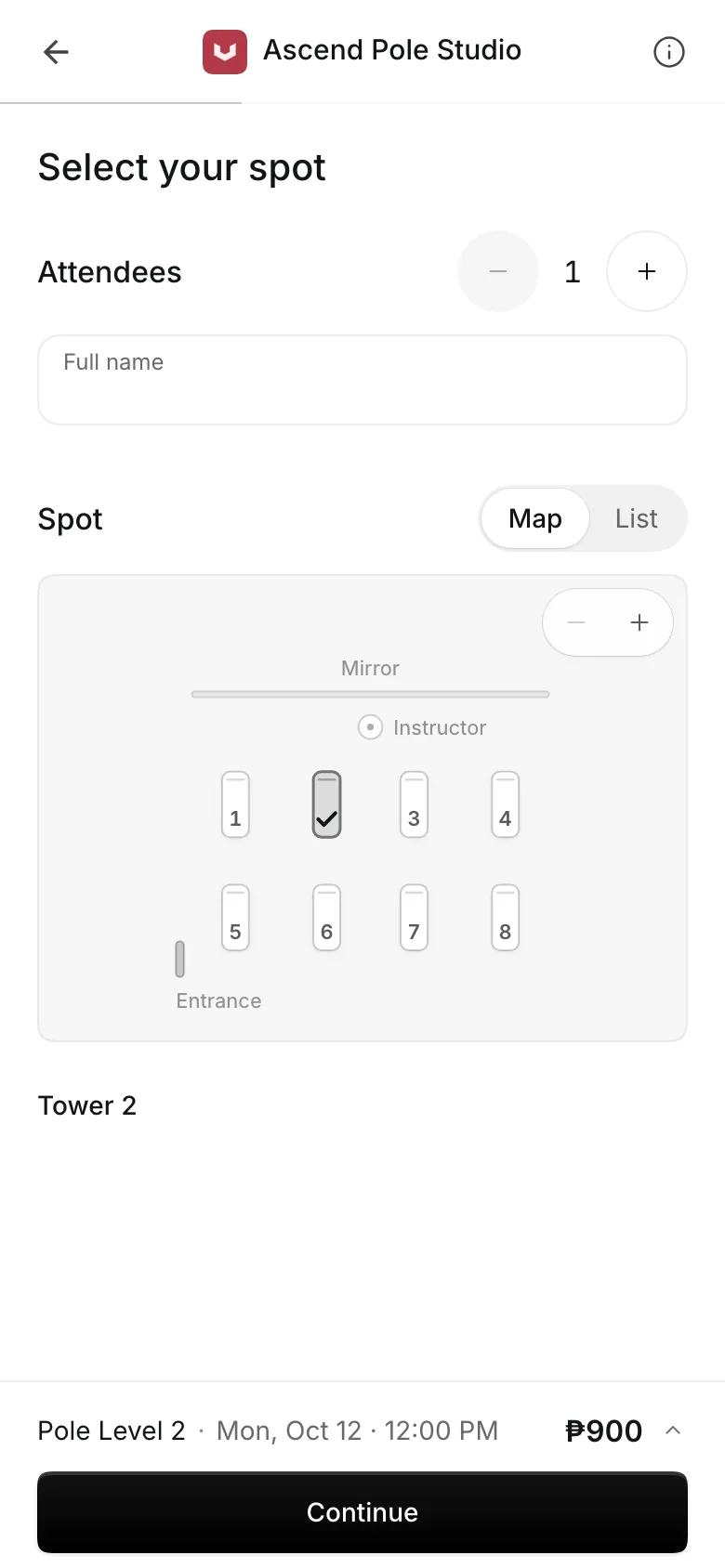
Let students pick their pole
Draw the room once and name each pole. Students pick a free pole when they book, and anyone who does not is given one. Pick Your Spot comes with every plan.
- Mark a pole not in use while it is fixed
- Each student's pole shown on the roster
- Move a student to another pole from the calendar
Waivers and health forms
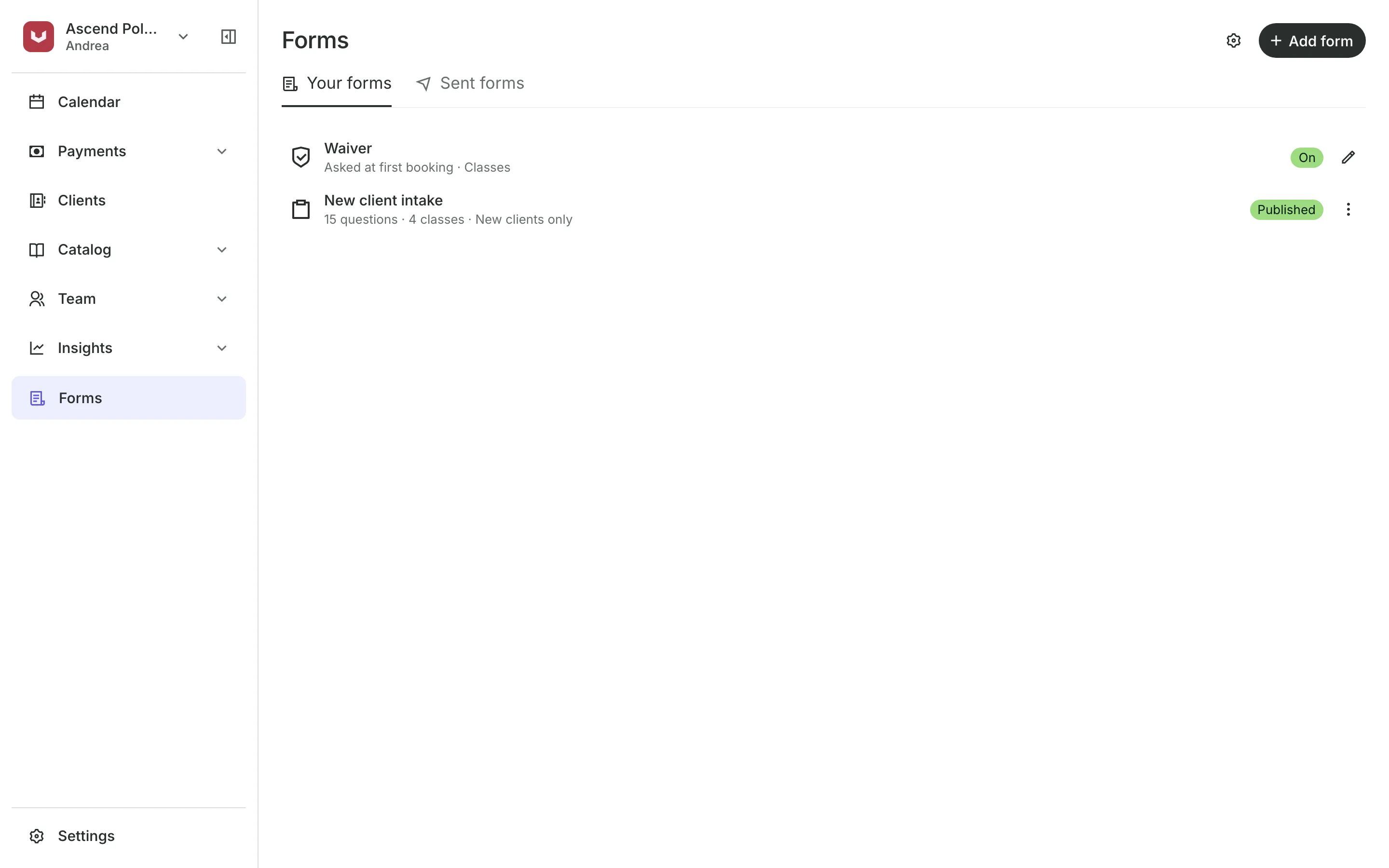
Get the waiver before the first spin
Your waiver is agreed at checkout the first time a student books.
Health forms collect injuries and history before the first class.
Health tag on the roster flags an answer to read before class.
Staff notes keep an injury where every instructor sees it.
Privates, workshops, and showcases
Sell privates, workshops, and showcases
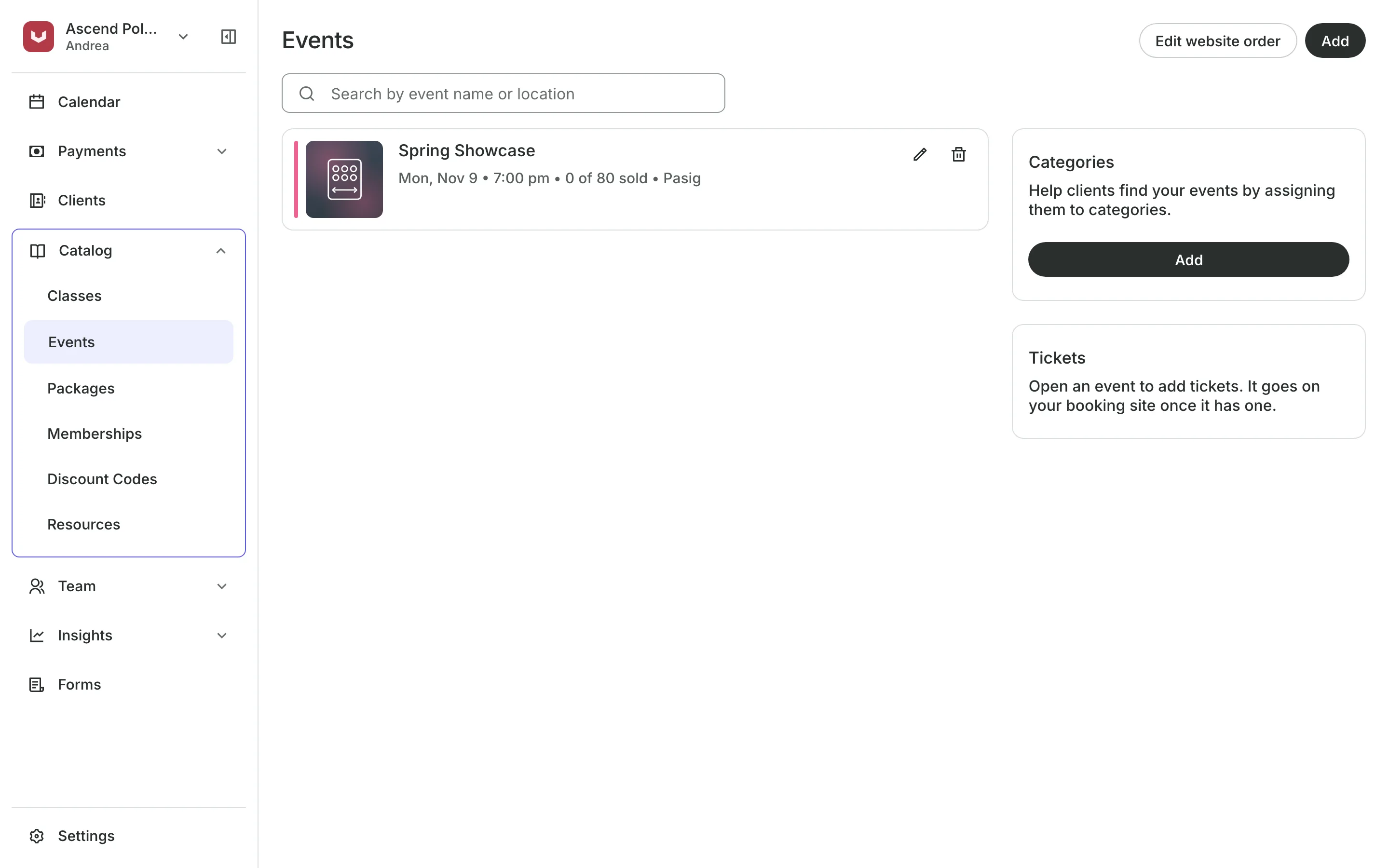
Book private lessons as appointments with the instructor a student picks. Run a guest workshop or a student showcase as an event, with its own tickets and a QR code to scan at the door.
- Tickets with a set number of places
- A QR code on each ticket, scanned at the door
- Privates and classes on one calendar
See what your studio gets
- ClassesRepeating classes with a roster, check-in, waitlists, and spot picking.
- FormsIntake forms and a waiver, filled in before the visit or at the front desk.
- PackagesPacks of visits and memberships that renew, with credits clients see in their wallet.
- Online BookingYour own booking site where clients book, pay, and manage their bookings.
- AppointmentsServices, staff, rooms, and add-ons, booked online or from the calendar.
- EventsOne-off events with ticket types, a code on every ticket, and check-in at the door.
- PaymentsOnline checkout, transfers to your own accounts, and Pay in person.
- ClientsClient profiles with bookings, balances, notes, feedback, and packages.
- ConciergeA chat on your booking page that answers customers and books a class or an appointment.
- AssistantType what you need done, in English or Taglish, and confirm each change.
Frequently asked questions
Yes. Set the spots on each class time to the poles in the room. When it is full, students can join the waitlist.
Pick Your Spot is part of every plan. See pricing.
Yes, as a package: the number of classes in the course, with an expiry at its end.
7 days, with every feature of your plan. You choose a plan when the trial ends.
No. You sign up with your email or Google account, tell us what you run, and start setting up.
Each plan is one monthly price with unlimited bookings. See the pricing page for the plans and what each includes.
Take bookings and get paid, the simple way.
Free 7-day trial. No credit card required.