Booking software for spin studios:Let riders pick their bike
Draw your room's bikes once. Riders book a class, choose a bike on the map, and join the waitlist when every bike is taken.
Free 7-day trial. No credit card required.
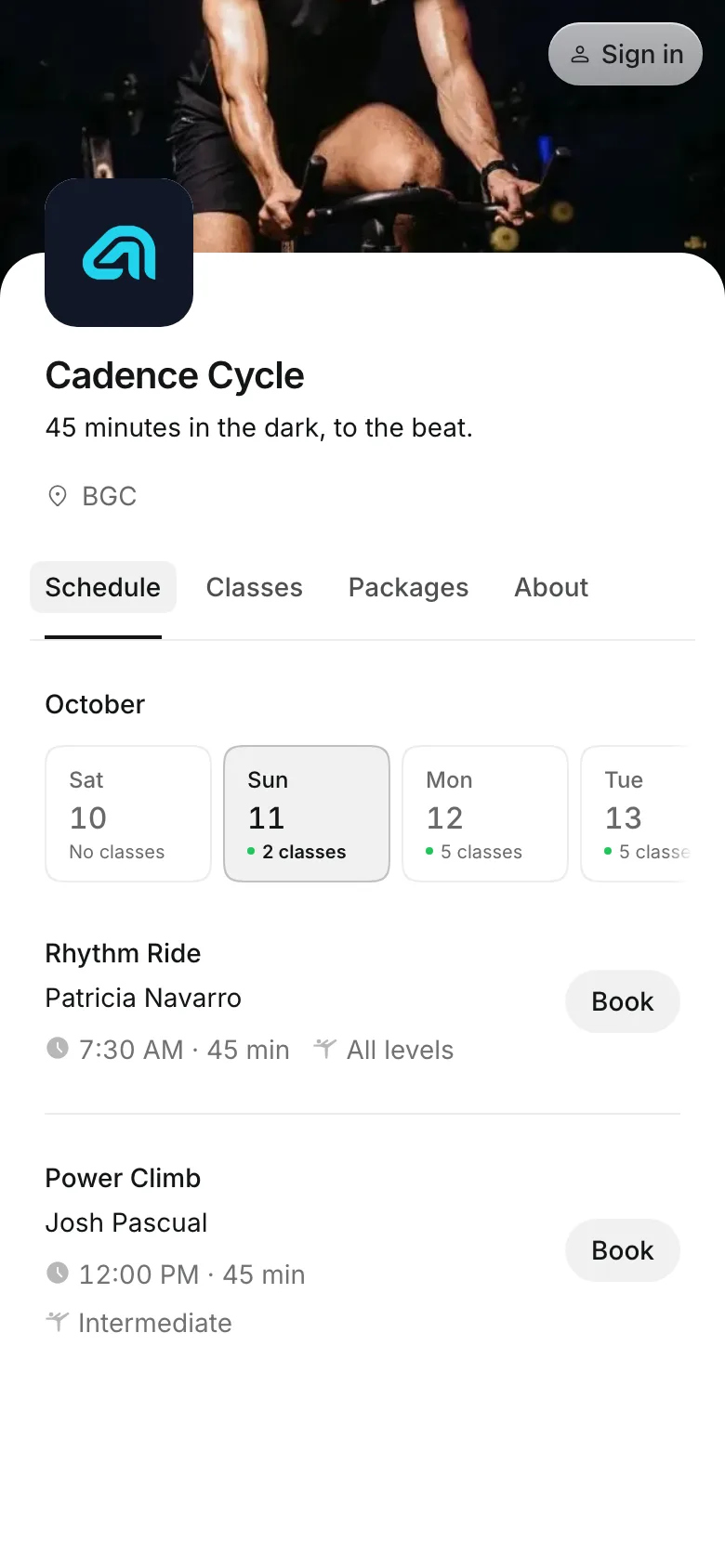
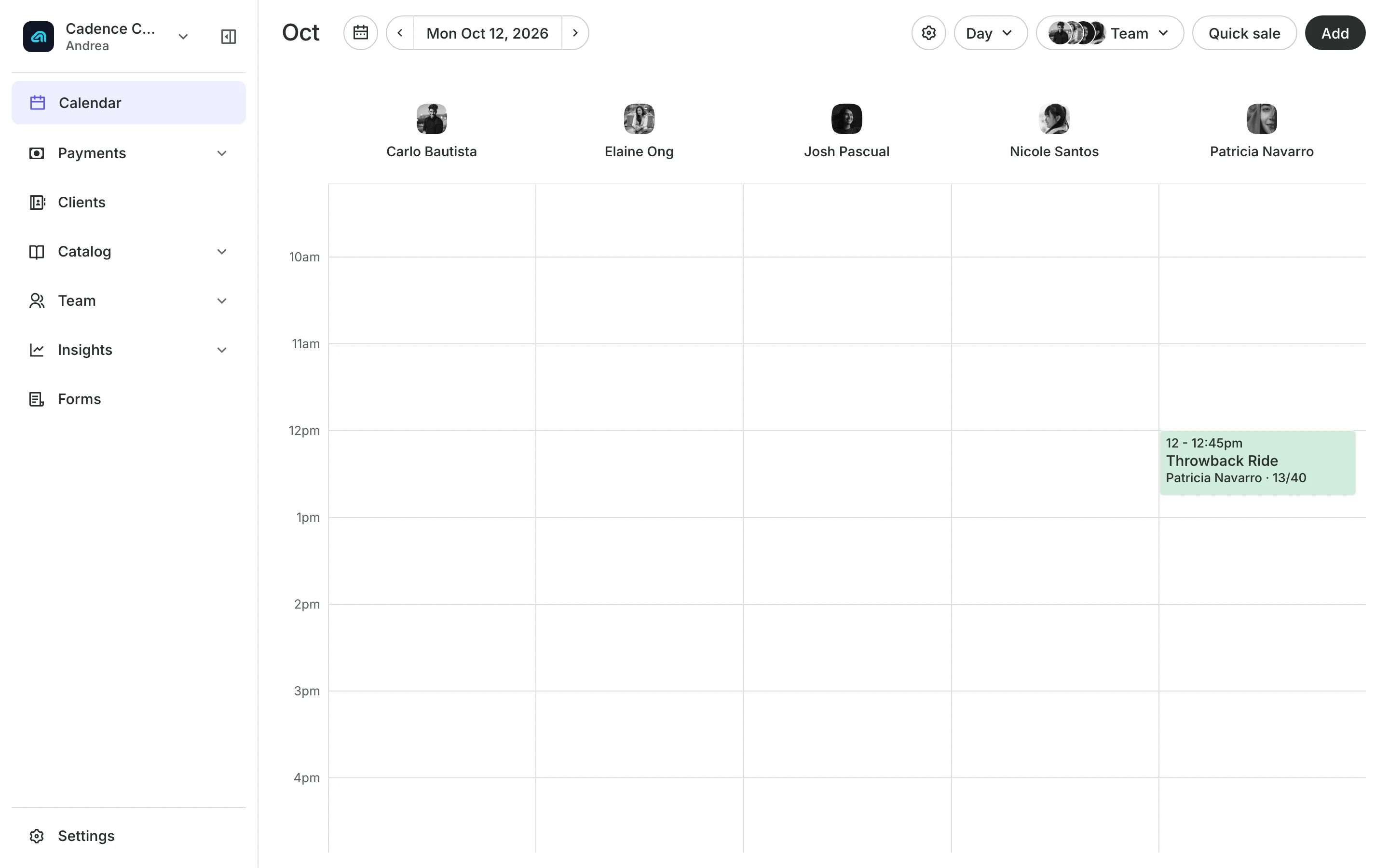
Clients pay online or in person













Fill every bike in the room
A spin class sells out by the bike. Riders choose theirs on their phone and pay with a pack or a membership, and your team checks them in from the roster.
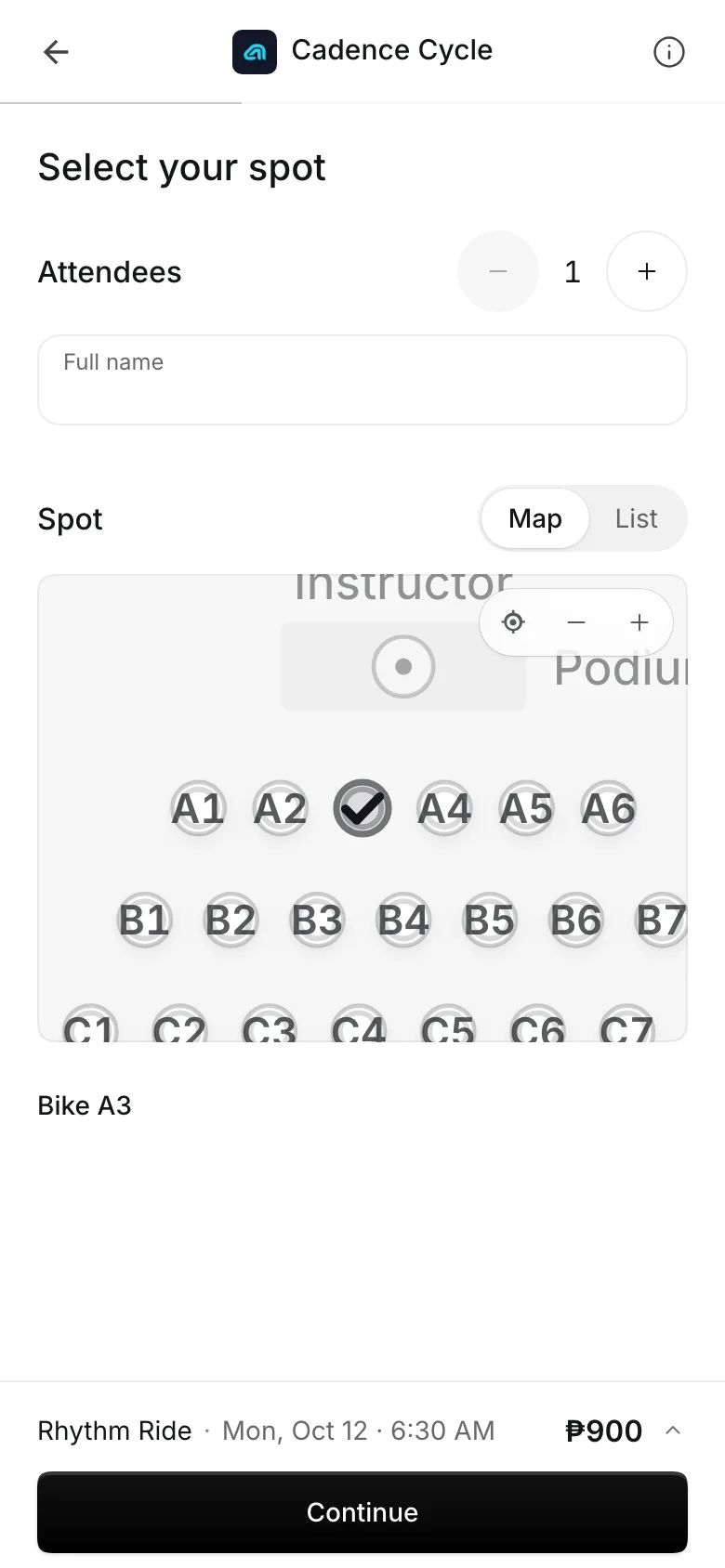
Pick Your Spot
Put your bike map online
Lay out the room in rows of bikes, with the front of the room at the top, and name each bike. Riders pick a free bike when they book, and anyone who does not pick gets one. Pick Your Spot comes with every plan.
- Mark a broken bike not in use
- Each rider's bike shown on the roster
- Move a rider to another bike from the calendar
Packs
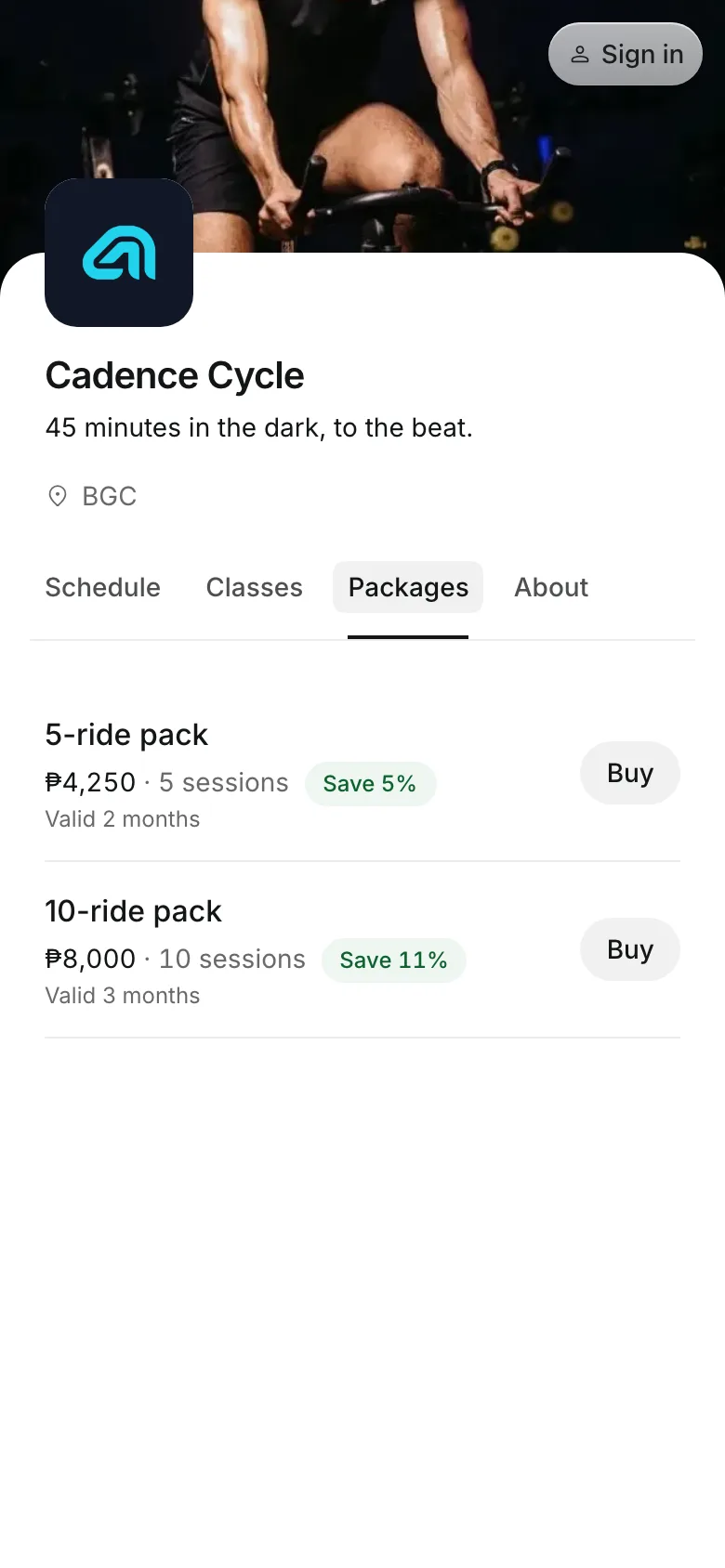
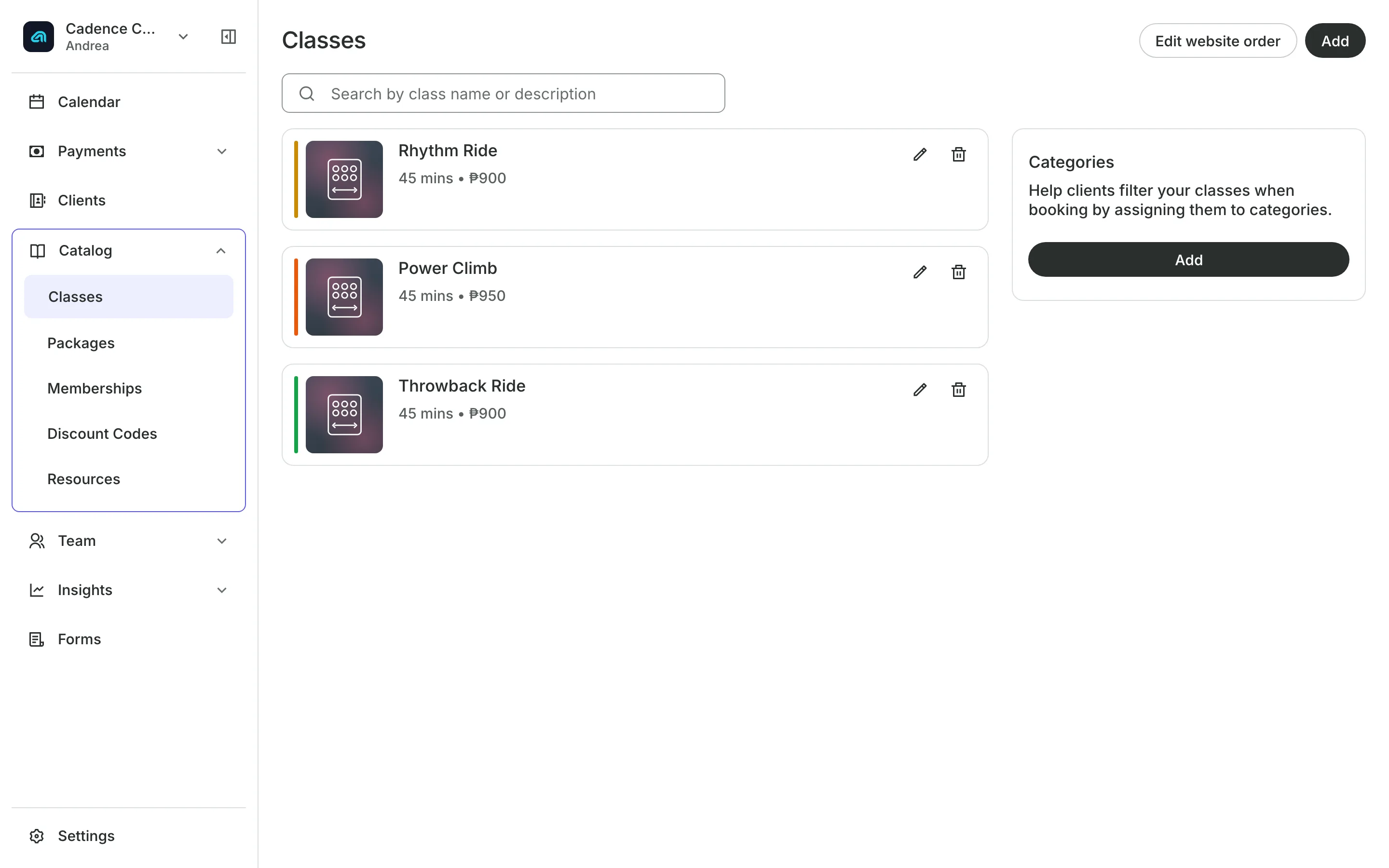
Sell rides in packs
Ride packs of 5 or 10 classes, with an expiry if you want one.
First-ride offers only riders new to your studio can buy.
Memberships give unlimited or a set number of rides each period.
Buy and book in one checkout: a pack and the first ride together.
Classes and waitlists
Schedule rides and refill cancels
Each weekly class has its own instructor, length, and drop-in price. When a rider leaves a full class, everyone on its waitlist gets an email, and the first to book takes the bike.
- Online booking that closes a set time before class
- Repeat no-shows blocked from booking online
- Your team can book someone in from the waitlist
Check-in
Check riders in before the ride
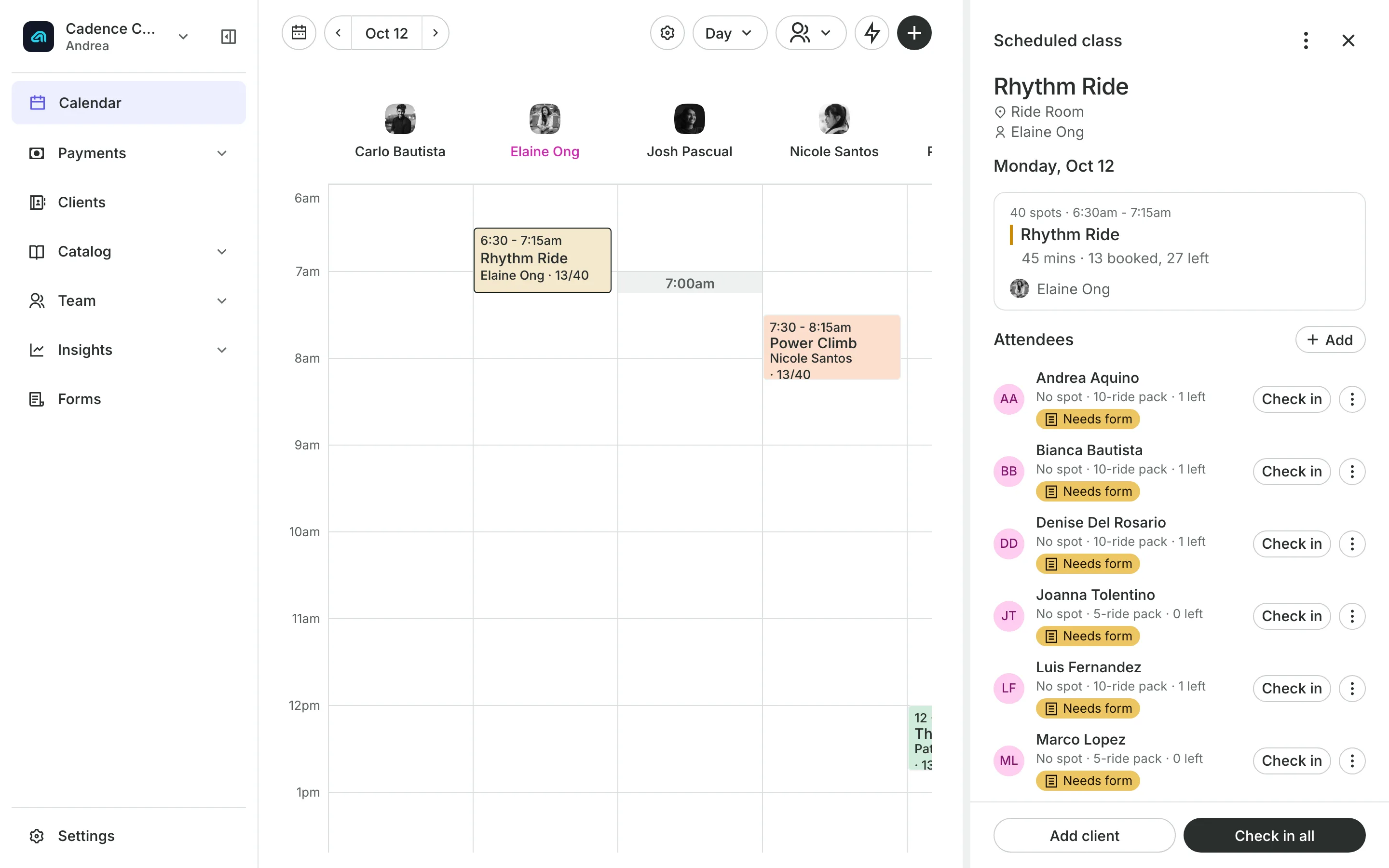
Check in each rider from the roster as they walk in.
Check in all marks the whole class in one step.
New tag flags a rider's first class.
No-shows keep the credit they used, so a skipped ride counts.
See what your studio gets
- ClassesRepeating classes with a roster, check-in, waitlists, and spot picking.
- PackagesPacks of visits and memberships that renew, with credits clients see in their wallet.
- Online BookingYour own booking site where clients book, pay, and manage their bookings.
- PaymentsOnline checkout, transfers to your own accounts, and Pay in person.
- FormsIntake forms and a waiver, filled in before the visit or at the front desk.
- ClientsClient profiles with bookings, balances, notes, feedback, and packages.
- ReportsAnalytics, reports, sales history, and a cash count at the end of the day.
- ConciergeA chat on your booking page that answers customers and books a class or an appointment.
- AssistantType what you need done, in English or Taglish, and confirm each change.


Frequently asked questions
Pick Your Spot is part of every plan. See pricing.
Onsuki gives them a free one. You can change it from the class roster on your calendar.
Yes. Mark it not in use on the room's map. If you remove a bike riders are booked on, Onsuki lists them and moves them to free bikes when you save.
Mark them a no-show from the roster. They keep nothing back, and you can block online booking after a number of no-shows.
7 days, with every feature of your plan. You choose a plan when the trial ends.
No. You sign up with your email or Google account, tell us what you run, and start setting up.
Each plan is one monthly price with unlimited bookings. See the pricing page for the plans and what each includes.
Take bookings and get paid, the simple way.
Free 7-day trial. No credit card required.