Get the form done before they arrive
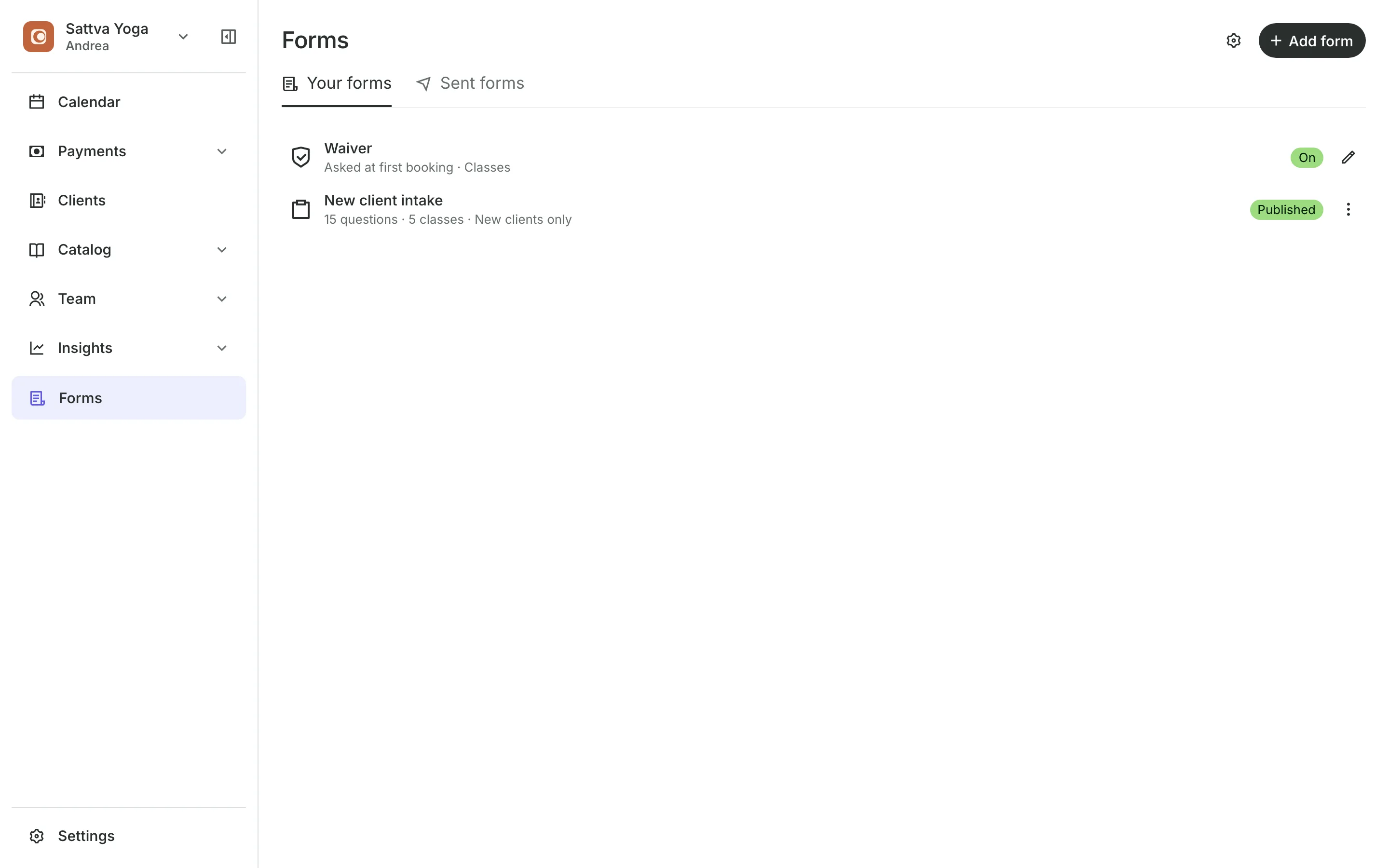
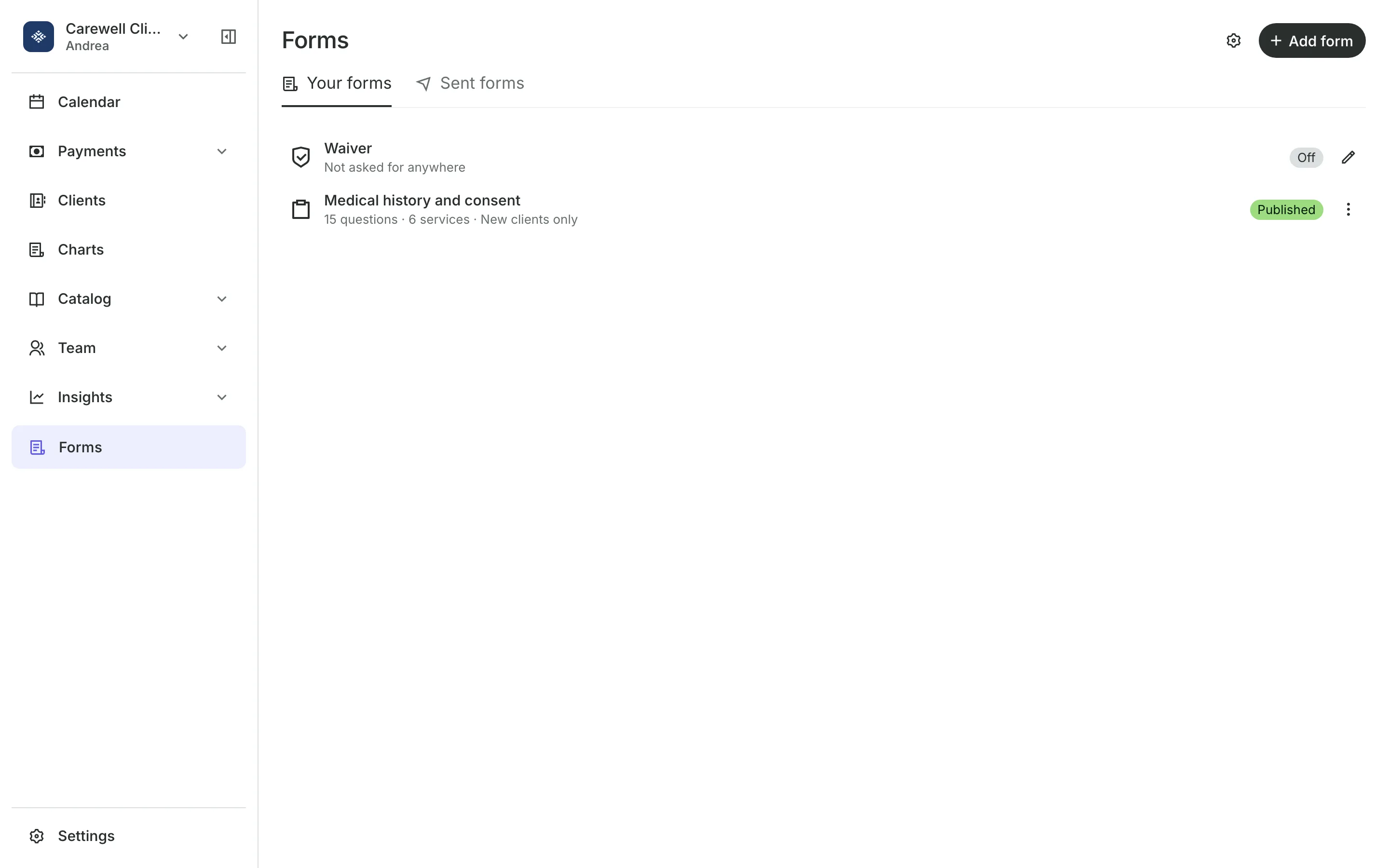
Build intake forms and a waiver. Clients fill them in on your booking site before the visit, or with you at the front desk.
Free 7-day trial. No credit card required.
Clients pay online or in person













Know your client before the visit
Ask the questions you need, ask them for the services that need them, and keep every answer on the client's profile.
Intake forms
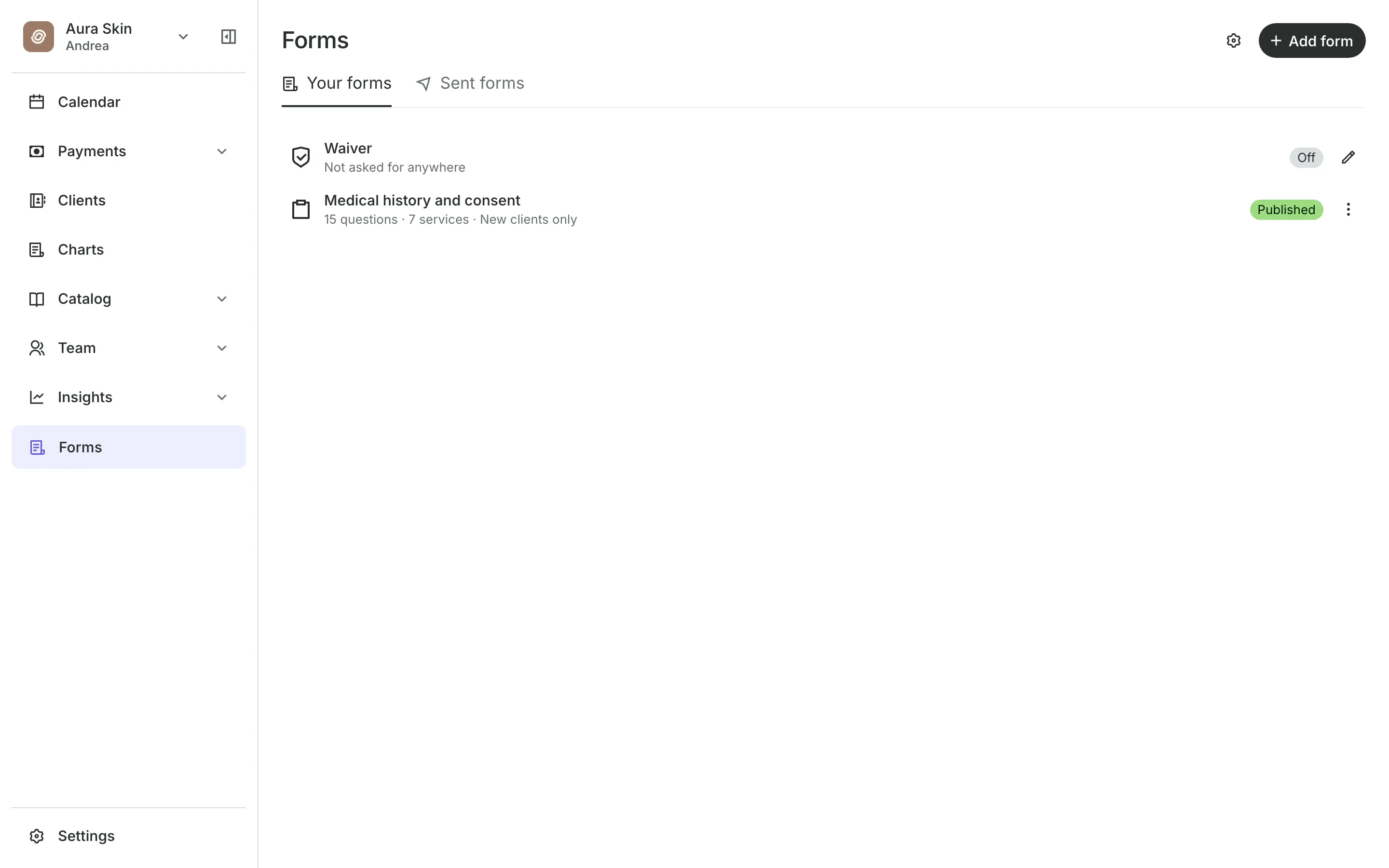
Build the questions you need
Question types include short answer, yes or no, multiple choice, and signature.
Required answers must be filled in before the client can send the form.
Preview shows the form the way clients will see it.
External forms link a form you already keep on Google Forms or another site.
Before the visit
Ask for the form when they book
Choose when each form is asked: new clients at their first booking, chosen services and classes, or only when you send it. The booking confirmation email links to each form the booking needs.
- Every appointment, once a year, or new clients only
- A reminder about a day before if it is not done
- Send any form to a client by email
Waiver
Have clients agree before they book
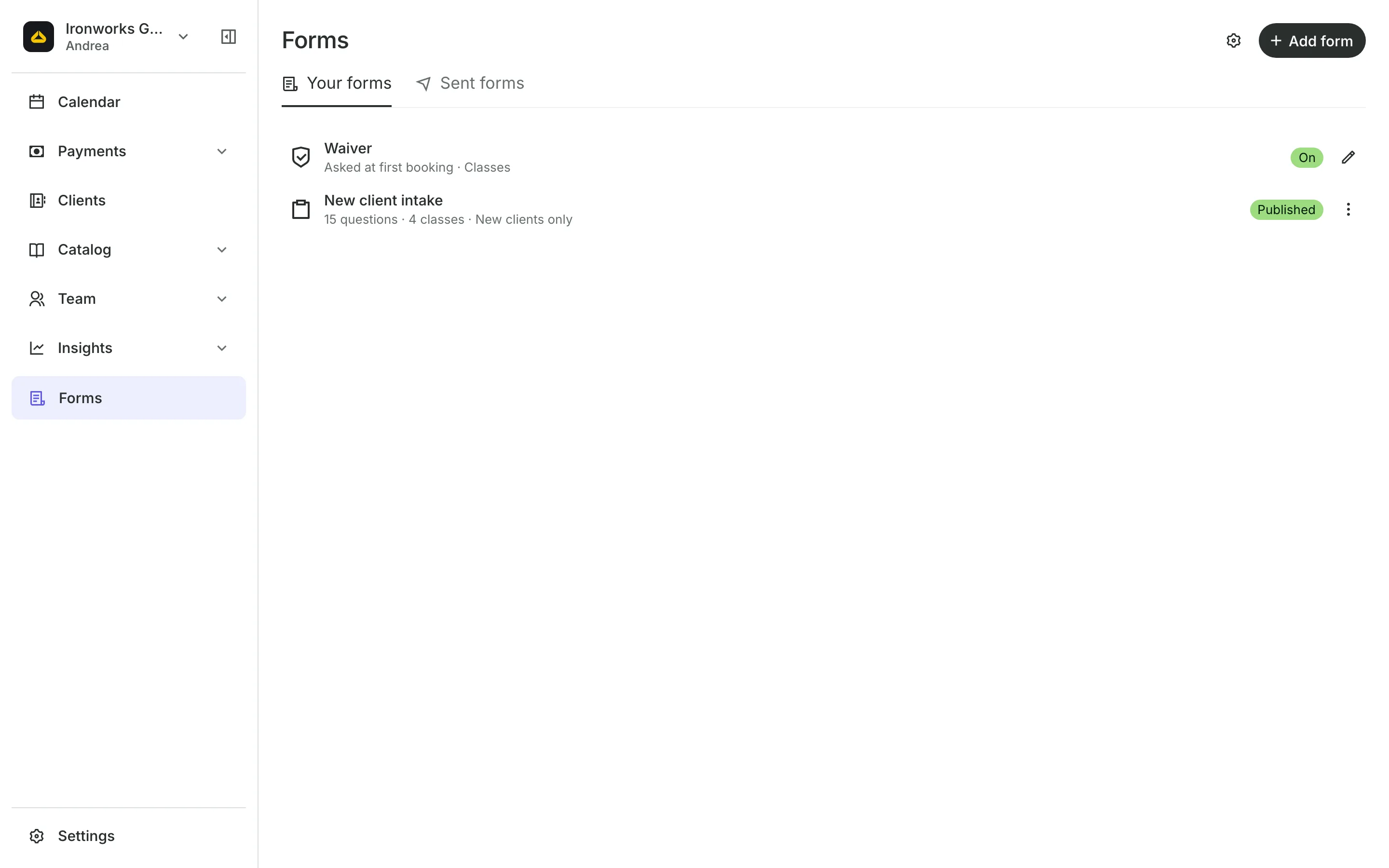
Your waiver is written once, in your own words.
Checkout asks clients to tick a box to agree, the first time they book.
Where it applies is your choice: appointments, classes, events, or all three.
Agree again asks everyone again at their next booking after a change.
Front desk
Fill it in when they arrive
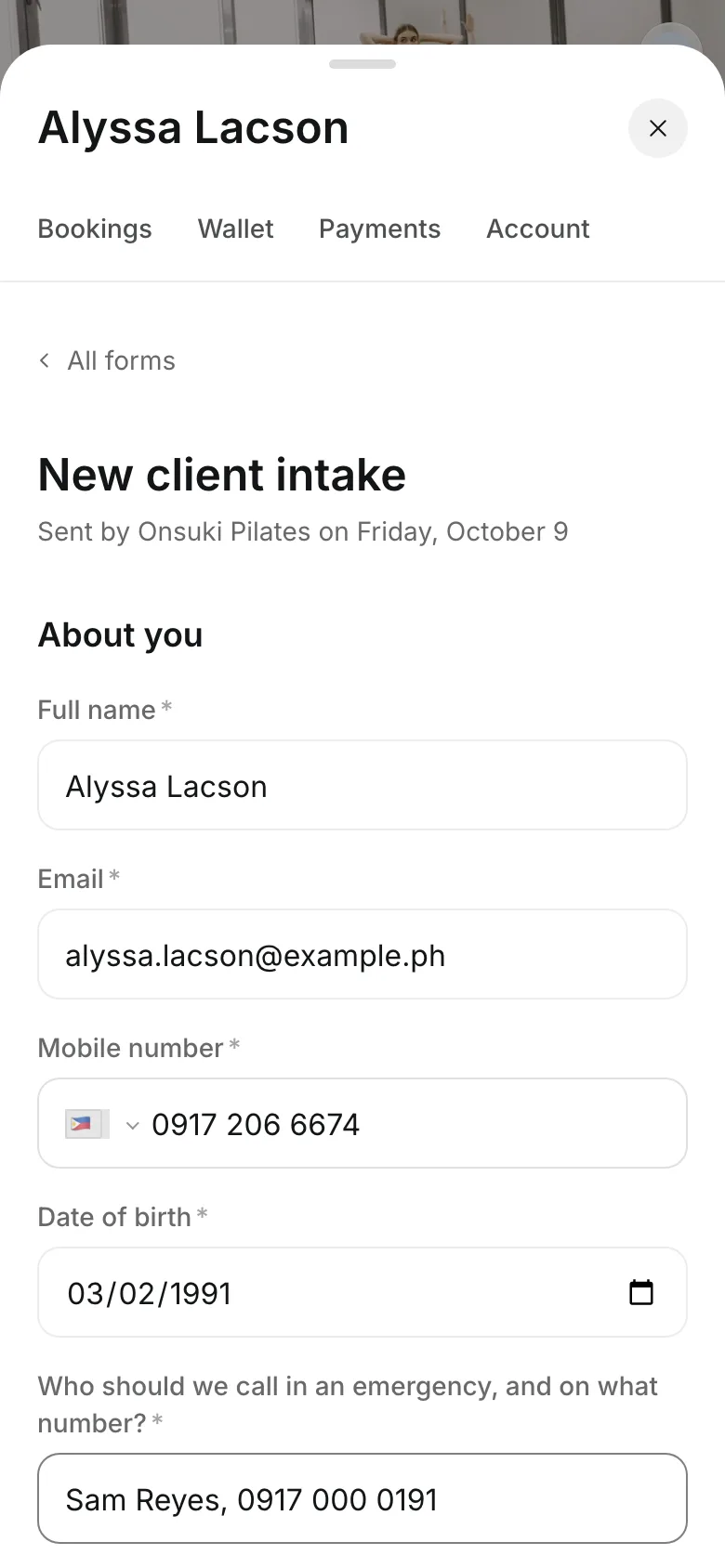
A client who arrives without their form can fill it in with you, or on your tablet. The answers save to their profile, marked with who filled it in with them.
- Every completed form on the client's profile
- Sent forms shows what is still waiting
- Copy a form's link to send it in a chat
Start collecting forms today
Build a form, choose when it is asked, and read the answers on each client's profile.
1
Build your form
Add your questions, mark the ones clients must answer, and publish it.
2
Choose when it's asked
New clients, chosen services and classes, or only when you send it.
3
Read the answers
Open the client's profile to see each answer, the signature, and who filled it in.
Booking for any business
Tell us what you run and Onsuki sets itself up for it: your words, your way of booking, the screens you need.
















Guides on Forms

Frequently asked questions
Yes. A client can book first and fill it in before the visit. Forms still waiting show under Sent forms and on the client's profile, so you can check before they arrive.
Yes. Attach its link instead. The answers stay on that site and don't appear on the client's profile.
A form can ask for a signature, which the client gives by typing their full name. The waiver is a box they tick when they book.
Yes. One switch on Forms turns off every form and the waiver at once.
7 days, with every feature of your plan. You choose a plan when the trial ends.
No. You sign up with your email or Google account, tell us what you run, and start setting up.
Each plan is one monthly price with unlimited bookings. See the pricing page for the plans and what each includes.
Take bookings and get paid, the simple way.
Free 7-day trial. No credit card required.