Booking software for tattoo studios:Consult first, then hold the chair with a deposit
Clients book a consultation online and pay a deposit by card, e-wallet, or GCash transfer. You book the session after you agree on the design, and the consent form is waiting for their signature before the session.
Free 7-day trial. No credit card required.
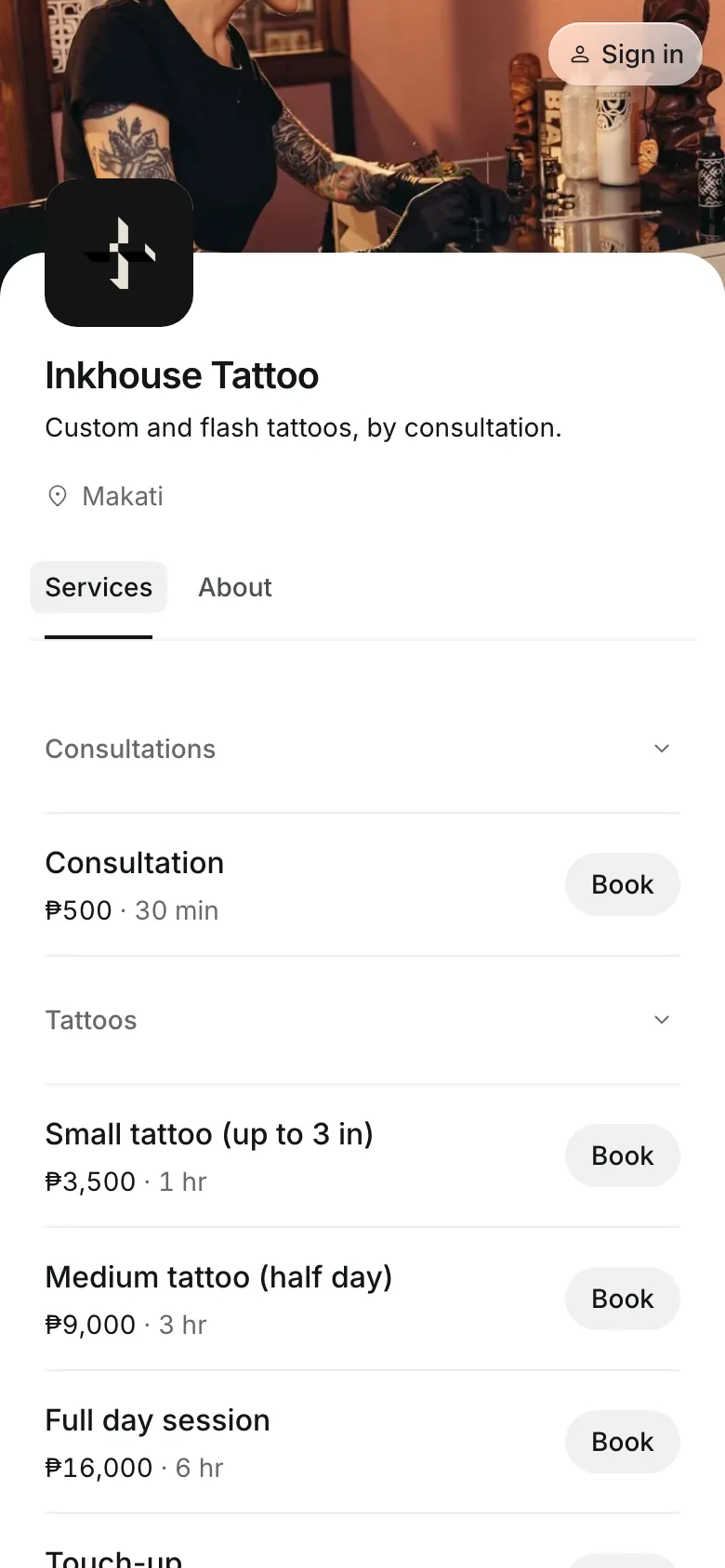
Clients pay online or in person













Protect the hours a piece takes
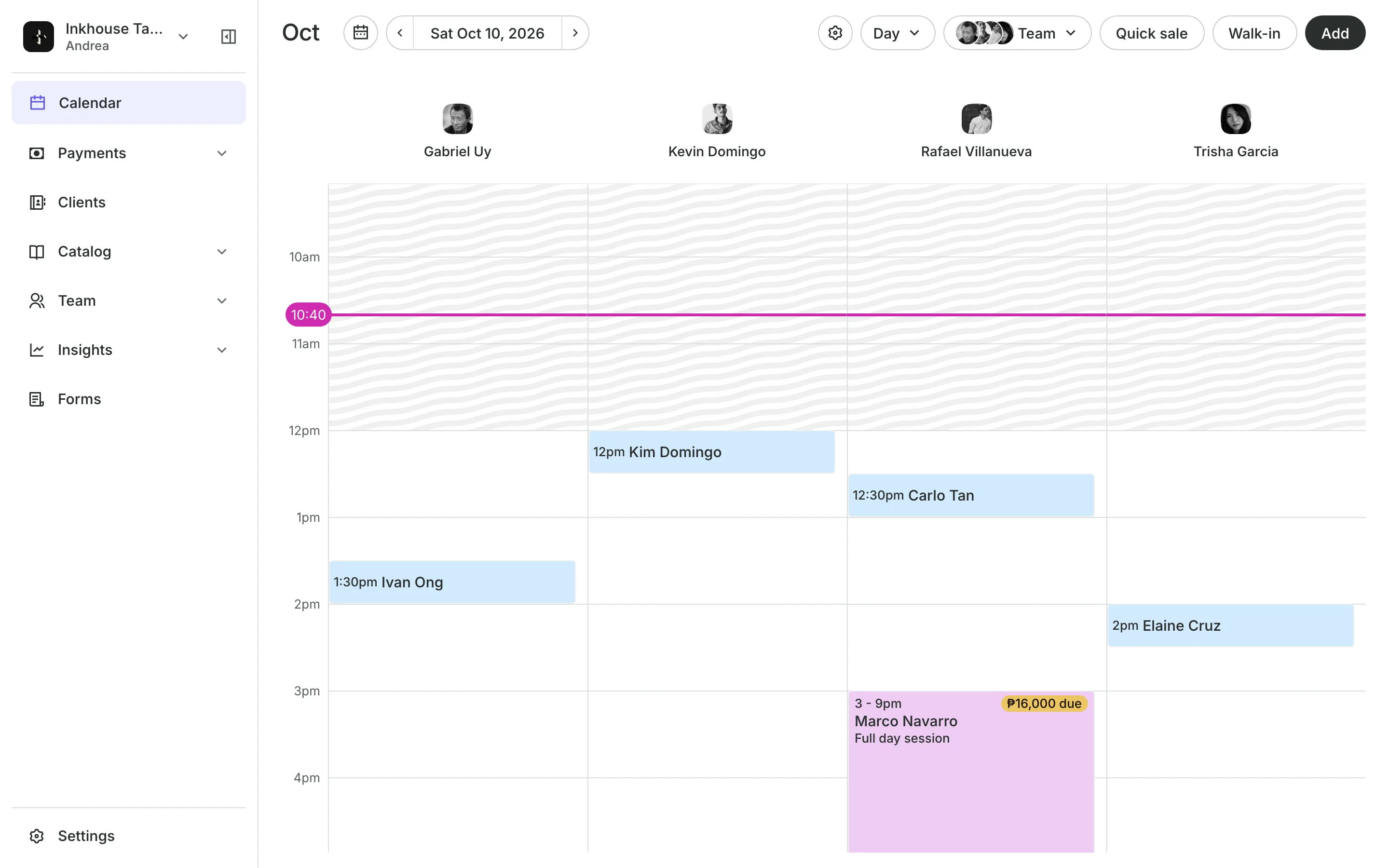
A large piece can fill your whole day. A no-show on that day is a day lost, so the booking, the deposit, and the consent are settled before the client sits down.
Consultations
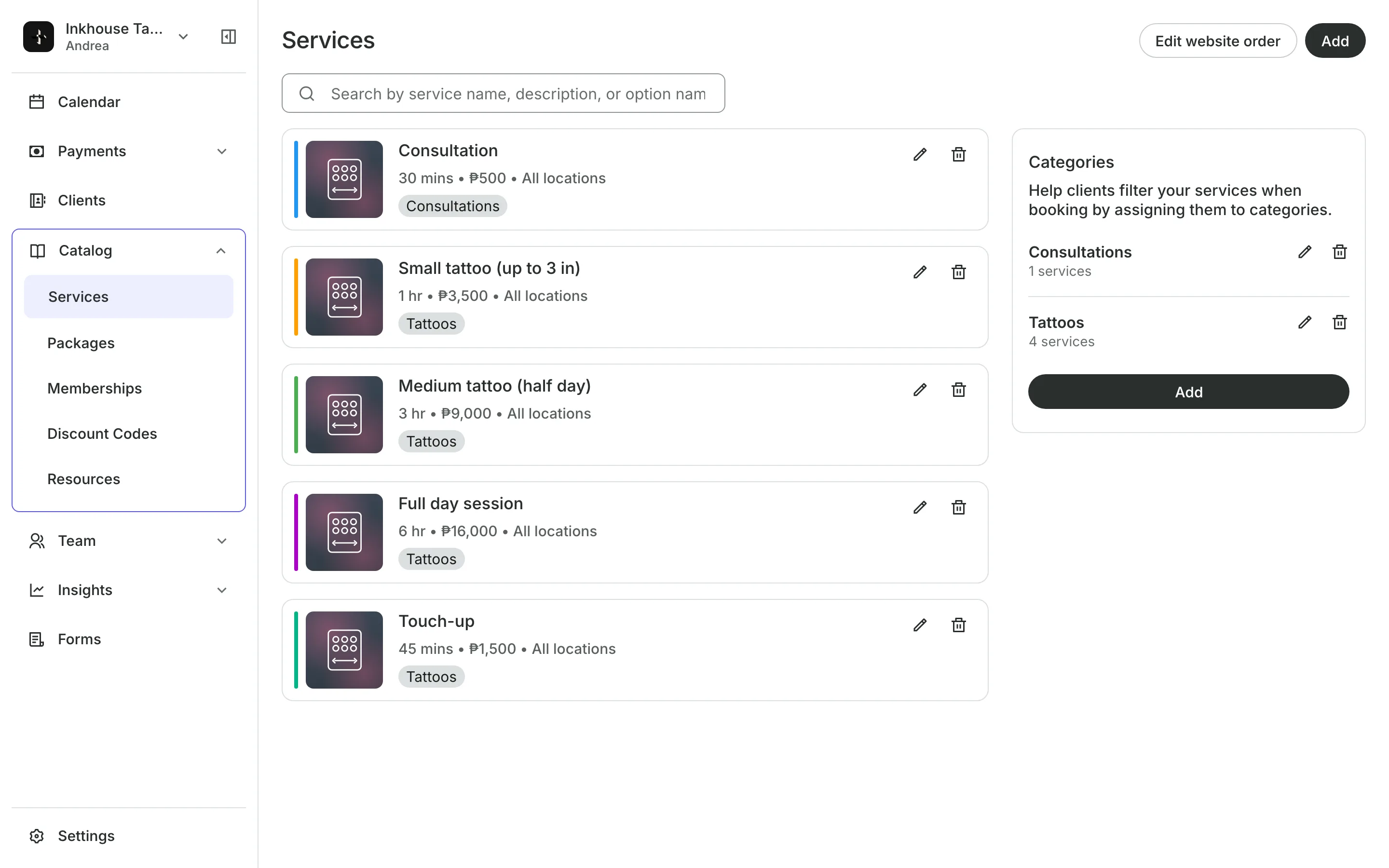
Start every piece with a consultation
A consultation first turns a booking for a piece into a consult.
Sessions can run up to eight hours, held whole on the calendar.
Client Notes on the session keep the placement and size.
Repeating sessions for a sleeve book every 2, 3, or 4 weeks at once.
Deposits
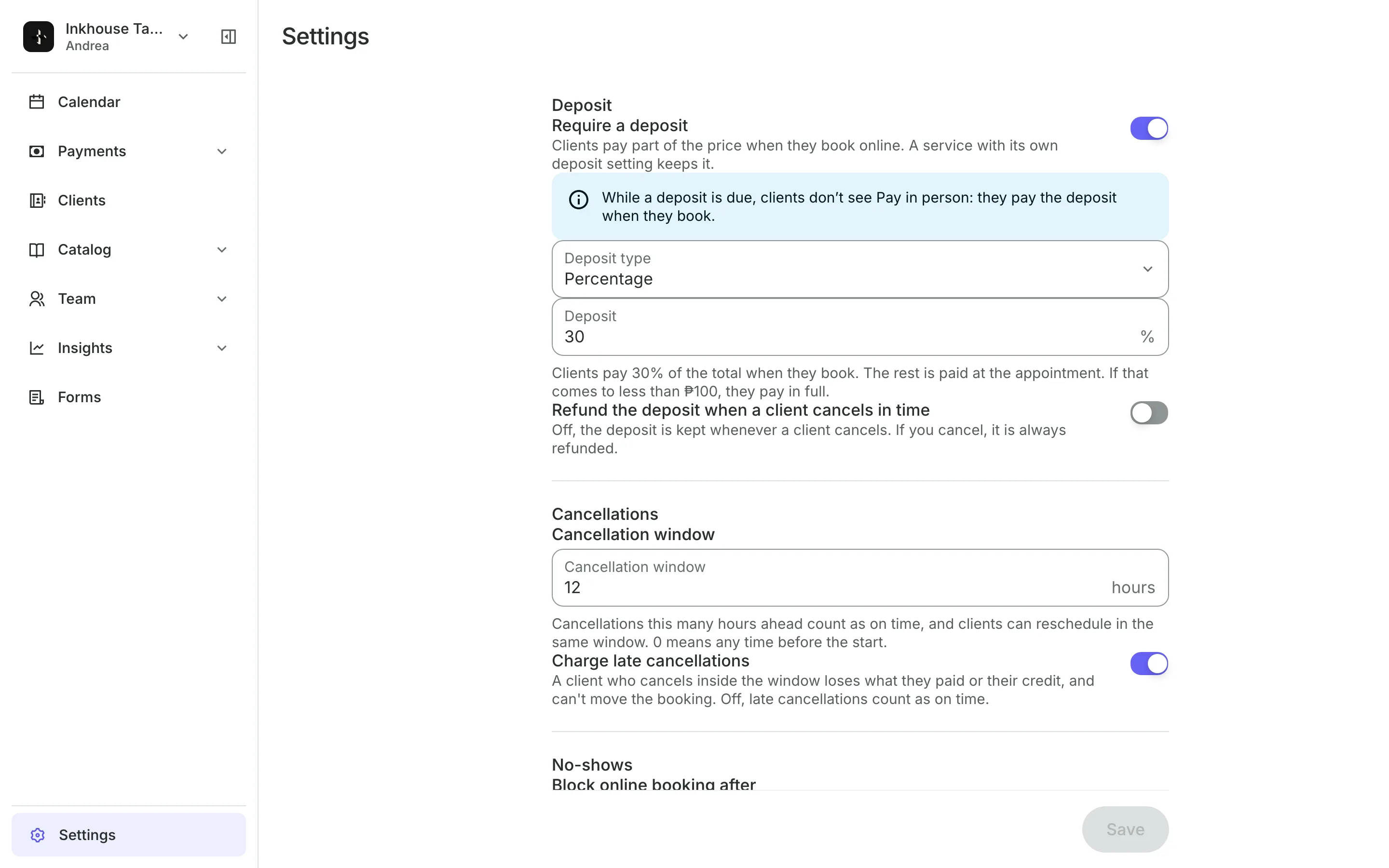
Take a deposit on each booking
Set a deposit on the services that need one, as a fixed amount or a percentage. Price a piece From a starting amount, and set the final price at checkout when the work is done.
- The deposit kept on a late cancel or a no-show
- Repeat no-shows blocked from booking online
- A final price never below the deposit paid
Forms
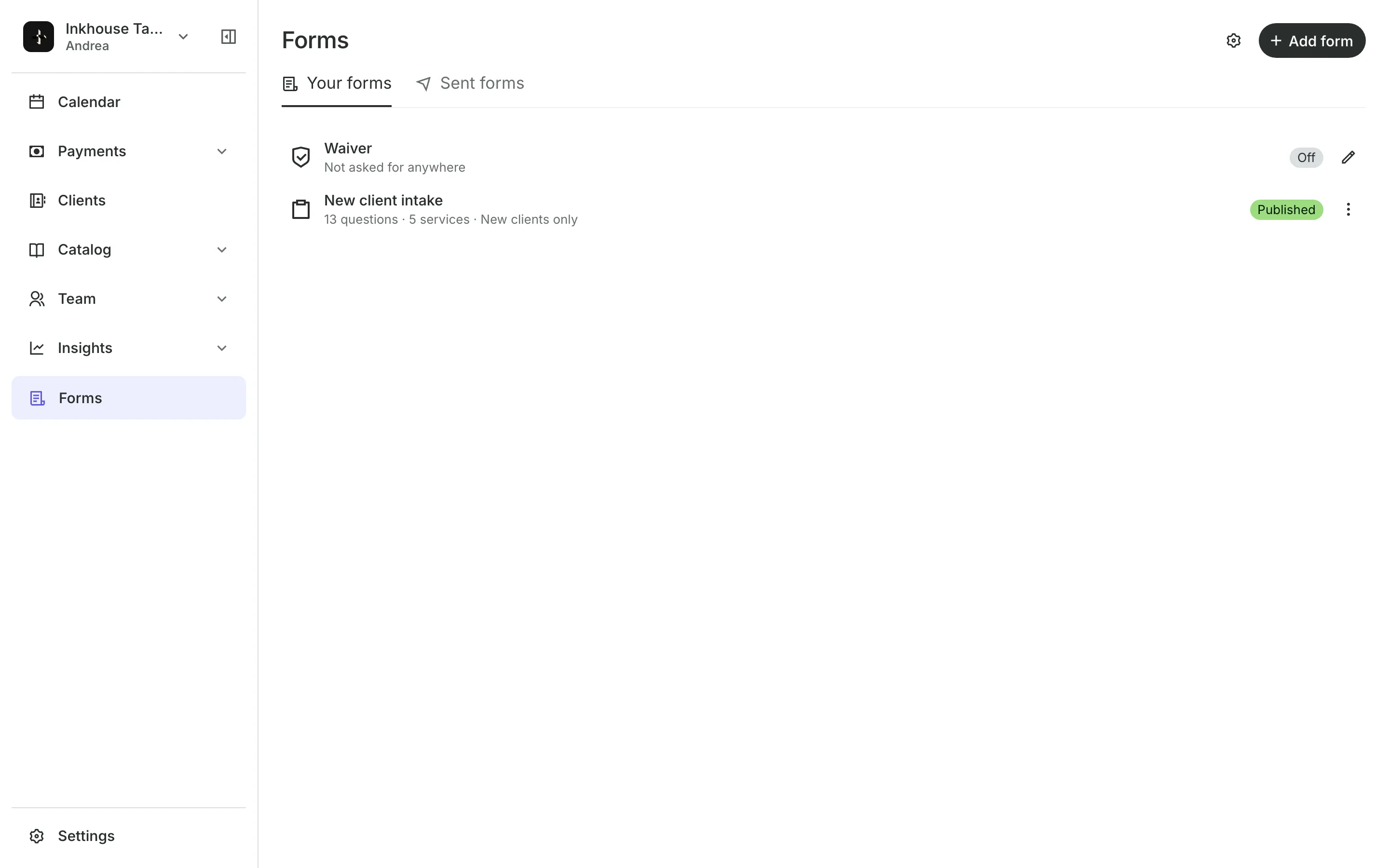
Get consent signed every visit
Waiver is agreed with a box at checkout on the first booking.
Consent form with a signature can be asked at every appointment.
Front desk forms are filled in on your tablet if not done yet.
Completed forms are saved on the client's profile.
Artists
Give each artist their own link
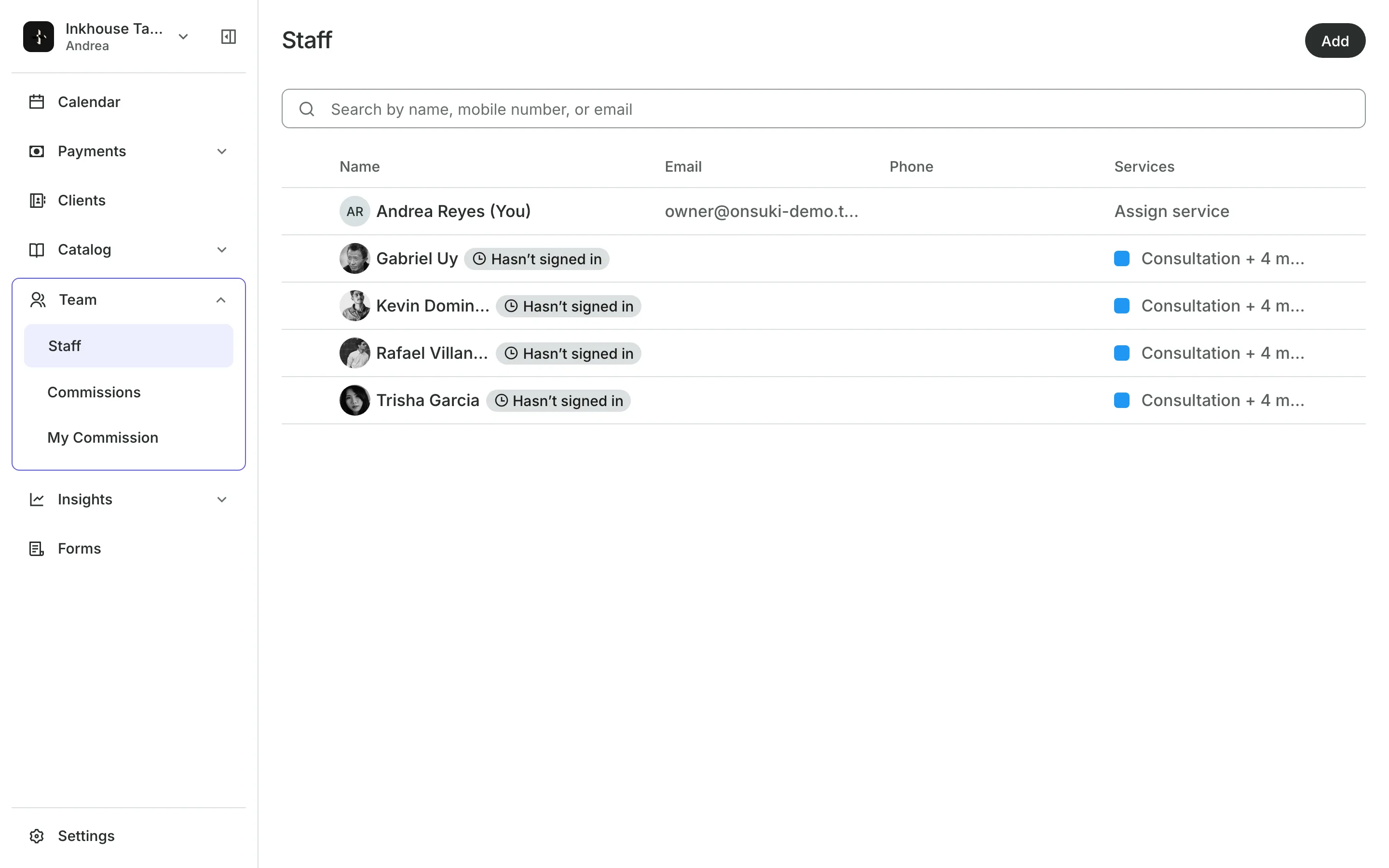
Each artist gets a booking link for their Instagram bio that opens your booking site with them already chosen. Set staff levels to charge more for senior artists, and work out each artist's commission every pay period.
- Each artist's own working hours
- A commission rate for each artist
- Each artist's own calendar column
See what your tattoo studio gets
- Online BookingYour own booking site where clients book, pay, and manage their bookings.
- AppointmentsServices, staff, rooms, and add-ons, booked online or from the calendar.
- PaymentsOnline checkout, transfers to your own accounts, and Pay in person.
- FormsIntake forms and a waiver, filled in before the visit or at the front desk.
- ClientsClient profiles with bookings, balances, notes, feedback, and packages.
- TeamRoles, permissions, hours, and time off for everyone who works with you.
- CommissionsWhat each team member earned in commission, for every pay period.
- ReportsAnalytics, reports, sales history, and a cash count at the end of the day.
- ConciergeA chat on your booking page that answers customers and books a class or an appointment.
- AssistantType what you need done, in English or Taglish, and confirm each change.
Frequently asked questions
Yes. Price the service as Starting At, and enter the final price at checkout. It can't be lower than the starting price or the deposit already paid.
A service can run up to eight hours. Onsuki only offers a time when the whole session fits the artist's day.
Yes. Set the piece to book online as a consultation first. Clients see the piece on your menu, book the consultation, and you book the session after.
7 days, with every feature of your plan. You choose a plan when the trial ends.
No. You sign up with your email or Google account, tell us what you run, and start setting up.
Each plan is one monthly price with unlimited bookings. See the pricing page for the plans and what each includes.
Take bookings and get paid, the simple way.
Free 7-day trial. No credit card required.