Booking software for football academies:Training by age group, billed every month
Put every age group's training on one schedule. Parents book and pay on their phone, coaches check players in at the pitch, and you see who still owes for the month.
Free 7-day trial. No credit card required.
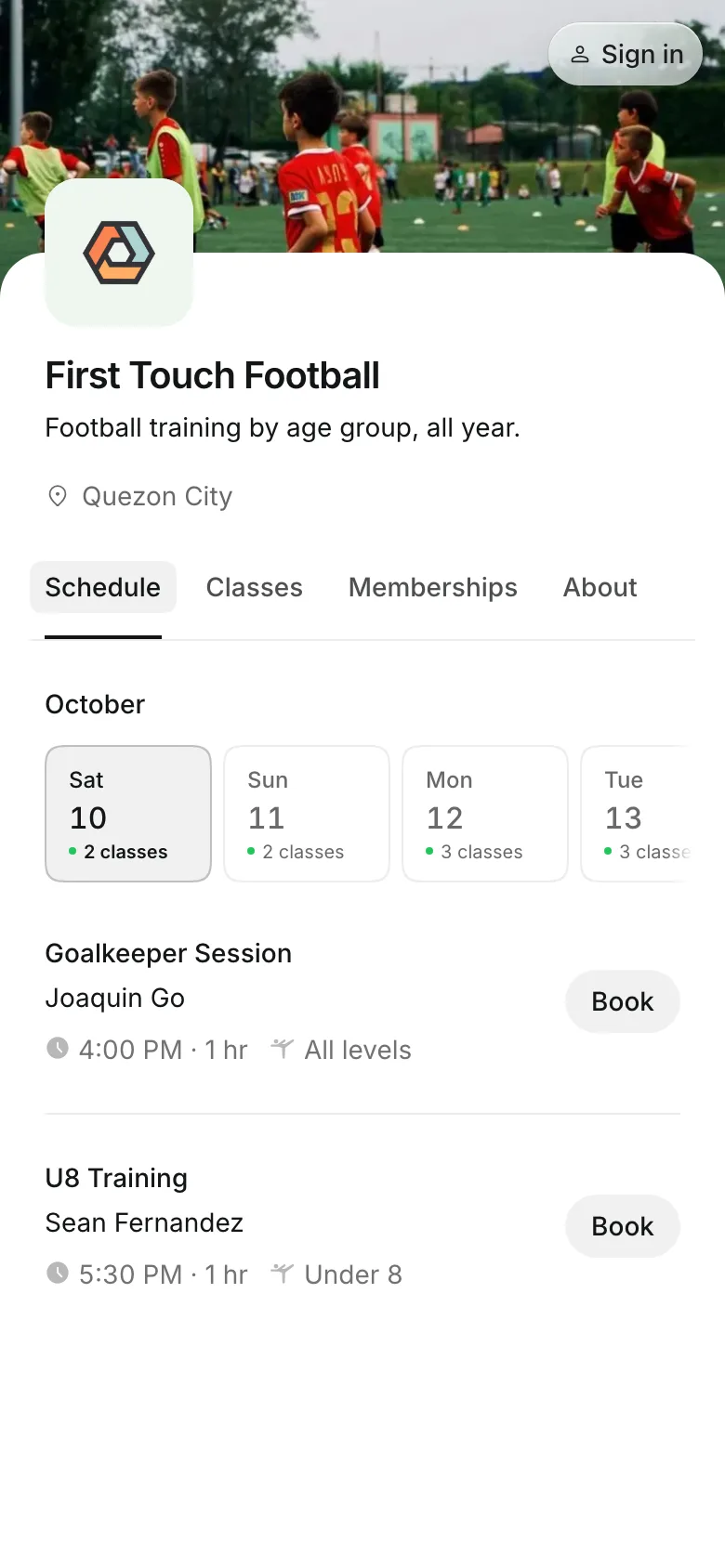
Clients pay online or in person













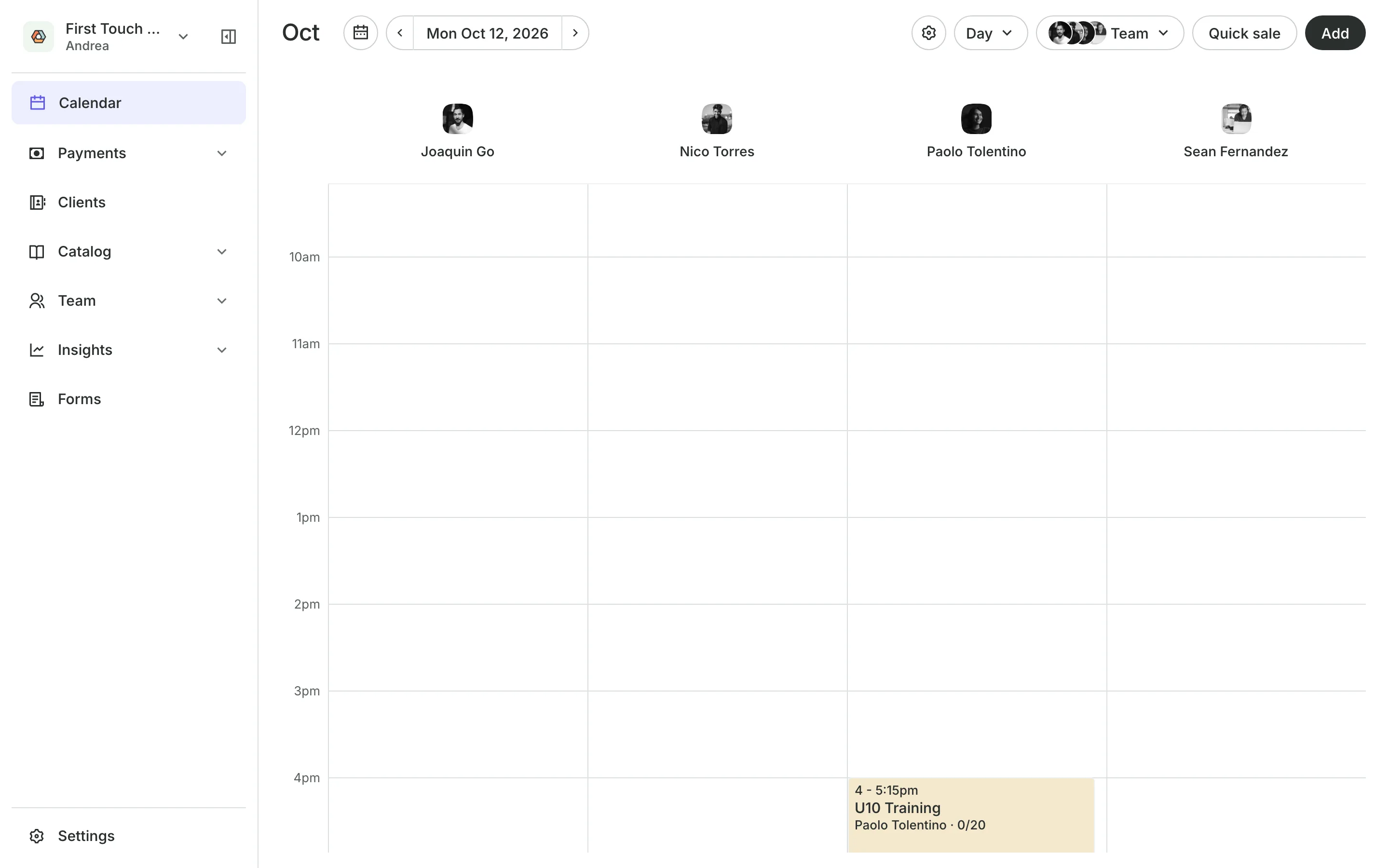
Run the week from one schedule
An academy runs on regular training, a fee every month, and a tournament now and then. Onsuki keeps the sessions, the players, and the money in one place.
Training
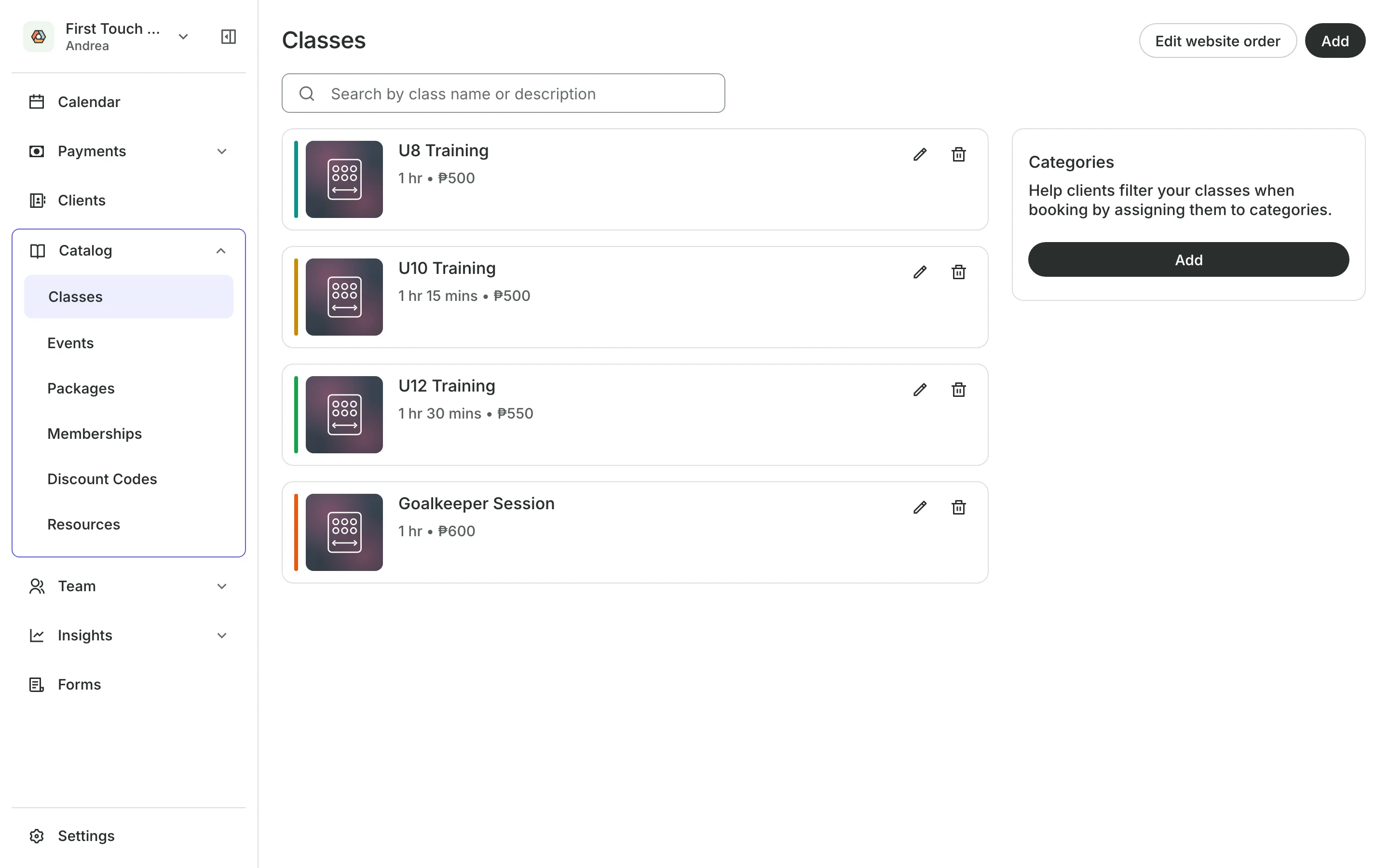
Schedule training by age group
Class levels name your groups, like U8, U10, and U12.
Weekly training repeats on the days you set, with its coach.
Spots cap each session at the size of the group.
Parents book their children under their own account.
Monthly fees
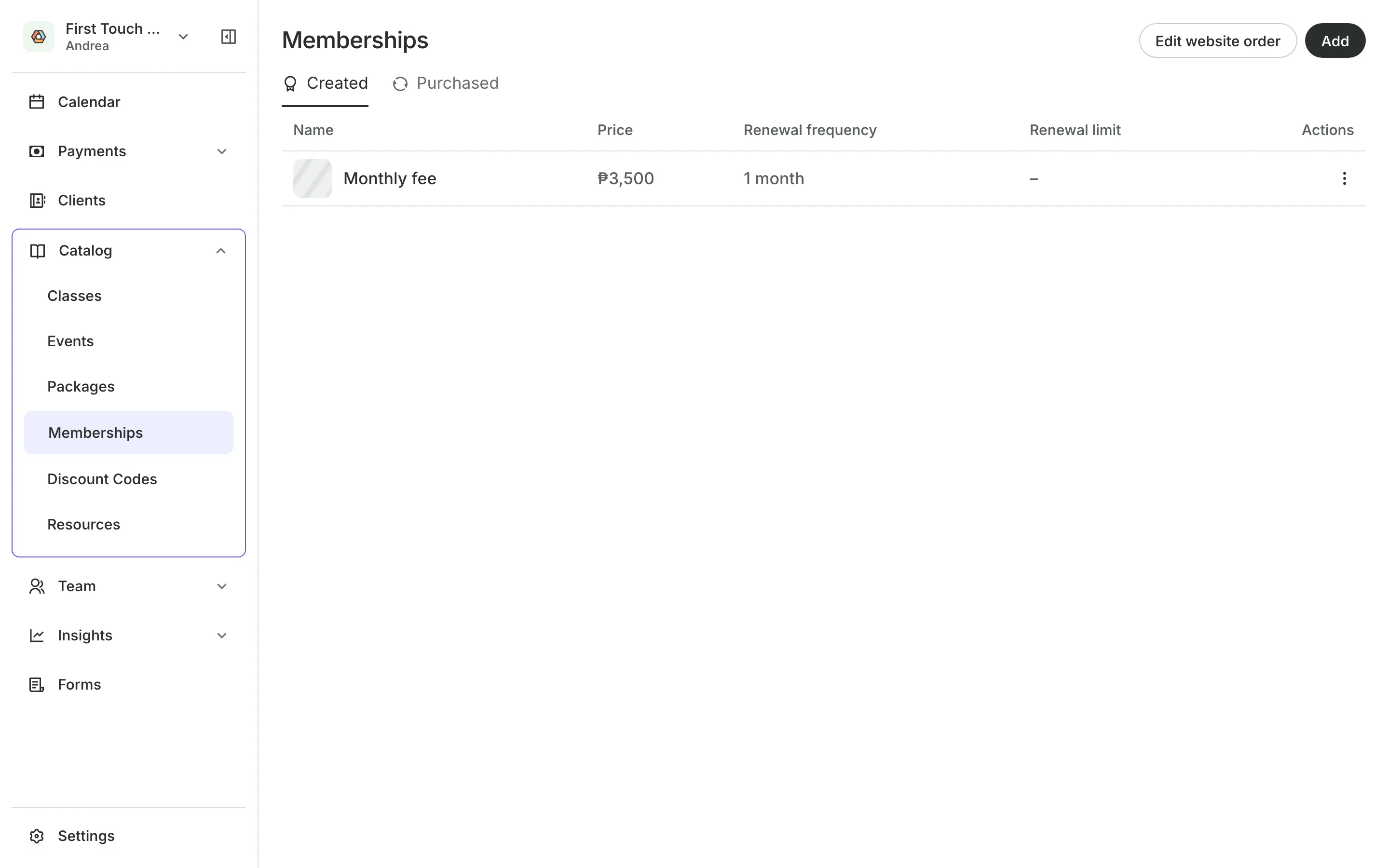
Bill the monthly fee
Sell training as a membership that renews each month. Onsuki emails each parent the bill for the next month, and they pay online, by GCash or bank transfer, or in person. The new month opens once it is paid.
- Unpaid fees listed in one place
- One reminder when a bill is 4 days late
- A freeze for a player who is injured or away
At the pitch
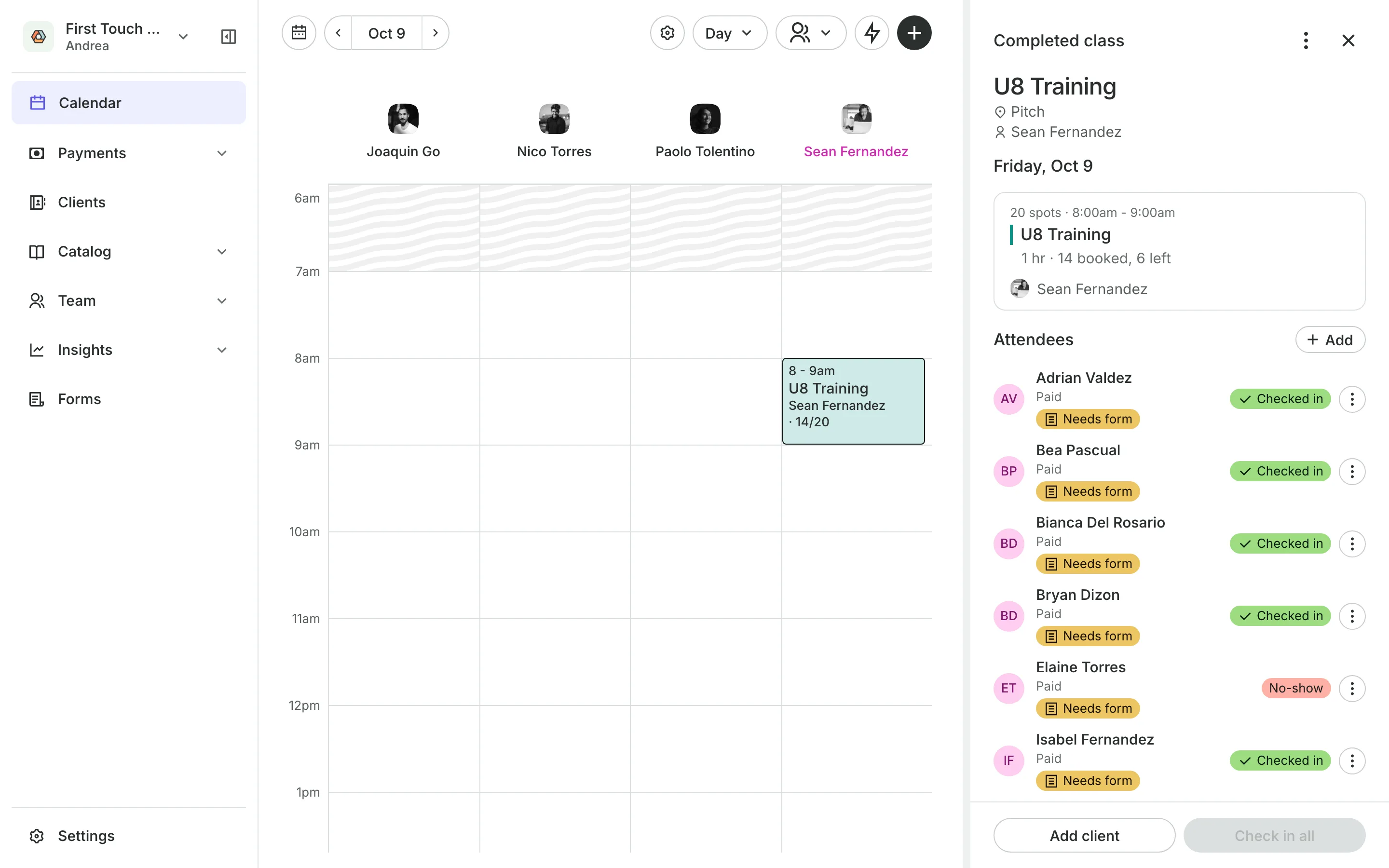
Check players in at training
Check in all marks the whole group as here in one tap.
No-shows are marked for the players who did not come.
Health tags flag a player whose form you should read.
Rained out sessions email each family once and return credits.
Tournaments
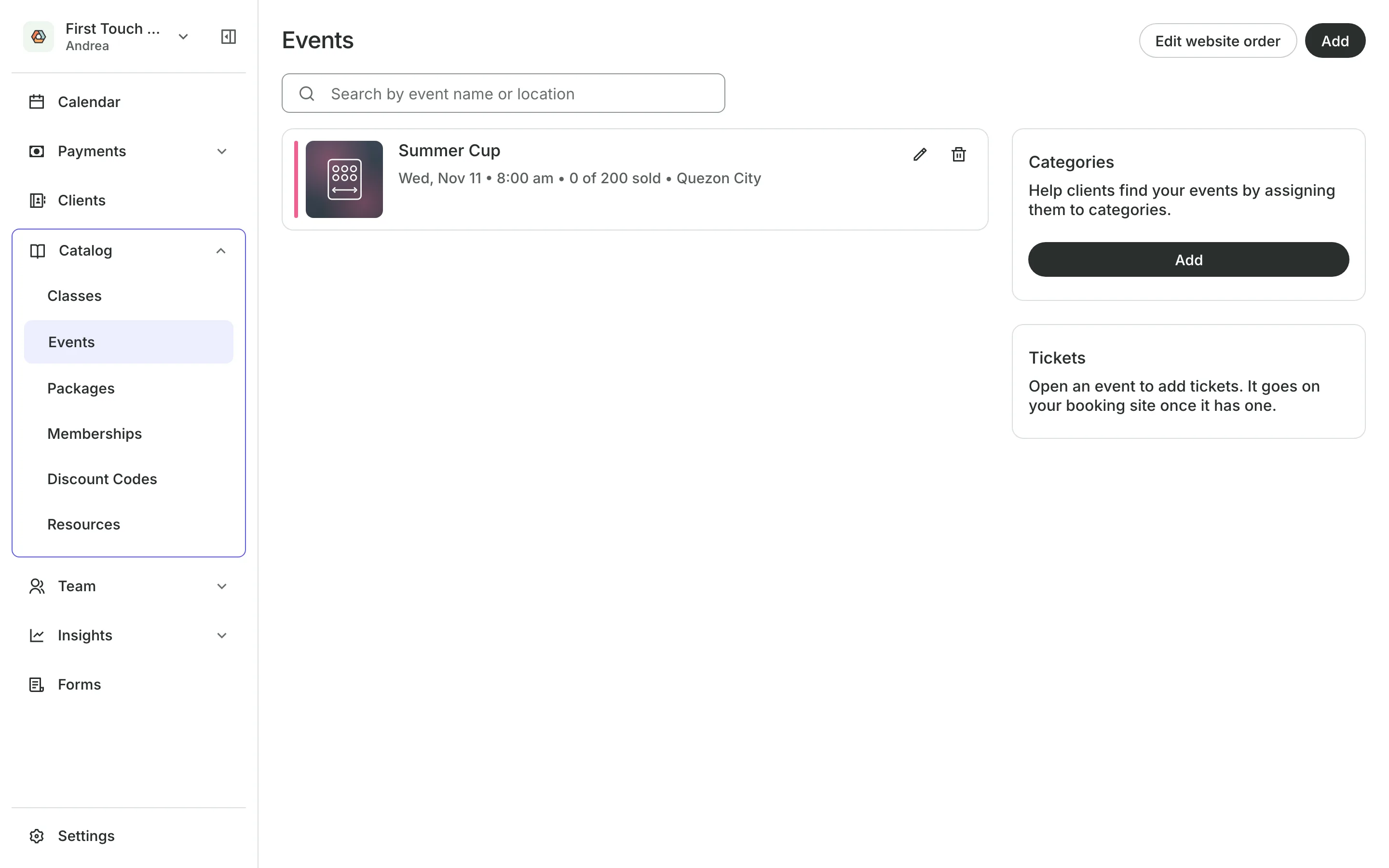
Sell tickets to tournaments
Create a tournament or a one-day clinic as an event with its date, its venue, and how many can come. Sell a player entry and a spectator ticket at their own prices, and scan each ticket at the gate.
- A deposit now, the rest paid at the gate
- Places set aside for one kind of ticket
- Every buyer approved by you, if you want
See what your academy gets
- ClassesRepeating classes with a roster, check-in, waitlists, and spot picking.
- PackagesPacks of visits and memberships that renew, with credits clients see in their wallet.
- Online BookingYour own booking site where clients book, pay, and manage their bookings.
- PaymentsOnline checkout, transfers to your own accounts, and Pay in person.
- EventsOne-off events with ticket types, a code on every ticket, and check-in at the door.
- FormsIntake forms and a waiver, filled in before the visit or at the front desk.
- ClientsClient profiles with bookings, balances, notes, feedback, and packages.
- TeamRoles, permissions, hours, and time off for everyone who works with you.
- ConciergeA chat on your booking page that answers customers and books a class or an appointment.
- AssistantType what you need done, in English or Taglish, and confirm each change.
Frequently asked questions
Each month the parent gets a bill by email and pays it online, by GCash or bank transfer, or in person.
Yes. Parents add each child under People you book for in their account, then add a name for each player when they book.
Yes. Write your waiver once, and parents agree to it the first time they book.
7 days, with every feature of your plan. You choose a plan when the trial ends.
No. You sign up with your email or Google account, tell us what you run, and start setting up.
Each plan is one monthly price with unlimited bookings. See the pricing page for the plans and what each includes.
Take bookings and get paid, the simple way.
Free 7-day trial. No credit card required.