Run every branch from one account
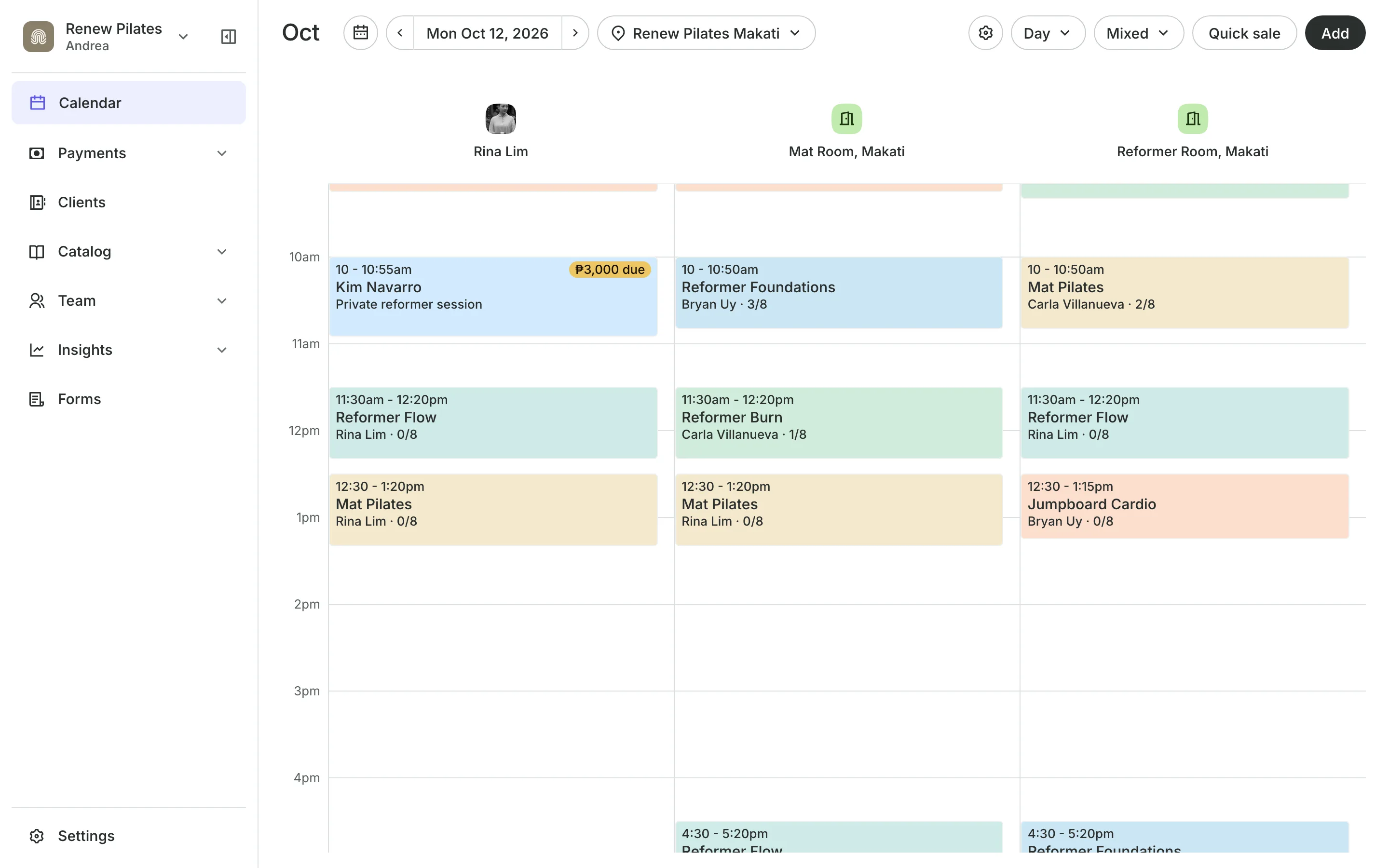
Each location has its own address, hours, team, rooms, and prices. Clients choose a location when they book, and you see each one on its own.
Free 7-day trial. No credit card required.
Clients pay online or in person













Give each branch its own setup
Add a location, set its hours, choose who works there, and price services for that branch. Your calendar, reports, and stock follow the location you pick.
Locations
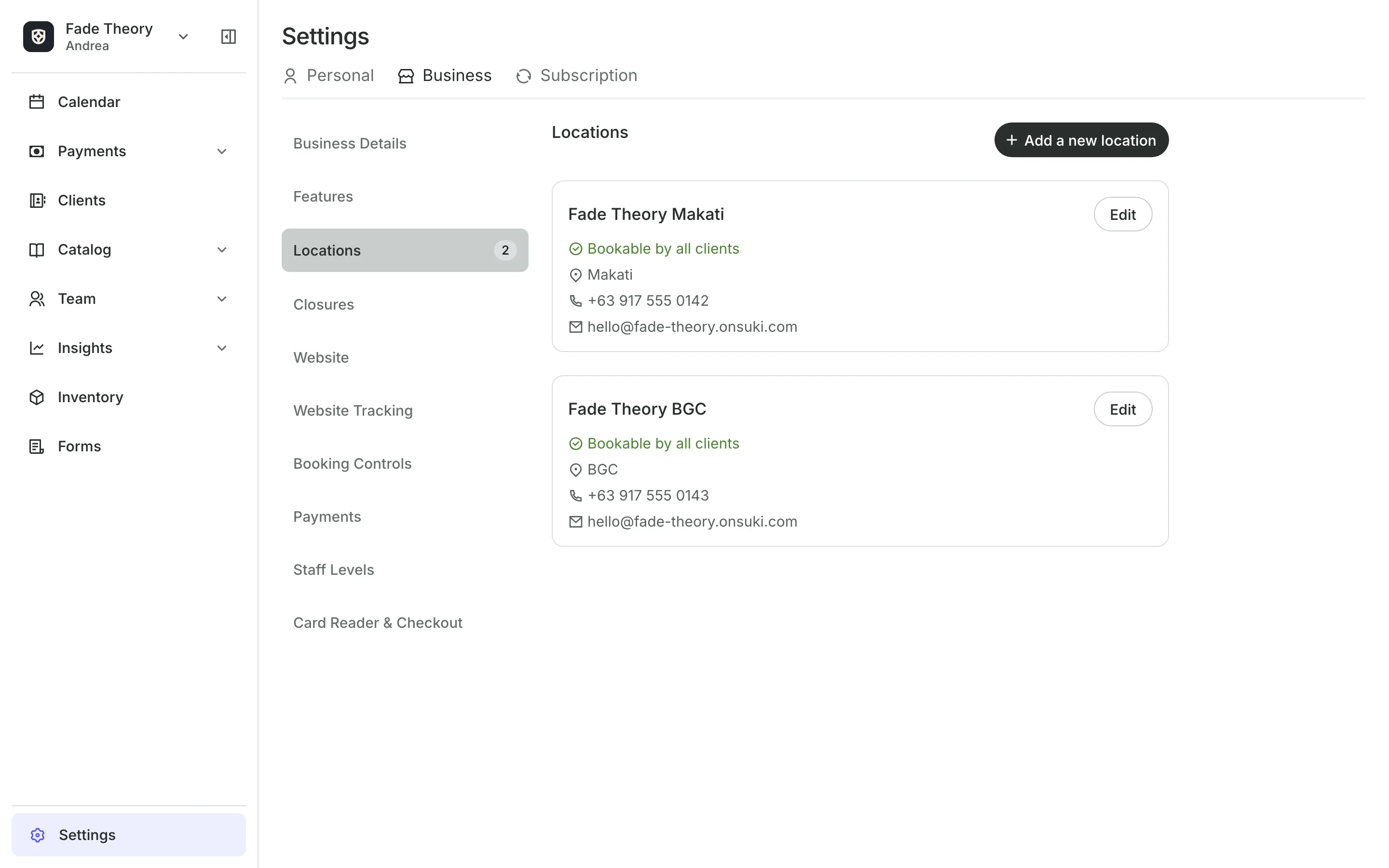
Set each location's own details
Address and map link tell clients where to go and how to get in.
Contact details can differ by location, or use your business's own.
Location hours set when clients can book there.
Closures close one location for a holiday.
Booking
Let clients choose where to book
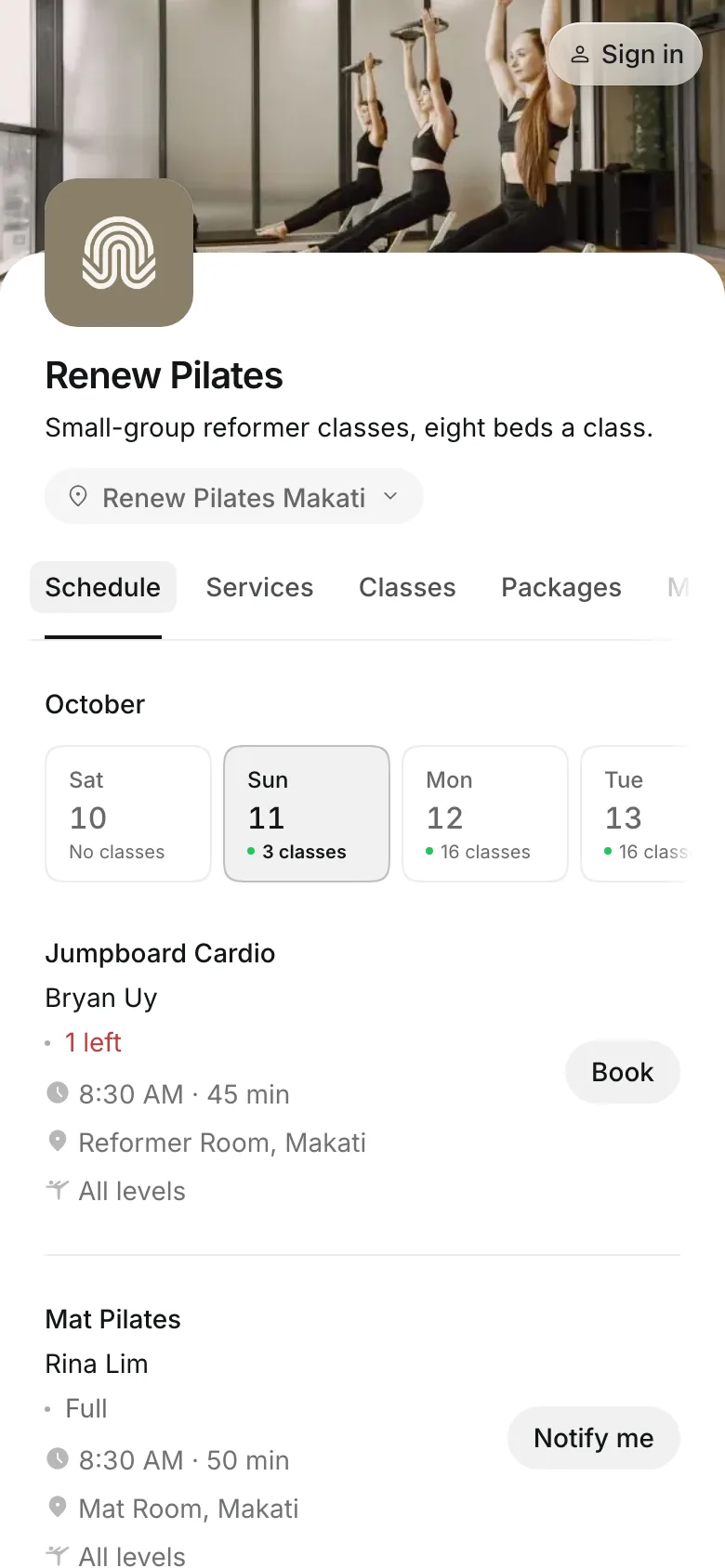
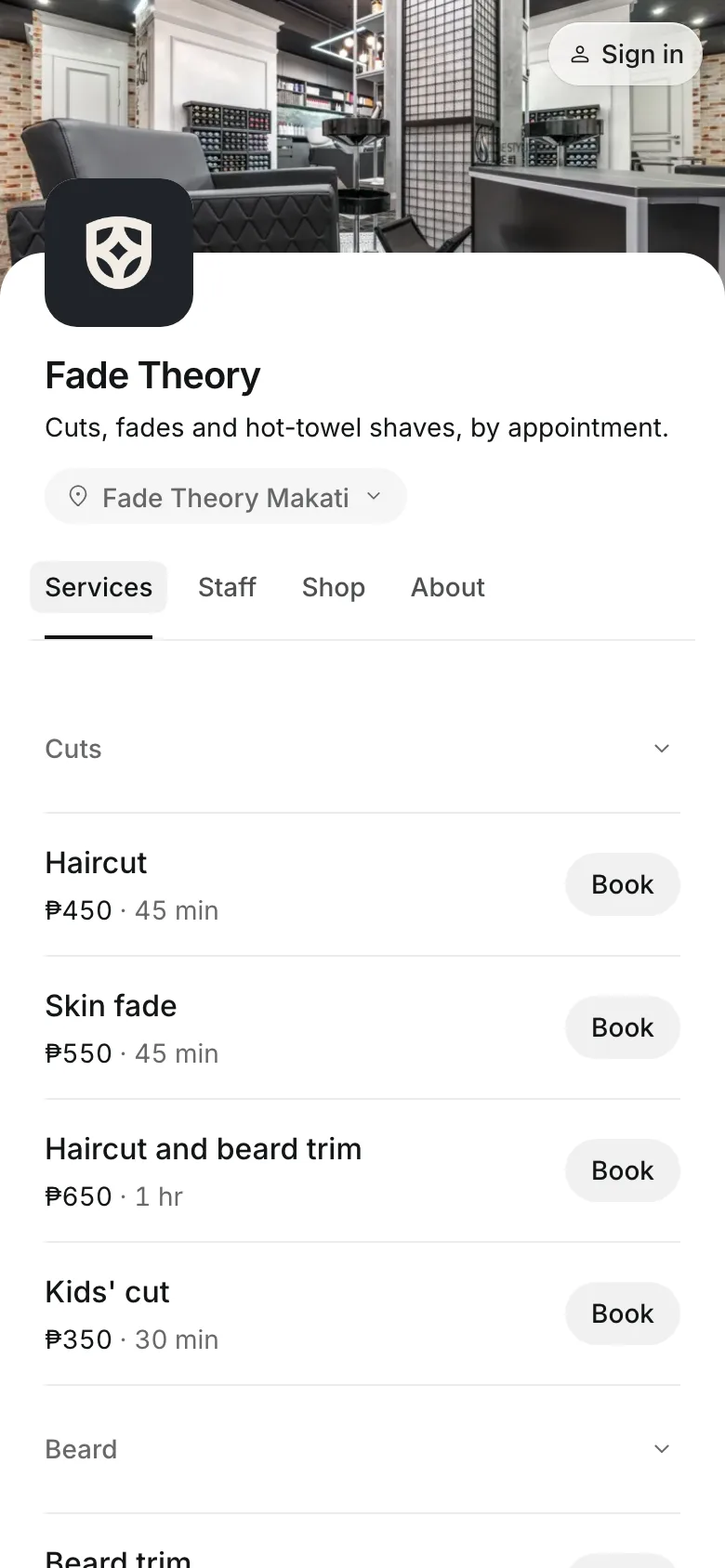
Every location shows on your booking site. Clients pick one when they book, and see the times, team, and prices there.
- Times inside that location's hours
- Products sold out only where stock has run out
- A team member's link opens at their location
Team and prices
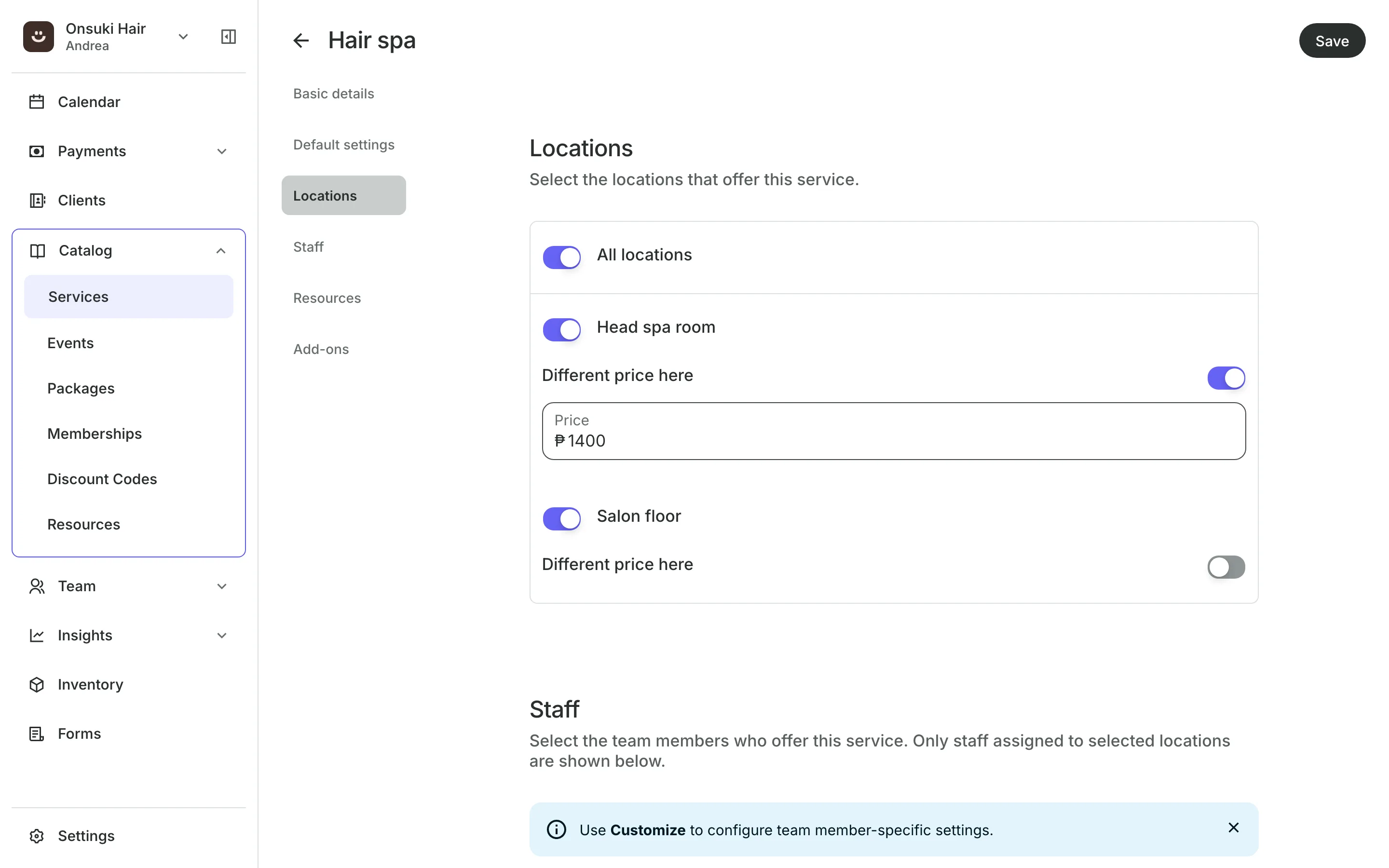
Staff and price each location
Prices can differ at a location while the service stays one service.
Team members are assigned to the locations they work at.
Working hours follow the location's hours unless you set their own.
Rooms and equipment each belong to one location.
Day to day
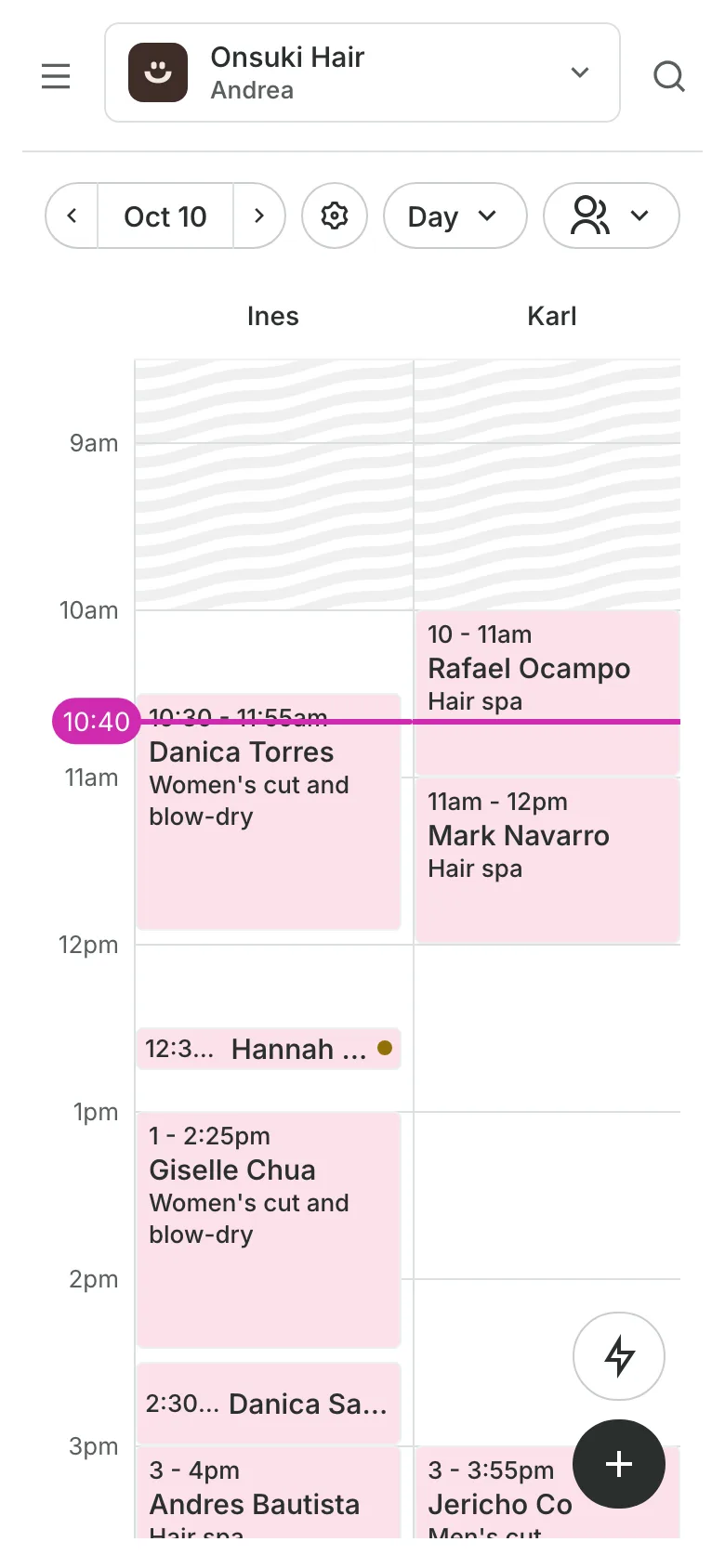
See each location on its own
The calendar shows one location at a time. Analytics, reports, End of Day, and stock can each be read for one location.
- A cash drawer counted for each location
- Stock counted for each location
- Reports for one location or all of them
Add your next location
Add the location, put your team there, and set any prices that differ.
1
Add the location
Enter its name, address, contact details, and hours.
2
Choose who works there
Tick the location for each team member, and set their hours there.
3
Set its prices
Turn on Different price here for any service that costs more or less at this branch.
Booking for any business
Tell us what you run and Onsuki sets itself up for it: your words, your way of booking, the screens you need.
















Frequently asked questions
Each plan covers one location. For more than one, contact us for rates.
Yes. Turn on Different price here for that location. A staff level's price wins over a location's price.
Yes. Tick each location they work at, and set their hours for each one.
Yes, once its upcoming bookings are moved or canceled. A removed location can't be restored and stays in past reports.
7 days, with every feature of your plan. You choose a plan when the trial ends.
No. You sign up with your email or Google account, tell us what you run, and start setting up.
Each plan is one monthly price with unlimited bookings. See the pricing page for the plans and what each includes.
Take bookings and get paid, the simple way.
Free 7-day trial. No credit card required.