Booking software for martial arts schools:Classes by belt, booked by parents
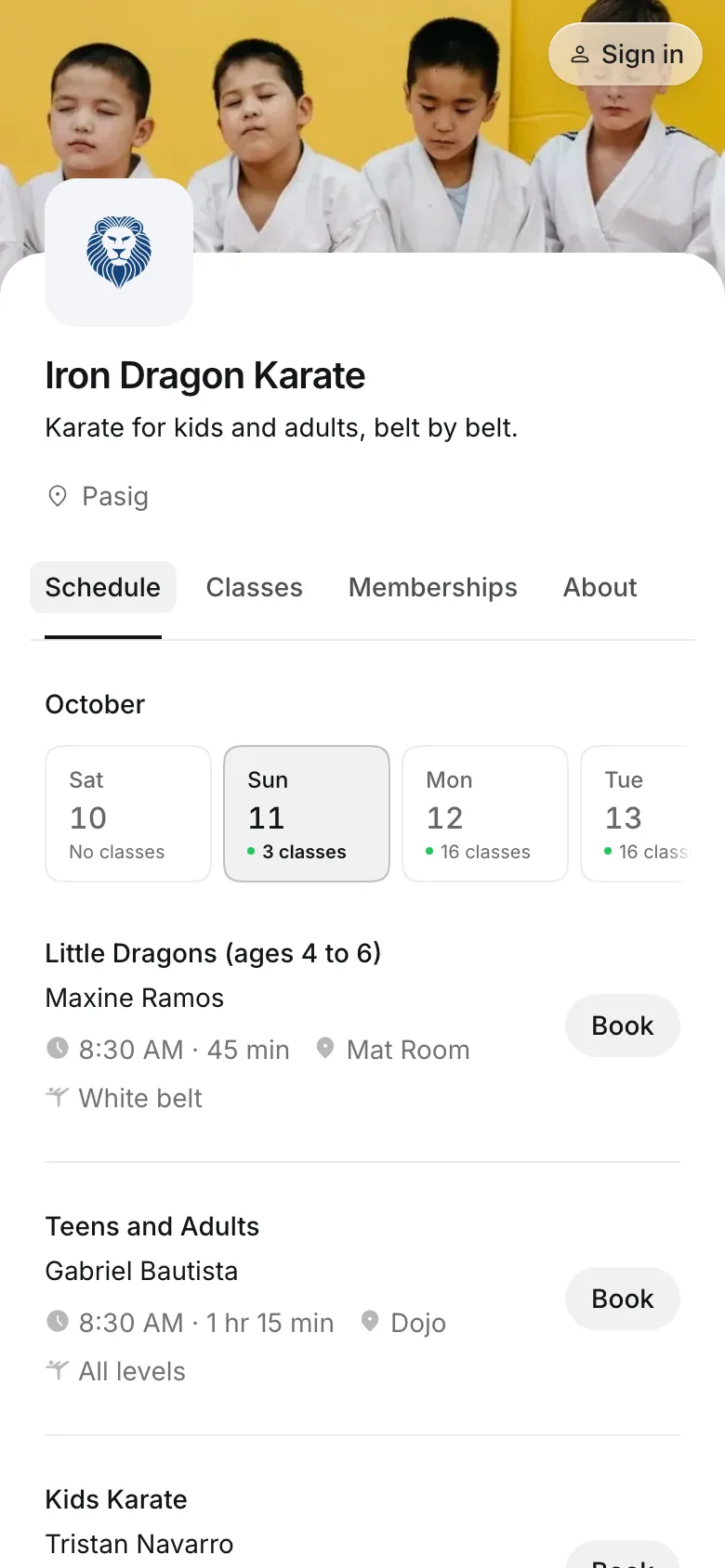
Parents book their children into the right class for their belt, pay the monthly fee online, by GCash, or in person, and get one email when a class is called off.
Free 7-day trial. No credit card required.
Clients pay online or in person













Put each student in their class
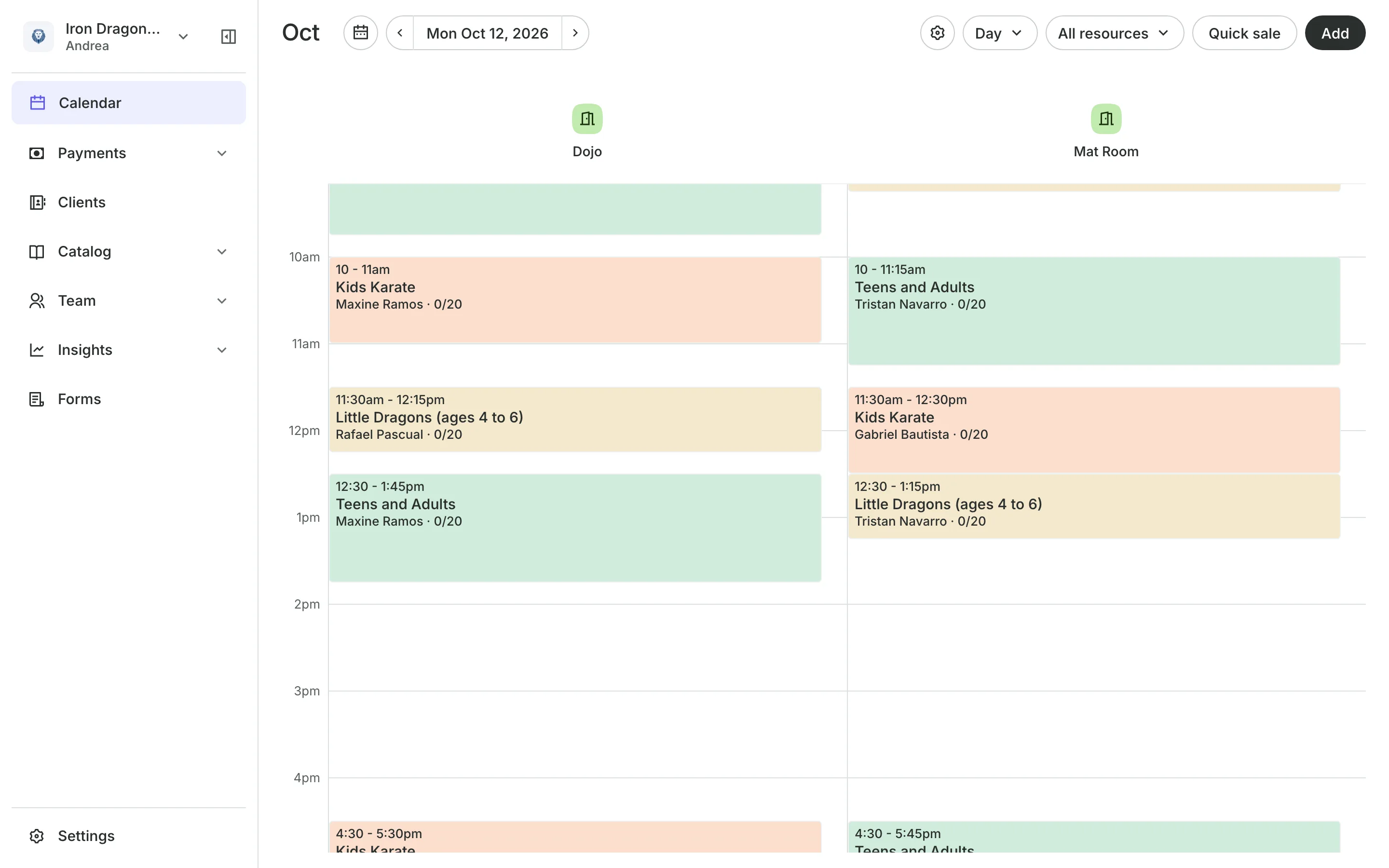
A white belt and a brown belt do not train together. Name your levels after your belts, give each class one, and parents see which class is for their child.
Families
Let parents book for their kids
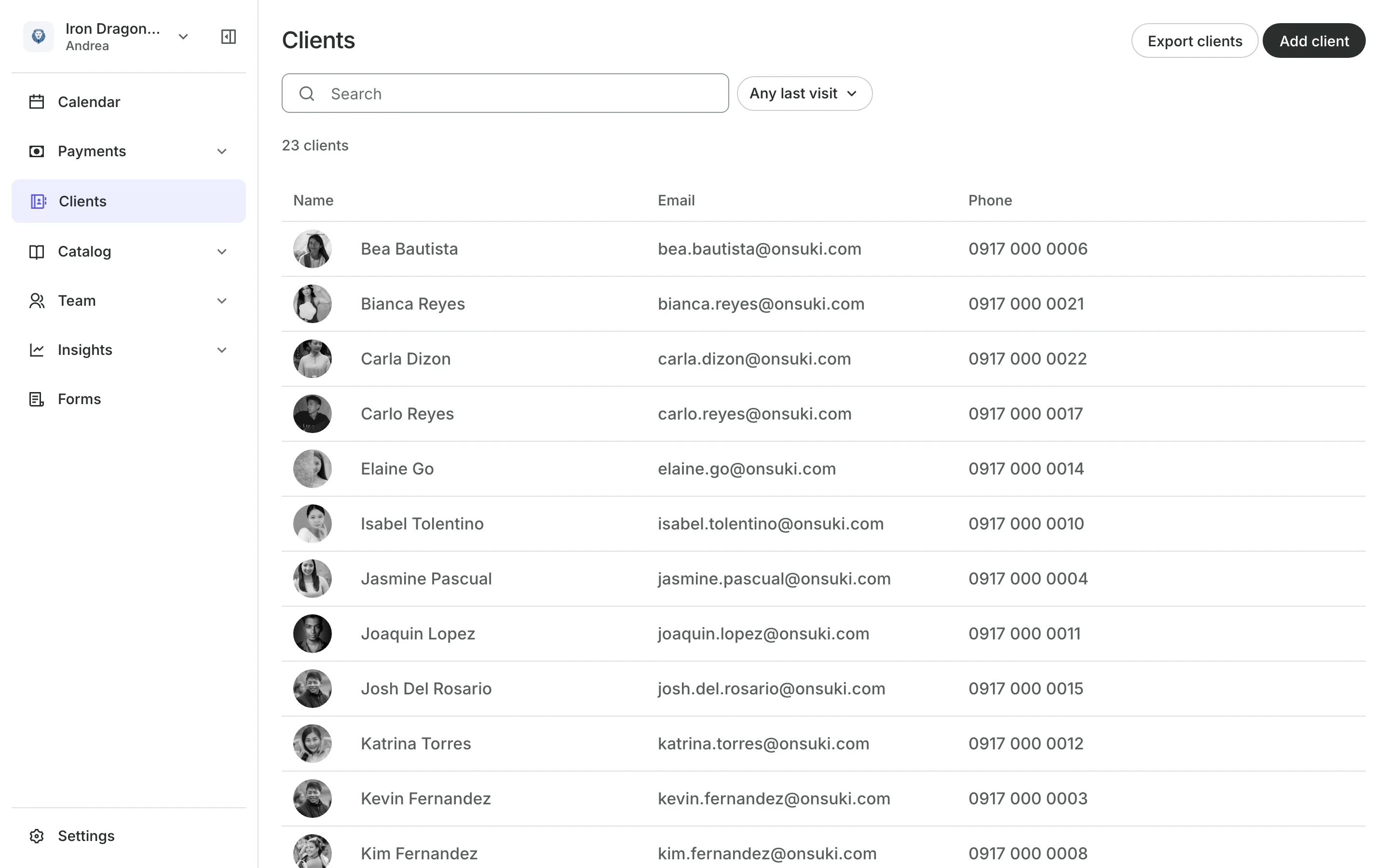
People you book for lets a parent add each child to their account.
Packs are offered beside the drop-in rate as they book.
Shared phones are fine: a parent and child can be two clients.
One email goes to each household when a class is called off.
Belts
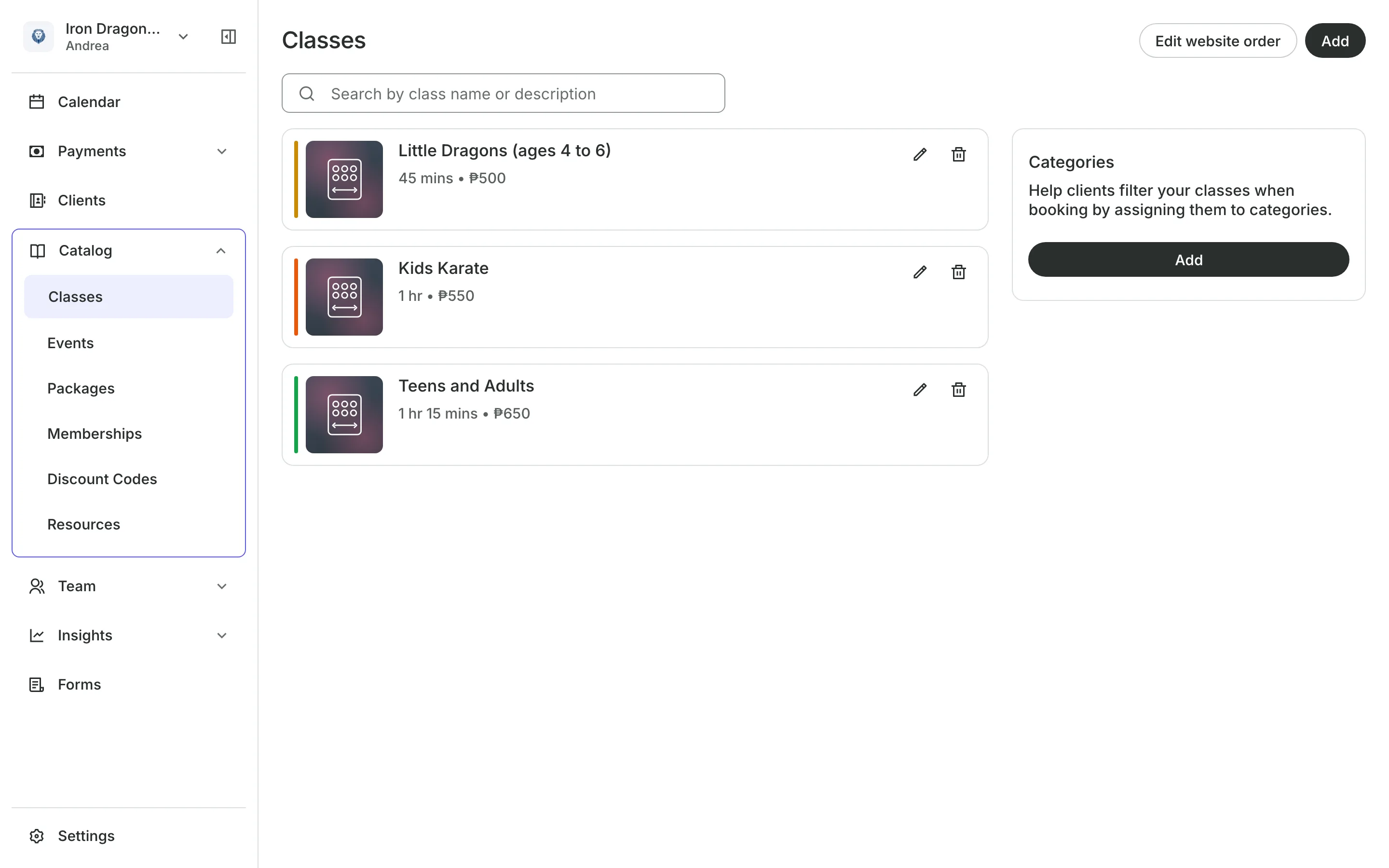
Name your levels after your belts
Make a list of levels in your own order, from White to Black, and give each class one. Students and parents see the level on your schedule before they book.
- Your own words and order, renamed everywhere at once
- The same class with a different instructor on other days
- Each student's past classes on their profile
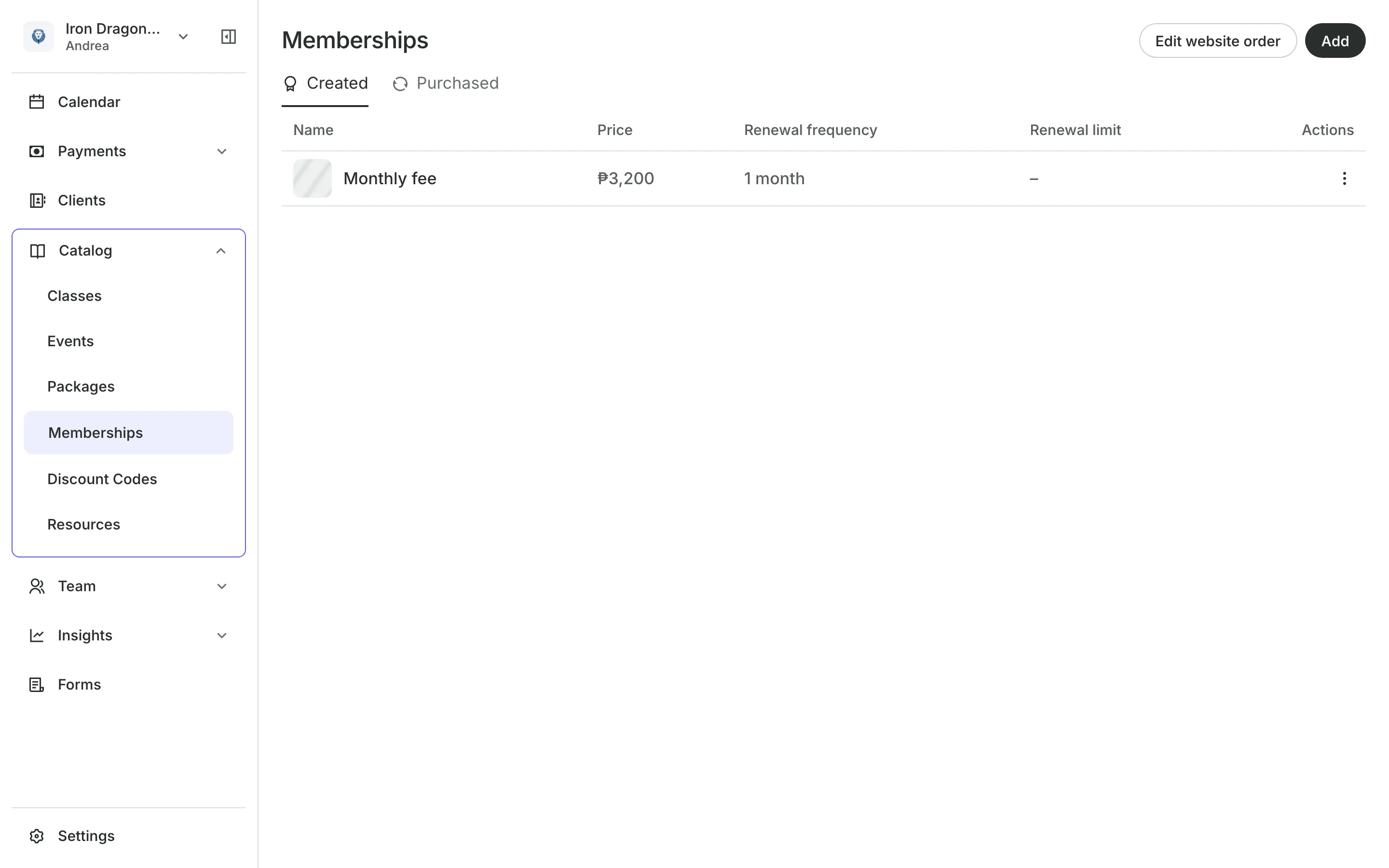
Monthly fees
Bill the monthly fee for you
Memberships give a set number of classes each month, or unlimited.
Renewal bills are emailed each month, paid online or in person.
Freezes cover a trip or an injury and move the end date back.
Last visit finds students who have not been back in 30 days.
Gradings
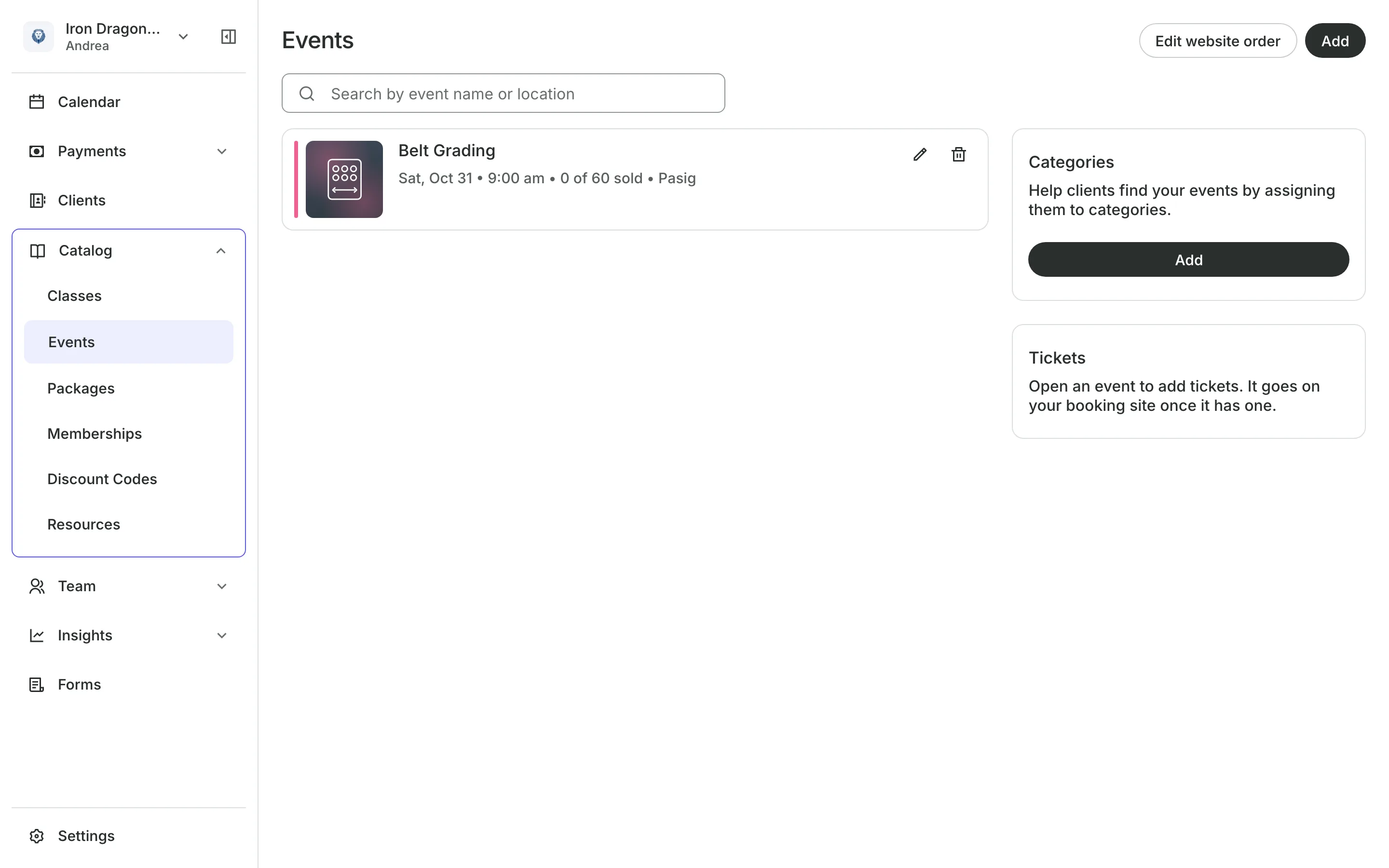
Sell places at your grading
Set up a grading or a tournament as an event with tickets. Approve each request yourself so only students who are ready take part, and check them in with the QR code on their ticket.
- Nothing charged until you approve the request
- A separate ticket for families who come to watch
- Your waiver asked before events as well as classes
See what your school gets
- ClassesRepeating classes with a roster, check-in, waitlists, and spot picking.
- PackagesPacks of visits and memberships that renew, with credits clients see in their wallet.
- EventsOne-off events with ticket types, a code on every ticket, and check-in at the door.
- Online BookingYour own booking site where clients book, pay, and manage their bookings.
- PaymentsOnline checkout, transfers to your own accounts, and Pay in person.
- ClientsClient profiles with bookings, balances, notes, feedback, and packages.
- FormsIntake forms and a waiver, filled in before the visit or at the front desk.
- TeamRoles, permissions, hours, and time off for everyone who works with you.
- ConciergeA chat on your booking page that answers customers and books a class or an appointment.
- AssistantType what you need done, in English or Taglish, and confirm each change.
Frequently asked questions
Yes. The parent adds each child under People you book for, then picks who is going when they book.
Yes. Add each as its own class with its own levels, and put both on the same weekly schedule.
Each month, Onsuki emails the member a bill for the next one. They pay it online, or you record it when they pay in person.
7 days, with every feature of your plan. You choose a plan when the trial ends.
No. You sign up with your email or Google account, tell us what you run, and start setting up.
Each plan is one monthly price with unlimited bookings. See the pricing page for the plans and what each includes.
Take bookings and get paid, the simple way.
Free 7-day trial. No credit card required.