Booking software for yoga studios:Sell drop-ins, packs, and unlimited yoga
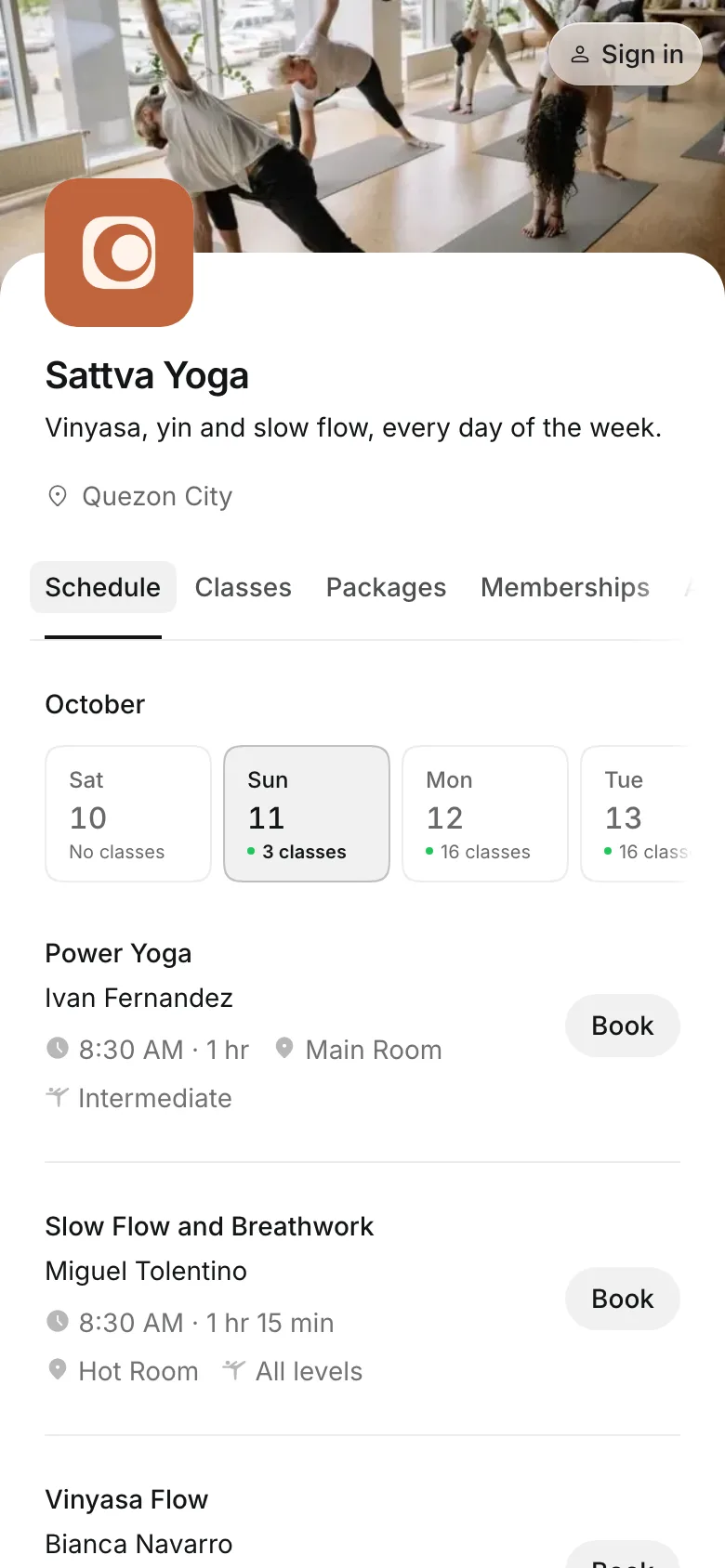
Students drop in for one class, buy a pack, or join an unlimited membership. Your weekly timetable repeats itself, with a teacher on every class.
Free 7-day trial. No credit card required.
Clients pay online or in person













Give every student a way in
A drop-in price for the first visit, a pack for the regular, and unlimited for the daily practice. Students choose how to pay for each class when they book.
Drop-ins and memberships
Price classes the way students come
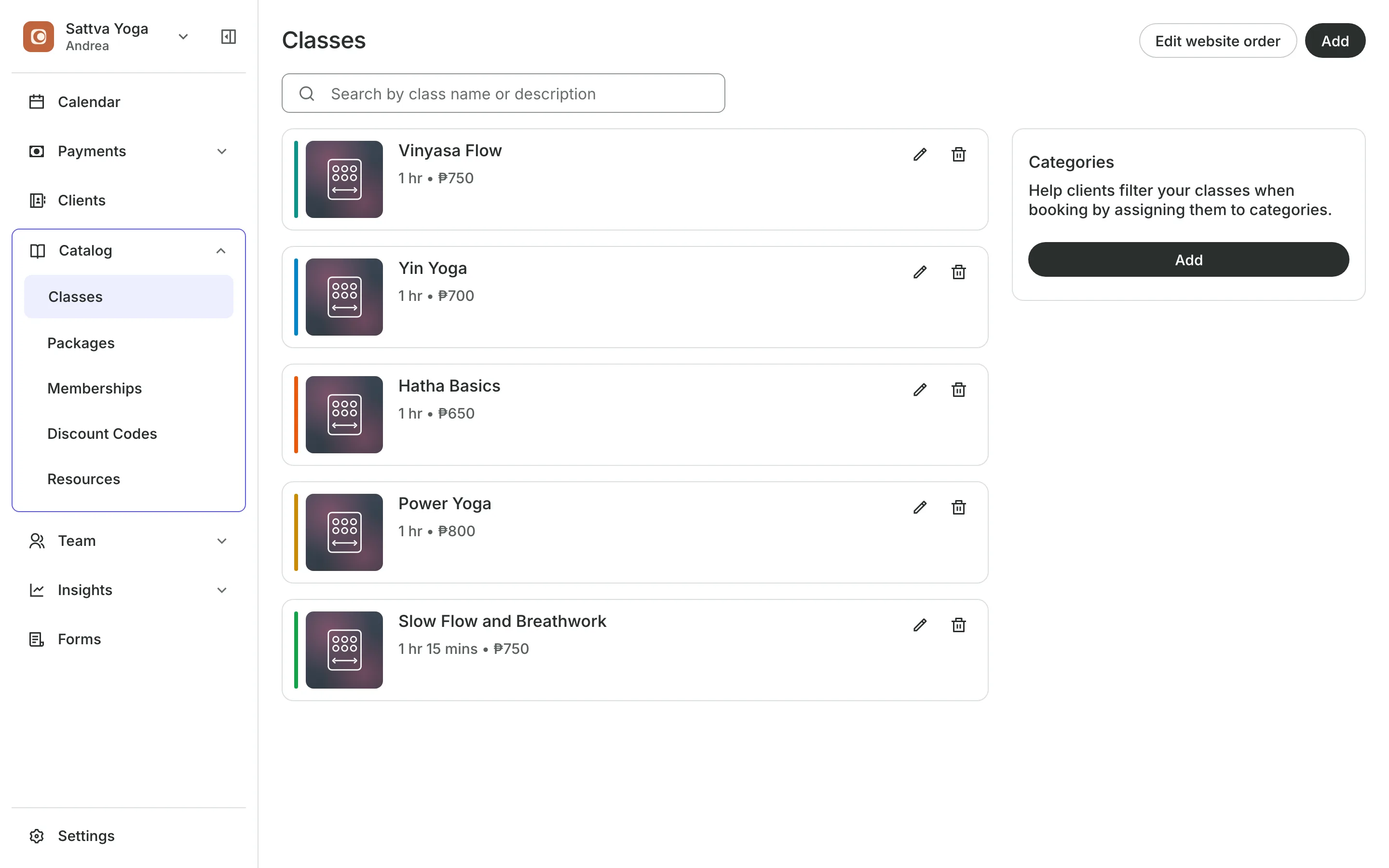
Drop-in price is set on each class, for students who come once.
Class packs of 5 or 10 classes, with a date to use them by.
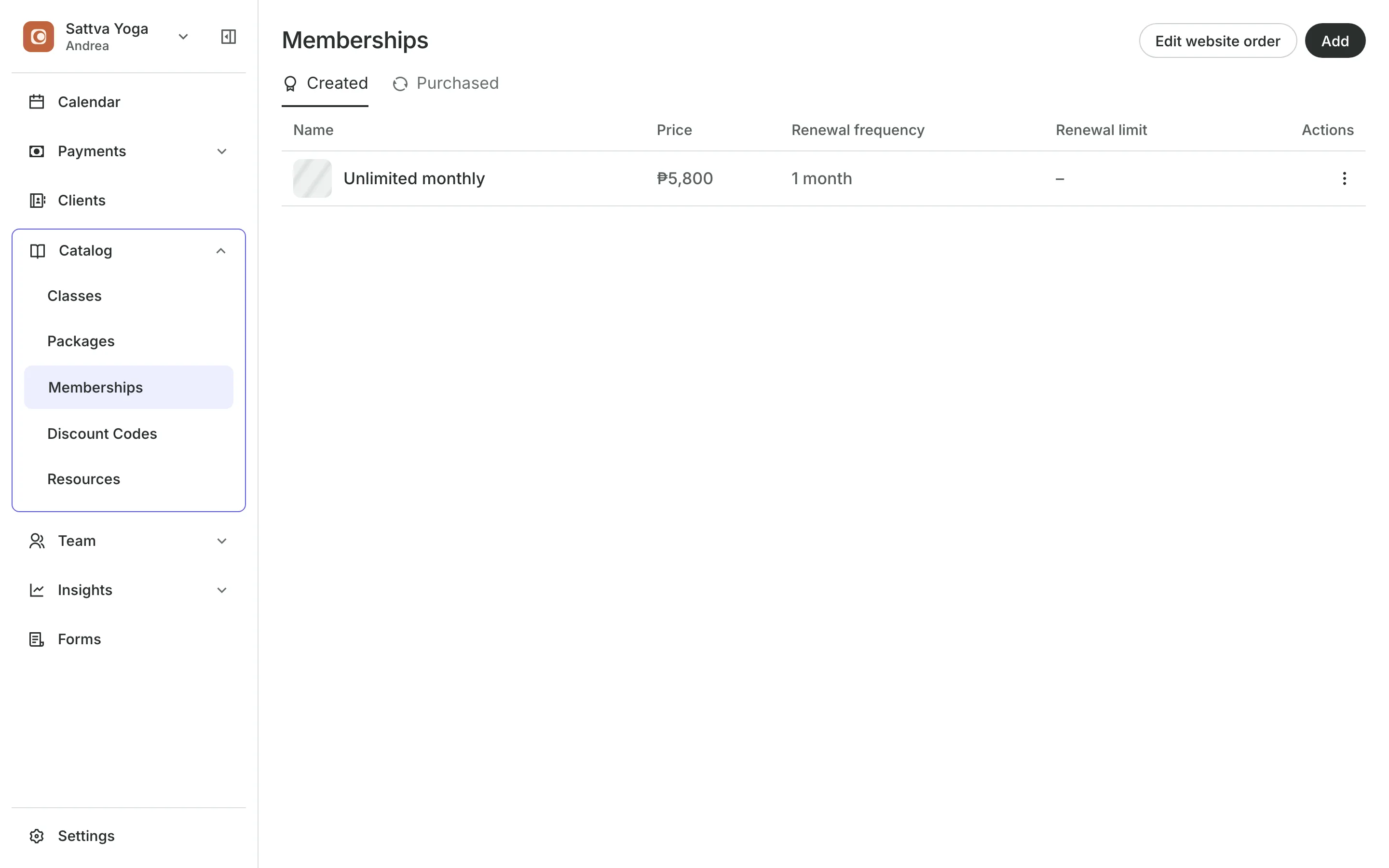
Unlimited memberships renew each period with a bill the member pays.
Carry over lets unused classes roll into the next period.
Teachers
Put a teacher on every class
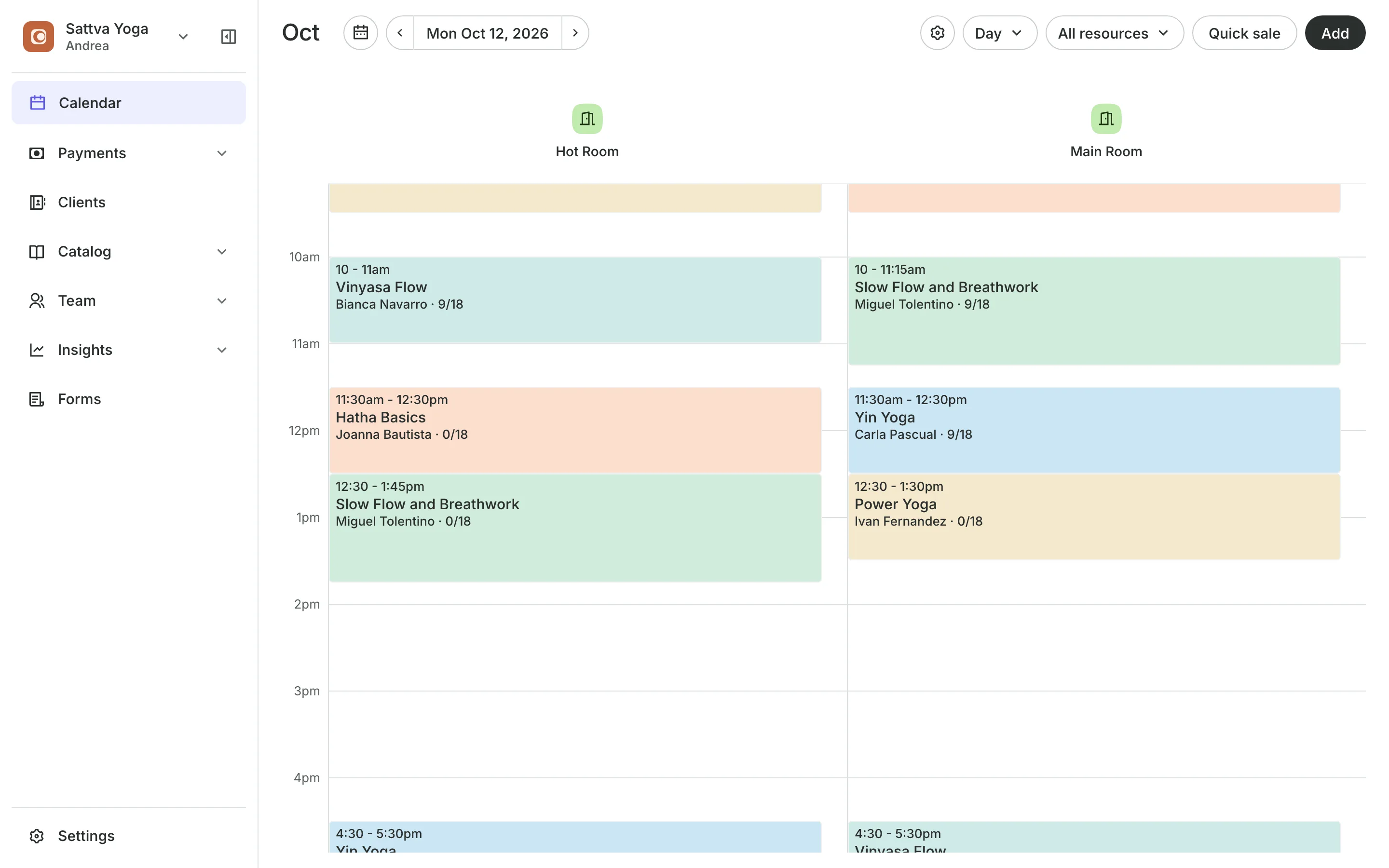
Each time on the schedule has its own teacher, room, and number of spots, so Tuesday's class and Saturday's can be taught by different people. Repeat a time every week, and Onsuki keeps adding weeks.
- Class levels from beginner to advanced
- Each teacher's classes in their phone's calendar
- Online booking that closes before class starts
Upsells
Turn a drop-in into a class pack
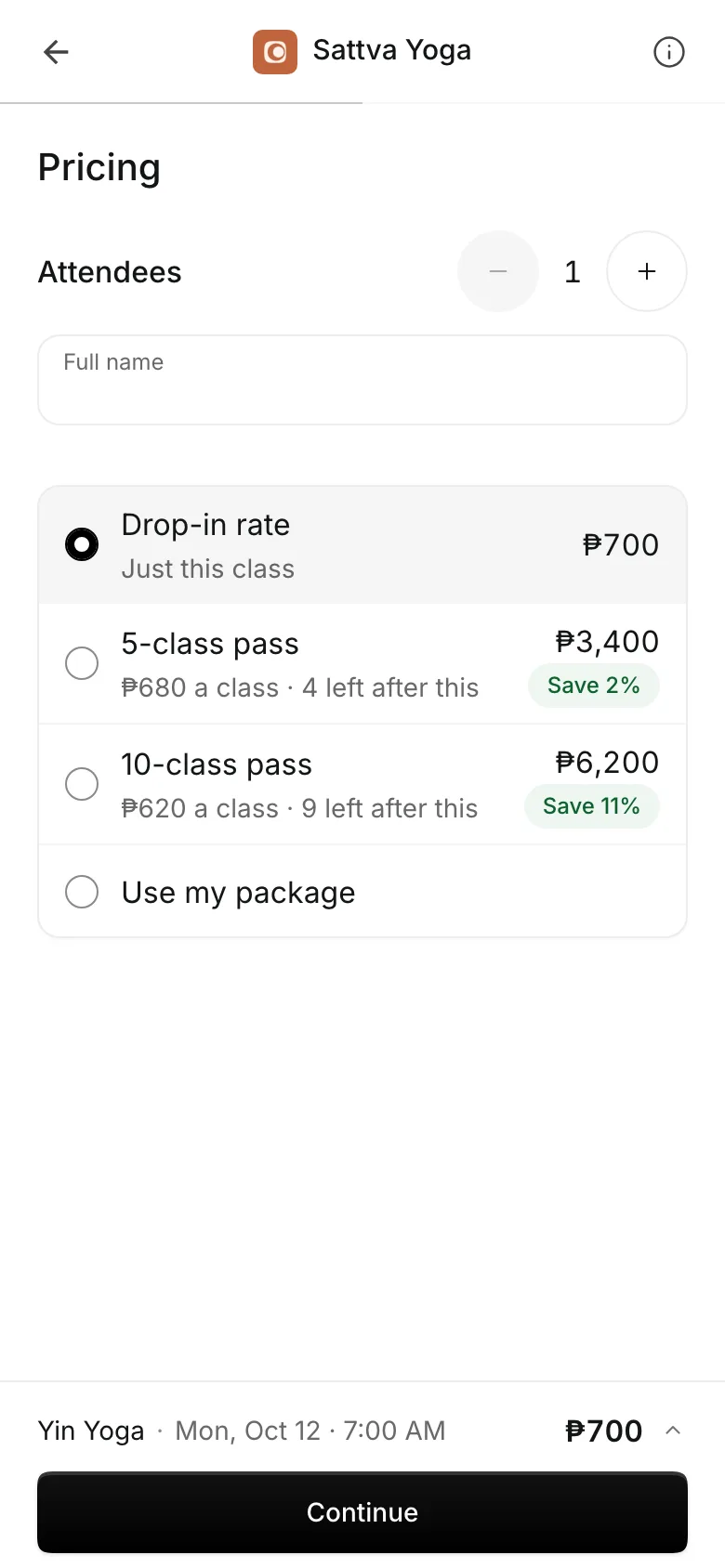
When a student books one class, checkout shows your class packs beside the drop-in price, with what each class costs in the pack. They buy the pack and the class is paid from it, in one step.
- Packs shown with their saving per class
- Add-ons offered with the class
- Waitlists keep classes full, even with last-minute cancellations
Waivers
Get the waiver before class
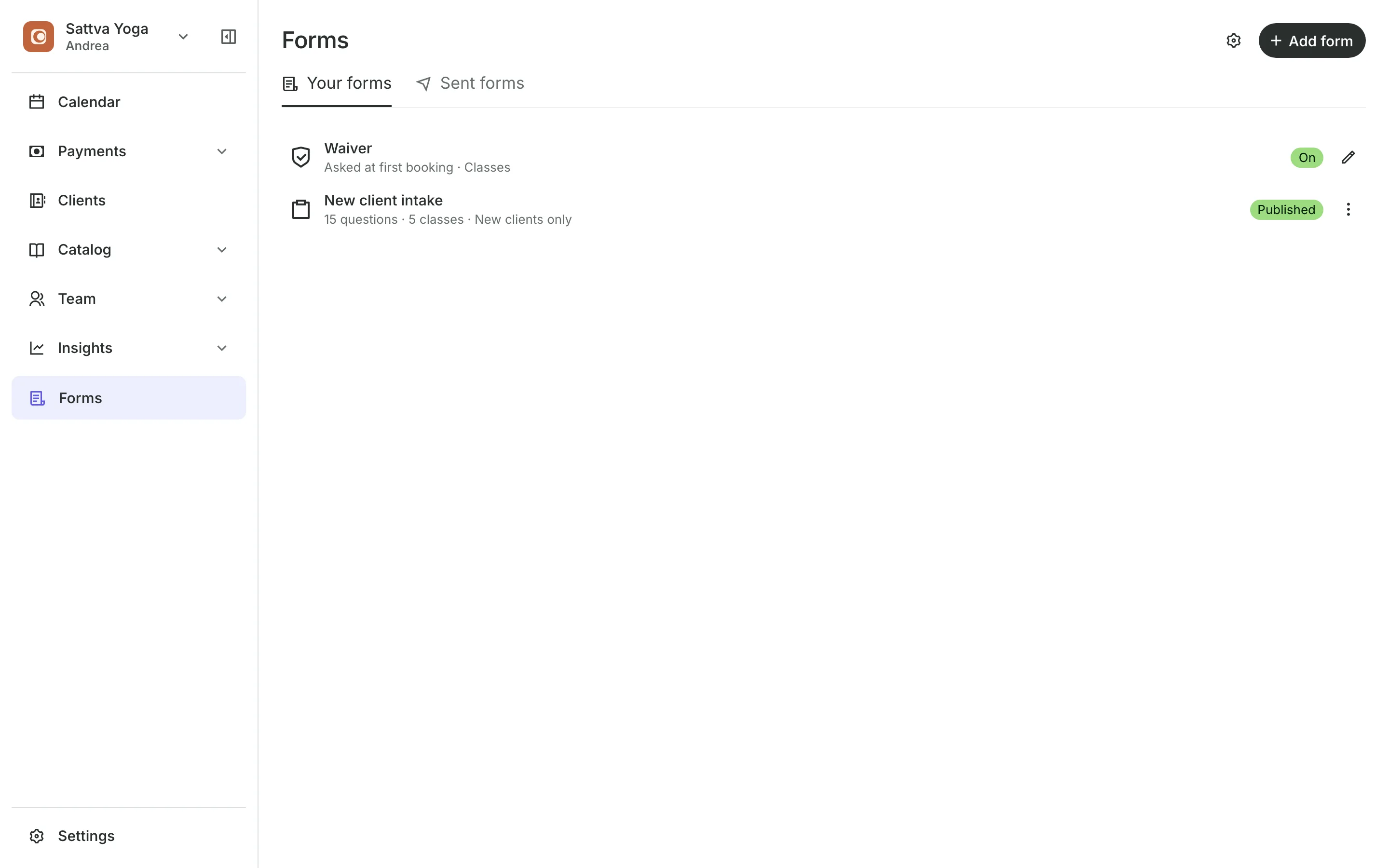
Students agree to your waiver at checkout the first time they book. Add a health form for new students, and the roster flags anyone with an answer your teacher should read.
- A New tag on a student's first class
- Ask everyone to agree again when the waiver changes
- Workshops and retreats sold with tickets
See what your studio gets
- ClassesRepeating classes with a roster, check-in, waitlists, and spot picking.
- PackagesPacks of visits and memberships that renew, with credits clients see in their wallet.
- Online BookingYour own booking site where clients book, pay, and manage their bookings.
- FormsIntake forms and a waiver, filled in before the visit or at the front desk.
- EventsOne-off events with ticket types, a code on every ticket, and check-in at the door.
- PaymentsOnline checkout, transfers to your own accounts, and Pay in person.
- ClientsClient profiles with bookings, balances, notes, feedback, and packages.
- ReportsAnalytics, reports, sales history, and a cash count at the end of the day.
- ConciergeA chat on your booking page that answers customers and books a class or an appointment.
- AssistantType what you need done, in English or Taglish, and confirm each change.



Frequently asked questions
Yes. Each class has a drop-in price, and students choose it when they book if they have no pack or membership.
Each period, Onsuki emails the member a bill for the next one. They pay it online or in person, and the new period's classes open once it is paid.
Yes. Turn on Freezes on the membership, and members can freeze it from their account within the limits you set. The end date moves back by the days frozen.
Yes. Create each one as an event with its own tickets. Guests get a ticket with a QR code by email, and you check them in at the door.
7 days, with every feature of your plan. You choose a plan when the trial ends.
No. You sign up with your email or Google account, tell us what you run, and start setting up.
Each plan is one monthly price with unlimited bookings. See the pricing page for the plans and what each includes.
Take bookings and get paid, the simple way.
Free 7-day trial. No credit card required.