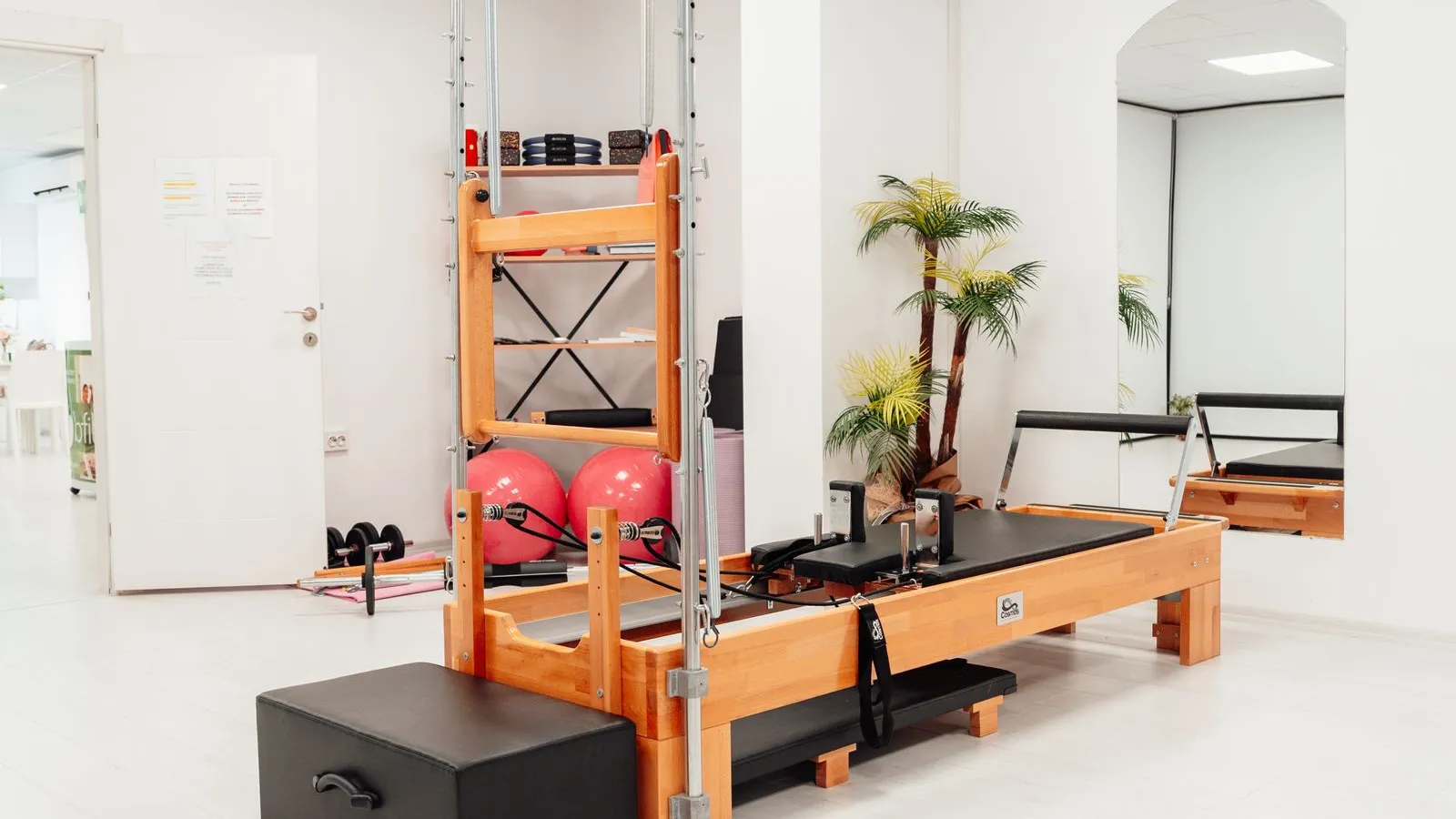
An empty spot in a class is income you can never get back: the instructor, the room, and the hour are paid for either way. But an empty spot in your 7 AM reformer class and an empty spot in your 2 PM weekday class have different causes, and they need different fixes.
This guide covers both: a waitlist for the classes people want, and a first-timer offer for the ones they have not found yet.
Sort your classes by the problem they have
Look back over the last four weeks, class by class. Each one usually falls into one of three groups.
- Full, with spots lost to late cancellations. Demand is there. The spot opens too late for anyone to take it. This needs a waitlist and a cancellation policy.
- Never full. Demand is not there yet. A waitlist does nothing here. This needs new clients, at times they can make.
- Full on some days only. Look at the days. The fix may be a second class on the busy days, not a discount.
Turn on a waitlist for your full classes
Without a waitlist, a client who finds a class full sends you a message on Messenger, or gives up and books somewhere else. With one, they leave their details in a few seconds and hear from you only when there is a spot.
- In Onsuki, turn on Enable online waitlist registration in Settings, Business, Booking Controls.
- On your booking site, a full class shows Notify me instead of Book.
- The client enters their name, email, and mobile number, and gets an email saying they are on the list. Joining costs nothing.
When someone leaves a full class before it starts, everyone on its waitlist is emailed at the same time, and the first to book gets the spot. Nobody is moved in or charged without choosing to come, so a client is never booked into a class they can no longer make.
Give the waitlist time to work
A waitlist can only fill a spot that opens early enough for someone to take it. A client who cancels ten minutes before class leaves a spot few people can still get to, and one who simply does not show up leaves a spot nobody can use. Your cancellation policy is what moves cancellations earlier.
In Onsuki, set a Cancellation window and turn on Charge late cancellations. A client who cancels inside the window gets nothing back: you keep what they paid, or their credit is used up. A client who cancels before it gets their money or credit back. Clients who know this cancel early, and an early cancellation is a spot your waitlist can fill. See how to reduce no-shows with deposits and a cancellation policy.
Read the waitlist as a signal
A waitlist is also a count of demand you are not serving. You see who is waiting for each class, in the order they joined, under the class's attendees on your calendar.
- The same class has a waitlist every week: you have more demand than spots. Add a class at a nearby time before you think about raising the price.
- A regular is stuck on the list: you can book them in yourself with Book into class, and choose Add anyway to go over capacity when the room allows it.
- Someone asks you directly to wait for a spot: add them to the full class and choose Add to waitlist, so they hear with everyone else.
Make a first-timer offer for your quieter classes
A first-timer offer is a small pack priced to get a new client through the door. Say your drop-in is ₱700. Three classes for ₱1,200 is ₱400 a class: enough to try a few times and find a class that fits their week.
- Keep it small: two or three classes, so it is a trial, not a cheap way to stock up.
- Give it a short expiry, such as two weeks, so the first visits happen close together and become a habit.
- Point it at your quieter classes. If they are their own class types, the offer can cover only those, so trial clients fill empty spots and leave your full classes to paying regulars.
In Onsuki, turn on First-time clients only and One per client on any package. If you sell classes, your schedule shows a line such as "New here? 3 classes for ₱1,200" for your cheapest first-visit offer, linking to it. See Packages.
Hold the line on who counts as new
An offer for new clients only works if regulars cannot buy it. If they can, it becomes your real price, and it trains clients to wait for a deal.
Onsuki counts a client as new if they have never booked a class, appointment, or event with your business, including bookings they canceled. A signed-in returning client does not see the offer, and selling it to one at the front desk is refused too. A new client can buy the offer together with their first class.
Judge the offer by what happens next
The offer is priced low on purpose, so judge it by how many trial clients go on to buy a regular pack, not by what it earns on its own. Say 10 people buy the ₱1,200 offer in a month and 3 of them then buy a ₱5,000 10-class pack. The offer brought in ₱12,000, and the packs ₱15,000 more, from clients who did not know you a month ago.
Help them take that step. Before a trial client's last class, tell them what comes next. When they book on your booking site, the Pricing step also lists the packs that cover the class they are booking, smallest first, so the next step is right in front of them. For pricing those packs, see how to price class packs and memberships.
Onsuki runs class waitlists and first-timer offers from the same schedule clients already book from. See Classes.