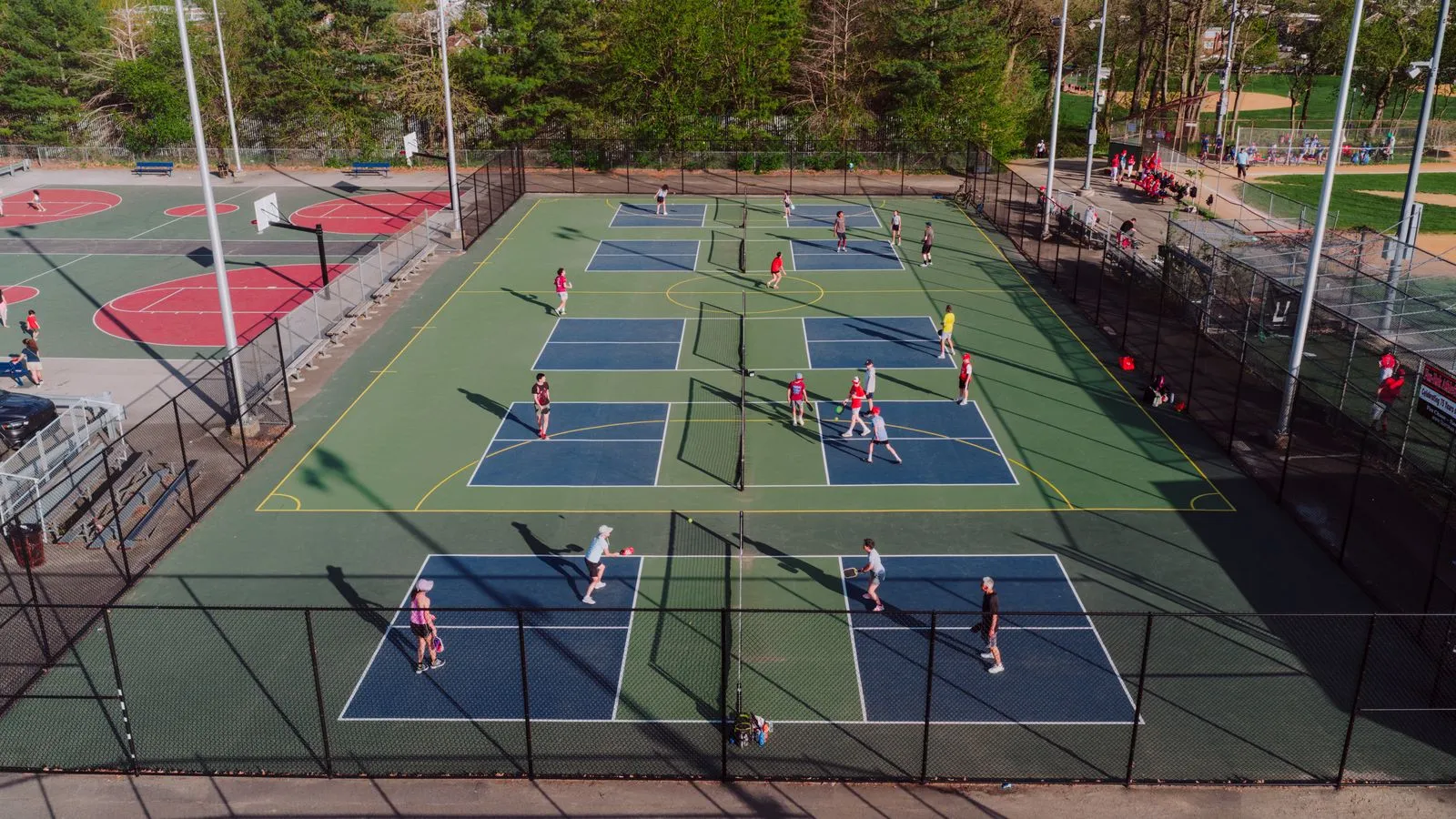
Open play sells a court by the player instead of by the hour. It gives solo players a game and a reason to come back, but every session also holds a court that someone could have rented.
So the question is never only whether a session fills. It is whether the session earns more than those courts would have earned in that slot. This guide shows how to work that out, then how to set the player limit, split levels, and run sessions without a Messenger thread full of "+1" replies.
Compare a session with the rental it replaces
Start with the hours you are thinking of using, and ask what those courts earn as rentals today. The answer changes how much a session has to bring in.
- In an hour that rarely rents, almost any turnout is new money, because the court would have earned nothing.
- In an hour that usually rents, the session has to beat the rental at the turnout you actually get, not at a full session.
- Across several courts, the bar rises with each court you add, since each one is a rental you give up.
Look at at least a month of bookings before you choose. In Onsuki, the Busiest Times report shows your bookings by day of the week and the hour they start, and the court calendar shows how long each block stays full.
Work out the turnout you need
Find the break-even for each session: the number of players at which it earns what the rental would have. Divide the rental income you give up by your price per player, and round up.
Here is an example with made-up numbers. A court rents for ₱800 an hour at that time, and the session runs two hours on one court, so you give up ₱1,600. At ₱250 a player, six players bring in ₱1,500 and seven bring in ₱1,750. Seven is the break-even. If the court would have rented and the session usually draws five, the slot earns more as a rental, or the price is too low.
In Onsuki, each open play has its own Price per player and Total Duration, apart from your hourly court rate. You can add more than one, so a weeknight session and a weekday-morning session can each carry the price that suits the hour. See Courts.
Set the player limit by the wait
Doubles in pickleball and padel puts four players on a court at a time. Everyone above four waits for the next game, so the limit you set is really a decision about how long people sit out.
| Players per court | Sitting out each game | What players get |
|---|---|---|
| 4 | None | The same four all session, close to a private booking |
| 6 | 2 | Short waits, and partners change often |
| 8 | 4 | Half the room sits out every game |
Check the limit against your break-even. In the example above, a session capped at eight breaks even at seven, so two dropouts from a full session put it below the rental. If a session only pays when it is nearly full, raise the price or move it to an hour that rarely rents.
In Onsuki, you set how many Players can join each time you schedule a session, and choose Other courts to run it across several. Those courts are held together for the session. If one is already booked at a session time, that date is skipped and Onsuki tells you which ones.
Split sessions by level
A strong player stuck in a game with beginners leaves unhappy, and so does the beginner. Separate sessions by level, and a regular group forms around each one.
In Onsuki, each open play has a Level and its own name, times, and price. Run a beginner session and an intermediate session as two open plays, and price each against the hour it sits in.
Let players join and pay on their own
A group chat means counting replies, chasing payments, and guessing who will show. A booking page does the counting for you, and the money arrives before the session.
- Players open the Open Play tab on your booking site and see each session's courts, the price for a player, and how many spots are left.
- They join with their name, email, and mobile number, and add a name for each friend they bring.
- They pay with the methods you take, such as GCash, QR Ph, or bank transfer, and the session shows You're in.
- Players see how many have joined and how many spots are left, never who.
Plan for full sessions and late dropouts
A good session fills days ahead, and someone drops out the night before. Decide in advance how that spot is refilled and what a late dropout costs.
- The waitlist: with Enable online waitlist registration on, a full session shows Notify me. When a spot opens, everyone waiting is emailed and the first to book gets it. Nobody is moved in or charged without choosing to come.
- Late dropouts: your cancellation window and Charge late cancellations apply. With it on, a player who drops inside the window keeps paying for the spot, which protects you when nobody on the waitlist takes it.
- At the court: open the session on your calendar to check players in, or Check in all. Mark a player who didn't come as a no-show, and they keep what they paid.
Once a month, open the Open Play report. It shows sessions run, players, and fill rate, so you can hold each session against its break-even and drop the ones that don't reach it.
Sell coaching as a class
A coached clinic is a different product. Players pay for the coach's time and expect drills, not games, so price it on its own and keep open play simple.
In Onsuki, a clinic or lesson with a coach is a class, on the same court calendar as your rentals and open play. See Classes. For the rental side, see how to set court and bay rates for peak hours.
Onsuki runs open play, court rentals, and coached classes from one calendar, and holds a session's courts so they aren't rented twice. See Courts.